

Bob Kazamakis
-
Posts
63 -
Joined
-
Last visited
-
Days Won
1
Content Type
Profiles
Warranty Claims
Downloads
Forums
Store
Services
Downloads Plus Support
DOWNLOADS EXTRA
Everything posted by Bob Kazamakis
-
.thumb.png.144bf0e8de79ab4c3f2404ebe745437b.png) Ya mean the one that won't compile due to that error?
Ya mean the one that won't compile due to that error? -
Until an official update is released, this has worked for me: Line 43: public List<string> panelsList = []; Change to: public List<string> panelsList = new List<string>(); Line 2106: [ProtoMember(5)] public List<byte[]> EntityBuffer = []; Change to: [ProtoMember(5)] public List<byte[]> EntityBuffer = new List<byte[]>();
-
 I don't imagine there's a way to effectively give someone XP debt, is there? Something very similar to givexp but like givexpdebt? We're trying to give a drawback to a very specific kit, if you're wondering why.
 -
.thumb.gif.68ffab52af1abab7e94468c2da1efee4.gif) Lots of fun and silly mini quests! It's a nice way to get people out of their bases and into the world. The different reward systems allow a lot of customizability, too! Great plugin!
Lots of fun and silly mini quests! It's a nice way to get people out of their bases and into the world. The different reward systems allow a lot of customizability, too! Great plugin! -
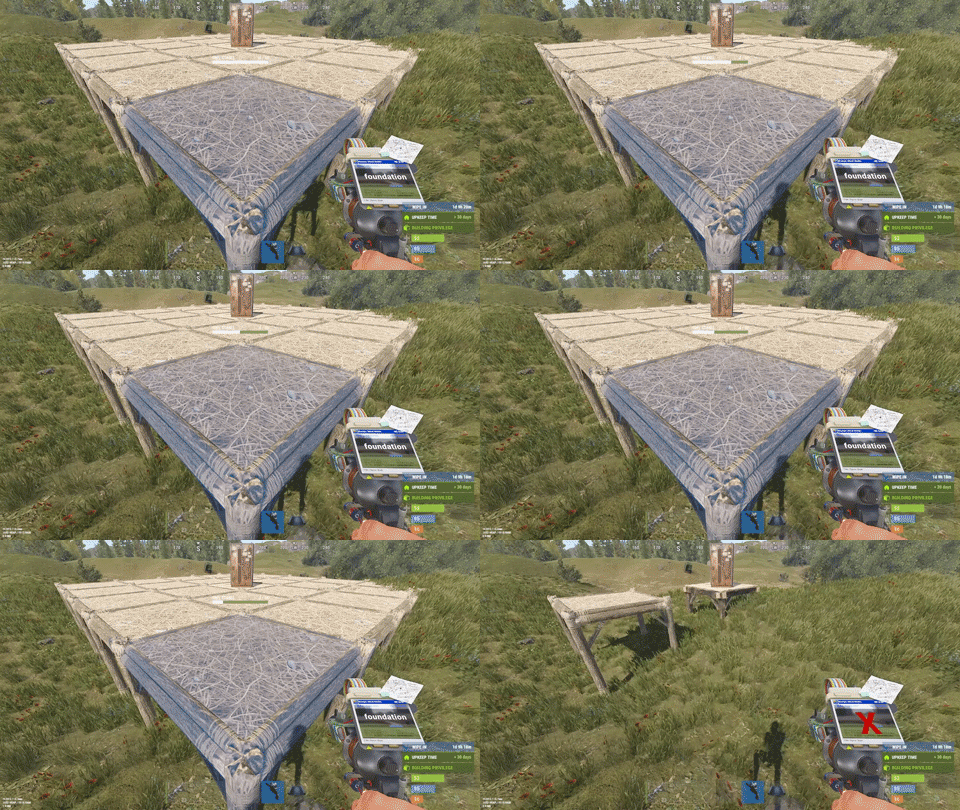 Another one of those silly plugins that you don't think you'll need ... until you do. Very simple [literally install it and you're done] to use and very clear to your players that twig will decay. Great plugin!
 -
 This plugin brings a whole new dynamic to your server! It allows all sorts of quests from one and done to whole chains, leading up to a finale quest. Amazingly customizable and easy to get going!
- 185 comments
-
- 1
-

-
- #customizablequests
- #dezlife
- (and 5 more)
-
 This plugin is great! On our server, heli is pretty popular and this is great because it allows everyone a chance at it for whatever cost you deem worthy. Being able to customize the different levels of helis is also great!
- 424 comments
-
- 1
-
-
- #helicopter
- #helicopters
- (and 17 more)
-
 I farm. It's what I enjoy doing the most in this god forsaken game! Just a little tea cures what ails you! ... the problem is, so is everyone else. With this, you're no longer stuck to the competitive waterfront property! Want to make a farm on the top of a mountain? Do it up! Such a great plugin and very much worth it!
 -
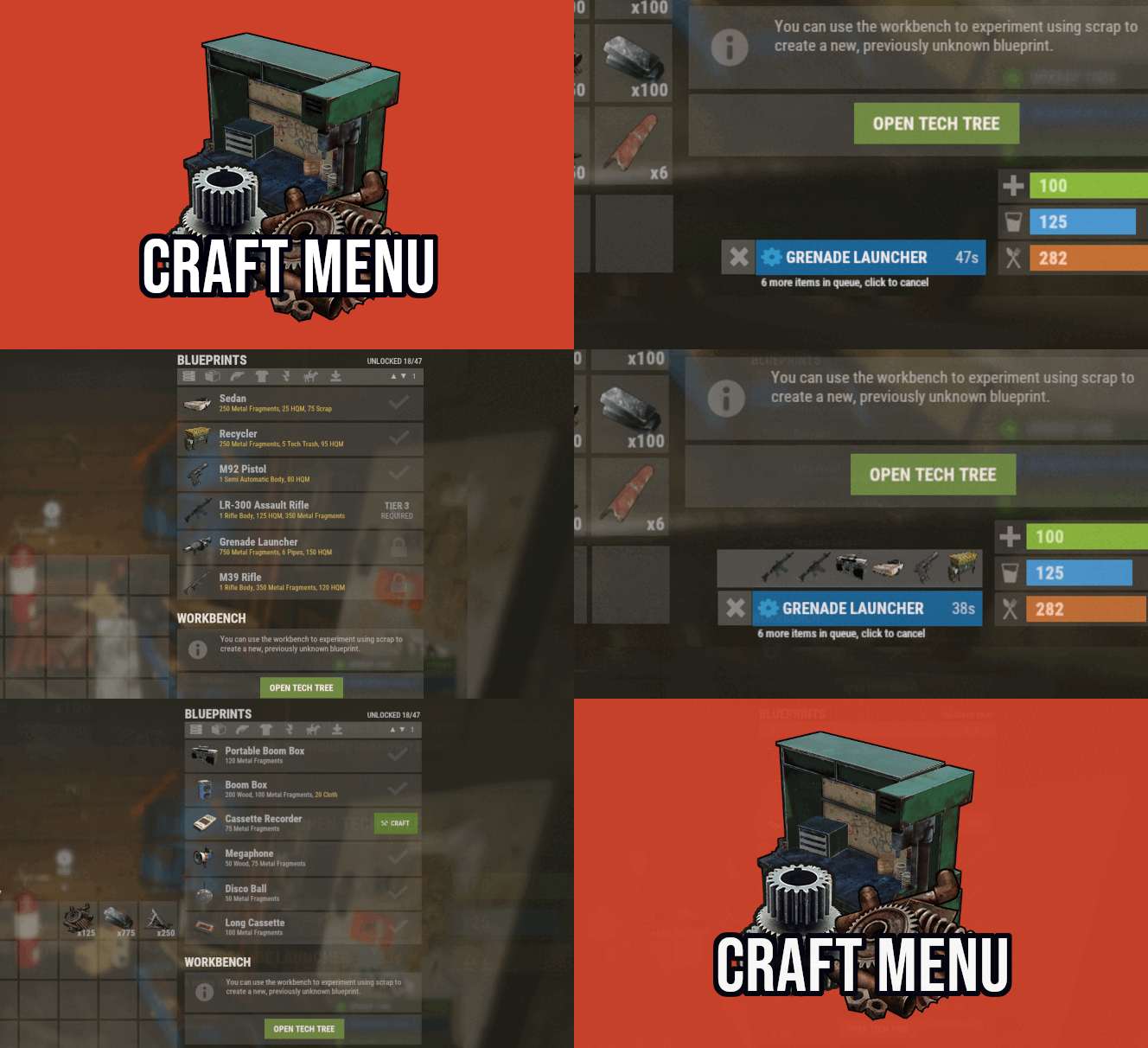 This plugin kinda caught us off guard. We knew we wanted a custom crafting system but didn't know exactly what. We tried another one prior to this but holy crap, finding this opened up *exactly* what we were looking for- seamless integration! Coupling this with other plugins, we've more-or-less been able to remove all slash commands from our server! Want to buy a heli signal? Look at your workbench! Raidable base? workbench! Mini? Believe it or not .. workbench! This plugin is definitely slept on and it shouldn't be!
 -
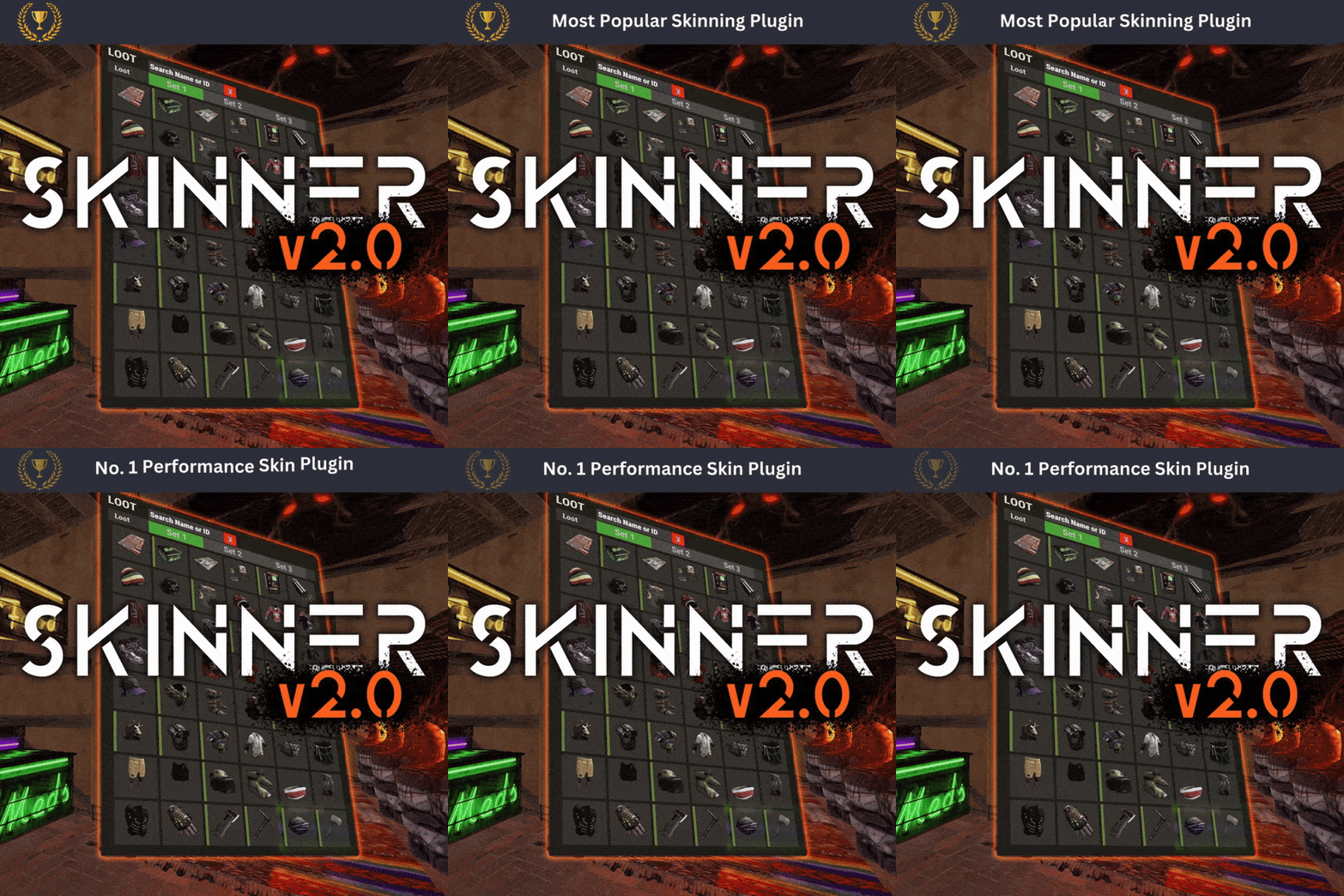 I was torn between this and skinbox but really, the request system alone put this above the others IMO. Such a nice and quick skin system!
 -
 Simple and easy way to do silly things like xp weekend for Skill Tree, letting people try out VIP perks, etc.
 -
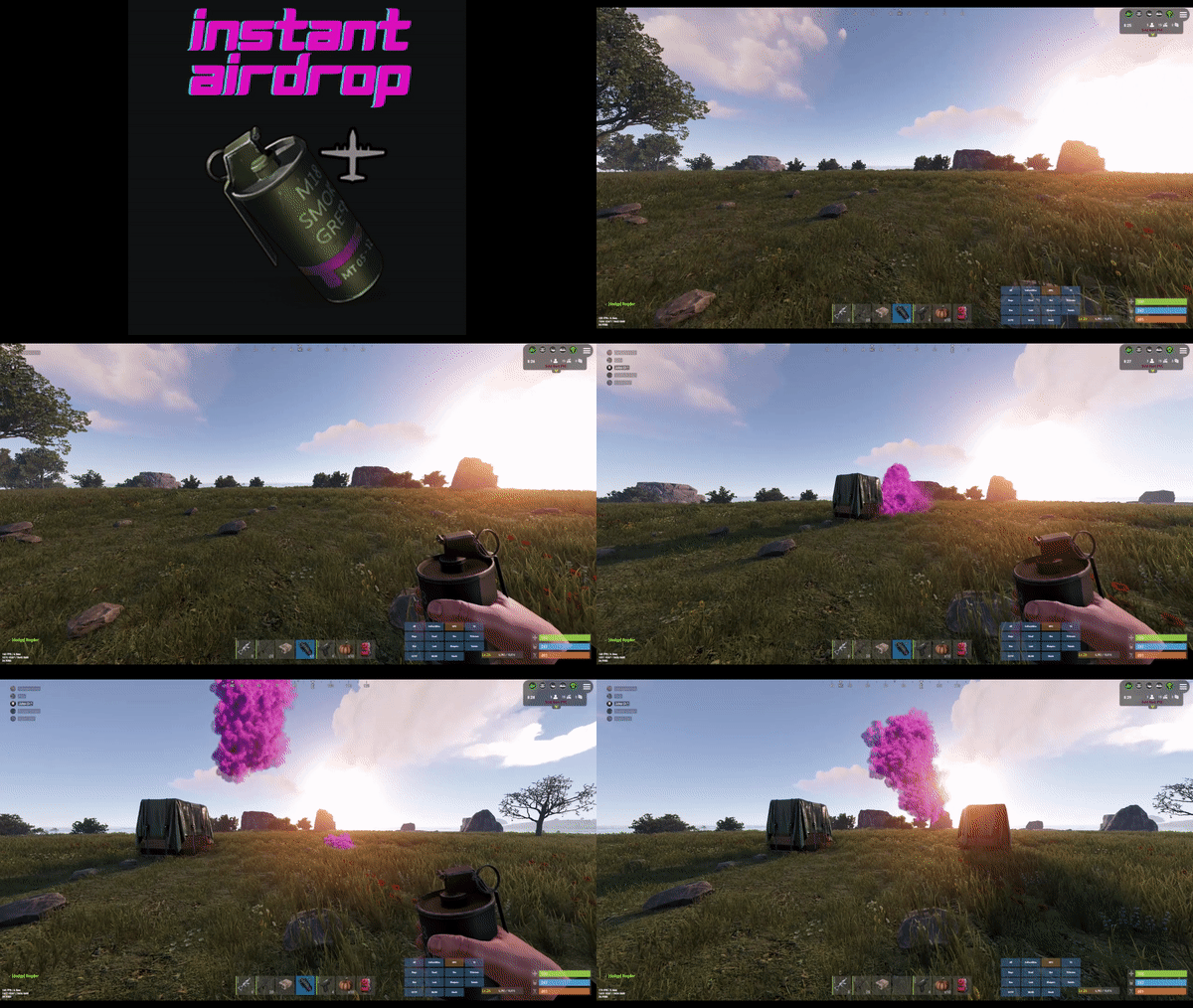 The QOL this brings is great. I absolutely hate having to wait for airdrops to land on a pve server. Ain't no one countering! Let's gooo!
- 44 comments
-
- 1
-
-
- #rust
- #supply drop
- (and 20 more)
-
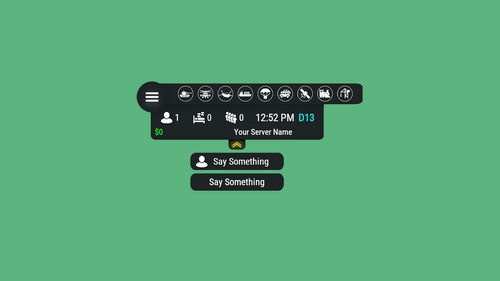 Elegant and efficient way to give information about your server! The customizability with other events is also great! I low key judge pve servers that do not have this, ngl.
 -
.thumb.jpg.213670c5f4c988c282867d0bb06583e5.jpg) Another great, simple event for servers! Customizable and fun!
Another great, simple event for servers! Customizable and fun! -
 Great plugin! Very easy to use and brings a lot of character to the bases people are able to make on your server!
- 418 comments
-
- 1
-
-
- #builder
- #automation
- (and 9 more)
-
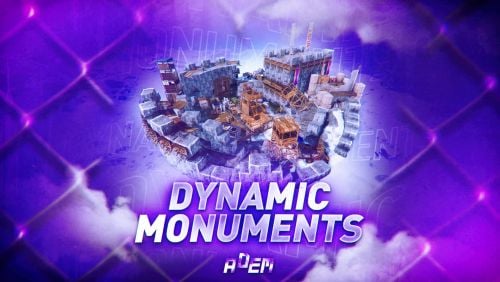 I was apprehensive about this plugin at first considering its price and while I still feel it's pretty expensive, it's very nice that it adds passive monuments around the map and not just one or two but six or seven [or more]! It really is just install it and forget it while all of the sudden, your map has way more things to do!
 -
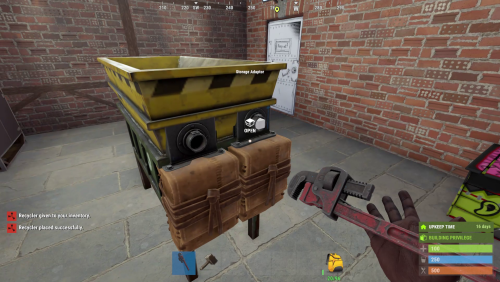 Bruh. This plugin changes the game entirely! If you're anything like me, you set up industry on EVERYTHING! It's so nice to be able to automatically recycle and then sort the stuff that comes out as well! Great plugin!
- 70 comments
-
- 1
-
-
- #recycler
- #industrial
- (and 2 more)
-
 For a couple wipes, we didn't need an entity limit because the rule of, "Don't be a dickhead" seemed to work well. That worked until a group joined our server and while they didn't do anything that would deem them banworthy, they certainly made the area by their base a blackhole. People would crater FPS getting near them. It was very annoying. This plugin is exactly what we ended up needing! It allows grouping of entities so it's very easy to add and change limits, either by default or permission based! Very, very helpful!
- 28 comments
-
- 1
-
-
- #entitylimit
- #entity
- (and 3 more)
-
 Plugin is great! We love the customization it brings, big or small.
 -
 I cannot say enough good things about this plugin! Being able to customize each monument and even create your own custom monuments has been a wonderful boon to our server! Something's hitting a little too hard for your liking? There's multiple ways to tune NPCs down. Something is a bit easy? Guess what? Buff them a bit! You're able to set loadouts, loot, everything! It's soooo good!
 -
 Another mainstay of pve servers, this plugin is amazing! It took a little work but we got sky bases going and they're awesome! Also being able to set specific spawn points was wonderful on custom maps that might not have the best terrain to spawn them naturally. What a wonderful plugin!
 -
 Ever just feel like your gear is boring? Wish there was a little chase for stuff for the perfect set of gear? This is the plugin for you! Be it better farming, mining or murdering scientists! Enhance your gear and get out there!
- 279 comments
-
- 1
-
-
- #enhanced
- #custom loot
- (and 7 more)
-
This plugin makes pve servers! It being customizable and expandable is such a nice quality of life feature for a server owner! We've deleted whole categories and added our own, moved things around, etc and it's just so customizable! Easily the best pve plugin!
- 1,538 comments
-
- 1
-
-
- #leveling
- #progression
- (and 19 more)
-
 Great plugin, especially if you use the author's other plugin, Skill Tree, so that you're able to add perks for ZOOM!
 -

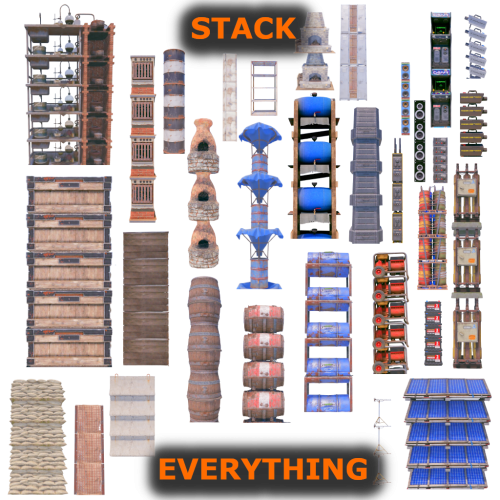 This is one of those plugins that you don't really think about until you see it. It's so good to be able to stack not only boxes but furnaces! It's so nice!
- 44 comments
-
- 1
-
-
- #stack everything
- #stack entity
- (and 53 more)

