
BetterDeadThanZed
-
Posts
1,323 -
Joined
-
Last visited
-
Days Won
2
Content Type
Profiles
Warranty Claims
Downloads
Forums
Store
Services
Downloads Plus Support
DOWNLOADS EXTRA
Reels
Everything posted by BetterDeadThanZed
-
 Broken for March 2026 update 03/05 1:54:08 PM | Failed compiling 'Vehicles.cs': 03/05 1:54:08 PM | 1. 'Pool' does not contain a definition for 'GetList' [CS0117] (Vehicles 41 line 523)
 -
 Broken with March 2026 update: 03/05 1:52:40 PM | >>> c.reload Shop 03/05 1:52:41 PM | Failed compiling 'Shop.cs': 03/05 1:52:41 PM | 1. 'Pool' does not contain a definition for 'GetList' [CS0117] (Shop 40 line 52)
 -
 Broken with today's update 03/05 1:47:43 PM | Failed compiling 'DeepSeaCH47Fix.cs': 03/05 1:47:43 PM | 1. 'Pool' does not contain a definition for 'GetList' [CS0117] (DeepSeaCH47Fix 33 line 93)
 -
 Broken for March 2026 update: 03/05 1:46:18 PM | >>> c.reload AdminMenu 03/05 1:46:20 PM | Failed compiling 'AdminMenu.cs': 03/05 1:46:20 PM | 1. 'Pool' does not contain a definition for 'GetList' [CS0117] (AdminMenu 60 line 5552)
 -
 Broken with March update 03/05 1:44:35 PM | >>> c.reload ATMSystem 03/05 1:44:35 PM | Warning! 'ATMSystem' uses UnityEngine.GameObject.FindObjectsOfType. That may cause significant performance drops, and/or server stalls. Report to the developer or use at your own discretion! 03/05 1:44:36 PM | Failed compiling 'ATMSystem.cs': 03/05 1:44:36 PM | 1. 'Pool' does not contain a definition for 'GetList' [CS0117] (ATMSystem 40 line 271)
 -
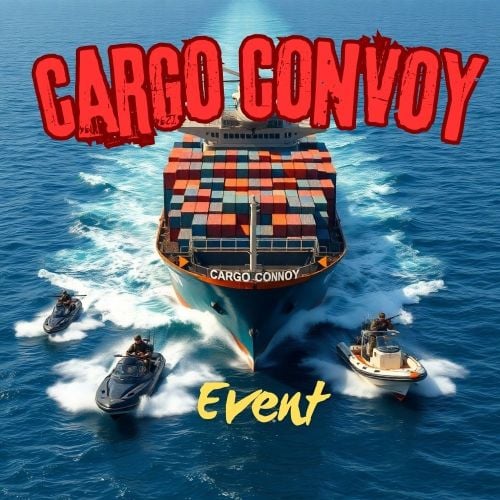 The other resolution is to either create a "Vanilla" difficulty Cargoship that spawns only the normal Cargo stuff, or to have definable levels that an admin can adjust ie: How many/types of boats are escorting it, amount of NPC's etc.
 -
Bump!
-
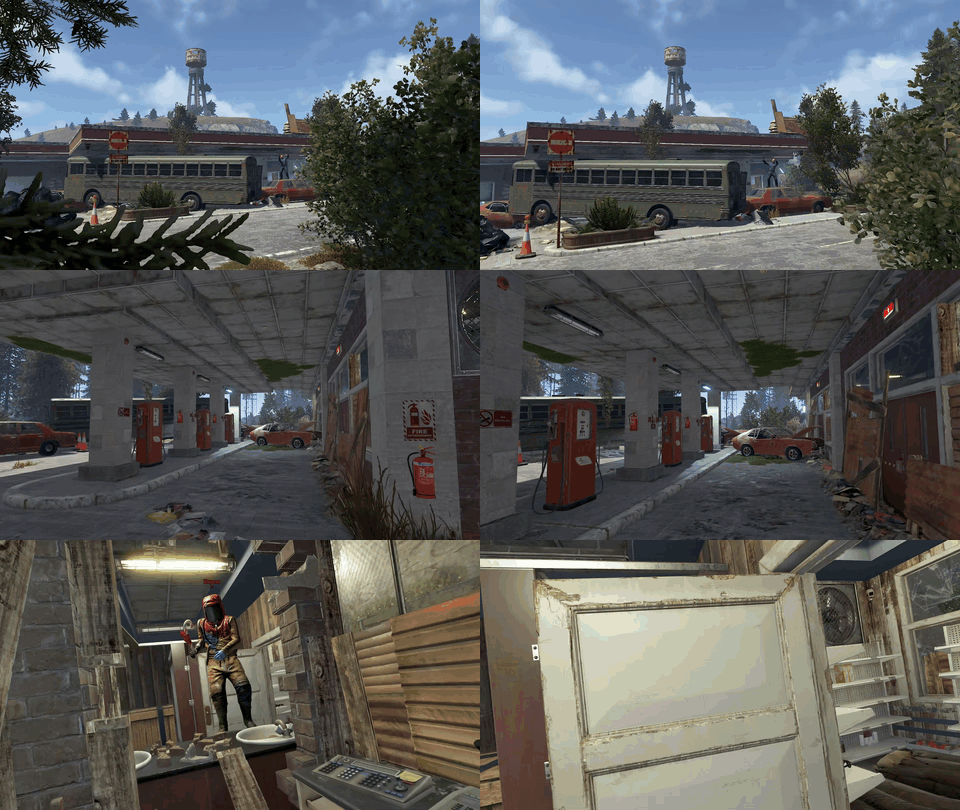 Very easy to place, looks like it was made by Facepunch, very apocalyptic. I love it.
-
- 1
-

-
- #gas station
- #green card
- (and 7 more)
-
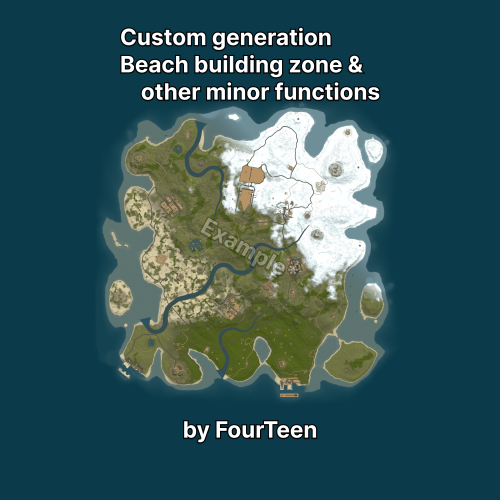 If I understand this right, you select a seed and size, for example from rustmaps.com, and then this plugin makes those adjustments as described in the Description page?
 -
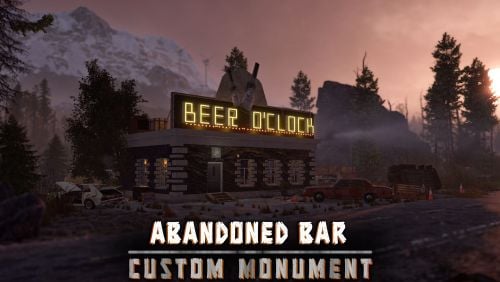 This is a great roadside monument! Not complicated to install and functional and you can't beat the price!
 -
I don't want to turn off the vanilla event. I want both to be able to run both but not at the same time.
-
Is there any chance a check can be added so that if the vanilla cargo ship is on the map, the cargo convoy doesn't spawn? I ask because a player was doing the event when the vanilla cargo passed through the event and killed him.
-
Is there a way to add the deep sea scientists (Scientist2) to the plugin?
-
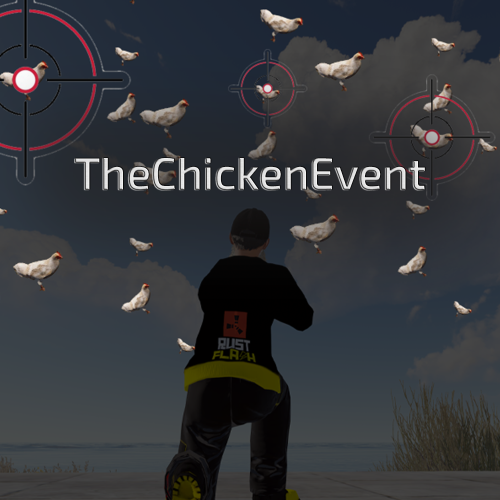 I just figured it would actually make the event fun instead of players just shooting stationary chickens.
 -
.thumb.png.a167af6d204c8731865ddb8c7651fe66.png) The update notes for 2.11.2 say "Upcoming Rust forced update patch compatible hotfix"... what update is that? Does that refer to the update in March?
The update notes for 2.11.2 say "Upcoming Rust forced update patch compatible hotfix"... what update is that? Does that refer to the update in March? -
 I own this plugin but I noticed it's not available for purchase. Is there a reason why?
 -
 Another essential plugin. I couldn't run my server without it!
 -
An absolute essential plugin for your server! It makes managing everything so easy!
-
Could you add a feature where the chickens attack the players? The Big Red Button plugin has this and it's very funny to watch chickens attacking a player.
-
I tried it on my test server and with BotReSpawn and Npc Spawn, it worked fine. I have way too many plugins on my live server to troubleshoot it one plugin at a time. Maybe I'll get motivated another time to do it but for now I'll just have to leave it off.
-
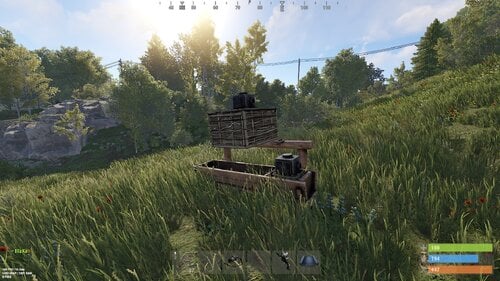 I must be doing something wrong. I've hooked up the small box that is on top of the trough to an industrial Conveyor, hooked that up to the composter and gave the Conveyor power. I selected Dung and turned it on. I tossed dung on the floor at the horses feet, like you do in the video, and it's not being picked up by the small box.
 -
I just watched the whole video. It demonstrates it well. I'll be buying the plugin.
- 76 comments
-
- 1
-

-
- #rust
- #industrial
- (and 26 more)
-
Ok, so if the chest is near the horses, the dung will go into the box? Does the box need the hopper?
-
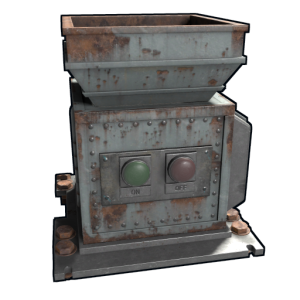 Is there a chance this plugin can be expanded to allow the placement of hoppers on containers that don't normally allow hoppers? I'm specifically interested in adding hoppers to composters.
 -
Does this plugin let you put a hopper on a composter?