
BetterDeadThanZed
-
Posts
1,323 -
Joined
-
Last visited
-
Days Won
2
Content Type
Profiles
Warranty Claims
Downloads
Forums
Store
Services
Downloads Plus Support
DOWNLOADS EXTRA
Reels
Everything posted by BetterDeadThanZed
-
 I've read about the change coming soon that will require the lighthouse to be repaired before Deep Sea will open. I hope there will be new options in this plugin to address that. For example, open deep sea even if lighthouse isn't repaired, or use the new vanilla setting that prevents deep sea from opening if the lighthouse isn't repaired.
 -
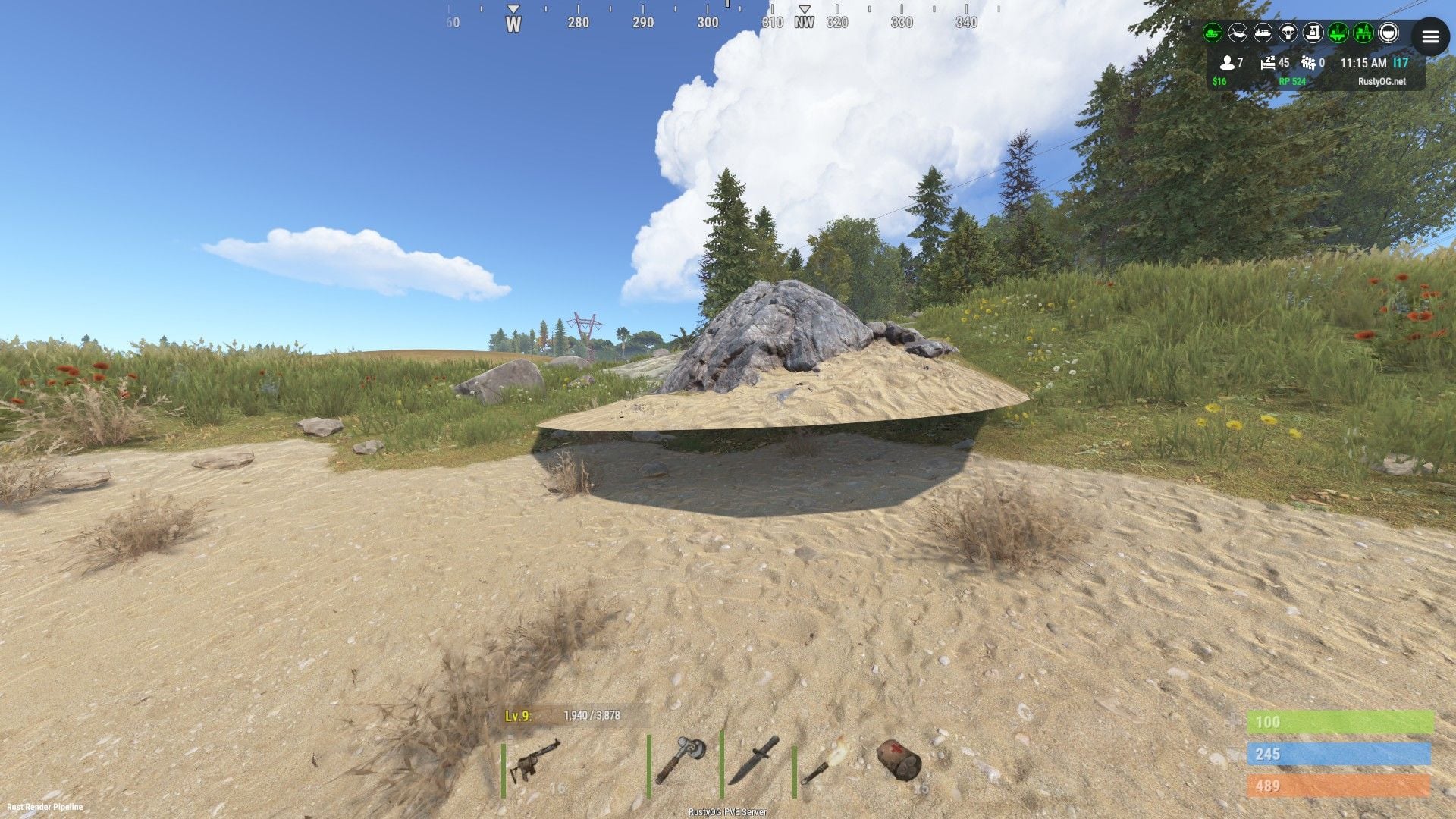
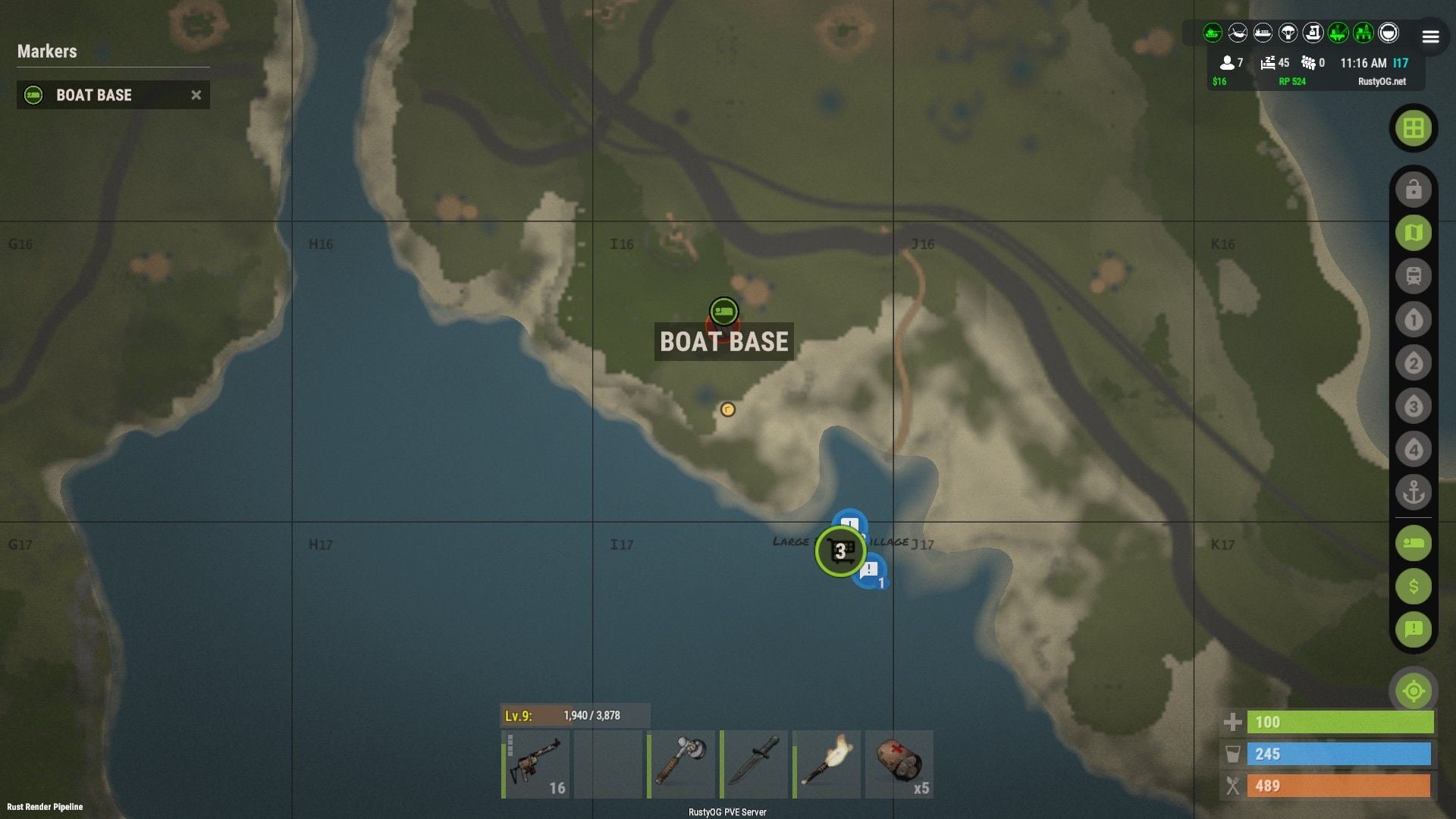
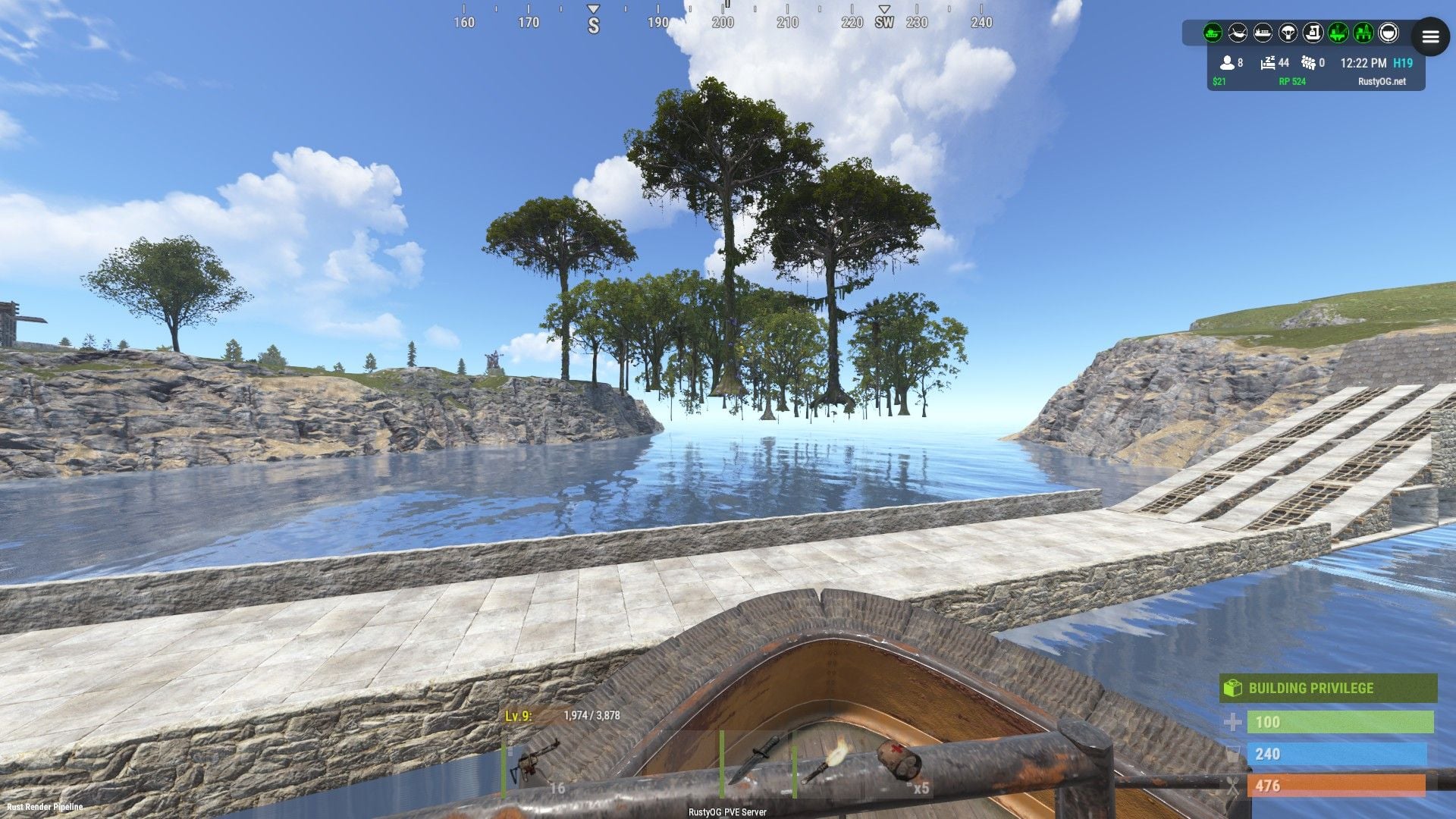
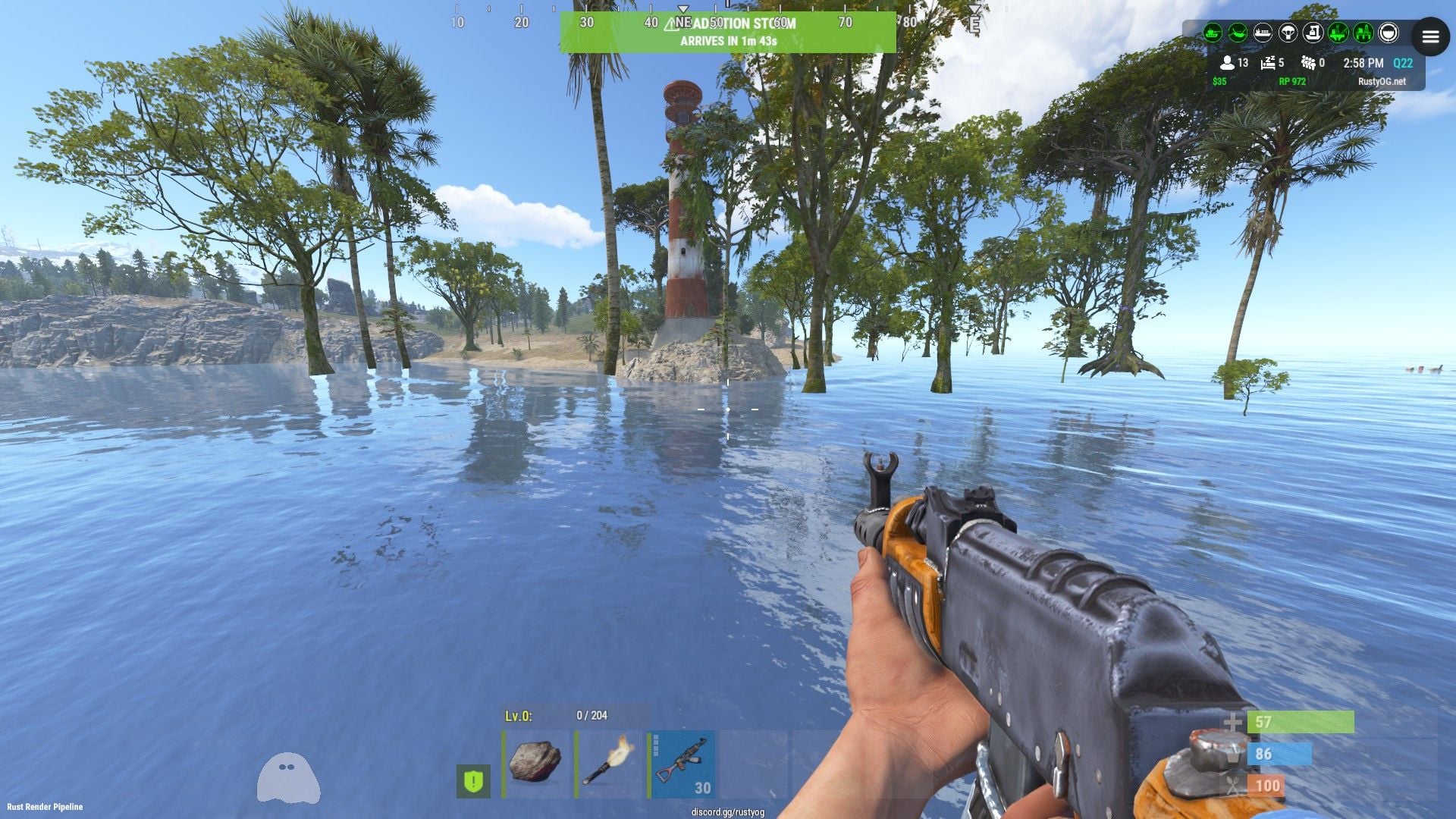
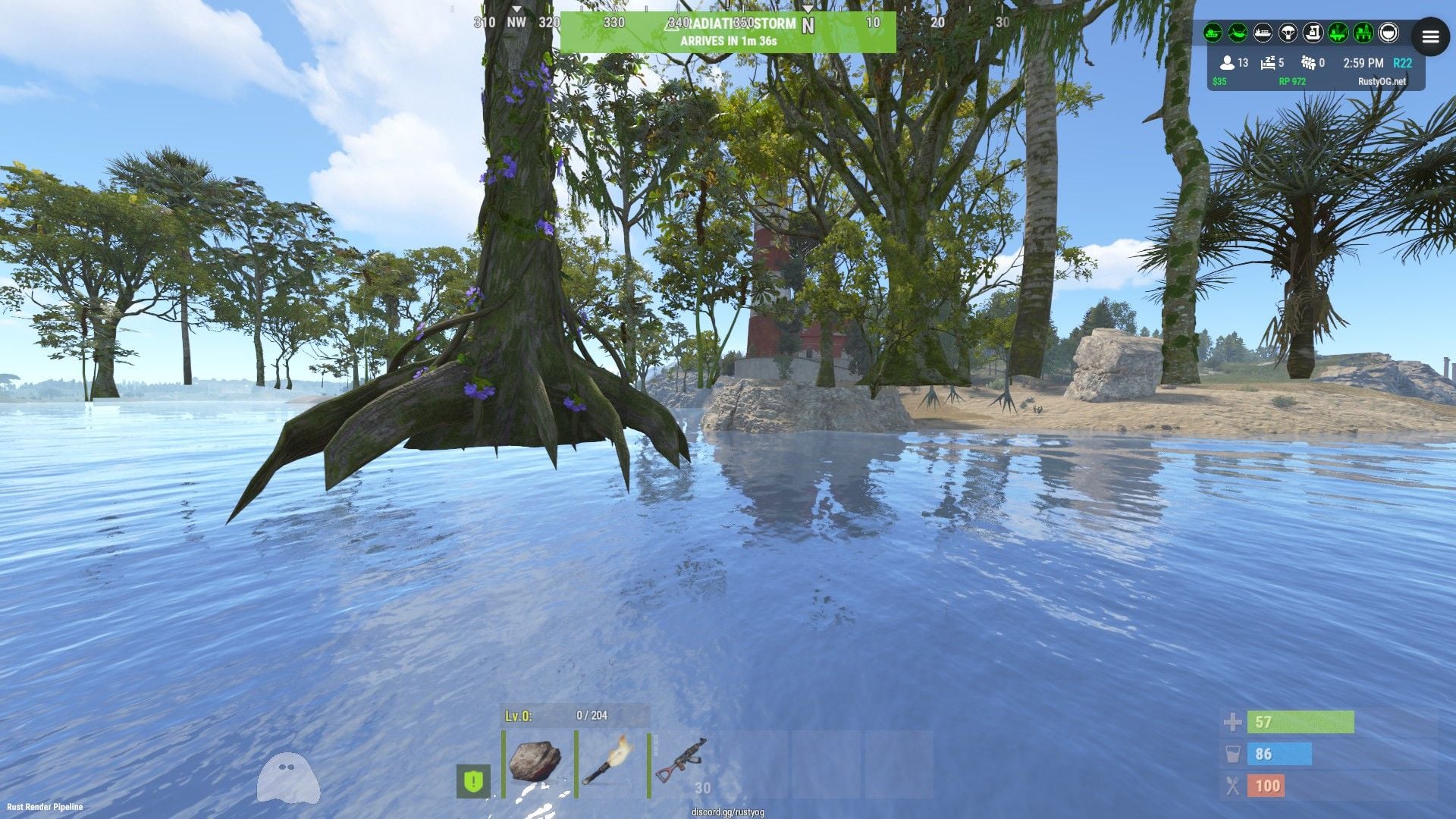
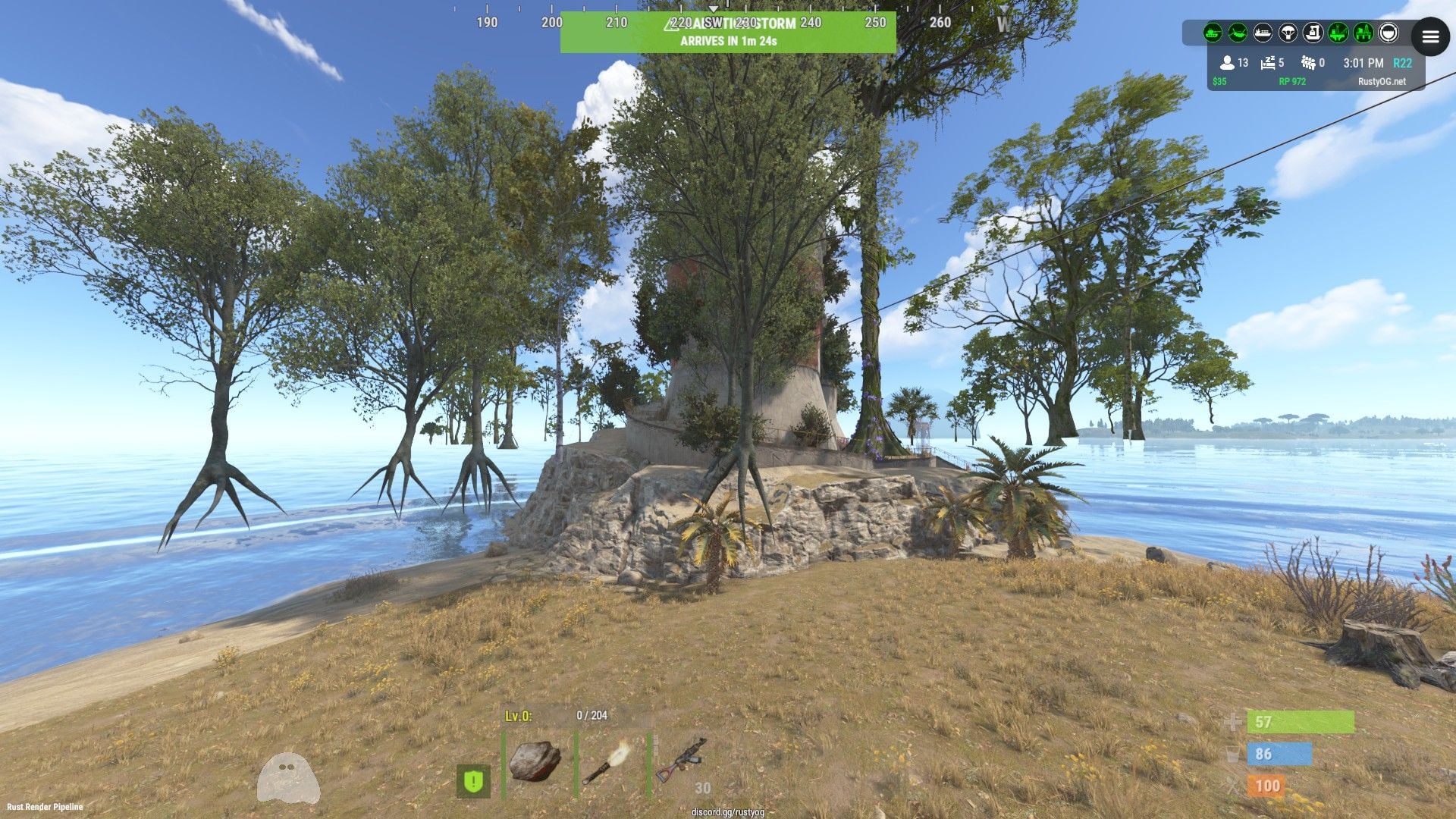
Floating rock and more floating trees

-
Found another one
-
Another glitch
-
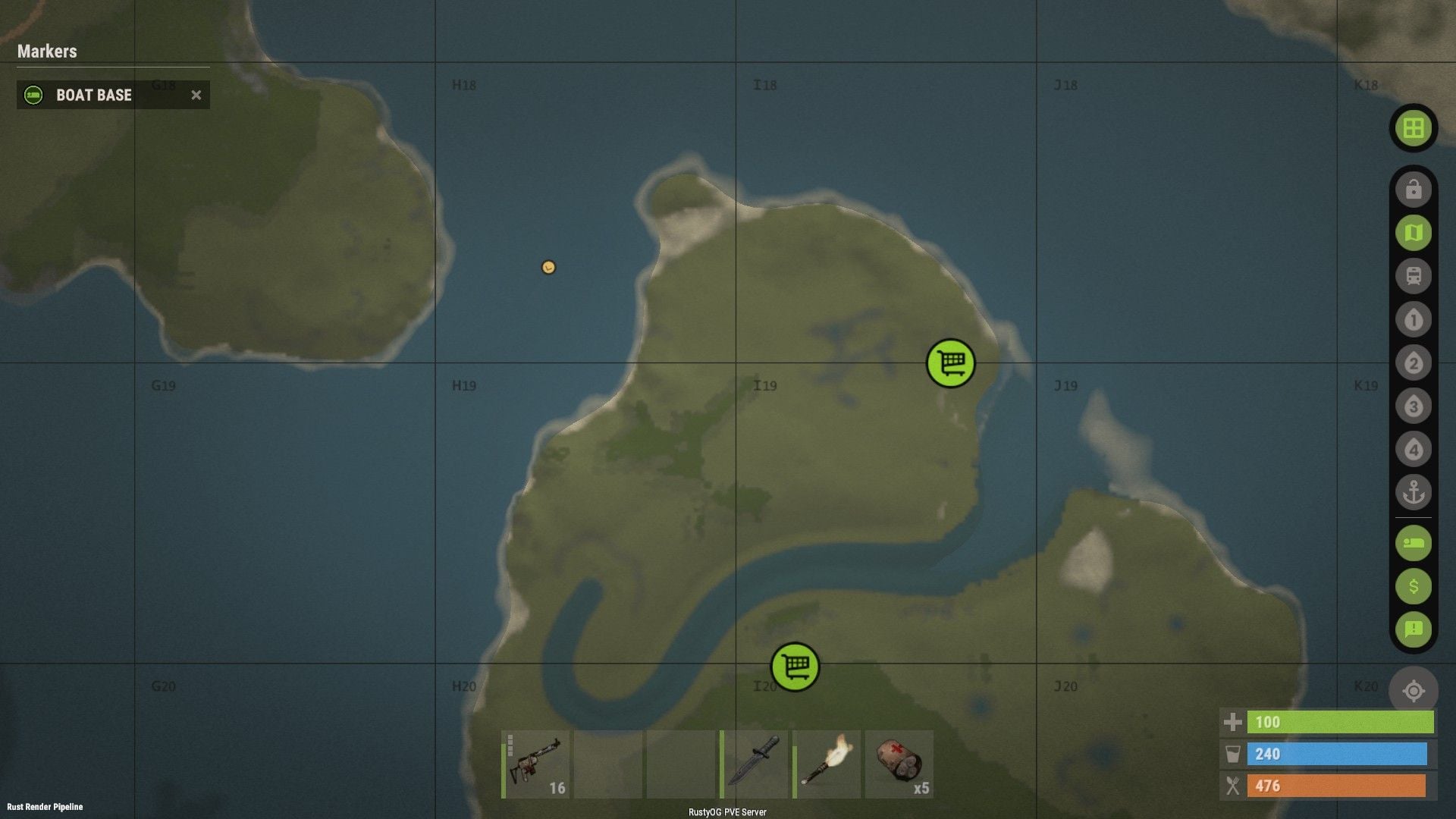
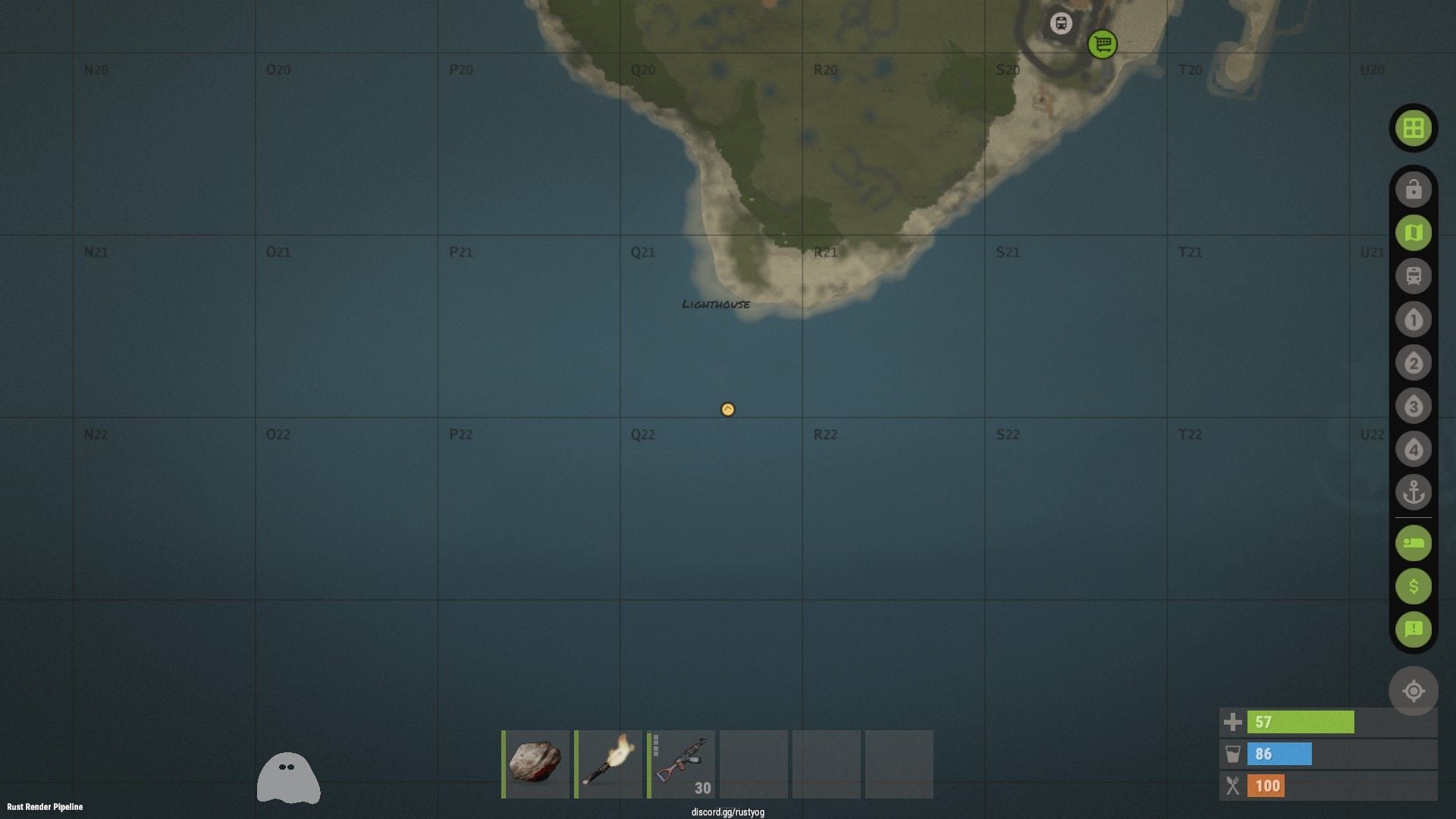
They're spawning near that lighthouse on my server.... not sure why.
-
Floating trees near a lighthouse.
-
.thumb.gif.30bb4fb1ad6b9cbba98fad72b9533086.gif) You should really rename this plugin to prevent confusion with the free kits plugin on umod. I use this plugin on one of my servers and the umod plugin on another server and it creates a lot of confusion.
You should really rename this plugin to prevent confusion with the free kits plugin on umod. I use this plugin on one of my servers and the umod plugin on another server and it creates a lot of confusion. -
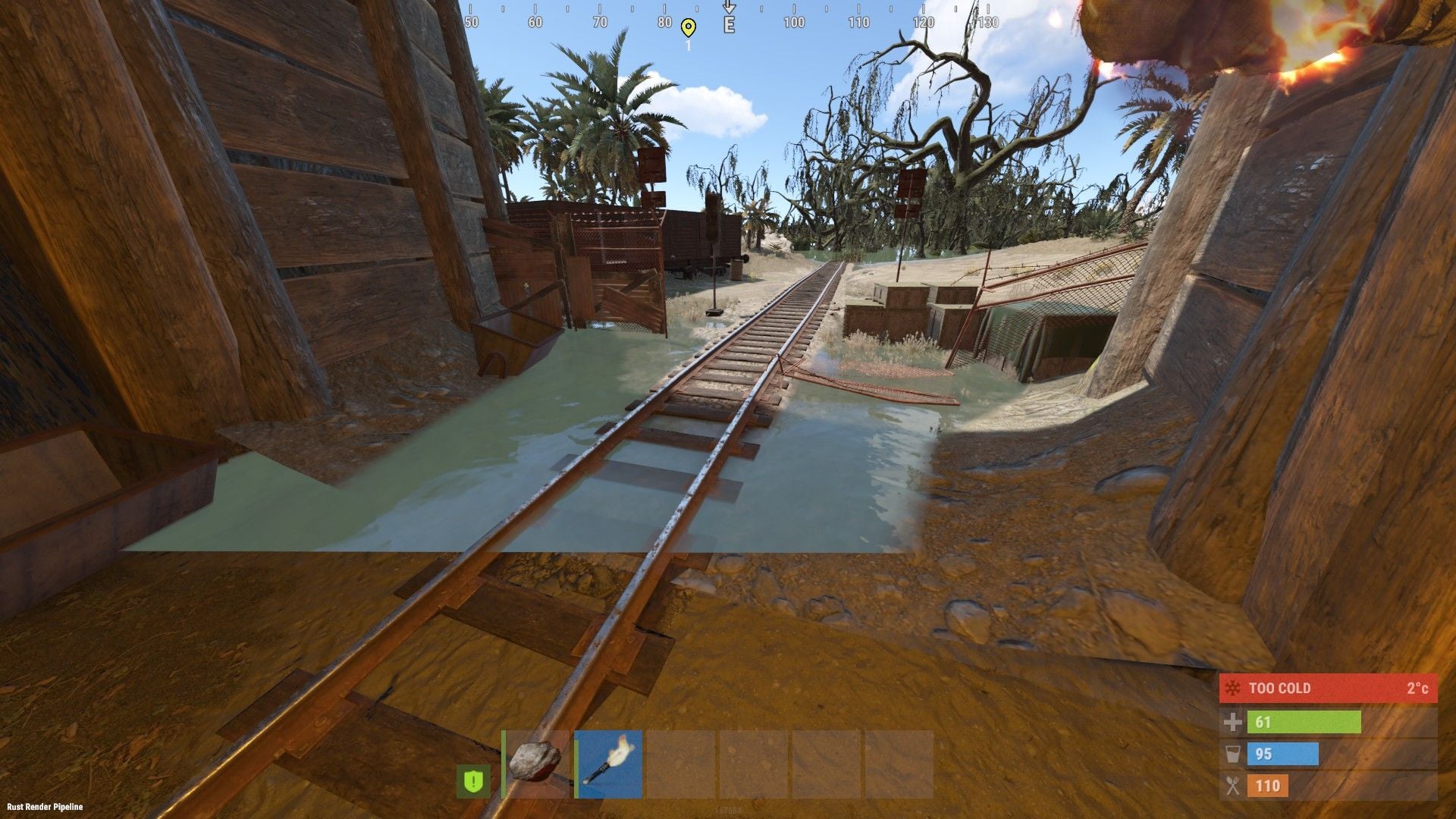
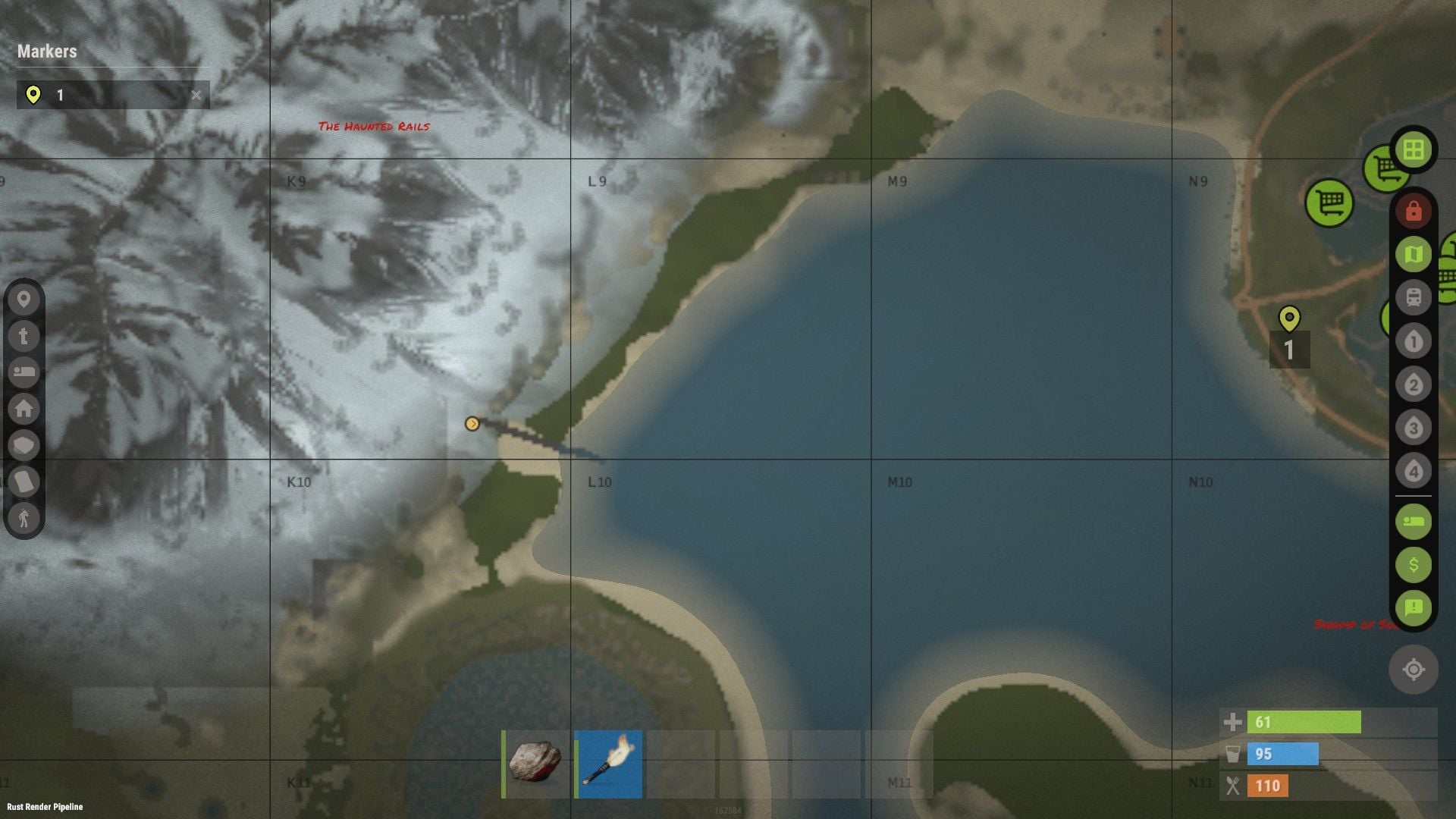
Found a slight glitch in the train tunnel exiting into the swamp.
-
 Fishing village has floating lights. Casino has missing chairs. clip_1,791,845,913,709.mp4
 -
Would it be possible to add livestock poop to work with this?
-
Joined my server at night. It was dark, daytime rolled around and it didn't get light. Well after sunrise, it was finally a little light then got dark again. I logged off and back on and it was sunny... I think something is messed up with the plugin when players log in at night.
-
 Is it just me or does it seem like the sun comes up much later with this plugin? I haven't done any real testing yet but I noticed it was darker a lot later on my servers this wipe and I didn't have the plugin on the servers last wipe. I'll have to do some testing on my test server but it seems unusual.
 -
.thumb.gif.f380fd02cd6a6dfea5a947a4b1ddcae0.gif) Would be cool if this was updated with the deep sea islands/white sands, etc.
Would be cool if this was updated with the deep sea islands/white sands, etc. -

Plugin changing ai.npc_spawn_on_cargo_ship
BetterDeadThanZed replied to BetterDeadThanZed's Support Report in Support
So is there a way you can fix this? I would like to be able to have vanilla cargo exist with this plugin at the same time. I have already configured a custom plugin that allows players to call in vanilla cargo or any of the cargo convoy ships and it prevents more than 1 cargo ship, cargo convoy or vanilla, from being on the map at once. -
Plugin changing ai.npc_spawn_on_cargo_ship
BetterDeadThanZed replied to BetterDeadThanZed's Support Report in Support
What I'm afraid of is that this will cause the vanilla NPC's to spawn on the cargo convoy as well as the cargo convoy NPC's? -
I had players tell me that no NPC's were spawning on the vanilla, game spawned cargo ship. I delved into this and found this plugin is setting ai.npc_spawn_on_cargo_ship false which prevents NPC's from spawning on the vanilla cargo. I changed these from false: CargoShip.event_enabled = _config.FPevent; AI.npc_spawn_on_cargo_ship = _config.FPevent; and it works. Can we get an official fix for this?
-
Seeing this in my console:
-
When moving dung into the composter and back into the inventory with auto sorting enabled, I'm losing dung. I have tested this with and without my stacking plugin and i get the same results. clip_1,789,774,500,167.mp4
-
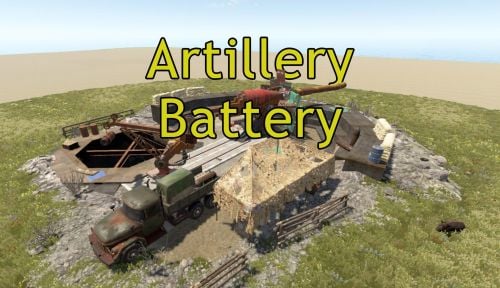 Very easy to place anywhere. Looks cool as a remnant of a past conflict!
-
- 1
-

-
- #artillery
- #coastal defense
- (and 6 more)
-
Thanks for fixing it. I love this little monument!
-
How do I get rid of this floating grass?
-
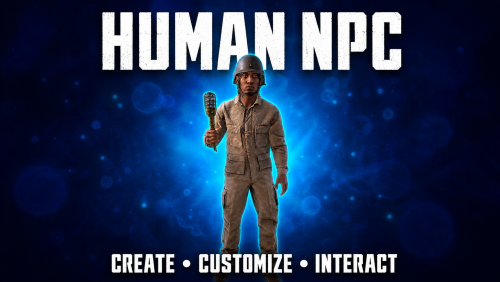 You can an Invite to Team prompt on Human NPC's.
 -
Since yesterday's wipe, one of my server's been crashing and after troubleshooting, I've noticed a trend. I've checked 6 of the logs and every one is crashing after this plugin announces a save. [Automatic Countdown Save] Waiting for the next server save... Saved 56,300 ents, cache(0.25), write(0.05), disk(0.01). Saving complete [Automatic Countdown Save] Server save countdown started! Saving in 590 seconds. SocketException: The socket has been shut down at System.Net.Sockets.Socket.EndSend (System.IAsyncResult asyncResult) [0x00012] in <16dfb5860e254abfaf53d35b68159aef>:0 at System.Net.Sockets.NetworkStream.EndWrite (System.IAsyncResult asyncResult) [0x0002a] in <16dfb5860e254abfaf53d35b68159aef>:0 Rethrow as IOException: Unable to write data to the transport connection: The socket has been shut down. at System.Net.Sockets.NetworkStream.EndWrite (System.IAsyncResult asyncResult) [0x0006e] in <16dfb5860e254abfaf53d35b68159aef>:0 at Fleck.WebSocketConnection.OnSendComplete (System.IAsyncResult result) [0x0005a] in <09b2e2afed8c4cd2bf75c3f38e4fc051>:0 UnityEngine.DebugLogHandler:Internal_LogException_Injected(Exception, IntPtr) UnityEngine.DebugLogHandler:Internal_LogException(Exception, Object) UnityEngine.DebugLogHandler:LogException(Exception, Object) UnityEngine.Logger:LogException(Exception, Object) UnityEngine.Debug:LogException(Exception) Facepunch.Rcon.<>c__DisplayClass27_1:<Start>b__4(Exception) Fleck.WebSocketConnection:HandleWriteError(Exception) Fleck.WebSocketConnection:OnSendComplete(IAsyncResult) System.Net.Sockets.<>c:<Complete>b__27_0(Object) System.Threading.QueueUserWorkItemCallback:System.Threading.IThreadPoolWorkItem.ExecuteWorkItem() System.Threading.ThreadPoolWorkQueue:Dispatch() System.Threading._ThreadPoolWaitCallback:PerformWaitCallback() This spams my console and then the server restarts.
-
I have Road Bradley's set to 0 but they spawn anyway: 08/30/2026 02:08:51 AM | [MonumentBradley] Spawned random road bradley at: (1194.61, 12.14, 1106.63) 08/30/2026 01:08:49 AM | [MonumentBradley] Spawned random road bradley at: (1194.61, 12.14, 1106.63) 08/30/2026 00:36:18 AM | [MonumentBradley] Spawned random road bradley at: (1137.59, 20.60, 694.57)
-
Would there be any chance to have the event check to see if vanilla cargo is on the map and if it is, the cargo convoy event is canceled?