

BetterDeadThanZed
-
Posts
1,323 -
Joined
-
Last visited
-
Days Won
2
Content Type
Profiles
Warranty Claims
Downloads
Forums
Store
Services
Downloads Plus Support
DOWNLOADS EXTRA
Reels
Everything posted by BetterDeadThanZed
-
 How do you set up custom spawn points? The description is very vague.
 -
 So you haven't seen any conflicts with those two plugins and this plugin? Skill Tree and Epic Loot have the ability to affect everything this plugin does. Before I buy it, I want to be sure that having those skills or epic items won't conflict with the functioning of this plugin.
 -
Has anyone used this with Skill Tree and Epic Loot and seen any conflicts?
-
When using a CCTV camera from a computer workstation, I see the hud in the top right corner. Any way to have that removed when you're looking through a CCTV?
-
 As long as I set Global Rate, I don't have to adjust any of the the stuff below it unless I want that category to be multiplied even more than the global rate, correct?
 -
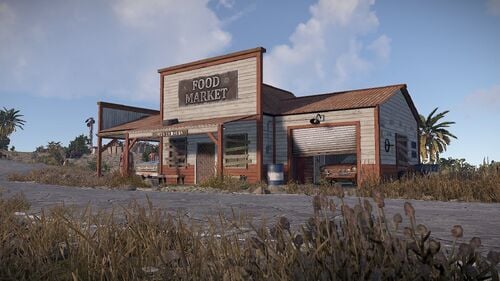 A great little monument to add some variety to your map.
 -
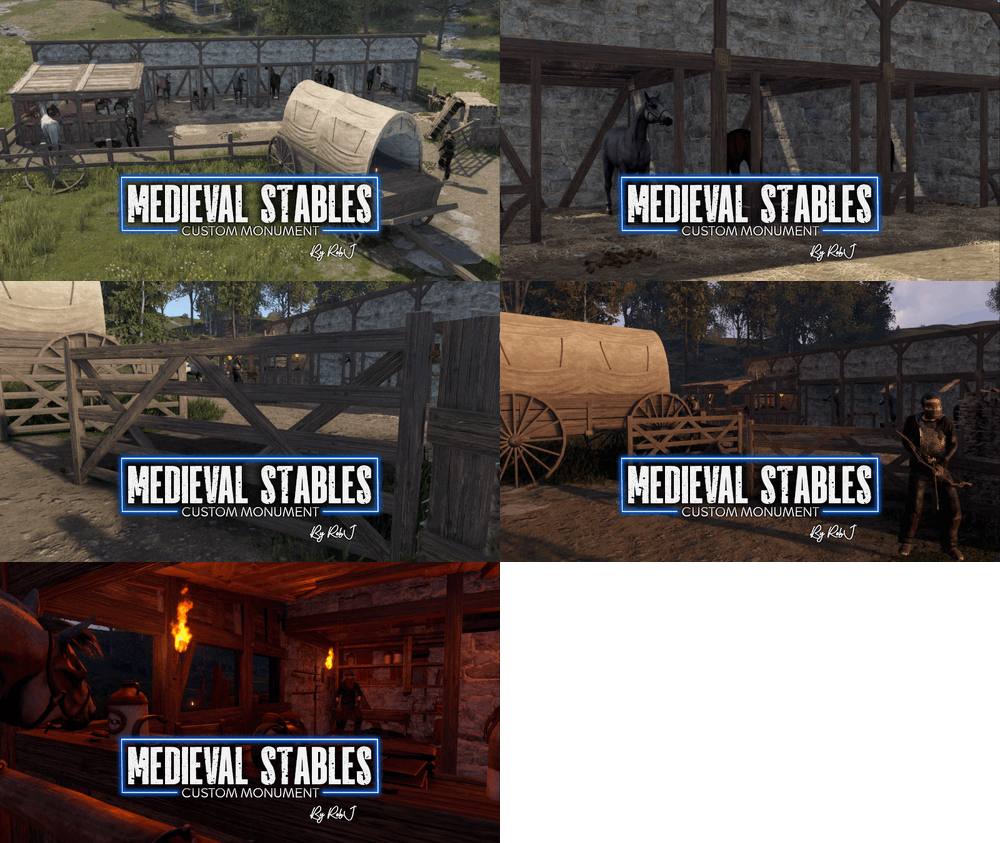 An awesome little prefab! RobJ's support is top notch! If you're looking for a little extra something to give a primitive feel to your server, this is it!
 -
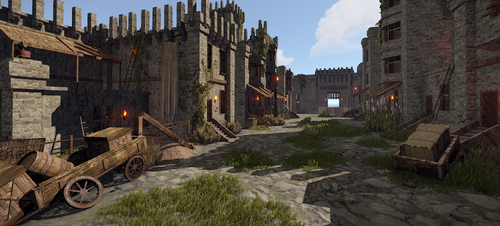 I bought this and I want to be sure I understand - We have to select what the vendors are selling. By default, they are all selling resources?
 -
 I am looking for the ability to block the researching of 2 items. I don’t need custom crafting or blocking research on the research table, etc. I only need to block the researching of 2 items without affecting the rest of the crafting tree. Will this let me do that? There’s a free plugin on umod that lets you block crafting and research of items, but if you block the research, it blocks your ability to research anything below it.
 -
 https://codefling.com/plugins/loot-table-stacksize-gui. "The page you requested does not exist"
 -
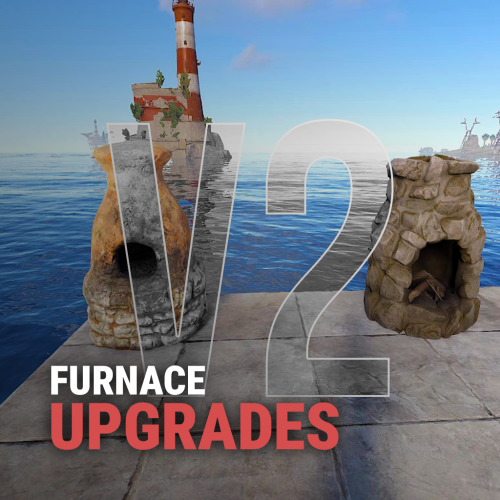
 Regarding the below values, are these the vanilla values that match a physical furnace or is this increased from normal furnace rates? "The standard value of the melting speed (in seconds per tick)": 2.0, "The amount of fuel consumption per 1 tick": 3, "How many resources are melted in 1 tick": 5, "The amount of coal per 1 unit of fuel": 1,
 -
 It looks like this needs an update after today's Rust update. Failed to call internal hook 'OnPlayerConnected' on plugin 'InjuriesAndDiseases v1.3.2' [2848347654] (Object reference not set to an instance of an object) at void Oxide.Plugins.InjuriesAndDiseases+Statuses.RemoveStatus(ulong userId, string statusId) in C:/AMPDatastore/Instances/Primitive01/rust/258550/carbon/plugins/InjuriesAndDiseases.cs:line 1622 at void Oxide.Plugins.InjuriesAndDiseases.OnPlayerConnected(BasePlayer basePlayer) in C:/AMPDatastore/Instances/Primitive01/rust/258550/carbon/plugins/InjuriesAndDiseases.cs:line 1014 at object Oxide.Plugins.InjuriesAndDiseases.InternalCallHook(uint hook, object[] args) in InjuriesAndDiseases.cs/Internal:line 340
 -
 This looks like a great plugin but one feature I'd be interested in, and I don't know if this is possible, is a log that shows when a player who isn't authed by the TC removes any resource/item from a container within the range of the TC. This would be helpful on my PVE server, so if a random player steals from another player that forgot to lock their container, I'd have a log of what was taken.
 -

Lock disappears if the modular car is on a lift when placed.
BetterDeadThanZed replied to BetterDeadThanZed's Support Report in Support
I restarted my server and with all plugins loaded, it's working properly now. I thought it was CarLockUI but even with that loading, it's not happening. The only thing I can think of is that I put the plugin on the server while it was running. Maybe that caused some issue. If I encounter this issue again, I'll try to troubleshoot it some more before posting. -
Lock disappears if the modular car is on a lift when placed.
BetterDeadThanZed replied to BetterDeadThanZed's Support Report in Support
See my response above. I use Carbon. I am restarting my test server and I will be starting over with my tests, with CarLockUI removed. I suspect that it the plugin causing the conflict. -
Lock disappears if the modular car is on a lift when placed.
BetterDeadThanZed replied to BetterDeadThanZed's Support Report in Support
I unloaded all plugins, then loaded this plugin and it doesn't happen, so another plugin is conflicting. I will do some troubleshooting to see if I can find the plugin. On another note, once I've placed the codelock on the modular car, I can't remove it. There's no UI showing up to unlock, check code, etc. Rust 2025-03-01 11-48-12.mp4 -
Lock disappears if the modular car is on a lift when placed.
BetterDeadThanZed replied to BetterDeadThanZed's Support Report in Support
Here's the files. MonumentAddons.json UltimateLocker.json UltimateLocker.json -
Lock disappears if the modular car is on a lift when placed.
BetterDeadThanZed replied to BetterDeadThanZed's Support Report in Support
I use Monument Addons to add the car lift. -
Lock disappears if the modular car is on a lift when placed.
BetterDeadThanZed posted A Support Report in Support
If you have a modular car on a lift, and you place a code lock on it, the codelock disappears. Rust 2025-03-01 10-04-07.mp4 -
UltimateLocker - Lock Everything, Auto Lock & Auto Closing
BetterDeadThanZed commented on Scalbox's file in Plugins
 If a codelock is placed on a modular car, you have go to a carlift to change the code. Is there a config option to let players change the code without a cardlift?
 -
 I like maps with every monument on it. Is there a way to force this to use only maps with ALL monuments?
 -
Conflict with Abandoned Bases
BetterDeadThanZed replied to BetterDeadThanZed's Support Report in Support
Hi, just following up on this. I assume it's something that will come with a future patch? -
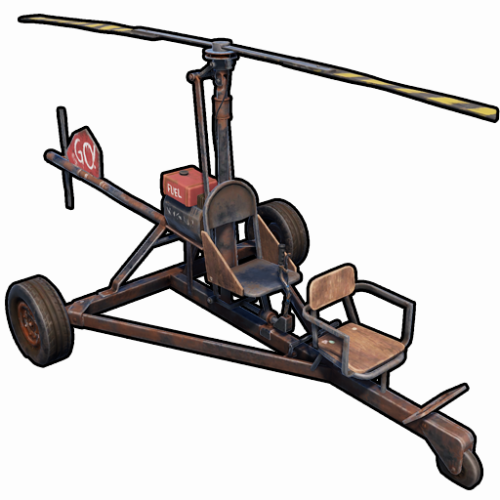 I found out the solution. In the config, change the horse prefab name to "assets/content/vehicles/horse/ridablehorse2.prefab".
 -
Can you elaborate? I changed the one reference to "horse" in the plugin to "horse2" and it didn't fix the issue. Did the prefab name change?
-
I am using Limit Entities. I also use Abandoned Base: https://codefling.com/plugins/abandoned-bases If a player uses /sar to make their base abandoned, and it's destroyed, Limit Entities thinks they still have the base and the entities from it count towards their limit.
