


-
Posts
557 -
Joined
-
Last visited
-
Days Won
21
Content Type
Profiles
Warranty Claims
Downloads
Forums
Store
Services
Downloads Plus Support
DOWNLOADS EXTRA
Reels
Everything posted by DeutscherRitterPlatz
-
 Replace MiniCopter with Minicopter in the .cs and it should work again.
 -
Changed Status from Pending to Work in Progress Changed Fixed In to 1.0.2
-
Hey, thanks for your request! I'll take a look—it's probably possible, but the question is whether it's really necessary. I'll check if it can be implemented. An update is coming anyway, as we're also supporting a
-
.thumb.gif.f380fd02cd6a6dfea5a947a4b1ddcae0.gif) We played this map in January 2025 and were absolutely thrilled! Boats were finally being used again, and the monuments look amazing. The custom monument Floating Citadel especially blew us away, the attention to detail is truly impressive. Of course, there were some mapping errors, but if we players don’t report them, the mapper can’t fix them. If you're looking for an exciting water map, you should definitely give this one a try. It was absolutely worth the money! Thanks for this awesome map!
We played this map in January 2025 and were absolutely thrilled! Boats were finally being used again, and the monuments look amazing. The custom monument Floating Citadel especially blew us away, the attention to detail is truly impressive. Of course, there were some mapping errors, but if we players don’t report them, the mapper can’t fix them. If you're looking for an exciting water map, you should definitely give this one a try. It was absolutely worth the money! Thanks for this awesome map! -
 here
here -
 Then set up the plugin so that users can only place it with building restrictions | "TCAuthRequired": true,
 -
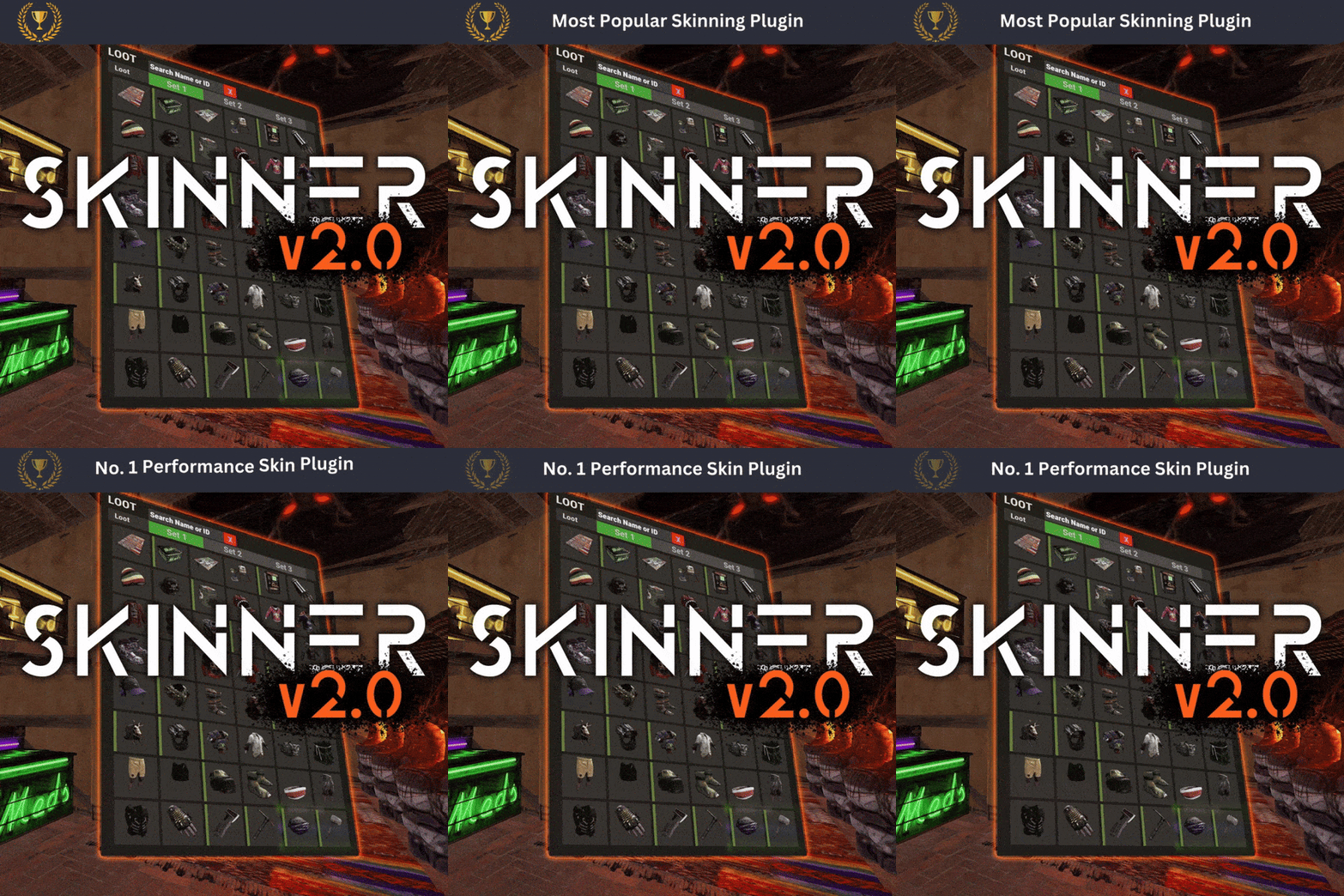 Subject: Suggestion: Implementation of a Skin Blacklist Hi Whispers88, would it be possible to implement a blacklist feature for skins? What should the blacklist do? The blacklist would ensure that specific items with the listed Skin IDs are excluded from being modified through reskinning. This would be particularly useful because plugins like Recycler Box Virtual, or Auto Dung Collector are currently affected by this issue. "Blacklist of skins that cannot be changed": [ 2976367851, 3345267510, 2994391115, 2988594458 ]
 -
 Subject: Suggestion: Implementation of a Skin Blacklist Hi, would it be possible to implement a blacklist feature for skins? What should the blacklist do? The blacklist would ensure that specific items with the listed Skin IDs are excluded from being modified through reskinning. This would be particularly useful because plugins like Recycler Box Virtual, or Auto Dung Collector are currently affected by this issue. "Blacklist of skins that cannot be changed": [ 2976367851, 3345267510, 2994391115, 2988594458 ]
 -
-
Another reason for getting banned can be wiping the map too frequently in a short period. We experienced this on our test server after generating 30 custom maps. However, the server was unbanned after I submitted a ticket at https://support.facepunchstudios.com/hc/en-us and generally violates Facepunch's Terms of Service.
-
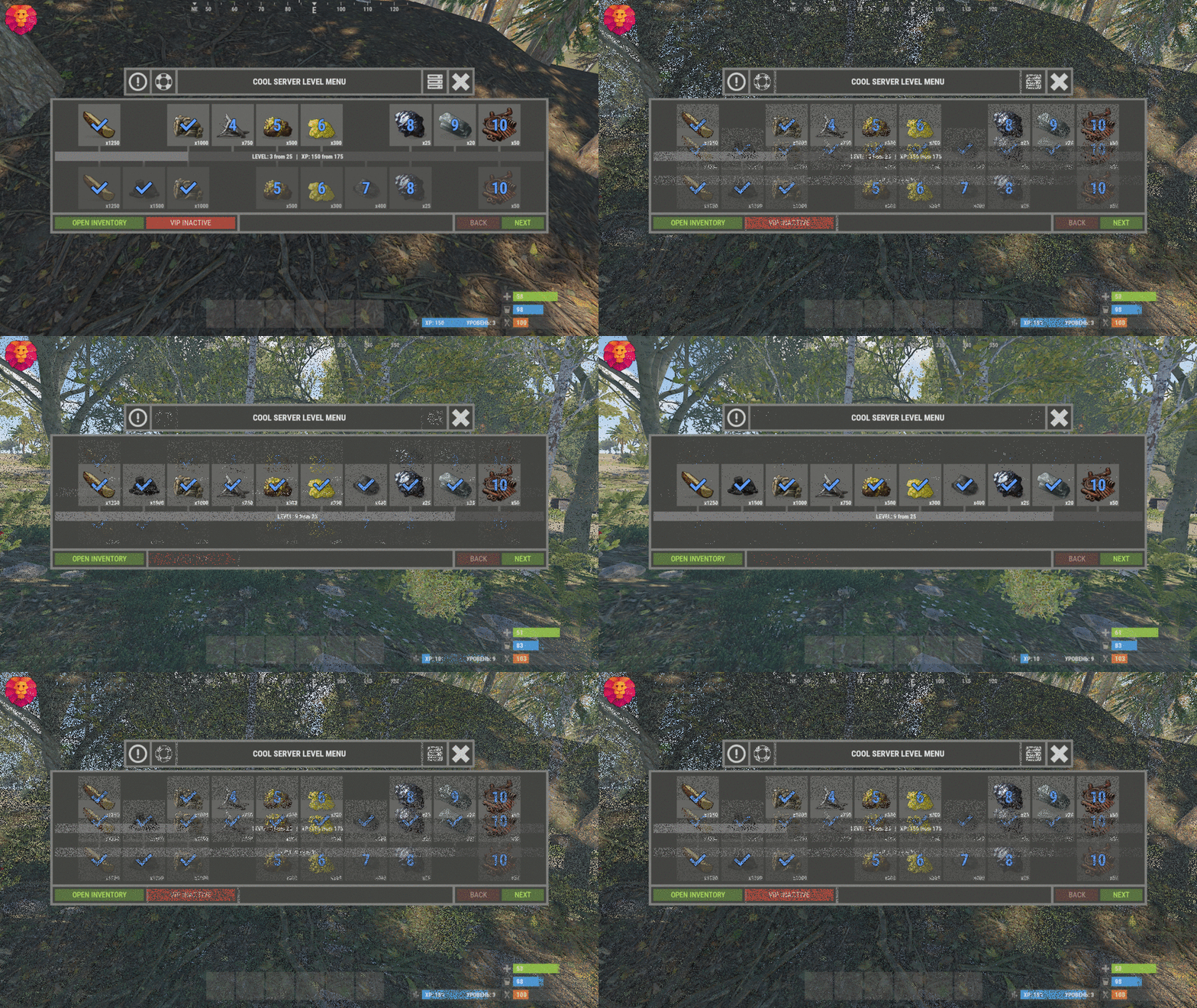 I have another quick question: Are these entities not supported? No matter how I implement them, you don't receive any XP for the cacti: assets/bundled/prefabs/autospawn/resource/v3_arid_cactus/cactus-1.prefab assets/bundled/prefabs/autospawn/resource/v3_arid_cactus/cactus-2.prefab assets/bundled/prefabs/autospawn/resource/v3_arid_cactus/cactus-3.prefab assets/bundled/prefabs/autospawn/resource/v3_arid_cactus/cactus-4.prefab assets/bundled/prefabs/autospawn/resource/v3_arid_cactus/cactus-5.prefab assets/bundled/prefabs/autospawn/resource/v3_arid_cactus/cactus-6.prefab assets/bundled/prefabs/autospawn/resource/v3_arid_cactus/cactus-7.prefab assets/content/nature/plants/cactus/cactus_1.prefab assets/content/nature/plants/cactus/cactus_2.prefab assets/content/nature/plants/cactus/cactus_3.prefab assets/content/nature/plants/cactus/cactus_4.prefab assets/content/nature/plants/cactus/cactus_5.prefab assets/content/nature/plants/cactus/cactus_6.prefab assets/content/nature/plants/cactus/cactus_7.prefab
 -
Hey, would it be possible to implement the VIP Battle Pass in a way that rewards are granted retroactively if purchased at a later time?
-

Broken after the update + SERIOUS BUG!
DeutscherRitterPlatz replied to Namsaknoi's Support Report in Support
Since the developer hasn’t been online for weeks, something might have happened — we just don’t know. For this reason, other users have already suggested possible solutions. Maybe @Cobalt Studios will eventually fix the plugin. I completely understand that some of you have little experience with .cs. I’d be glad to help, but due to license restrictions, I’m not allowed to, as I can’t verify whether you’re legitimate users. Therefore, the only option left is to apply the fix on your own. -
Do you mean something like a plugin?
-

Version 1.0.2
16 downloads
Steam Group Whitelist – Your Exclusive Access Pass! Want a server where only the crème de la crème of your Steam group can play? With the Steam Group Whitelist, we separate the wheat from the chaff! This plugin ensures that only members of your Steam group can access your Rust server. No group membership? Then it’s "Sorry, no entry!” Players are filtered the moment they join – only those who belong get in. What else can the plugin do? • Direkt Join Check: No group membership? No access! The server is immediately off-limits to non-members. • Easy Setup: Install it once, configure it, and let it run! No hassle, just exclusive access for your group. • SteamID Whitelisting via Chat & Console Commands • Bypass Permission for VIPs and Supporters: • Customizable Messages: • Console & Chat Notifications: Easily toggle notifications on or off! Where can I find the Steam group profile URL? • The profile URL isn't your Steam group's URL, but rather a tag for the URL. • You can find this under "Edit Group Profile" -> "Profile URL" (see image). • Then, add this tag under "SteamGroupPROFILURL." What permissions are available? • There is the steamgroupwhitelist.bypass permission. Players with this permission can join the server even if they are not members of the designated Steam group. Important: The player must have been online at least once, or belong to a user group with this permission, for the bypass function to be effective. Assigning Permissions to Players & Groups • Oxide: oxide.grant user SteamID steamgroupwhitelist.bypass oxide.grant group groupname steamgroupwhitelist.bypass • Carbon: c.grant user SteamID steamgroupwhitelist.bypass c.grant group groupname steamgroupwhitelist.bypass What commands are available? • Checks the specified Steam group and adds or removes the permission or group accordingly. | Chat-Command • asw steamid = Adds a player to the SteamID Whitelist • ras steamid = Removes a player from the SteamID Whitelist • checkwhitelist = Manually verifies the player list and kicks anyone who lacks the necessary permissions or group membership. • sw = Display the current whitelist and allow admins to add/remove Steam IDs and change the group URL /asw 76561198116400000 = chat asw 76561198116400000 = console /ras 76561198116400000 = chat ras 76561198116400000 = console /checkwhitelist = chat checkwhitelist = console /sw = chat What's enabled by default in the configuration? • EnableChatNotifications • EnableSteamIDWhitelist SteamGroupWhitelist Configuration • true = active | false = disabled { "SteamGroupProfileUrl": "YourSteamGroupProfileURL", "EnableConsoleNotifications": false, "EnableChatNotifications": false, "EnableSteamIDWhitelist": true, "AllowOnApiFailure": false, "SteamIDWhitelist": [ "76561198116400000" ], "ChatPrefix": "<size=12><color=#AE3624>YOURSERVERNAME</color> <size=16>|</size> <color=#738D45>[SteamGroupWhitelist]</color>\n" } What do the individual configuration settings mean? • ChatPrefix: Sets the chat prefix displayed before each message. • EnableConsoleNotifications: Enables or disables the function for console notifications. • EnableChatNotifications: Enables or disables the function for Chat notifications. • SteamGroupPROFILURL: Here, the profile URL is entered, as explained above, the most important setting in the entire configuration. • EnableSteamIDWhitelist: Enables or disables the SteamIDWhitelist function • SteamIDWhitelist: Here, you can enter the SteamIDs of the players who should be excluded from verification and always have access to the server. SteamGroupWhitelist FAQ • If the Steam website is unreachable, the plugin will function like a standard whitelist: • Anyone who is not on the whitelist or does not have permission will be denied access. SteamGroupWhitelist Lang • Certainly, you are free to adjust the notification settings according to your preferences. Furthermore, you are not obliged to use {0} if you don't wish to! • English { "NotInGroup": "You are not a member of the required Steam group!", "NoPermission": "You do not have permission to use this command; you must be an administrator on the server!", "PlayerAddedToWhitelist": "Steam ID <color=#AE3624>{0}</color> has been added to the whitelist.", "PlayerRemovedFromWhitelist": "Steam ID <color=#AE3624>{0}</color> has been removed from the whitelist.", "PlayerAlreadyWhitelisted": "Steam ID <color=#AE3624>{0}</color> is already on the whitelist.", "PlayerNotWhitelisted": "Steam ID <color=#AE3624>{0}</color> is not on the whitelist.", "CheckStarted": "Player verification has started.", "UsageAddToWhitelist": "Usage: /asw <steamid>", "UsageRemoveFromWhitelist": "Usage: /rsw <steamid>", "GroupCheckUnavailable": "Steam group check is currently unavailable. Please reconnect in a moment.", "InvalidSteamId": "Invalid Steam ID64: <color=#AE3624>{0}</color>.", "UsageGui": "Usage: /swgui", "UI_Title": "Steam Group Whitelist", "UI_Close": "X", "UI_SteamIdLabel": "Steam ID64:", "UI_Add": "Add", "UI_Remove": "Remove", "UI_WhitelistHeader": "Whitelisted IDs ({0} total)", "UI_UnknownPlayer": "Unknown", "UI_RemoveEntry": "X", "UI_PageLabel": "Page {0} / {1}", "UI_Previous": "< Previous", "UI_Next": "Next >", "UI_SteamGroupLabel": "Steam Group:", "UI_SteamGroupSave": "Save", "UI_SteamGroupClear": "Clear", "ManualCheckInProgress": "Manual group check already in progress.", "ApiUnavailableAllowing": "Steam API unavailable, allowing {0} by config." }$3.99 -
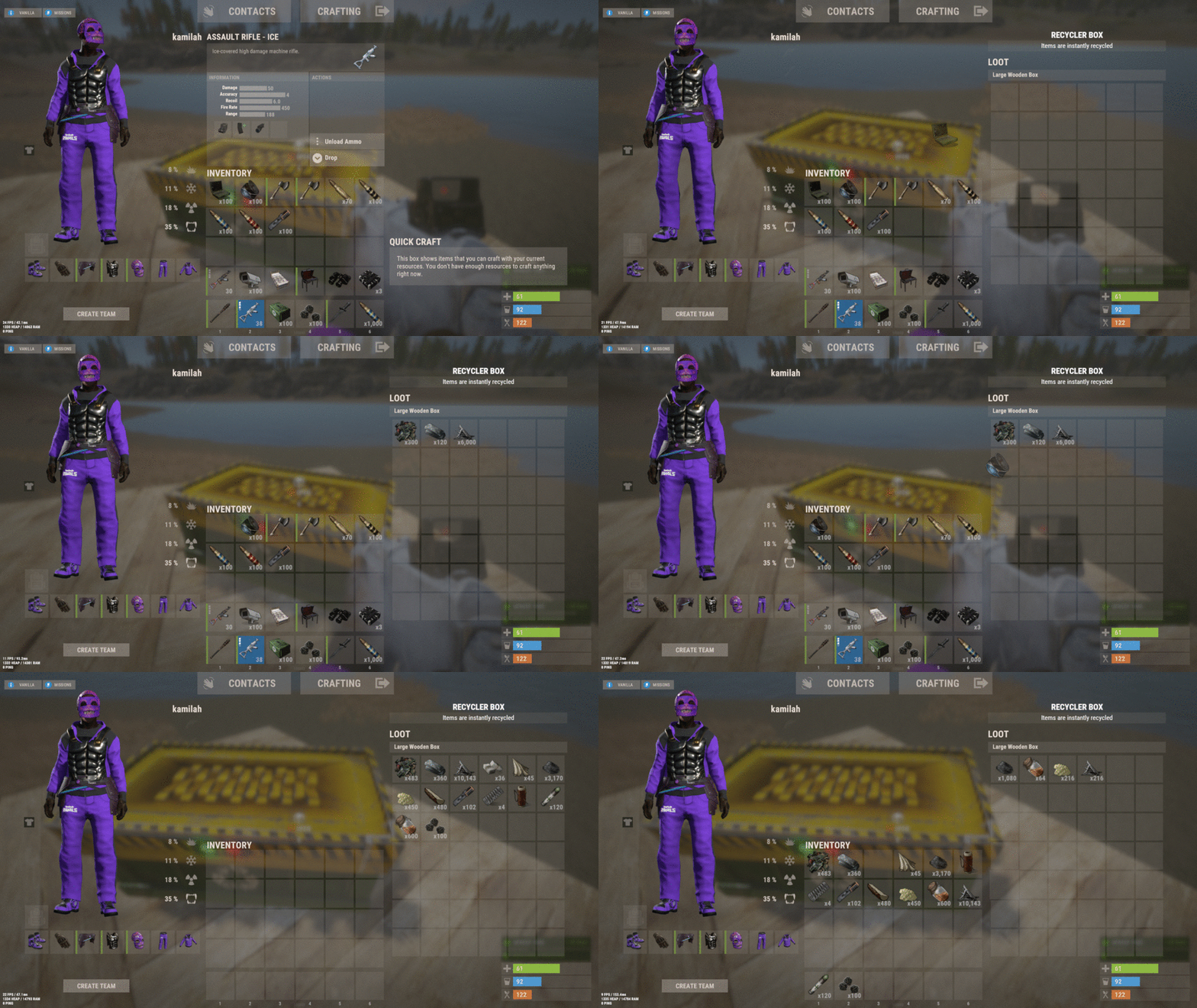 We are giving a clear yes to this plugin! It combines several functions into one and offers the choice between a small or large recycler box. This gives users the freedom to decide what they want to place. The support is extremely friendly, and ideas were implemented quickly. The configuration is easy to understand. The few euros were definitely well spent. Thank you for this fantastic plugin!
 -
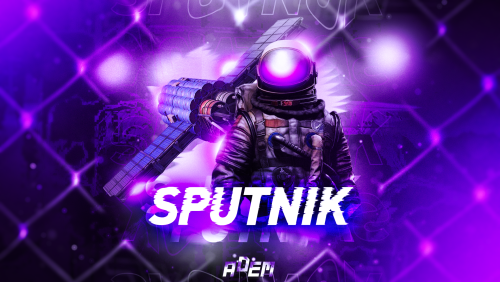 Sputnik The Sputnik plugin is a brilliant idea that brings a lot of action to the game. A Sputnik falls from the sky, guarded by NPCs or even attack helicopters, providing an exciting challenge for players. It also comes with several preset features, and as usual, the installation was smooth and hassle-free. User-friendliness is a top priority with this plugin as well. Issues are quickly resolved, and regular updates ensure the plugin stays up to date. Another top-tier plugin from Adem. We highly recommend Sputnik – it’s worth every cent!
 -
 Space – The Little Loot Machine Space is a plugin that wasn’t very popular with us at first, mainly due to the high effort it requires. However, those who manage to overcome the challenge absolutely love it! The plugin is well-configured, and the loot is plentiful. Fortunately, there are recyclers on-site to quickly get rid of any excess items. As with most of Adem’s plugins, installation is incredibly simple, with clear instructions that anyone can follow. It’s also compatible with both Carbon and Oxide, making the setup effortless. This plugin breathes new life into the skies and is a fantastic idea from Adem. While it would be great to see a few new stations for more variety in the future, the plugin is already nearly perfect as is. As always, the support is polite, fast, and top-notch. Updates are delivered promptly, and any bugs are quickly fixed. We highly recommend Space if you're looking to make the skies more exciting in your game. PS: The controls take a bit of getting used to, but once you figure them out, it’s easy to get up there!
 -
 Convoy Reforged The classic Convoy plugin, now known as Convoy Reforged, is one we keep coming back to – and it still keeps our community entertained. It’s unclear why Facepunch hasn’t added something like this to the game themselves, but thankfully, we have Adem! This plugin is perfect for anyone looking to add more action to the roads, with an incredible range of customization options. Out of the box, the plugin comes with several well-configured convoys that work great even on vanilla servers. However, for modded servers, it’s recommended to tweak the loot tables to keep things balanced, ensuring players remain engaged over time. Recently, a major update was released, bringing with it the new Convoy Reforged name. We had to rework all of our convoys due to the many new features and vehicles introduced, but the effort was absolutely worth it! The plugin now offers even more ways to create exciting events. We highly recommend this plugin! The support is fantastic, whether via Discord or on the Codefling platform. The plugin is regularly updated, and any bugs are promptly fixed. Yes, it's definitely worth the purchase!
 -
 Paraplane When Facepunch introduced parachutes to the game, we were already excited – but this plugin takes it to a whole new level. Whether for PvP, events, or PvE, the Paraplane Plugin can be used in a variety of game modes. The installation is incredibly simple, and the configuration file is clear and easy to understand. The trailer is well-made and immediately draws you in, encouraging a purchase. For €15, the quality is excellent, especially considering that the plugin is regularly updated and the support is outstanding. The plugin description provides detailed information that makes it easy to understand, with plenty of images to give a clear idea of what you're getting. We highly recommend this plugin from Adem – top-notch quality with no complaints so far!
- 18 comments
-
- 1
-

-
- #parachute
- #vehicle
- (and 10 more)
-
.thumb.png.ac72dca13c4e30a2d2181ddd2b0fdc0a.png) The Armored Train Plugin is perfect for servers looking to take their train system to the next level, whether for PvP or PvE. It comes with well-configured trains by default, which can easily be customized or even expanded with new ones. This plugin brings much more action to the tracks. After a brief introduction to the configuration files, they become easy to understand, and regular updates ensure that the plugin remains up to date. The support is excellent and always available. For anyone considering purchasing this plugin, we can highly recommend it! What we also find really cool is the inclusion of a Halloween and New Year train, making it perfect for the holidays.
The Armored Train Plugin is perfect for servers looking to take their train system to the next level, whether for PvP or PvE. It comes with well-configured trains by default, which can easily be customized or even expanded with new ones. This plugin brings much more action to the tracks. After a brief introduction to the configuration files, they become easy to understand, and regular updates ensure that the plugin remains up to date. The support is excellent and always available. For anyone considering purchasing this plugin, we can highly recommend it! What we also find really cool is the inclusion of a Halloween and New Year train, making it perfect for the holidays. -
 If you’d like, we can also test it additionally, so there are multiple opinions and feedback
 -
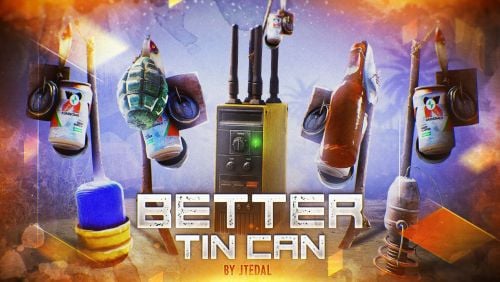 An excellent plugin for PvP servers, offering new ways to enhance combat. During our use, we encountered no issues that would negatively impact the rating. What more can be said? The price-performance ratio is spot on. Anyone looking for additional traps will definitely find what they need here. Installation was a simply, with a clear and easy-to-understand config. Top Plugin Big thanks to jtedal for this fantastic plugin!
 -
Our Honest Opinion on the "Train Homes" Plugin There are several plugins with similar functionality to "Train Homes". The developer is part of the #MadMappers group, known for innovative ideas and high-quality products. The trailer initially convinced us to purchase the plugin, but if we had known about the existing issues beforehand, we would have decided against it. What do we like about the plugin? The core idea is brilliant. "Train Homes" adds a whole new dimension to the train system in Rust, allowing players to unleash their creativity. A major plus: The plugin works with both Oxide and Carbon. The support is generally available. The trailer is impressive, and trains can be teleported from point A to point B, with several maps already supporting the plugin. Additionally, the configuration file is clear and self-explanatory. Despite these positives, we ultimately decided against the plugin – but why? Why did we decide against the plugin? The plugin only saves the trains if it is properly unloaded. If the server crashes or the plugins are not correctly unloaded during a restart, all built trains are lost because the data is wiped. The developer claims this issue is unfixable, but other developers with similar plugins have already managed to solve it. In Rust, almost any technical challenge can be overcome, as projects like Carbon Client and other developers have shown. While the issue could be avoided by manually unloading the plugin before a restart using Rcon commands, the problem still persists in the event of a server crash. For long-term use, this plugin is therefore not suitable unless players are willing to accept that their trains might disappear. On PvP or event servers, where trains are only used temporarily, the plugin may work well, but for PvE servers, we consider it completely unsuitable. How does our rating break down? • 1 star: Great idea and well-made trailer • 1 star: Compatibility with Oxide & Carbon • 1 star: Generally available support • Star deduction: Misleading plugin description, as the storage issue is not mentioned; unfixable storage issue during server restarts or crashes • Star deduction: Price-performance ratio, as the plugin has flaws and the support comes across as quite unfriendly at times If the developer decides to improve the plugin, it has the potential to earn 5 stars, and in that case, we would also find the price fair. Ps: jtedal This is our personal opinion about your plugin. You don’t need to respond – there are already enough discussions and issue reports that support our assessment.
- 133 comments
-
- 2
-
-
- #jtedal
- #mad mappers
- (and 10 more)
-
- 133 comments
-
- 1
-

-
- #jtedal
- #mad mappers
- (and 10 more)