

MeventSupport
-
Posts
1,775 -
Joined
-
Last visited
-
Days Won
8
Content Type
Profiles
Warranty Claims
Downloads
Forums
Store
Services
Downloads Plus Support
DOWNLOADS EXTRA
Everything posted by MeventSupport
-
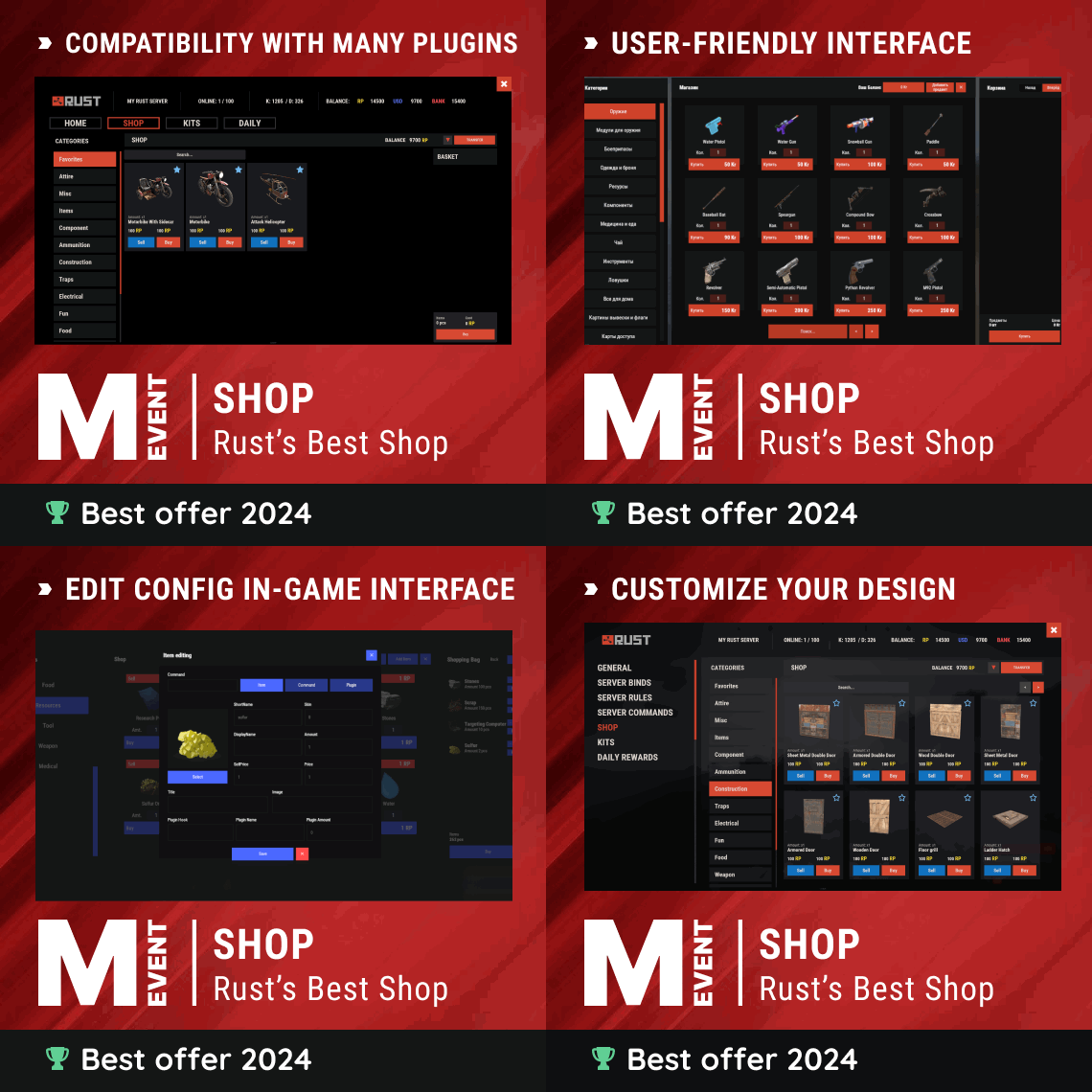 Yes, at the moment it can be done only in the config. But we are planning to add to the plugin a full-fledged system of configuration editing via interface, for example as in Build tools. But it will take more time
 -
.thumb.gif.878ab3064f98f856ae6fbb58162fa69d.gif) I think I'll release an update within a week. there are a lot of plugins, I'm working on them one by one.
I think I'll release an update within a week. there are a lot of plugins, I'm working on them one by one. -
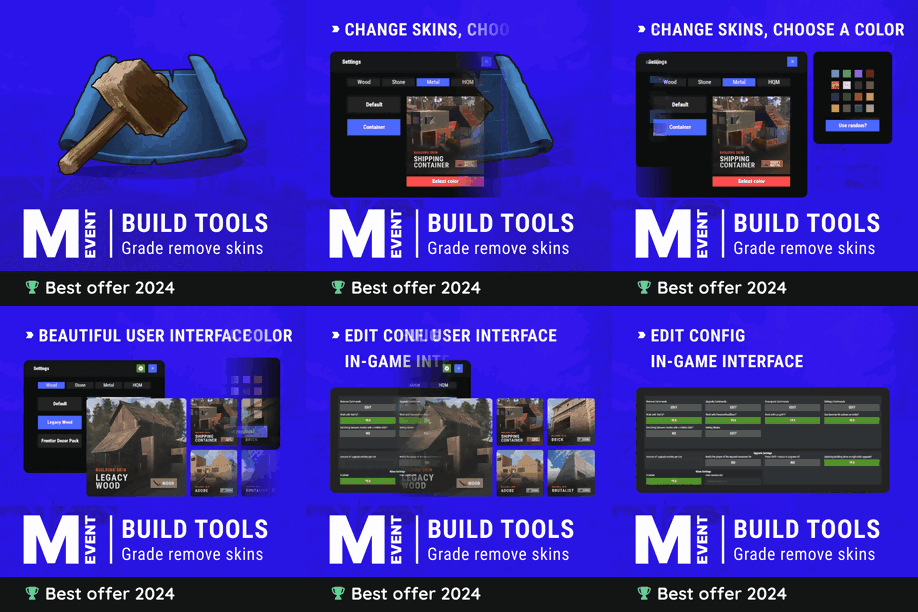 I’m working on it
- 335 comments
-
- 1
-

-
- #building
- #foundation
- (and 27 more)
-
This is clearly a bug. We're already working on fixing it
-
Hi! there will be a fix within the week.
-
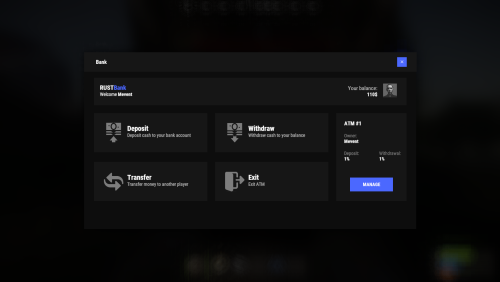 how do you generate an ATM?
 -
.thumb.gif.3c9c0e18006368d634273095544fb983.gif) Hi! Yes, of course
Hi! Yes, of course -
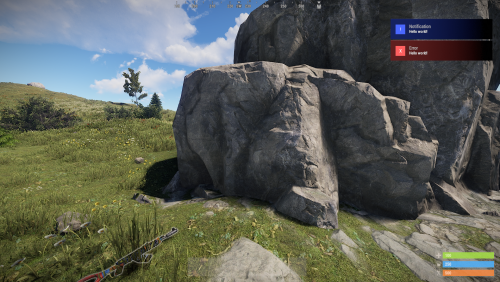 How did you do the display on the left? Did you change the indents? Or did you enable left display in the config?
 -
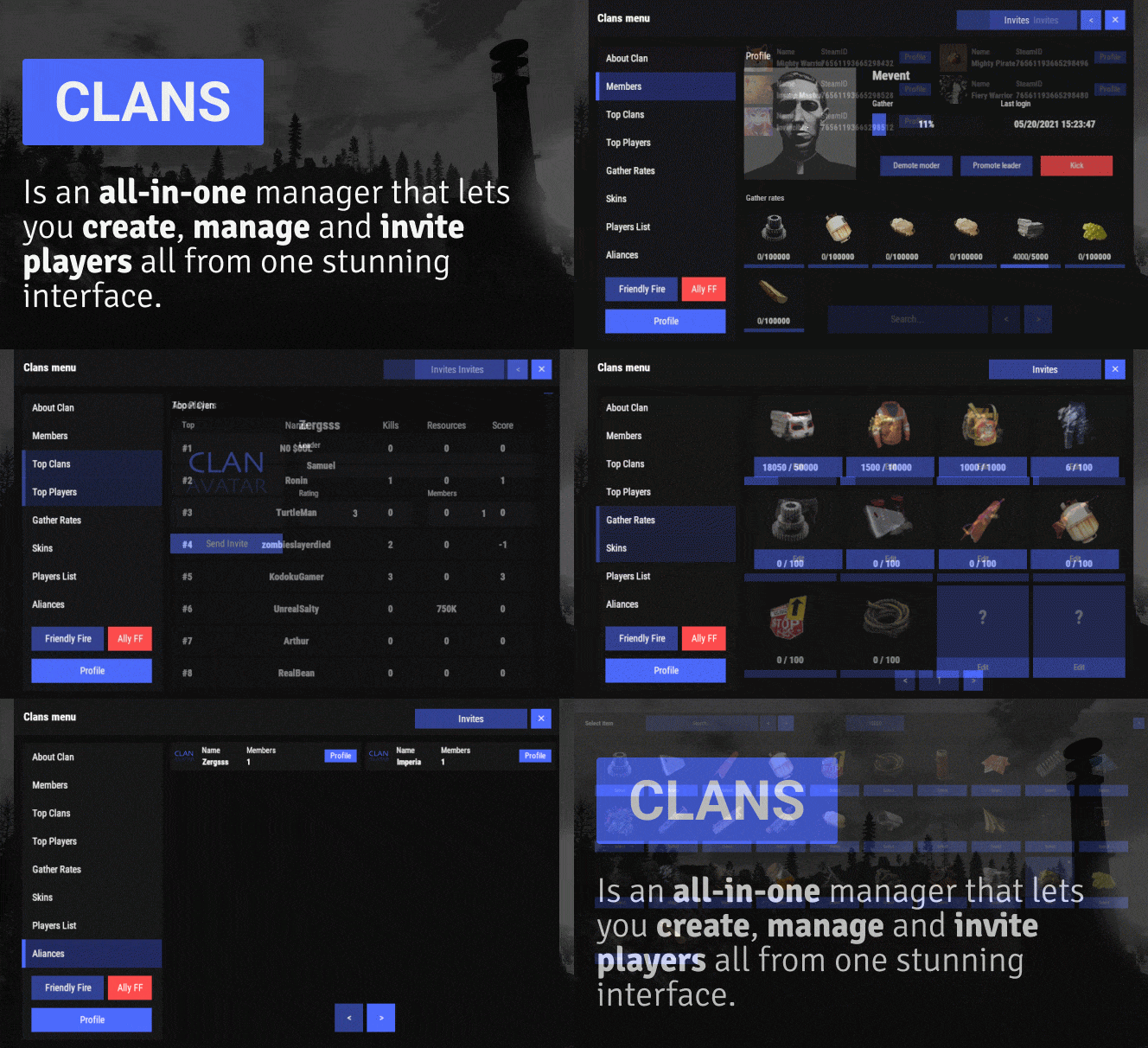 Regarding the first one: it's just displaying the availability of buttons. But, in order to add more items to which you can change the skin - you need to add them in the config Regarding the second one: yes, you can enter any skin by its ID
 -
Hi! Not at the moment, but we can add
-
Hi. Regarding the second point, it's not a skin search, but the ability to set a specific skin (skinID).I didn't quite understand about the first point, can you give me an example?
-
Hi! You need to download version 1.0.10 and change the parameter "Display notifications on the top right?".
-
Kk, I’ll add to the Todo list!
-
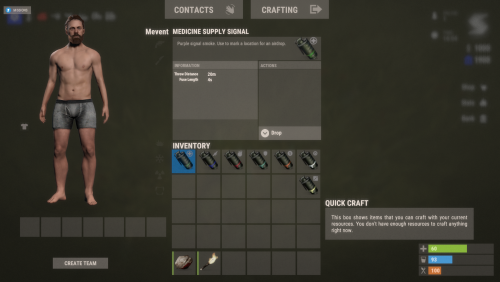 Hi! Try calling airdrop without AlphaLoot
 -
.thumb.png.6fb63bc7327c60bdc01a5e1225049c1d.png) Hi, sorry for the very long reply, is your enquiry still relevant? If yes, can you please give an example of interaction?
Hi, sorry for the very long reply, is your enquiry still relevant? If yes, can you please give an example of interaction? -
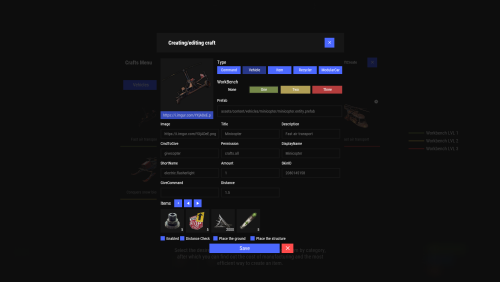 You need to check the configuration of the Crafts plugin, and compare it with the configuration of the PanelSystem plugin. Most likely, there is a wrong plugin name or hook there
 -
 Please, send me your config
 -
Have you tried doing oxide.reload Battlepass?
-
Please can you write in English, because of the translator I don't understand you very well.
-
yes, of course. RustRewards increases the balance in Economics, and my Shop plugin will get the player's balance from Economics
-
For example, when using Hud - notifications will be under the inventory interface, and when using Overlay - above it
- 109 comments
-
- 1
-
-
- #notify
- #notifications
- (and 5 more)
-
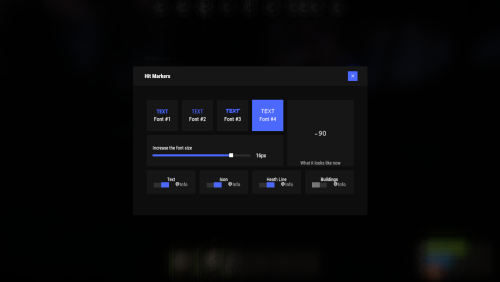 Yes, of course!
 -
Great, it looks like you've solved the problem! If you have any more questions or difficulties, feel free to get in touch. I'm always ready to help.
-
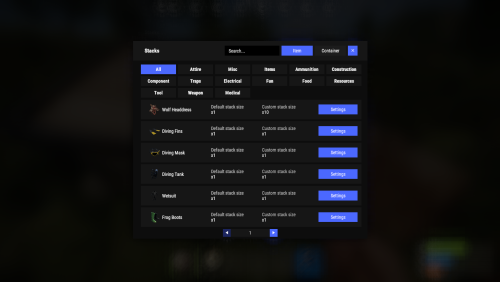 Yes, we'll add that in an update
 -
 Yeah, okay, we'll do it.
