

ManOWar
-
Posts
113 -
Joined
-
Last visited
Content Type
Profiles
Warranty Claims
Downloads
Forums
Store
Services
Downloads Plus Support
DOWNLOADS EXTRA
Reels
Everything posted by ManOWar
-
 Thank you for the info! Is there a command or another way I can pinpoint any skins in the database that it cannot find?
 -
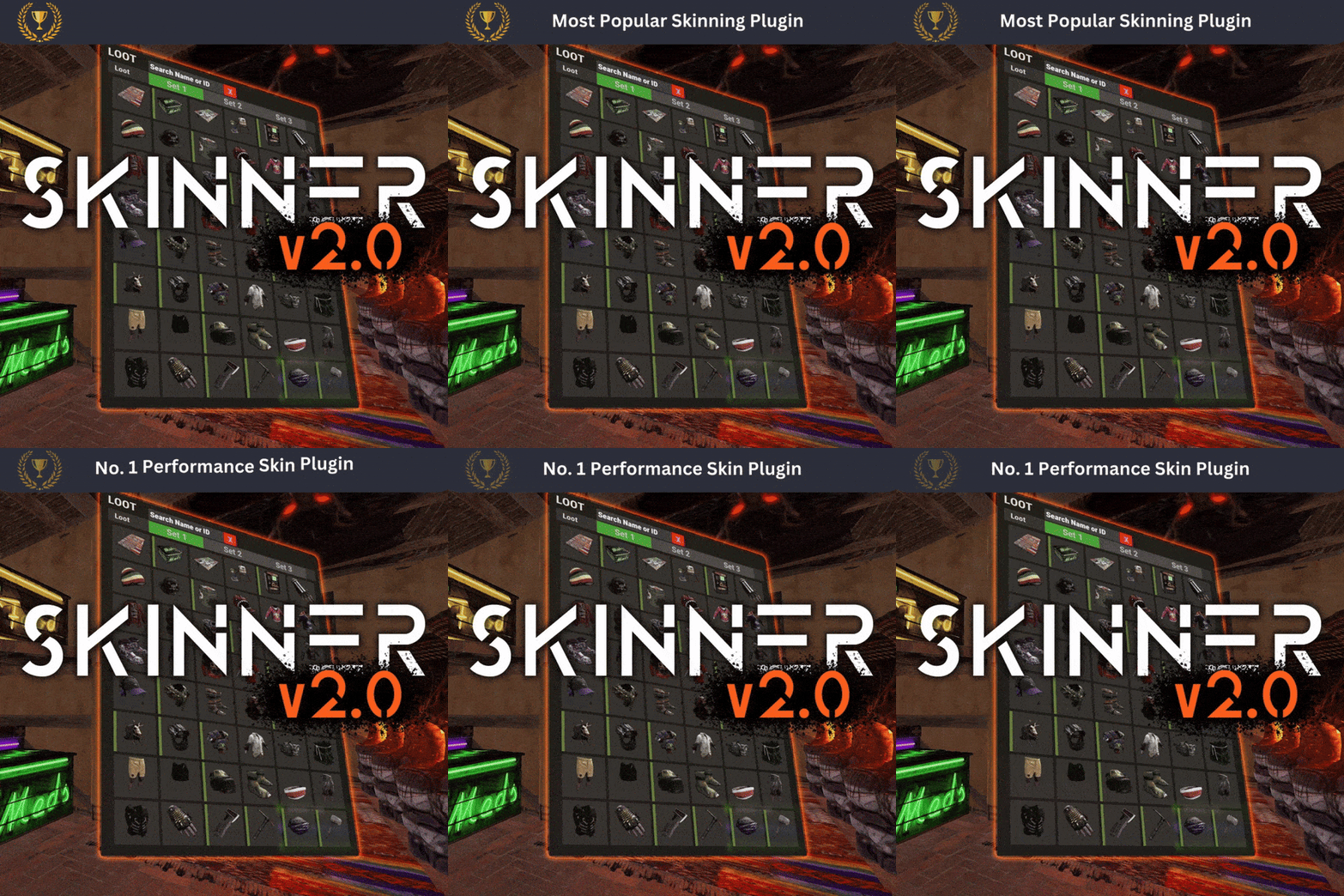
Hello Whispers, I'm a huge fan of this plugin! It is far and away the best skinner plugin on the market! I've only been having one issue with the plugin, and I was hoping you could shed some light on it. Anytime the plugin is updated or a new player is using it for the first time, it takes a very long time for all the skins to load onto the screen when they're trying to skin an item. It can take up to 5-10 minutes sometimes. I've added roughly an additional 2500 skins to the skins database via the /sip command. These are skins in the Steam workshop. So, in total, I believe there are around 7k skins. Is this the problem? Is there a number of total skins that I should stay under? Thank you!
-
.thumb.gif.373d36627c47510f354795c4bac4a85e.gif) Hello, what is the process to get this installed on a map each wipe?
Hello, what is the process to get this installed on a map each wipe?- 5 comments
-
- 1
-

-
- #outpost
- #banditcamp
- (and 7 more)
-
 Hello, I absolutely love the idea of this plugin. What features, if any, are you planning on adding to it over the coming weeks and months? Like integrating with AlphaLoot and so forth. Having NPC\Scientists built-in to the plugin automatically is really what I'm hoping for. I don't want to have to add thot stuff manually. If you spawn in the monuments mid-wipe, do they stay in that location the rest of the wipe? Or do the monuments despawn after a preset amount of time like your other event plugins (convoy, armored train, etc.) Assuming they all have loot or keycard puzzle rooms that reset or respawn after a default amount of time, like regular monuments? Thank you!
 -
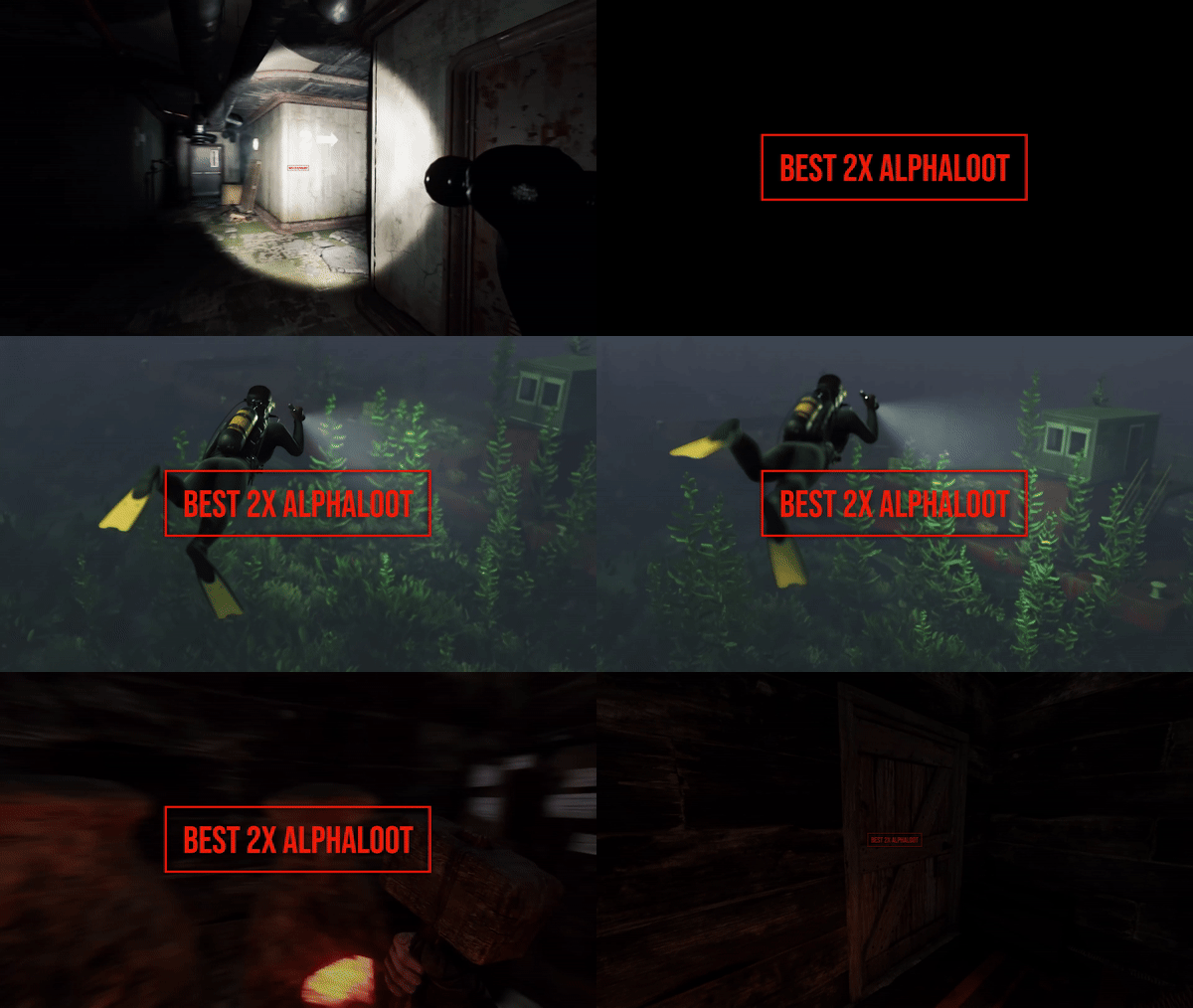 Very excited to see the update you made to this 2x loot table today! I've actually been unhappy with the exact things this update addresses and was planning to shop around for another plugin to manage this critical aspect of the server. So, thank you for implementing these changes and now I don't have to make a plugin change
- 26 comments
-
- 1
-

-
- #alpha
- #alphaloot
- (and 45 more)
-
 Hello, what is the character limit for the in-game notifications you can send to players who violate one of the measurables? I've customized the message, but it's too long, and the characters overlap one another, so the players can't read their violation message clearly. Is there a way I can edit how many characters the message is allowed to be? So, that it all displays correctly? If not, can you please edit the plugin so it automatically adjusts to whatever message size we configure? Thank you!
 -
 Oh nice, that makes perfect sense. Thank you!
 -
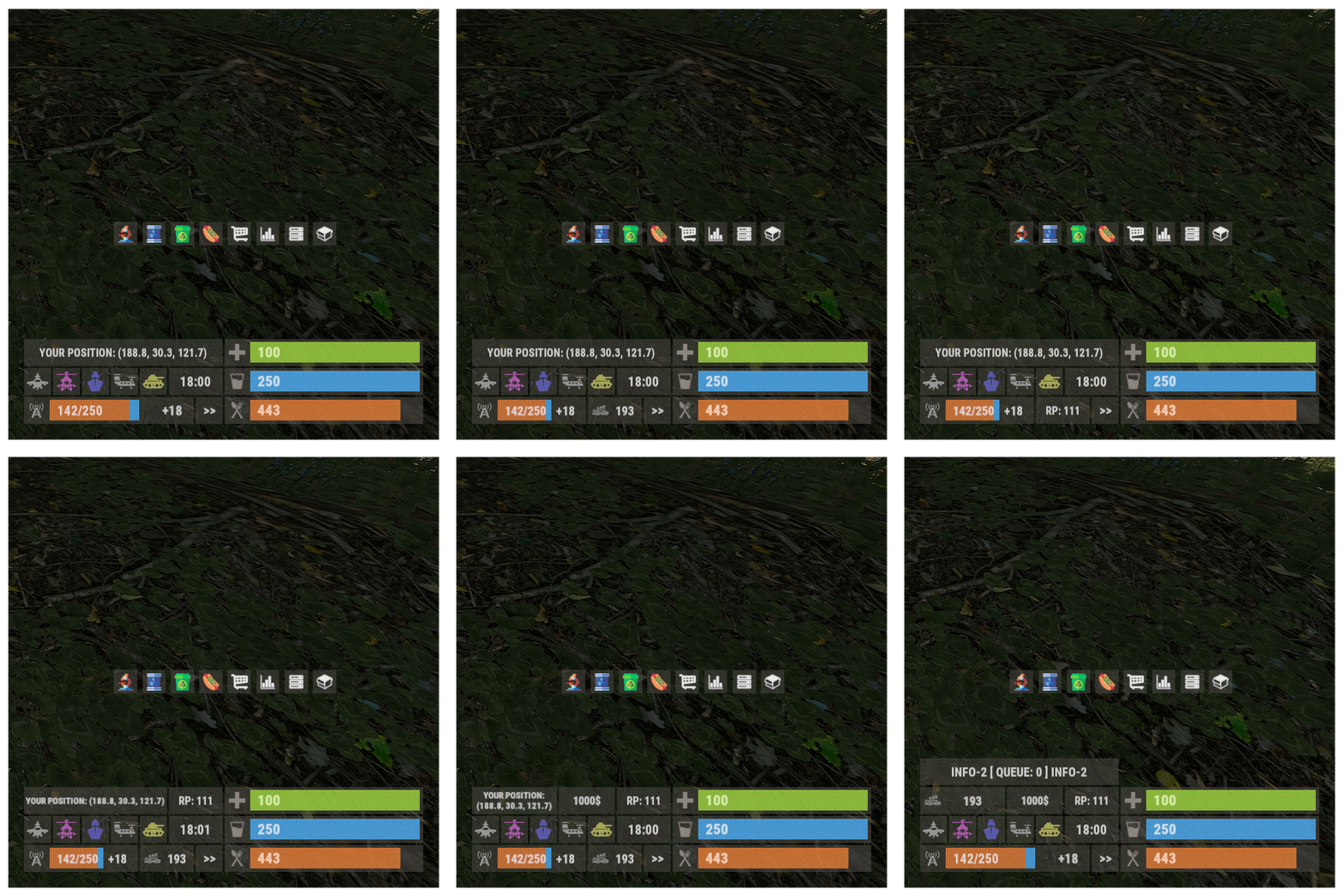
Hello Monster, I've had several players ask what the small tower-looking icon is to the left of the panel. It seems like it is clickable but it doesn't appear to do anything when it is clicked. What is this button for? Thank you!
-
 Perfect, thank you so much!
 -
 Hello Napo, does this plugin require hosting a bot in Botreeper or elsewhere for it to function?
 -
Hello NooBlet, is this plugin compatible with BetterChat or IQChat? Thank you!
-
I've implemented your solution. Thank you so much!!
-
Hello, I would like to disable the rewards feature as I do not use that on my server. However, I don't see how to do so within the config. I'm used to seeing a True\Falso option for that. Below are the only rewards settings I've found. Thank you! }, "Block teleport in the event area? (requires NTeleportation plugin) [true/false]": true, "Disable NPCs from BetterNpc plugin on the monument while the event is on? [true/false]": true, "Rewards settings (total values will be added up and rewarded at the end of the event)": { "Which plugins do you want to use for rewards? (Economics, Server Rewards, IQEconomic, XPerience)": [ "Economics", "Server Rewards", "IQEconomic", "XPerience" ], "The minimum value that a player must collect to earn rewards": 0.0, "Looting a locked crate": 0.5, "Killing a standard NPC": 0.3, "Killing a security guard": 0.5, "Killing a wolf": 0.4, "Killing an NPC on a Motorcycle": 0.4, "Liberating a hostage": 0.8, "List of commands that are executed in the console at the end of the event ({steamid} - the player who collected the highest number of points)": [] },
-
 Is this plugin actively being supported? Several issues have been ongoing for months, but no fixes are being implemented. I see that Iftebinjan took over the plugin back in August and has many other plugins here in Codefling. However, if you don't have time to support the plugin, then please give it up so it can be handed over to a developer who will support it. That is the reasonable and respectful thing to do for those who have purchased this. It's a beautiful HUD and should get the attention it deserves with support.
- 53 comments
-
- 1
-
-
- #hud
- #minimalist
- (and 9 more)
-
 Hey Wizz, yes, it does restart the server per the schedule you've set, and it will notify your players in game according to the notifications you've set. It's a fantastic plugin with a great looking UI. It uses the C4 beeping sound for your restart countdown, which is a nice touch. You can also integrate it with your Discord server if you'd like to relay the notifications to a channel there. Most importantly, the developer is very responsive. It's a solid plugin and well worth the price.
- 115 comments
-
- 1
-
-
- #restart
- #rustplugin
- (and 5 more)
-
Hello Crash, I'm unsure of when it started, but I just noticed this morning that the plugin is not counting down the last minute with the audible sound or the UI notifications. Below is my config. I was under the impression it counted down the last minute automatically. Is this something I need to do manually now? It is counting down the 15-2 times that I have manually added to the config, but nothing for the last 1 minute. I'm assuming the 'UseFullMinuteCountdown' setting is just for Discord notifications. Thank you! "Version": "2.3.0", "Restart": { "RestartTimes": [ "11:00" ], "AlertSound": "assets/prefabs/locks/keypad/effects/lock.code.lock.prefab", "UseSound": true, "UseChatAlerts": true, "UseQuitCommand": true }, "PlayerRestrictions": { "MaxPlayersBeforeCancel": 10, "RestrictPlayerCount": false }, "Alerts": { "InGameWarningTimes": [ 15, 10, 5, 4, 3, 2 ], "DiscordWarningTimes": [] }, "UpdateCheck": { "CheckForUpdates": true, "CheckInterval": 600 }, "UI": { "UseCustomUI": false, "UseRustUI": true, "CustomUI": { "AnchorMin": "0 0.5", "AnchorMax": "0 0.5", "OffsetMin": "10 -45.9695", "OffsetMax": "177.325 46.7435", "CheckIcon": "✓", "CrossIcon": "✖", "CheckIconColor": "0.5568627 0.7764706 0.1843137 1", "CrossIconColor": "0.7764706 0.5137255 0.4196078 1", "BackgroundColorHex": "#5095C4", "TitleFontSize": 12, "MessageFontSize": 10 } }, "Discord": { "WebhookUrl": "https://support.discordapp.com/hc/en-us/articles/228383668-Intro-to-Webhooks", "ServerName": "", "DiscordNotifications": false, "UseFullMinuteCountdown": false } }
-
As referenced in a previously opened and unresolved ticket of yours (https://codefling.com/files/support/16304-once-changed-building-skins-cannot-change-again/), switching skins on a base doesn't work when doing so from the TC or using the /bskin build command. You can only switch the skin on a building if defaulting back to basic stone or sheet metal. However, you cannot switch to shipping container, brutalist, adobe, etc. When trying to do so, it tells you that all building blocks already have that skin, even though they do NOT. The only resolution is to hit every building block with the hammer to switch it. Is this an issue you plan on fixing as it's roughly 70 days old? Thank you!
-
I did. Thank you for the quick fix!
-
Getting the same error.
-
 No....clearly, I didn't see it, or I wouldn't have said as much. Yes, I do see it now that you've so kindly pointed out how nicely it seamlessly blends in with all the other green shit in the screenshot....but thank you for your help. I'll see if I can find someone else who's not an asshole to help me with this....ffs Nice you treat people like this who are looking to spend money for your time and effort...
- 8 comments
-
- 1
-

-
- #hall of shame
- #hallofshame
- (and 8 more)
-
Yes, I realize that. It's just that your plugin gave me the idea for it, as it's already doing something similar. So, I thought of it, and you could probably easily make something to do what I described. You didn't list your Discord server name, link to, etc., so how can I reach out to you there?
-
K. So, I guess this doesn't really apply to or change anything about what I'm doing? My scheduled restarts are working as needed. However, it would be nice if there was an option to shutdown the server instead of restarting it. I need to do this occasionally when adding or updating a plugin, where I need the server to be off while I upload files to it and then power it back up. I'm manually shutting it down now via my hosting provider panel, but it would be nice to have a red warning message on the server via AutoRestart that says it's being shut down for maintenance instead of the blue restart. However, I can't use the Restart option in this scenario because I need it to stay powered off momentarily while I make changes. When I manually shut the server down, no warning is presented to players, so I have to message them myself. Again, this isn't something that happens regularly, but it'd be a lovely QoL feature to add and just make it a run-on-demand command, where we could still set a timer so players can make their way back to base and whatnot. Thank you!
-
Hello, what is the purpose of the UseQuitCommand? Is that like a manual command we can run to shut the server down instead of restarting it? If so, how exactly do we use it? I've updated my plugin and see that it is now listed in the configuration and enabled by default. Thank you!
-
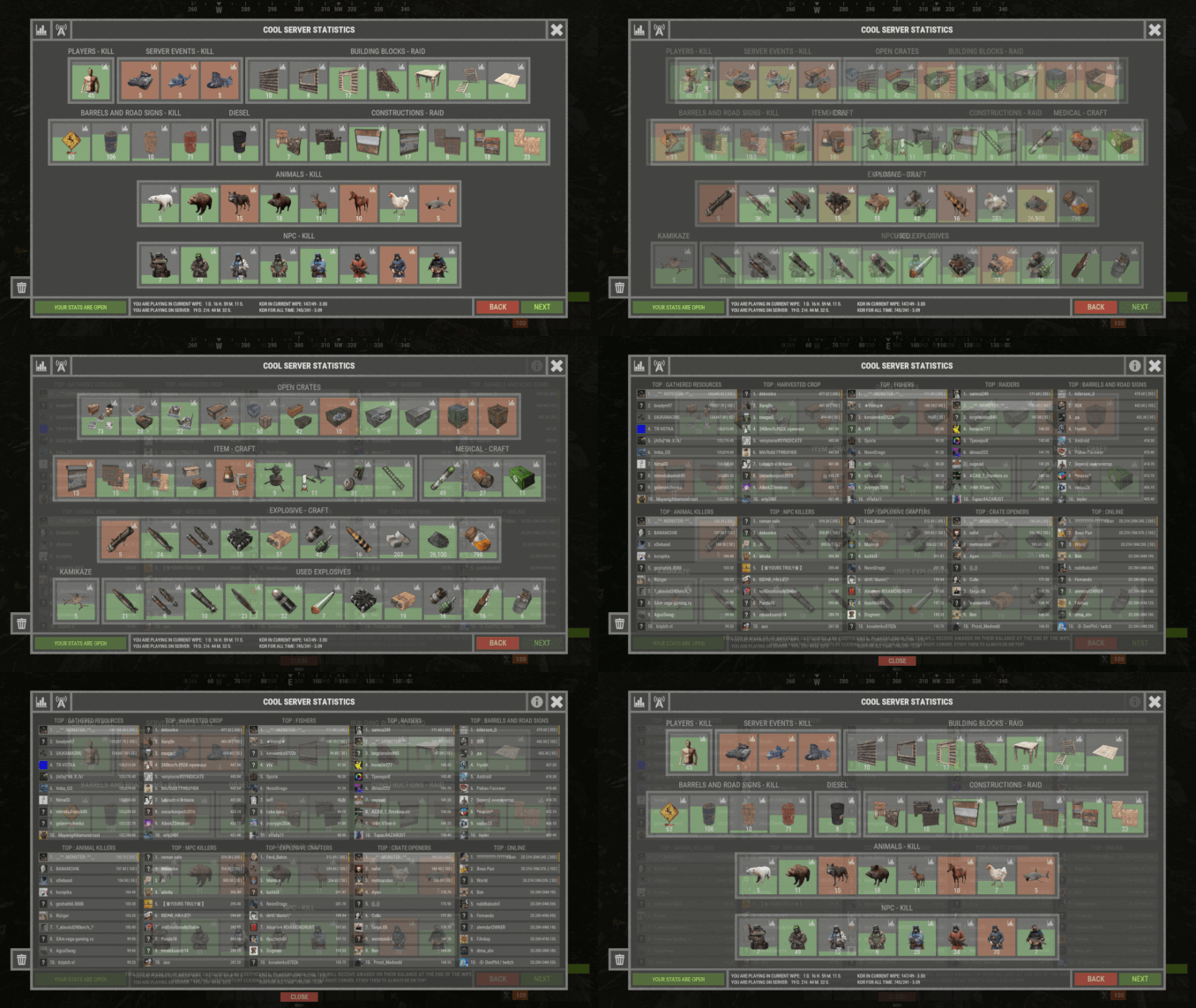 Nice! Electricity generated is a cool one for sure. Thank you! Now, I just have to figure out how to do it...lol
 -
Hey Monster, Is it possible to add a new category to the config for Electricians? One that would track stats for placed wind turbines, solar panels, all three battery types, turrets, smart alarms, smart switches, cameras, and industrial components like autocrafters, splitters, combiners, etc. Tracking the amount of wire and piping ran if that's even possible? Just full tracking of electrics so the player base can track who is the top electrician on a server? That would be amazing! Thank you!