


-
Posts
654 -
Joined
-
Last visited
-
Days Won
1
Content Type
Profiles
Warranty Claims
Downloads
Forums
Store
Services
Downloads Plus Support
DOWNLOADS EXTRA
Everything posted by 0g.Ghost.7373
-
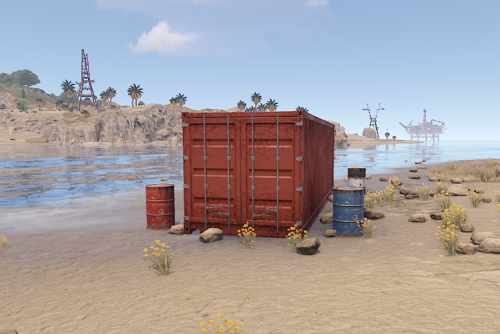 Have had a few of these opened and looted for an hour or more... When do they reset?
 -
 If this added discarded items from across the map (minus DLC and other prohibited items/skins) and auto started the auctions, it would be awesome.
 -
 Players love this. The NPC is sometimes very hard to find. It can be anywhere. We ave spent hours looking for it to be right outside Outpost or in the middle of the Arctic part of the map. lol Good job Wreck's!
 -
 Anyway we can get a "Kill trees in the spawn position of locations? [true/false]" for this? The pyramid and a few others always seem to have a tree blocking part of the building inside.
 -
 Correct. There's a new plugin that checks, Player DLC API on Umod if you want to try and hook into that like others have.
 -
They will load. since people that paid for them need to be allowed to use them FP updated their ToS, we can no longer use any paid DLC or skin if we do not own it. Edit: Well we can use them but they can not drop and be used by a Player that has not bought them.
-
If you use the skins, watch out, Some are prohibited now. Unless the bad ones were removed?
-
 You make the vehicles, I believe... can you give some help? https://codefling.com/files/sc/25288-custom-vehicle-prefab-error/?tab=comments#comment-125155
 -
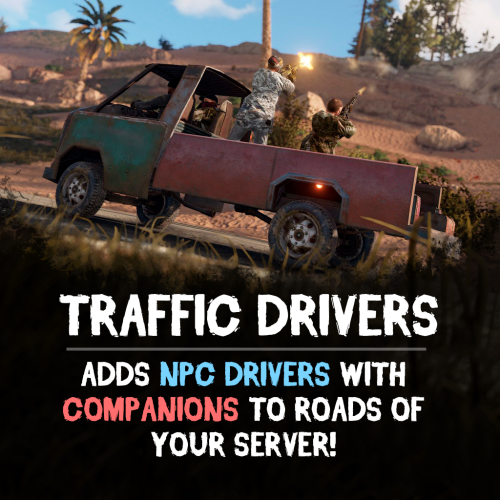 Added a Support request. I get it to spawn the Custom Vehicles but they have no NPC's....
 -
Any way you can make it so all we got to do is input the vehicles prefab name? Would be nice if it was for all of them, Heli, Cars, Boats, Planes....Bikes/motorcycles....
-
What event? They auto spawn and once dead, respawn after a certain time.... I have never had the Map Marker work. But fly around your roads, you'll see them.
-

Stack Everything - Stack all entities, Chest Stacks, Farm Stacks, and more
0g.Ghost.7373 commented on Scalbox's file in Plugins
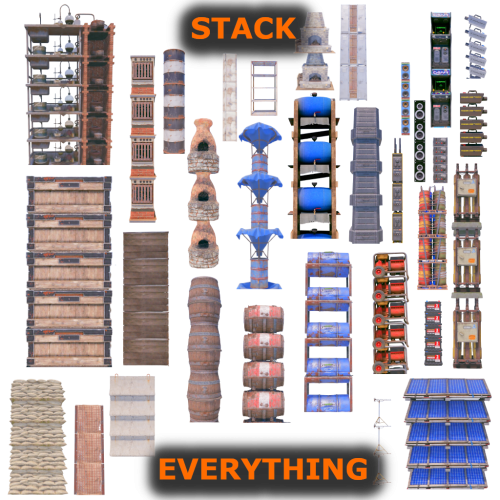 I was stacking planters and on one I hot the mouse button faster and heard 2 placement sounds.. Testing, I can stack as many as I want in the same spot., it is only stopped by the max amount in the config. So for me, I can have all 10 in a spot where there's the base one and 9 more are right above it. But it shows 2.
 -
 Under Box Setup, can we get an example of what to put there? "Another container prefab (you can leave it empty)": ""
 -
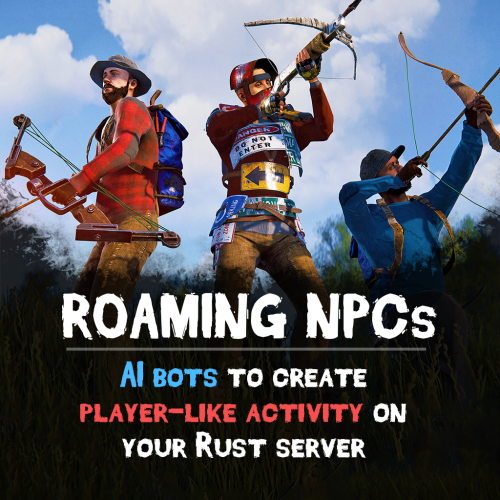
Anyone else running this and Roaming NPCs? Wanting to see if what I think is going on really is.... Since I added Roaming NPCs, there's a lot of Vehicles on the roads damaged Used to be a very few actually on the road. I am thinking the Roaming NPCs are attacking them and the C4 is not powerful enough to remove the vehicle. If this is so, is there a way to add more than one C4 or to make it more powerful?
-
 Had a player point out that you menu doesnt pop up for medieval.box.wooden.large, krieg.storage.vertical, and krieg.storage.horizontal Just letting you know.
 -
They also do not make a box and put stuff in it. I turned off Stash and just have the box active. I am watching the NPC's loot and farm until full then they stand there.
-
I see where it's getting them. It is dropping the AK and Shotgun DLC items that the config gives them.
-
Is there a way to stop them dropping DLC items? Had one drop an Abyss AK and one drop a Krieg shotgun. I have no idea where they would have picked these up.
-
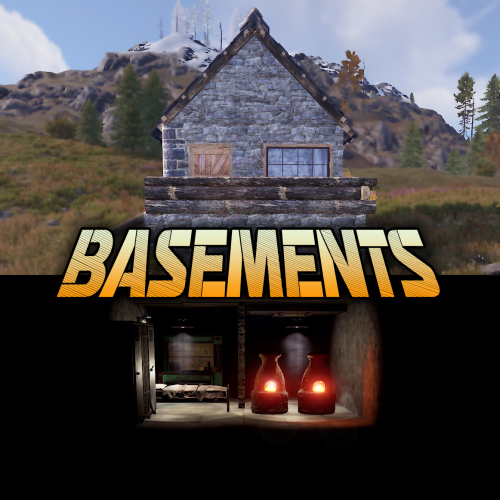 Yeah, I had a player thinking she would fall and die. We tested and it seems to be there, just pitch black. Even adding a light adds a odd effect lol
 -
 Anyway to make it so they do not drop what they are wearing? I want to use the different hazmat suits and skinned attire but dont want players to get the prohibited items.
 -
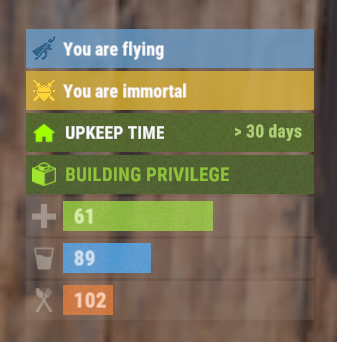 This only seems to work when noclip is on? Shouldnt it show Godmode when you are in it even if noclip is not active?
 -
 It was Vanilla 20, but I even tried raising it. Orchids and everything that uses Orchid stacks right, except the Miners Root. It will stack in 5 when the planter does its thing, but if you try to move the stack, it will only move 1.
 -
Any idea why everything except Miners Root stacks?
-
 After more testing... If "Disable PVE Rules In Zones" is true then it makes a new zone named after the cord of the player and allows PVP. No matter what base is attacked, it makes a new zone.
 -
Welp, got a discord message someone was raiding other players. After stopping them and doing some tests, since last update of the plugin, you shoot a building once, get warned it is PVE, but it then turns you PVP and you can just drill your way in.
