

Marcell Pickard
-
Posts
40 -
Joined
-
Last visited
Content Type
Profiles
Warranty Claims
Downloads
Forums
Store
Services
Downloads Plus Support
DOWNLOADS EXTRA
Reels
Support Center
Everything posted by Marcell Pickard
-
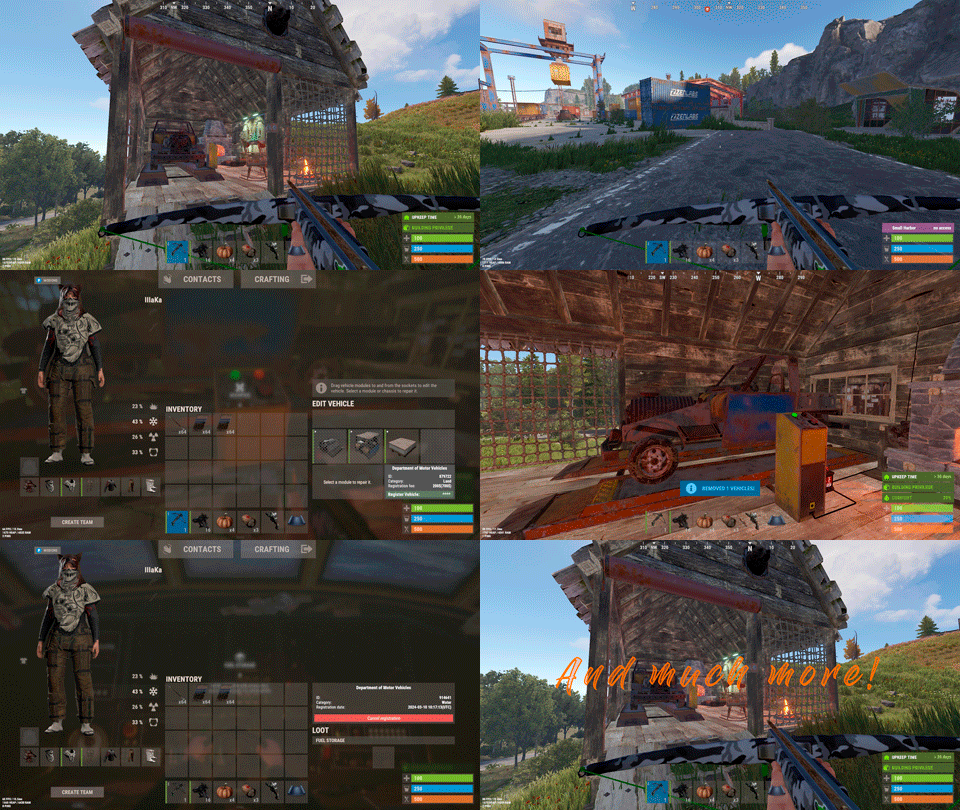 A little confused with the plugin, I have dynamic PVP, zone manager, and Zone Manager Auto Zones. My goal is to make everywhere PVP except monuments and events like patrol heli or cargo etc. First time trying to run a PVE/PVP server and its actually a lot more complicated than I thought. I got a couple of questions. - Does spawning a Player NPC count as a normal player? Trying to test it is there anyway to test it without another real player on - Following that question it allows me to kill the NPC even though I have server.pve "true" set it should technically default to PVE unless zone rules apply PVP correct? - On the Abandon Bases plugin (which is something I want to get after configuring this) states that server.pve needs to be set to false. So which would it be with this plugin and that plugin installed. - This plugin if I understand correctly automatically identifies monuments and allows you to adjust permissions on the specific monuments, so do you not need zone manager then? Can someone help me understand some things? Been trying to figure this out for the last three days first started with truepvp figured plugin was broke now trying to figure this one out. EDIT: finally figured it out got a friend to help me out with testing zones. It was extremely misleading thinking zone manager would work for considering I used zone manager auto zones and dynamic PVP I was thinking there was some way to add the zones to realPVE and it would also force PVE game mode on server causing issues for the PVP zones. It wasn’t until I switched to monument watcher that things started working. Just some quick questions, - Is there a way to just turn off monument purchases/reserved? The zones are only intended to be PVP so I would just feel better disabling the feature completely. - Is there a way to add notification for when user has left PVP zone and is no longer on PVP timer? - Is it possible to add PVP zones to supply drop locations?
 -
 Ahhh so it doesn't post a new message like before? It just edits a message. That makes more sense now, gotcha
- 306 comments
-
- 1
-

-
- #updates checker
- #plugin
- (and 5 more)
-
I have tried it multiple ways trying to see what works, I have copied it from an older message posted by the plugin before. I have held SHIFT-Left-click to get the channel to open up in browser which it states in guide is the way you get channel ID and message ID. Not entirely sure if I am just really special or if this isn't working.
-
Still not understanding what I am doing wrong have tried it both of these ways, "Discord WebHook": "https://discord.com/channels/651455552517570586/1123789761535025192", "Discord message ID": "1123789761535025192", "Discord WebHook": "https://discord.com/api/webhooks/1138980789560819745/ZTNIh27Fa4zBw6qWfWrmqbo-KWNFklDEz-6CDOIdVS1e-Ud5ysieNDefL6xL2GykYB1y", "Discord message ID": "1123789761535025192", Is it maybe because interval is set to 1440?
-
Here it is UpdateChecker.json
-
I don't know why the discord hook stopped working but it stopped sending them. I am thinking the plugin is broke or something. I have made a new webhook thinking the other was being rate limited but still nothing.
-
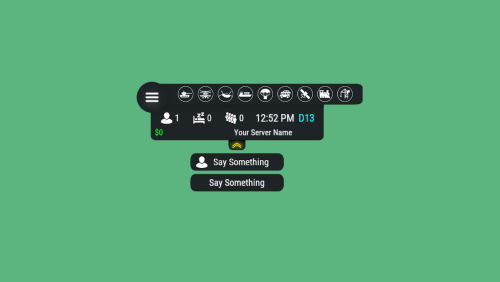 Hey is this normal for the plugin? It's the only plugin that has a crazy respond time. 53 "Hud" (3.0.7) by ahigao (43.09s) - Hud.cs
 -
My fault, thanks
-
<color=ff9500> </color> no longer works on server name.
-
Bro please stop updating the plugin so much lol just wiped my config again
-
Scaled(99).thumb.jpg.20c394dff954b0dfeadee0b5a847da6b.jpg) I am not 100% sure either but just incase I don't want to be that guy. Did you find it?
I am not 100% sure either but just incase I don't want to be that guy. Did you find it? -
 Yeah think we got it sorted on the discord ticket thanks for the quick response brother! It is definitely making them still while in vanish
 -
This dependency is stopping all NPC's from moving on the server. Have troubleshooted the issue NPCspawn is 100% the issue.
-
I don't want to knock this guys hustle, nor do I want to violate policy and rules on this website so I wont post it. However if you just look up rust raid protection, pretty much first codefling link is the one I got. Doesn't work exactly the same but I find it beneficial to the framework on my server.
-
 Hello is there a way to change the positioning of the protection and upkeep? I have auto base upgrades and it is conflicting with the graphics.
 -
Yes I keep everything up to date, raidable bases is the lastest version on my server. I emailed the developer of this plugin and added him on discord. I just decided to go with another plugin, bit more expensive but I need a more reliable plugin for future proofing instances.
-
Yeah same here, players complaining that the protection is on raidable bases now.
-
 With the current configuration I got it to start spawning really high tier loot which its pulling from the elite crate, however I am not seeing components, that's why I was wondering if it is possible to have it pull from two different loot containers.
 -
Thank you I am starting to understand the plugins configuration a bit more, I realized there is a prefabs amount, and there is an items min-max amount. So if I want more probability of items this should be higher. "Own loot table (if the loot table type is 1 or 5)": { "Minimum number of items": 1, "Maximum number of items": 2, "Use minimum and maximum values? [true/false]": false, "List of items": [
-
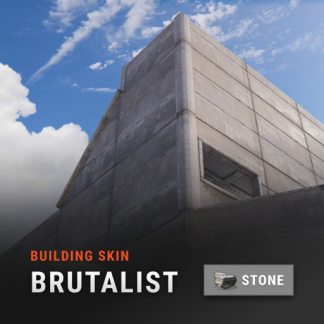 Hey I got an issue I just loaded the plugin in, menu doesn't show pictures. Also is there a way to use the specific color of metal you want?
 -
Is it possible to add multiple prefab containers other than just the elite crate? So the elite crate and a barrel or wooden box?
-
Sorry I think I understand now, I need to use option 5(combination) instead of 2(alphaloot) then it will work as intended.
-
I don't know why but the loot tables don't seem to be working for me. From my understanding the minimum number and maximum number prefabs is the variable of loot containers that will spawn as far as loot, so 3x means 3 times the amount of loot. However this is not the case for me, 1x 1 times the loot spawns every time. Can you please explain to me what I am doing wrong or does this simply not work? "Door position (not edited)": "(-3, 4.008, -4.5)", "List of crates": [ { "Prefab": "assets/bundled/prefabs/radtown/underwater_labs/crate_normal_2.prefab", "Position": "(-3, 4.108, -3)", "Rotation": "(0, 0, 0)", "Which loot table should the plugin use? (0 - default; 1 - own custom loot table; 2 - AlphaLoot; 3 - CustomLoot; 4 - loot table using Rust prefabs; 5 - combination of method 1 and 4)": 2, "Loot table from prefabs (if the loot table type is 4 or 5)": { "Minimum number of prefabs": 3, "Maximum number of prefabs": 3, "Use minimum and maximum values? [true/false]": true, "List of prefabs": [ { "Chance probability [0.0-100.0]": 100.0, "Prefab path": "assets/bundled/prefabs/radtown/crate_elite.prefab" } ] }, "Own loot table (if the loot table type is 1 or 5)": { "Minimum number of items": 1, "Maximum number of items": 2, "Use minimum and maximum values? [true/false]": false, "List of items": [ { "ShortName": "scrap", "Minimum": 100, "Maximum": 200, "Chance probability [0.0-100.0]": 100.0, "Is this a blueprint? [true/false]": false, "SkinID (0 - default)": 0, "Name (empty - default)": "" }, { "ShortName": "ammo.rifle", "Minimum": 128, "Maximum": 256, "Chance probability [0.0-100.0]": 100.0, "Is this a blueprint? [true/false]": false, "SkinID (0 - default)": 0, "Name (empty - default)": "" } ] } } ], "The door opens after this attack wave": 1
-
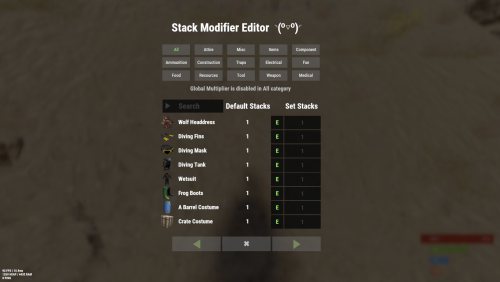 So I got two things I would like to get figured out, I seen this plugin, I have been using free version about two years. For several months maybe like 4 months I have noticed High Quality Metal Refined does not stack to 300, if I change it in the config file or reset through controller and put back to 300 it then allows it to stack to 300 until the server restarts then it only allows 100 in a stack. From my understanding the paid version would fix weird bugs like that and stuff, however after purchasing the paid version it still exist. Can you help me figure out why this is? Also on another note, I use https://umod.org/plugins/stack-item-storage it is also a plugin you developed, it is no longer working, I am not sure if that's because it doesn't work with the paid version or if you just haven't updated it, but thought i'd say something.
- 204 comments
-
- 1
-
-
- #stacks
- #rust stacks
- (and 22 more)
-
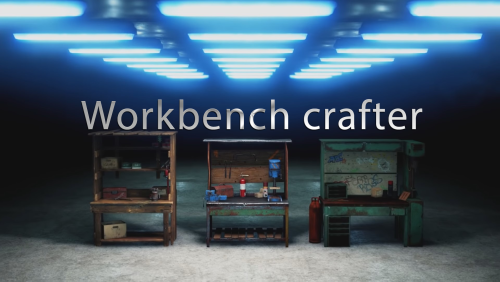 Also just found something else out, bullets I left crafting yesterday disappeared, also noticed workbench was set back to normal instead of auto, then tried to craft some didn't work (boxes are not linked even though I did), this is when I realized the plugin must of reloaded it self and reset itself back to default? I was using workbench extender before and when I had uploaded this one the server crashed, I am no longer using that plugin as this makes for a better balanced replacement, so maybe that messed with the plugin I hope fresh build of the server and freshly compiled files will help fix the issue, if you got any info for the issue please let me know because I am a bit lost on this one.