hid333
-
Posts
1,263 -
Joined
-
Last visited
-
Days Won
2
Content Type
Profiles
Warranty Claims
Downloads
Forums
Store
Services
Downloads Plus Support
DOWNLOADS EXTRA
Reels
Everything posted by hid333
-
From today’s official update, not only can the tech tree no longer be blocked, but it is now possible to unlock every tech tree even without having any items at all. In addition, even when the settings are configured so that the tech tree should be unlocked via items or Economics, those configurations are not being applied and have no effect.
-
unblock techtree
-
The following warning will appear, but the following setting in PlayerRanks is set to true: "AddTitleHoldersToGroup": true, PlayerRanks integration: no permission groups found for title categories. Make sure 'AddTitleHoldersToGroup' is set to true in PlayerRanks config.
-
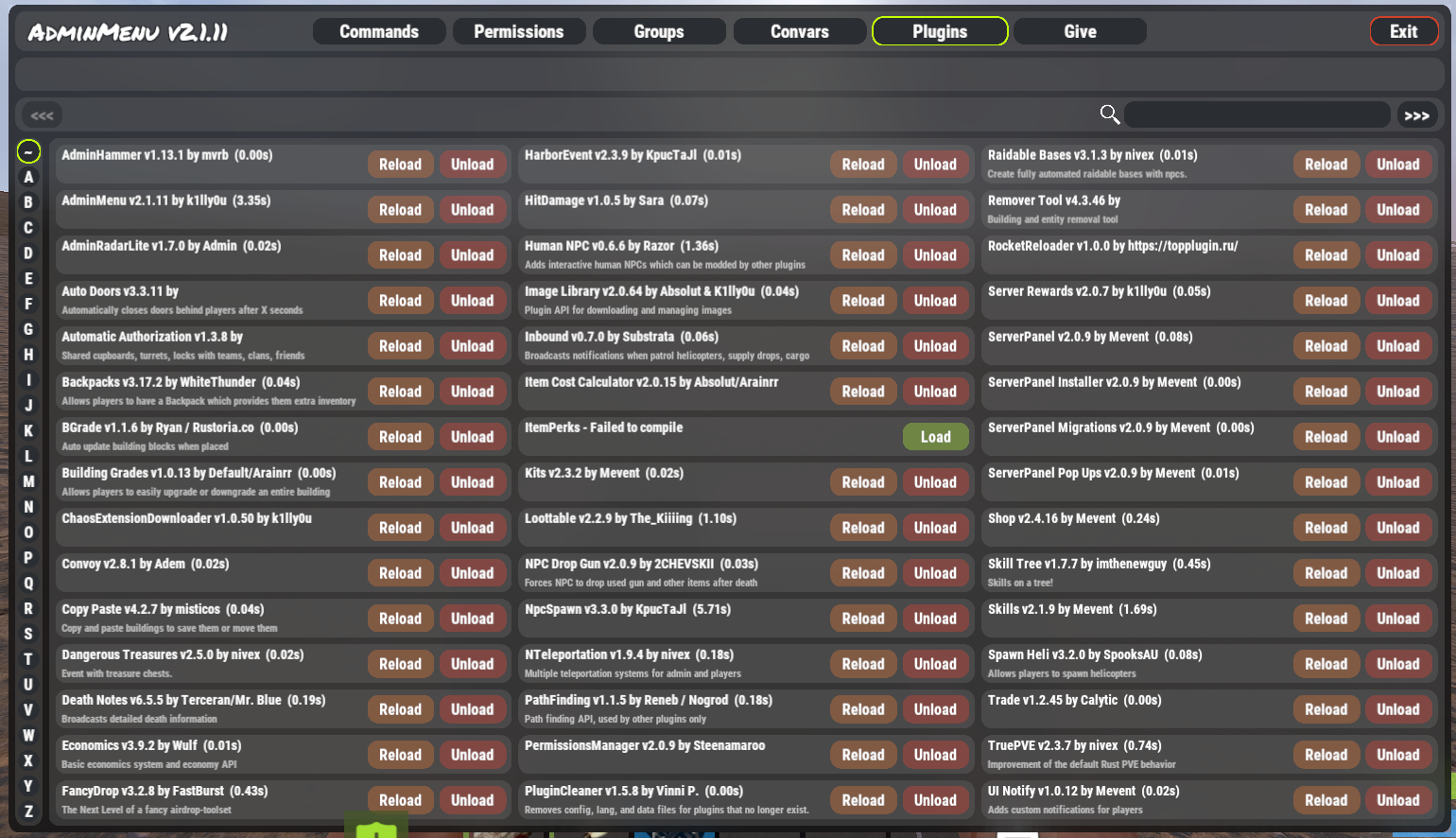
With today's official update, scrolling using the mouse wheel is no longer possible in the admin menu's plugin list and other areas.
-
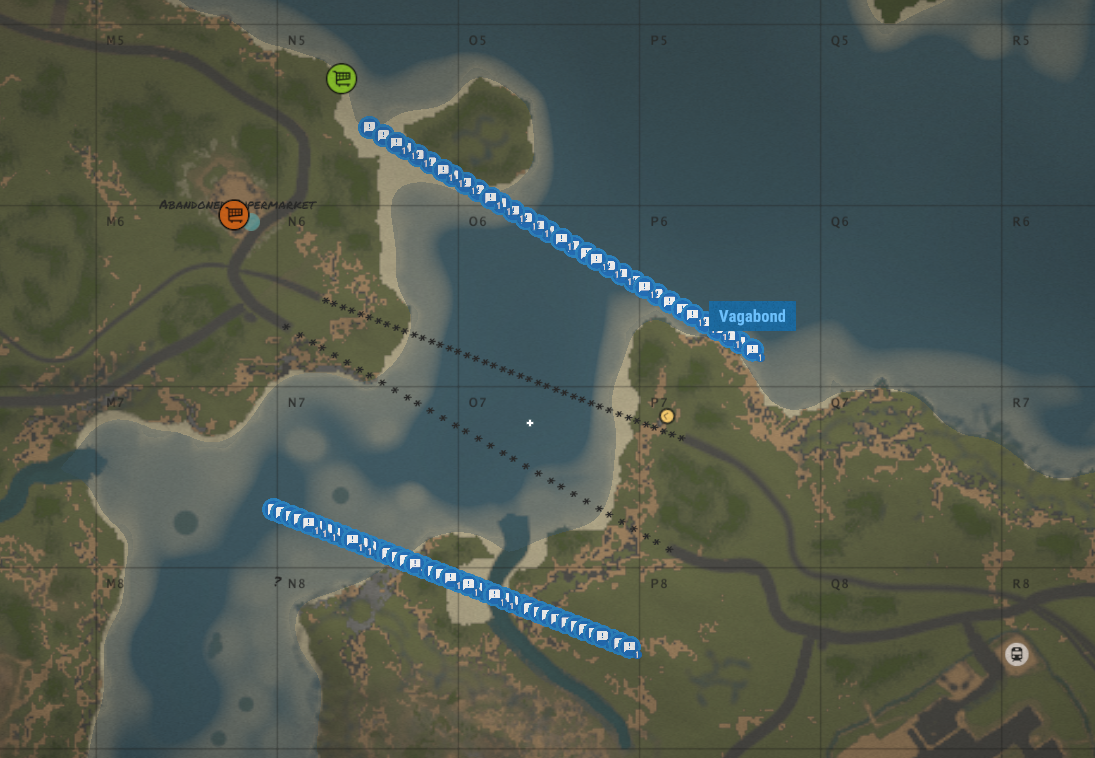
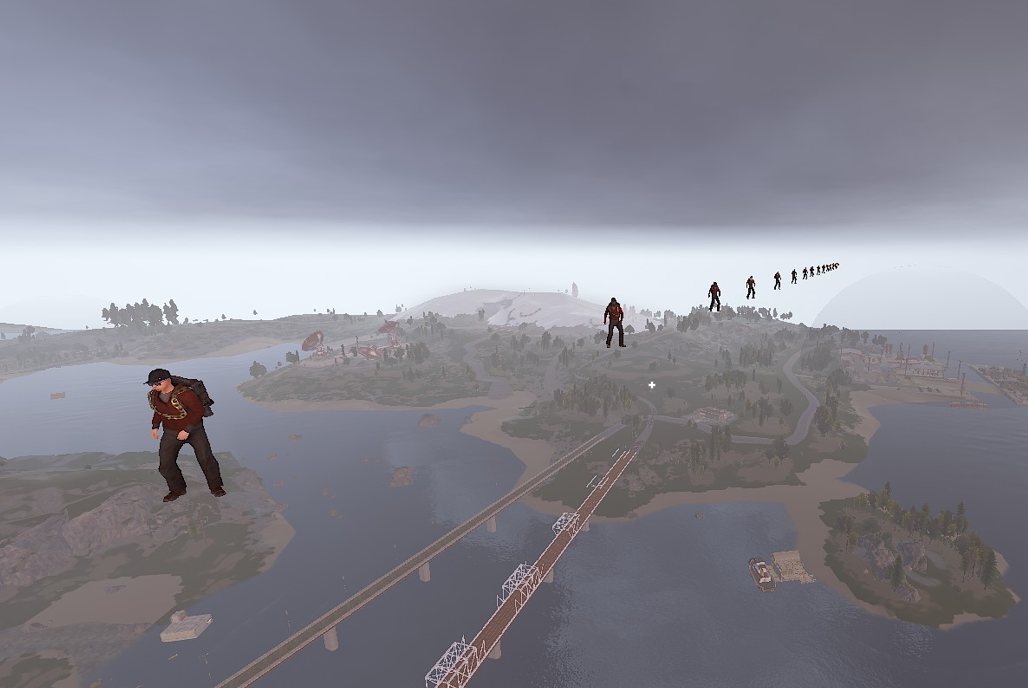
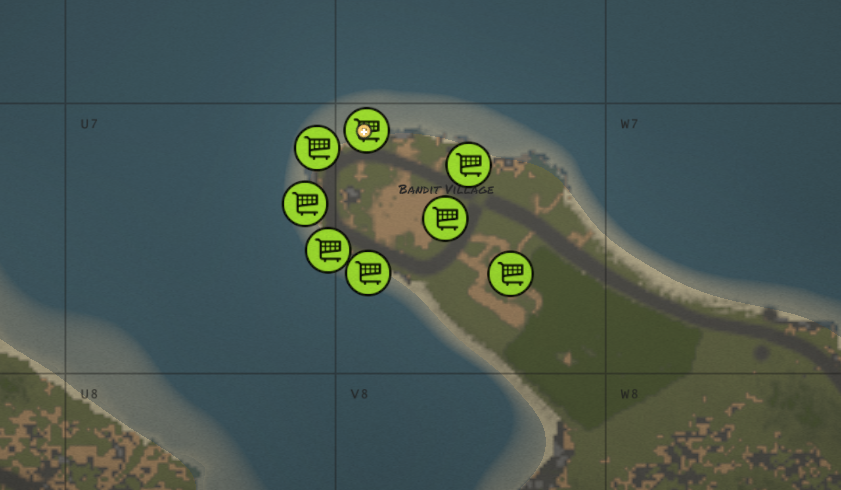
Roughly speaking, when adding NPCs, the system automatically finds a nearby monument and spawns them from there. As is common with custom maps, bridges are sometimes displayed as "*", and I suspect that generating a large number of NPCs from that point is causing the system to lag.
-
This might be a related issue, but a large number of NPCs were appearing on the map.

-
Using `cases.trader move` puts a load on the client and reduces the frame rate to 15 FPS. There are no issues with my PC's specifications. Once a trader is added and moved, it becomes a slow, choppy process until I save it.
-
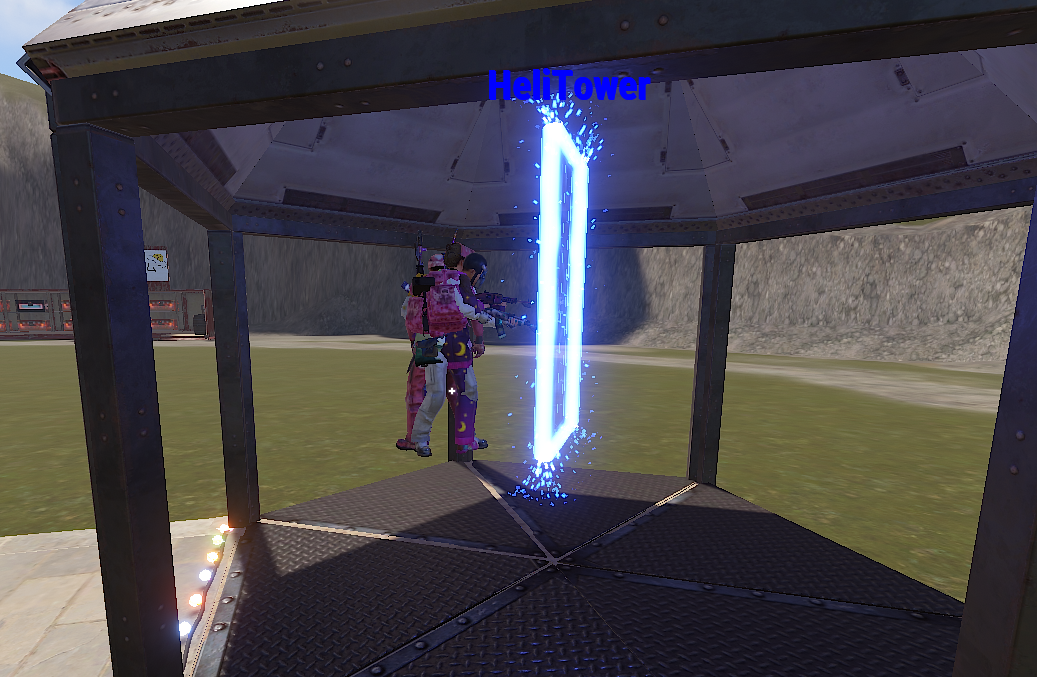
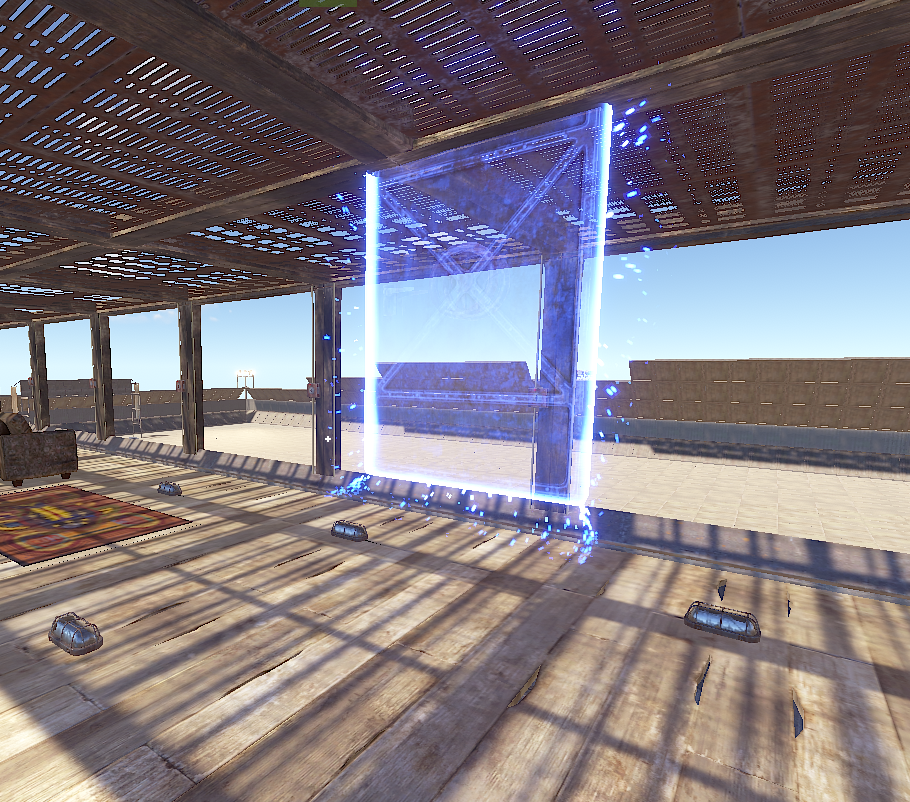
A player's afterimage remains in front of the teleportation portal. The display will disappear if you log out and log back in.
-
>Also, please add a button to open RedeemStorage on the shopystock UI. Would you be able to confirm whether this item has already been addressed?
-
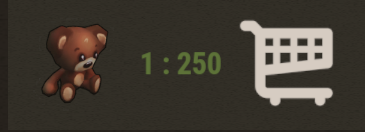
When registering multiple items using the exchange function, the names are somehow shifted or the titles of different products are displayed. For example, if you add a teddy bear or a reddogtag to the exchange, they will be displayed incorrectly as shown in the screenshot. There are no issues with the settings. *MP is the unit of economics on my server.
-
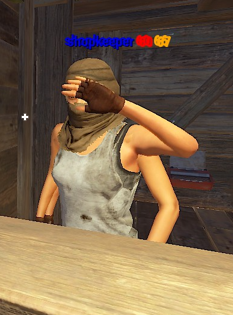
It looks like there are two NPCs. If you talk to them from the front, they sell resources; if you talk to them from behind, they sell boats.
-
- 1
-

-
Error while compiling LuckyBlock: The type or namespace name 'BossMonsterExtensionMethods' does not exist in the namespace 'Oxide.Plugins' (are you missing an assembly reference?) | Line: 7, Pos: 21
-
I suspect the issue might be that I have too many plugins installed, but I was also wondering whether there is some specific reason why only this particular plugin fails to load. In the past, I’ve seen a similar case where a plugin failed to load because the same chat command was already being used, so I started to wonder if something along those lines might be happening again. For now, I’m using reload after startup to explicitly reload it after the server starts up. I’ll continue investigating this going forward.
-
This affects all MAP purchasers, including myself, so please either post it here or update the MAP Files.
-
The creator of the XFastButtons will be making a fix, so please close this thread.
-
 My server doesn't have any clan or team management plugins installed. I've been experiencing a long-standing issue where I'm sometimes found to be in other people's teams after a game ends. This has been happening with other plugins as well, including Survival Arena and Zombie Infection.
 -
When a gun game ends and you return, for example, buttons like XFastButtons disappear. This does not affect people who are not participating in the game. Reloading the plugin resolves the issue. Please check this issue.
-
I purchased it. The BetterNPC configuration file is not working correctly. BetterNPC changed its profile structure to separate it into NPCspawn in a recent update, so please review your configuration file.
-
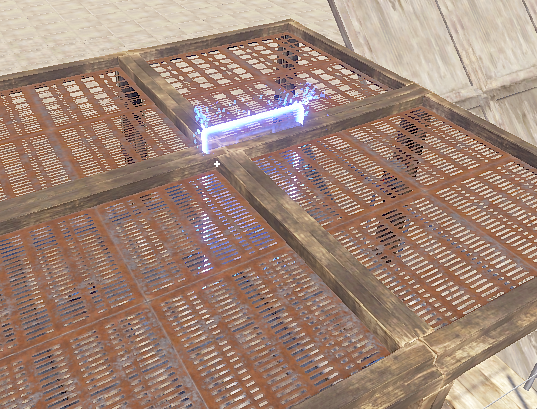
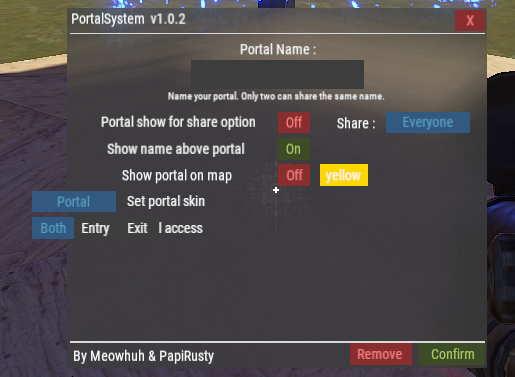
Could you please make it possible to adjust the height at which the portal floats? By default, if the building is only 1 unit tall, the portal will stick out through the roof.
-
The player names and other information displayed on the map are large, but the right-click menu is extremely small and very difficult to see. Please make it possible to enlarge this size.
-
"everfrost tonic": { "displayName": null, "shortname": "xmas.present.large", "skinID": 3646162060, "effects": [ { "min": 1.0, "max": 1.0, "duration": 3600.0, "biomes": [ "Arctic" ], "timeRange": null, "source": "All", "type": "XPBoost" } ] }, Players have reported that using the following items prevents them from gaining experience points. Experience points are reportedly gained normally once the potion effect wears off. Do you have any idea what might be causing this issue or how to resolve it? VERFROST TONIC[+100%-ALL[3600S]-ARCTIC
-
-
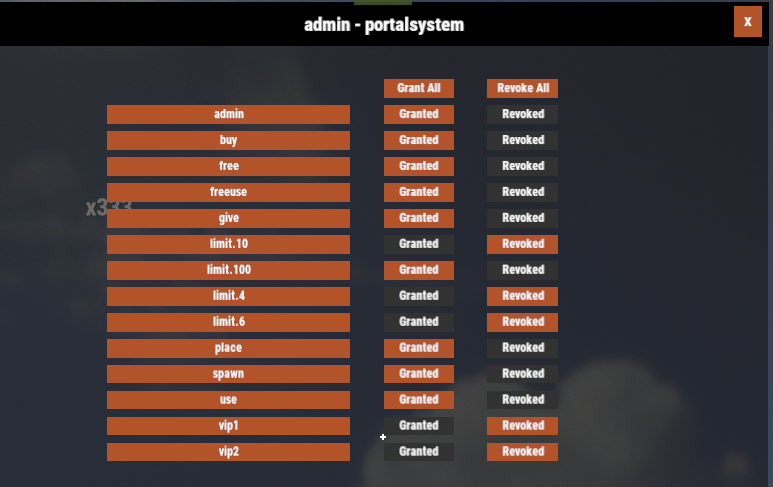
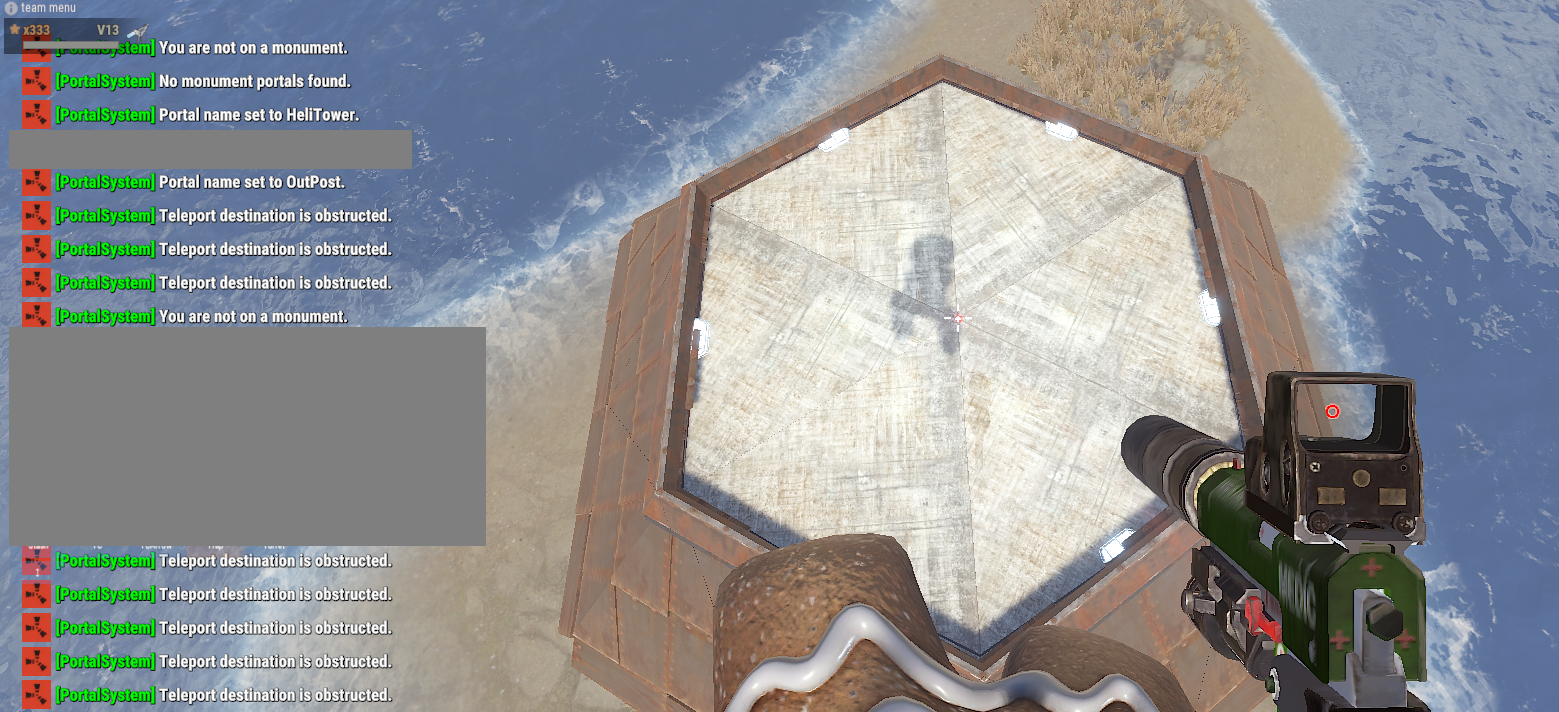
The following error is displayed: Teleport destination is obstructed. I am an administrator and have granted permission for this plugin. The location is a buildable area and I have TC permission. I have also granted permission by adding 100 "Extra portal limits from permissions" under "[Limits]". Please tell me the cause and how to resolve it.
-
Okay, I'll give it a try.