hid333
-
Posts
1,263 -
Joined
-
Last visited
-
Days Won
2
Content Type
Profiles
Warranty Claims
Downloads
Forums
Store
Services
Downloads Plus Support
DOWNLOADS EXTRA
Reels
Everything posted by hid333
-
 I used this plugin: https://codefling.com/plugins/title-selector Please check if it meets your needs.
 -
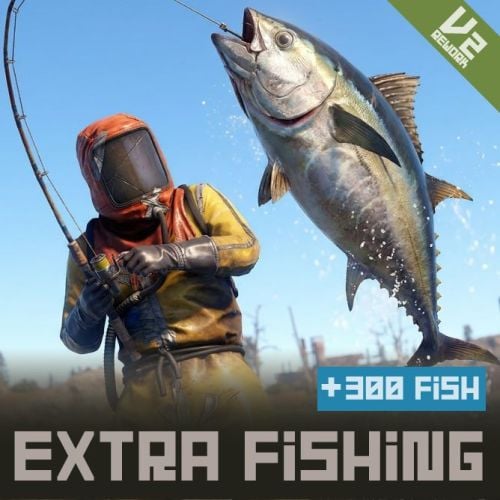 I found the following issues in ExtraFishing v2.4.5. 1. `OnItemAction` NullReferenceException There is already a null check, but the warning message contains `item={item}`. When the Item object is in an invalid state, this calls `Item.ToString()` and can itself throw a NullReferenceException. Fix:Avoid converting the Item object itself to a string. Only log safe values such as the action, player ID, shortname, etc. 2. `CanStackItem` conflict with other plugins ExtraFishing returns `false` for fish items, while plugins such as Loottable may return `true`. This causes a large number of hook conflict warnings: `ExtraFishing - False, Loottable - True` Fix:Instead of using `CanStackItem` to prevent fish stacking, use `OnMaxStackable(Item)` and return `1` for fish when `EnableFishStackLimit` is enabled. This keeps individual fish size/weight data protected while avoiding the `CanStackItem` conflict. 3. Unnecessary allocations in `IsFishItem()` `IsFishItem()` creates a new `List<string>` containing all fish shortnames every time the method is called. Fix:Replace it with a static/cached `HashSet<string>`. This reduces unnecessary allocations and GC pressure, especially because item stack hooks can be called very frequently.
 -
(10:45:17) | Error while compiling DrugDeals: 'Harmony' is an ambiguous reference between 'ConVar.Harmony' and 'HarmonyLib.Harmony' | Line: 142, Pos: 17
-
Thank you for the information. I had missed it, so I will take a look.
-
The BOOTH version is v2.4.5, but the CodeFling version appears to be v2.4.53. Are there any differences between them? I'm planning to fix an issue with OnItemAction, but I'd like to update to the latest version first...
-
Recently, we have been experiencing an issue where multiple players are disconnected with the error `kicked: Packet Flooding: Player Tick` during the spawning or despawning of Deepsea elements, and we are trying to identify the cause. We have excluded custom NPCs from Deepsea and have reduced settings—such as the number of islands spawned by the Deepsea option plugin—to values lower than the defaults. Do you have any ideas as to what might be causing this? The server currently has plenty of headroom regarding specs and resources. Normal FPS ranges from 145 to 200, so performance is quite high. "Content": { "Islands": { "Count": 5, "Spacing Size (bigger = more spread out)": 300.0, "Edge Buffer (bigger = further from outer edge)": 750.0, "Minimum Spacing (hard minimum distance)": 600.0 }, "Ghost Ships": { "Count": 3, "Spacing Size (bigger = more spread out)": 80.0, "Edge Buffer (bigger = further from outer edge)": 450.0, "Minimum Spacing (hard minimum distance)": 400.0 }, "RHIB Groups": { "Count": 3, "Spacing Size (bigger = more spread out)": 10.0, "Edge Buffer (bigger = further from outer edge)": 1150.0, "Minimum Spacing (hard minimum distance)": 300.0 },
-
The following message is displayed, and the service is unavailable. The situation remains unchanged even after several hours or reloading the plugin. Do you have any idea how to resolve this? Social Media is still loading images, please try again in a moment.
-
Players have reported that commenting out line 314 causes the drug-harvesting mechanic to yield only cloth, effectively disabling the drug-related functionality...
-
Logs keep streaming to the console. Is there a way to delete it? [DrugDeals] Ripe
-
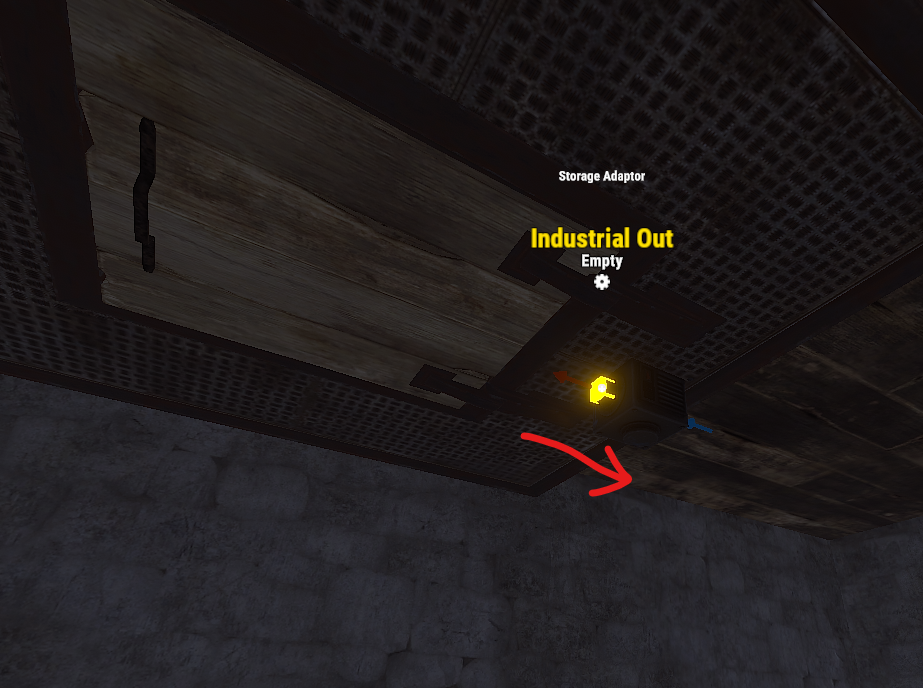
I apologize for the very personal nature of this request, but... Is it possible to reverse the orientation of the adapter in the basement?

-
It appears to be caused by the change in the prefabs name following an update. I have confirmed that it works correctly after updating the plugin as follows. car_chassis_*module.entity.prefab → *module_car_spawned.entity.prefab
-
It seems that since yesterday's RUST update, I am unable to load vehicles I have stored. I am still able to store them, however. Please look into this.
-
I see logs like this appearing in the console periodically; what could be the cause? I wouldn't mind if it were just a single line, but usually, multiple lines with the same message are output at the same time. (21:17:11) | [TitleSelector] PlayerRanks integration: loaded 39 title categories (38 groups exist, 1 pending) (21:17:11) | [TitleSelector] PlayerRanks integration: loaded 39 title categories (38 groups exist, 1 pending) (21:17:11) | [TitleSelector] PlayerRanks integration: loaded 39 title categories (38 groups exist, 1 pending) (21:17:11) | [TitleSelector] PlayerRanks integration: loaded 39 title categories (38 groups exist, 1 pending) (21:17:11) | [TitleSelector] PlayerRanks integration: loaded 39 title categories (38 groups exist, 1 pending) (21:17:11) | [TitleSelector] PlayerRanks integration: loaded 39 title categories (38 groups exist, 1 pending)
-
I see, understood. You need to delete the config file before applying the new version. If you apply the plugin while keeping the old config file, it won't work (the button has likely moved to an invisible location somewhere).
-
If you apply the latest version, it becomes completely unusable.
-
① Which setting prevents a specific item from dropping as an "Epic" item? Example: If I want to prevent the "Epic" version of `attire.banditguard` from dropping. Should I add it to the "List of items that can not be enhanced"? Or do I need to add it to the "item_blacklist" for every specific buff? ② Regarding "FishingContest Integration": ・ Where can I adjust the probability of obtaining an "Epic" item as a reward? ・ What does `"A list of buff types that will be added to the fishing contest items as prizes": [ 6 ],` signify?
-
I am not receiving a set bonus when combining a weapon and a piece of armor; is this intended behavior? If I apply the same title to two pieces of armor, a +10% set bonus activates; however, if I apply the same title to one piece of armor and one weapon, the set bonus does not activate. Is this how it is supposed to work?
-
At the default UI scale (1.0), it overlaps with the inventory. Adjusting the config to: "Offset Min": "120 -20", "Offset Max": "180 -0" prevents the overlap, but the layout looks a bit distorted for users who have changed their UI scale. Could you design it so that the button placement doesn't break based on the UI scale, similar to how other plugins handle it?
-
Removing the following line from line 455 will allow compilation to succeed: [HookMethod("API_QuickStack")]
-
It seems to happen based on probability rather than being guaranteed. There were cases where the weapon was drawn after about 10 seconds, and other cases where it was never drawn at all.
-
After knocking down an NPC, they will simply stand there without becoming hostile once they get back up.
-
Could you add integration with collectionlog? I checked with imthenewguy, and apparently, it is necessary to use the following calls. The case plugin would need to add a call to my plugin if it's not coming from a loot container. void CollectFromPlugin(BasePlayer player, Item item, string sourceType)
-
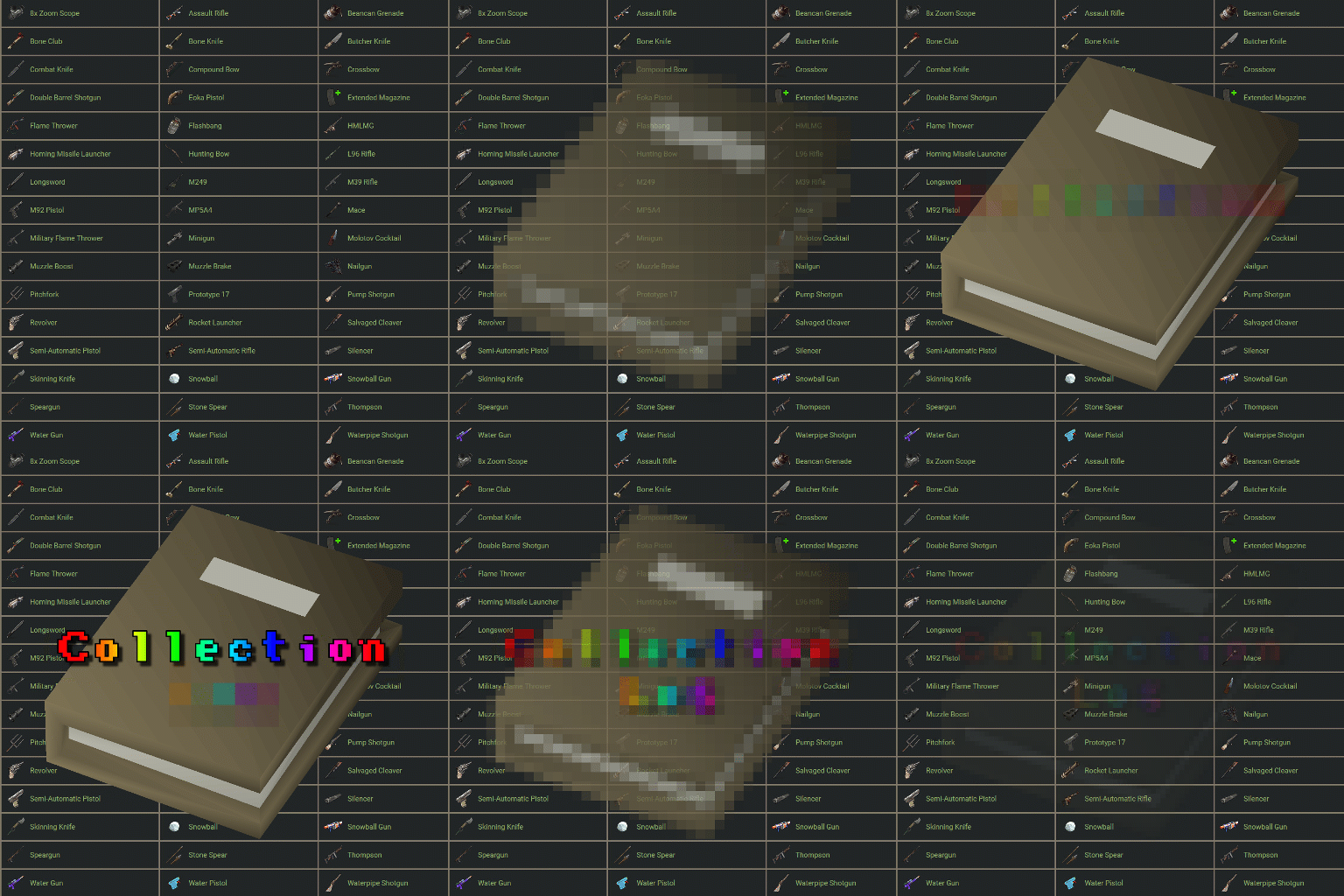 https://codefling.com/plugins/ultimate-cases?tab=details I’ve been trying to set up a card-collecting feature using this plugin, but I can't get it to work... Even after setting "Collection sources" to "Plugin," it still doesn't work. Has anyone managed to get this working?
 -
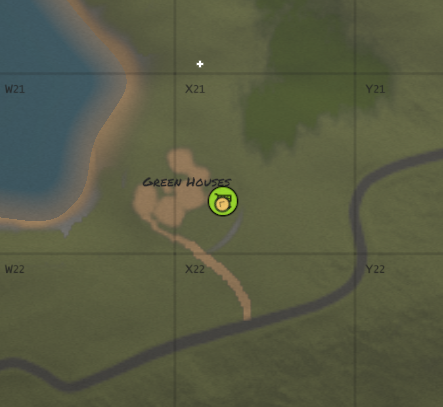
X21 cannot purchase a helicopter from the GreenHouse Airwolf vendor.
-
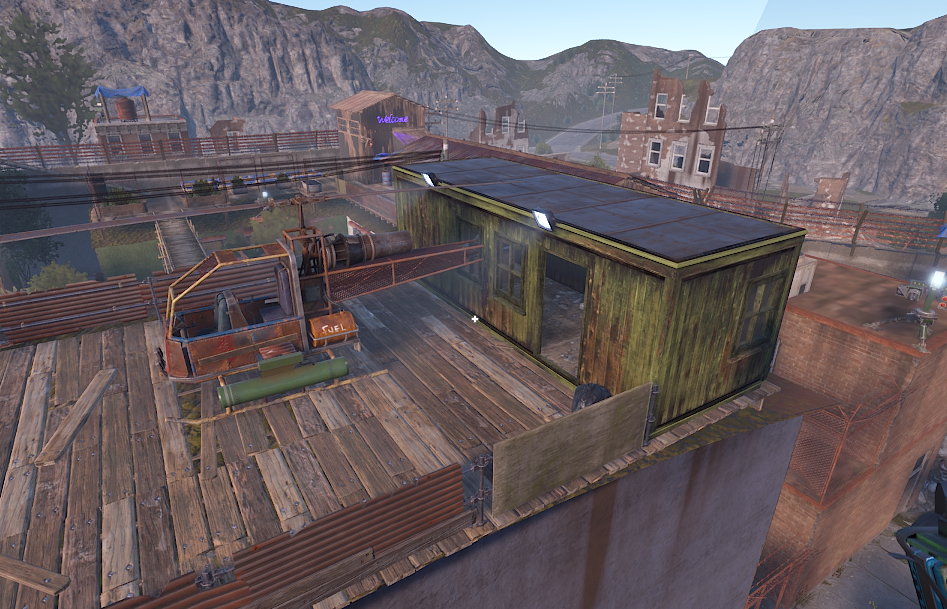
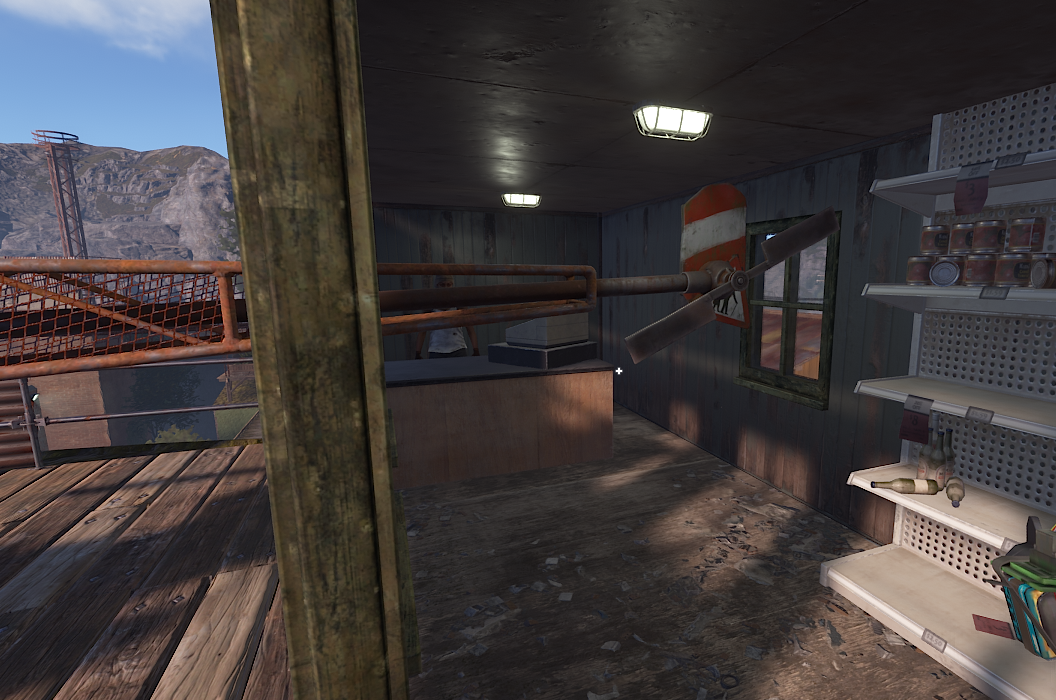
When purchasing a helicopter on the roof of the Outpost, the player is momentarily repositioned; however, it appears that the purchaser can sometimes get stuck inside the building where the NPCs are located. In some cases, the tail of the helicopter clips through the building and gets wedged in the gap. While my testing suggests this does not happen 100% of the time, I was able to reproduce the issue after several attempts. It seems to occur most frequently with the Attack Helicopter. Please look into this.