-
Posts
51 -
Joined
-
Last visited
-
Days Won
2
Content Type
Profiles
Warranty Claims
Downloads
Forums
Store
Services
Downloads Plus Support
DOWNLOADS EXTRA
Reels
Everything posted by MiMiLand
-
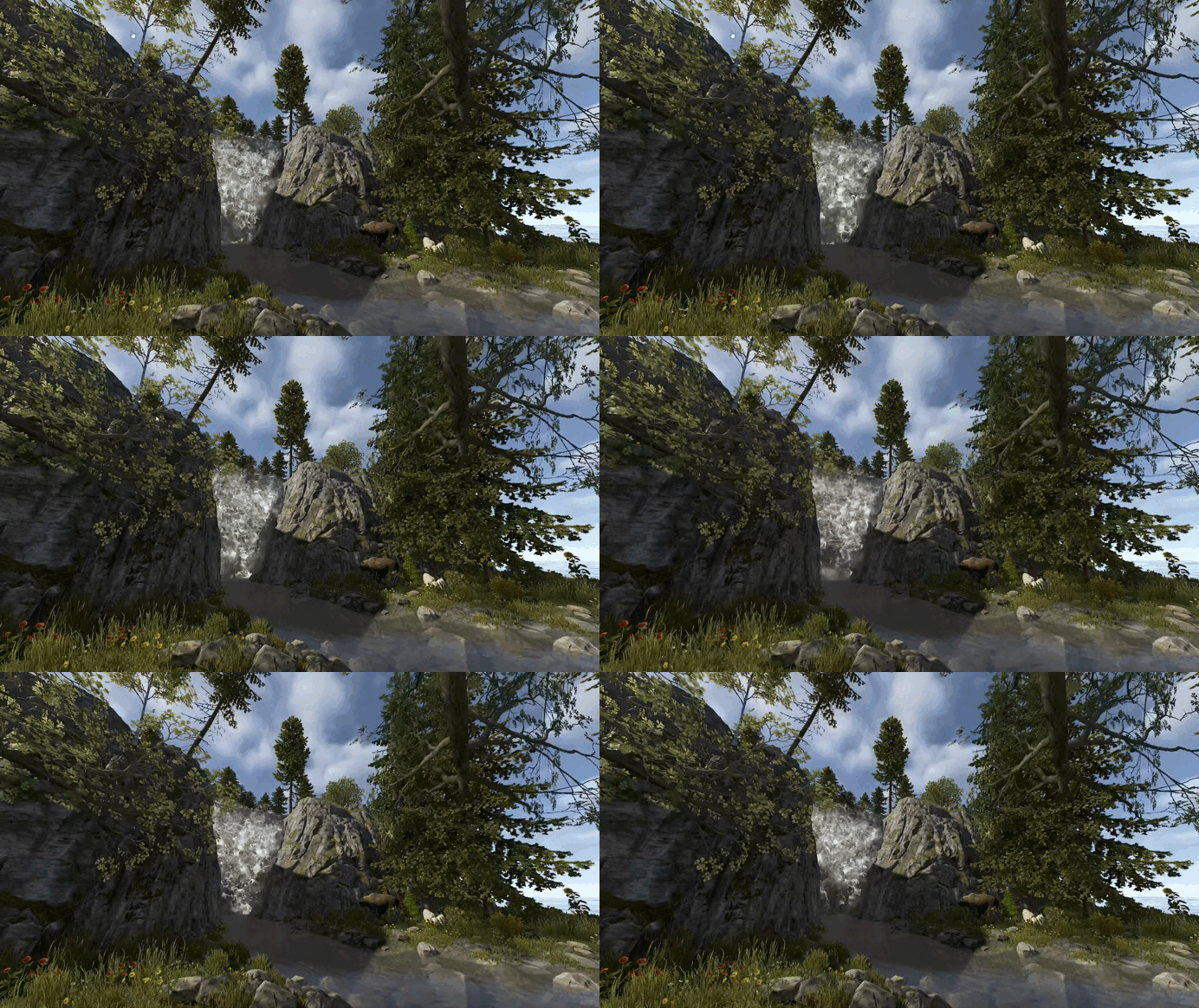
 This map uses a reasonable number of prefabs, and I can definitely feel an improvement in server FPS. Since the map I previously used had close to 90,000 prefabs, the difference feels even more noticeable. Despite the lower prefab count, the map doesn’t feel empty at all. The custom monuments are well-designed and stay true to the overall concept, which really enhances the experience. If you’re getting tired of the default Rust maps and are looking for something with a fresh concept, I highly recommend this one.
- 12 comments
-
- 1
-

-
- #rollercoaster
- #rust
- (and 11 more)
-
 This product is very popular with our server users. Since it’s a monument they’ve never seen before, they really enjoy figuring out how to enter it—it adds a fun element to the experience. It also doesn’t have a high prefab count, so it doesn’t put much load on the server. Whenever I purchase new maps, I always try to include this product’s prefab.
 -
 Does anyone know if this product is still working properly as of now?
 -
 Before purchasing this product, I consulted with the creator and carefully considered my decision. After testing both AdminRadar and AdminESP together, I could clearly see the performance differences between the two. ESP is, as the name suggests, a plugin for tracking player locations. When compared to AdminRadar, AdminESP boasts a 0.2-second response time, while AdminRadar takes about 3 seconds. This difference in response time is quite significant. When it comes to ESP, AdminESP is undoubtedly superior in terms of performance. If location tracking is your main goal, the performance of AdminESP is far superior to that of AdminRadar, making it hard to compare. In conclusion, for those who use ESP as their primary feature, AdminESP offers exceptional performance that AdminRadar simply cannot match. However, as the need for each plugin may vary based on specific use cases, it’s important to choose based on your intended purpose.
 -
 If server owners are wondering which plugin they should buy first, they will usually look for top-ranked plugins on uMod such as Gather Manager, Stack Size Controller, Vanish, and so on. I was the same, but after discovering the Admin Menu plugin, this became my number one choice. It’s incredibly convenient and useful. After purchasing this plugin, I ended up unloading more than five other plugins. Long reviews can be tiring to read, so I’ll keep it simple — this is one of the best plugins out there.
 -
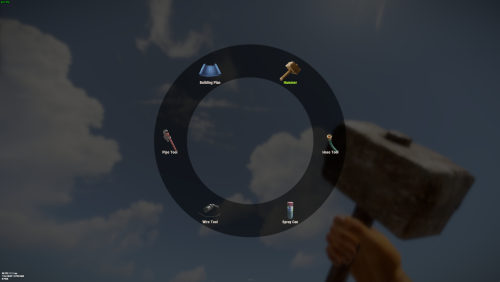 I really like this product. While looking through the config file, I noticed that key bindings can be set, for example: Shift + E Ctrl + E However, can the key only be changed to the ones already listed in the config? In my case, I would like to use the [`] key on the keyboard to open the tool. Is it possible to add that directly? If not, I would really appreciate it if you could add support for it. Also, if it can be added manually, I would appreciate it if you could send me the exact format as well, since I would like to copy and paste it directly. Thank you.
 -
 Is this product still working well? Is it still functioning properly even now?
 -
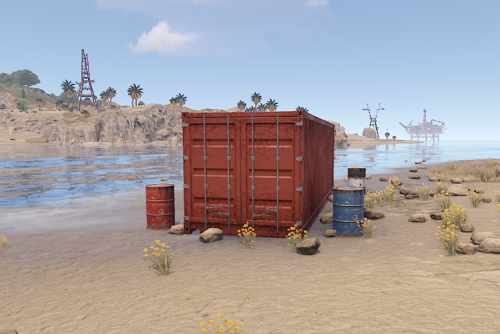 Is this product still working well? Is it still functioning properly even now?
 -
 How has this plugin been doing recently? I haven’t seen any updates, so I’m hesitating about purchasing it. Also, after seeing a post about increased memory usage, I’m having second thoughts. Would you be willing to show the changes after use in a recent video?
 -
 I reached out to the developer because granting permissions was causing the feature to be activated for users I didn't want to give access to. Within just a few hours, the developer added the exact functionality I was looking for. The users are very satisfied with this plugin because they no longer have to purchase or run a separate crosshair program from Steam. Some users even mentioned that it would be great if this feature were given only to VIP groups. Although I haven't run a PVE server, I can confidently say that the users on our PVP server really enjoy it. From looking at the other reviews on this seller's listings, it's clear that their feedback and support are very kind and responsive.
- 2 comments
-
- 1
-
-
- #crosshair
- #cross
- (and 18 more)
-
 Does this product also work with other plugins like Sentry Turrets?
 -
Is this plugin working properly right now?”
-
 Hello, I am currently using your fxFastSmelt plugin and I have noticed that there is no output multiplier setting in the configuration file. The smelting speed works fine, but I would like to adjust the amount of resources produced as well. Is there any way to modify the output multiplier for different furnaces (campfire, furnace, electric furnace, oil refinery) through the plugin settings? If not, could you please consider adding this feature in the future? Thank you!
 -
.thumb.png.a167af6d204c8731865ddb8c7651fe66.png) “Is this plugin working properly now? I’m considering purchasing it, but I’ve seen many reviews saying it doesn’t work, so I wanted to ask.”
“Is this plugin working properly now? I’m considering purchasing it, but I’ve seen many reviews saying it doesn’t work, so I wanted to ask.” -
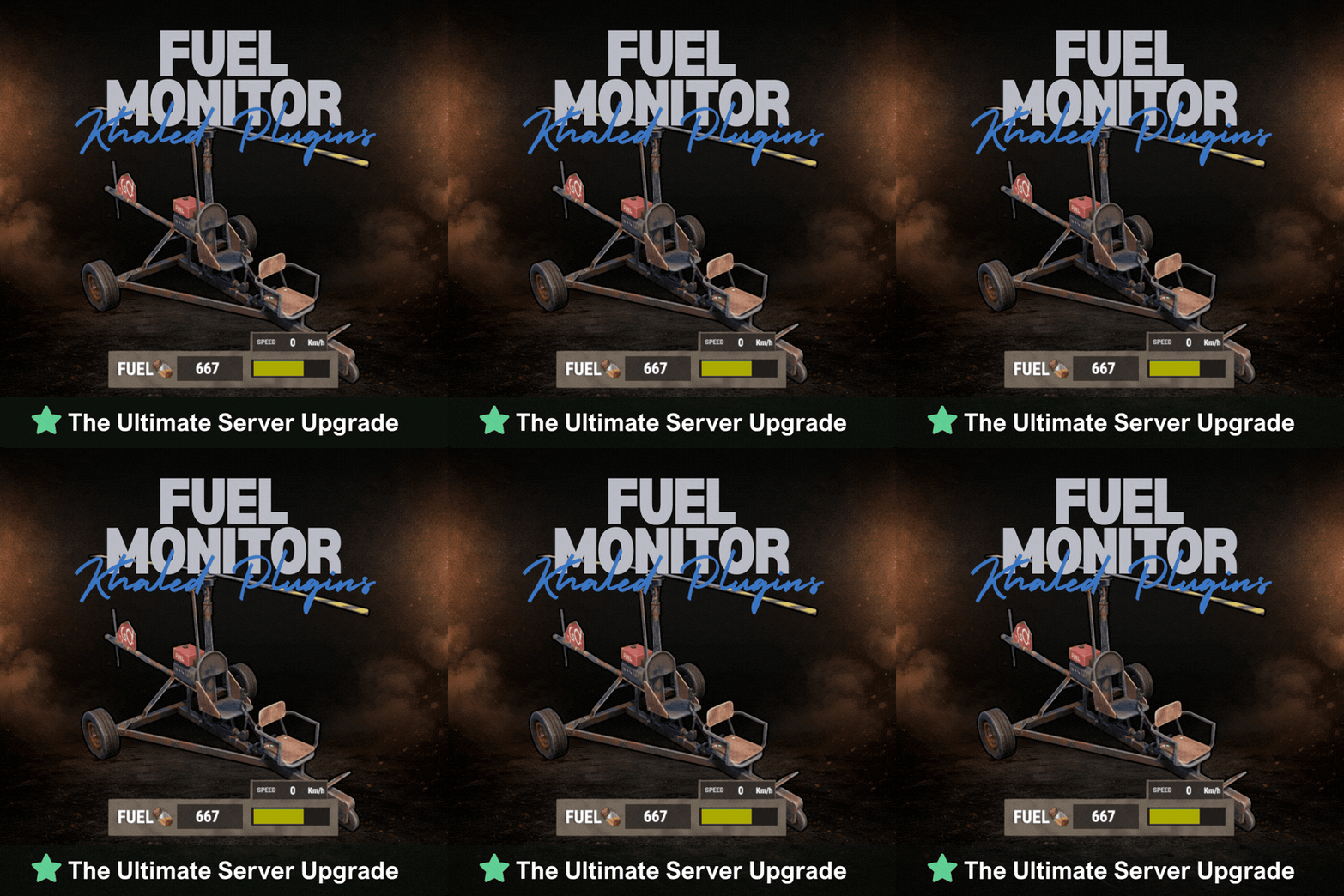 The UI is clean, simple, and very visually appealing. If you’re using a custom vehicle plugin, this is definitely a must-have. The real-time speed display is absolutely the best feature.”
- 22 comments
-
- 1
-
-
- #fuel
- #minicopter
- (and 4 more)
-
 This is excellent and I’m very satisfied with it. I hope to see more airstrike-style creations like this in the future.”
 -
 This product performs its intended function very well and is highly satisfying to use. After testing it on a live server, I did not encounter any bugs or major issues. However, I think it would be great if there were features such as limited usage durability and a way to track usage logs. The developer was very kind and responded quickly to my questions, and if the features mentioned above are added, I believe this could become one of the best MLRS-related plugins available.” +very good
 -
Can this plugin be used with MLRS Tracker to view usage logs? Also, I have a question regarding item balance. Is there any way to add durability to the RF transmitter? Since it currently has no durability, it feels a bit overpowered because players can reuse it indefinitely. Is there any way to make it a one-time use item or have it consumed after use?
-
 There is no Bradley plugin that is this convenient and well-made. When you purchase it, the presets are already fully prepared, so it’s extremely easy to use, especially for beginners like me. It’s a really great plugin. It also seems to offer advanced customization options for experienced users, but honestly I’m already very satisfied just using the default configuration files.
- 317 comments
-
- 1
-
-
- #bradley
- #bradleyapc
- (and 14 more)
-
 “Hey, this is awesome. Is this really the price for this? You should raise the price quickly. It kind of feels like all the monuments have turned into oil rigs, lol. I like it.”
 -
 I highly recommend this QOL plugin. Players really love it, and there’s no need to configure anything separately. You can simply use the default settings. Just try it and you’ll see for yourself.
 -
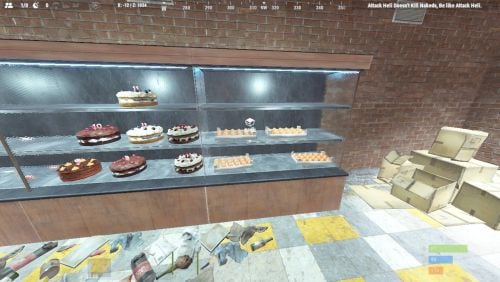 A special offering for players who are tired of the supermarkets and mining outposts around the roads.
-
- 1
-

-
- #road side
- #roadside
- (and 5 more)
-
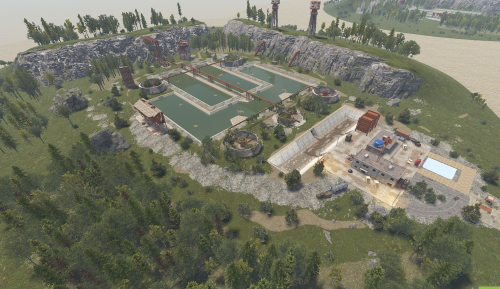 These days I don’t use the original Water Treatment Plant monument anymore because I found a better upgraded version. This product really brings new life to the Water Treatment Plant monument that people were getting tired of. People who see it for the first time find it really interesting.
 -
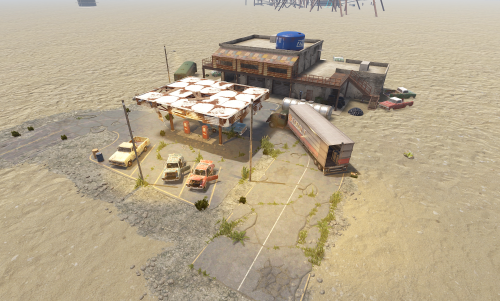 Definitely worth more than $5. Very affordable and packed with great content. I wish there were more products like this.