
About Fuel Monitor
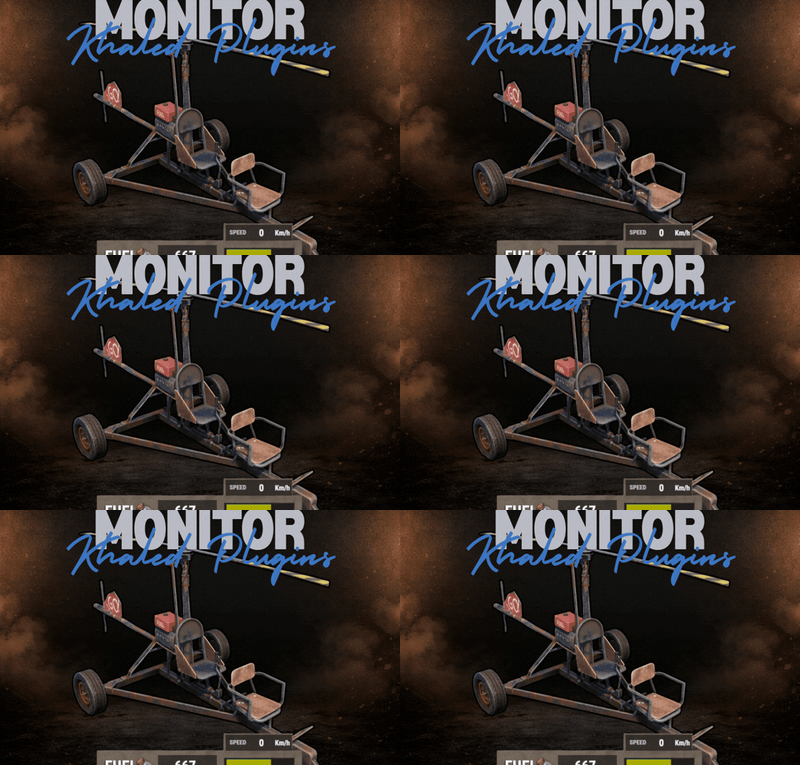
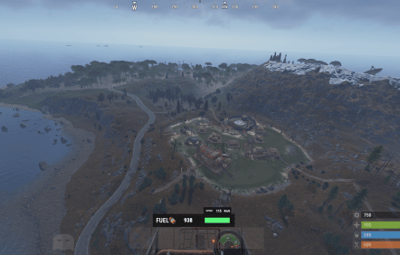
FuelMonitor is a lightweight and fully customizable Rust plugin that displays a clean, modern fuel HUD while driving fuel-powered vehicles.
The plugin features a real-time updating fuel bar, low fuel popup notifications, sound alerts when fuel is running low, and a clear OUT OF FUEL warning when the tank is empty.
FuelMonitor now also includes a built-in speedometer, allowing players to view their current speed directly from the HUD, with support for both Km/h and MPH display modes.
Take Your Rust Server to the Next Level
Premium performance, lightning-fast support, and an exclusive 30% OFF using code KHALED

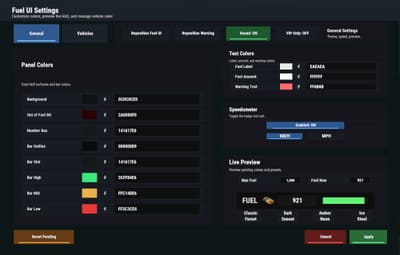
An in-game Admin Settings UI is included, allowing server owners to manage the plugin directly in-game through a clean and safe workflow. With the settings panel, admins can:
- - Preview changes live before applying them
- - Adjust the Global Max Fuel value
- - Reposition the main Fuel UI using Move Mode
- - Reposition popup warning notifications using Warning Move Mode
- - Customize all UI colors
- - Enable or disable the speedometer
- - Switch speed units between Km/h and MPH
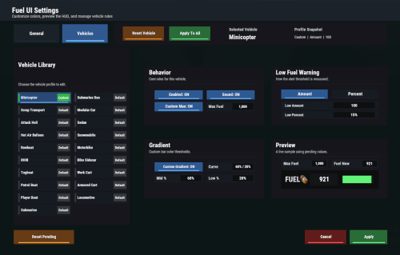
FuelMonitor also includes a dedicated Vehicles tab inside the Admin Settings UI, allowing full per-vehicle customization. Server owners can create and manage vehicle-specific profiles for all supported vehicles, including:
- - Enable or disable the HUD per vehicle
- - Enable or disable warning sounds per vehicle
- - Set a custom max fuel value per vehicle
- - Choose whether low fuel warnings use Amount or Percent mode
- - Configure custom low fuel warning thresholds
- - Configure custom fuel bar gradient thresholds
- - Preview each vehicle profile live before applying changes
- - Reset a single vehicle profile or apply one vehicle profile to all vehicles
All changes are handled through a safe pending workflow with Apply / Cancel controls, ensuring nothing is pushed live until the admin confirms it. Once applied, changes affect all players server-wide.
-
#Admin
Commands : /fui
FuelMonitor works automatically in the background, is performance-friendly, and requires no player commands.









![More information about "Advanced Air Strike [F15]"](https://codefling.com/cdn-cgi/image/width=285,height=285,quality=80,fit=cover,format=webp/https://codefling.com/uploads/monthly_2026_03/AirStrike.thumb.gif.47fdfe99eef58849e23d9781f29468c4.gif)