Depends on
Required for this file to work correctly.

About Skinify
Item skins, building skins, wallpaper, and complete customization management in one place.
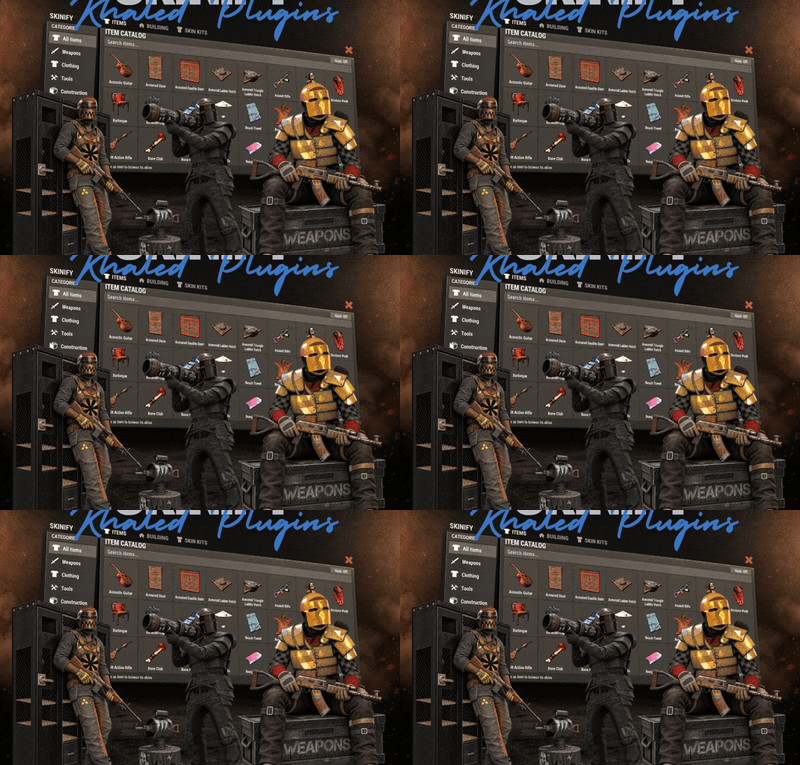
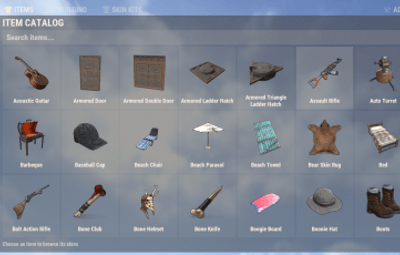
Skinify brings Rust customization together in a clean, easy-to-use in-game menu. Players can browse and apply item skins, customize building materials, choose wallpaper, and create matching styles for their gear and bases.
Go beyond individual skins with Skin Kits, saved profiles, favorites, and automatic skinning. Save your preferred combinations, reuse them whenever you want, or apply your building style across an existing base.
For server owners, Skinify includes in-game catalog management and a Discord-integrated Workshop request system. Control which skins are available, manage new additions, and give your community a simple way to request their favorites.
Features
- Item Customization
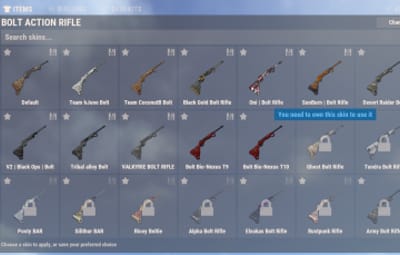
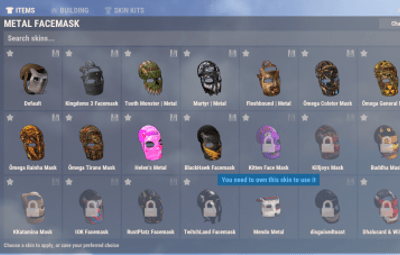
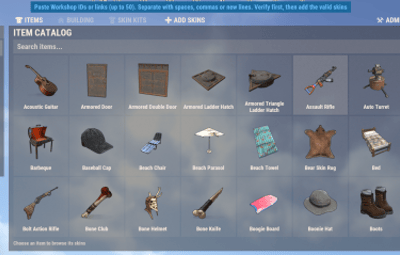
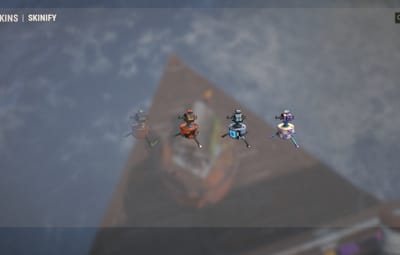
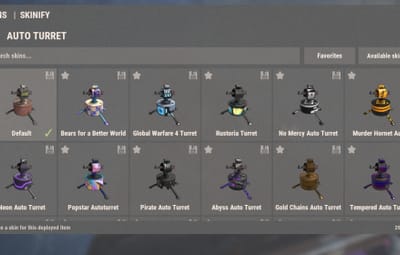
- Item Skins: Browse skins for supported weapons, clothing, tools, and deployables.
- Skin Previews: Find skins using visual previews, search, and category filters.
- Favorites: Save frequently used skins for quick access.
- Preferred Skins: Set a default skin for each supported item.
- Automatic Skinning: Apply preferred skins to unskinned items when picked up or crafted.
Building Customization
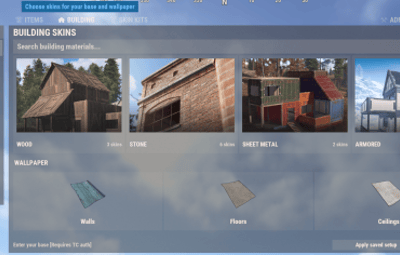
- Building Skins: Customize wood, stone, sheet metal, and armored building grades.
- Building Colors: Choose colors for supported building skins.
- Wallpaper: Browse dedicated collections for walls, floors, and ceilings.
- New Builds: Automatically use saved building preferences during construction and upgrades.
- Base Application: Apply compatible building and wallpaper preferences to an existing base.
Collections & Presets
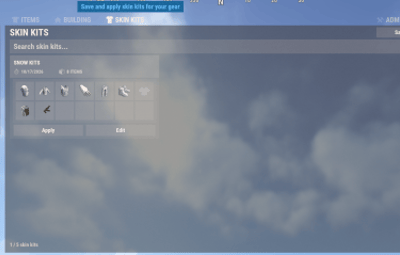
- Skin Kits: Create, customize, and reuse complete sets of item skins.
- Saved Profiles: Save different item, building, and wallpaper preferences.
- Quick Switching: Restore saved combinations without selecting every skin again.
Server Management
- Workshop Catalog: Manage which Workshop skins are available on your server.
- Official Rust Skins: Include or exclude official item skins.
- In-Game Administration: Add, verify, hide, restore, or remove catalog entries.
- Discord Requests: Let players submit Workshop skins for staff review.
- Configurable Limits: Control player collections, base application limits, and request cooldowns.
Building Skins & Wallpaper
Give your base a consistent look with saved building skins, colors, and wallpaper preferences.
Choose a skin for each supported building grade, select colors where available, and manage wallpaper separately for walls, floors, and ceilings.
Apply to My Base
Already built your base? You don't have to update every block individually.
Use Apply to my base to apply your saved building preferences to compatible blocks you own in a base where you have Tool Cupboard authorization.
- Apply preferred building skins to compatible blocks.
- Apply saved wallpaper selections to existing wallpaper on compatible surfaces.
- Respect the server's configured building size limit.
- Cancel an active update directly from the menu or with /skin cancel.
New Builds
Enable New Builds to automatically carry your preferred building style into new construction and upgrades.
Saved wallpaper preferences can also be used when placing new wallpaper, helping you maintain a consistent appearance as your base expands.
Skin Kits
Create complete sets of item skins and apply them whenever you want to change your gear's appearance.
Instead of choosing skins one item at a time, Skin Kits let you save a collection and reuse it on matching items in your inventory.
Create Your Own Kits
Start a new kit using:
- Current Gear: Use skins from your inventory, belt, and clothing.
- Preferred Skins: Build a kit from your saved item preferences.
- Kit Editor: Add items manually and choose their individual skins.
Each kit can be named, edited, applied, or deleted directly from the Skin Kits tab.
Applying a kit updates the skins on matching items you currently have, making it easy to switch between different styles.
Saved Profiles
Keep multiple customization setups without losing your previous choices.
Profiles store your preferred:
- Item skins
- Building skins and colors
- Wallpaper selections
Create different combinations and restore them whenever you want to change your setup.
Profiles can be managed through the in-game menu or player commands.
Workshop Catalog & Admin Tools
Skinify gives server administrators direct control over their available skin catalog without requiring them to leave the game.
The plugin includes a starter Workshop catalog and supports official Rust item skins, which can be enabled or disabled through the configuration.
In-Game Catalog Management
Administrators can:
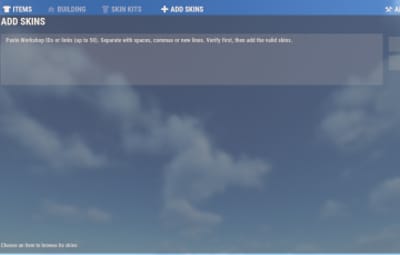
- Add skins using Workshop IDs or links.
- Verify multiple entries before adding them.
- Add valid Workshop skins to the server catalog.
- Hide selected skins from players.
- Restore previously hidden skins.
- Remove unwanted catalog entries.
Skin Ownership
Ownership checks are enabled by default for protected item, building, and wallpaper skins.
Players can browse available selections and optionally include locked skins in their view.
Adding a protected skin to the server catalog does not grant ownership or bypass ownership requirements.
This allows server owners to manage their catalog while maintaining the applicable skin restrictions.
Discord Skin Requests
Let your community suggest new skins through an organized request system connected to Discord.
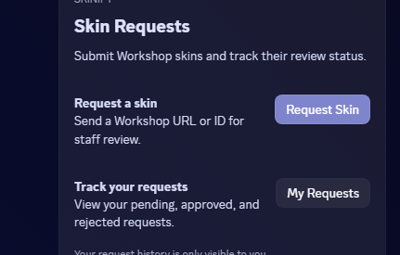
Instead of collecting Workshop links across multiple chat channels, players can submit requests through a dedicated Discord panel.
Player Requests
Players can:
- Submit Workshop skins through the Discord request panel.
- View their submissions and review status in My Requests.
- Submit Workshop IDs directly in game with the appropriate permission.
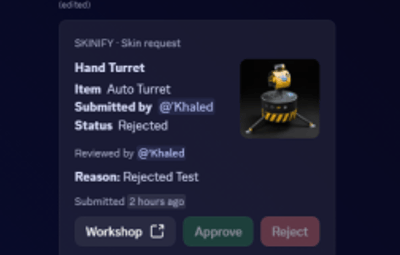
Staff Review
- Requests are forwarded to a dedicated review channel where authorized staff can:
- Review submitted Workshop skins.
- Approve requests and add accepted skins to the server catalog.
- Reject requests with a reason.
Server owners can configure the request channel, staff review channel, and moderator roles.
Player Commands
/skin - Open the Skinify menu.

/skin request <Workshop ID> - Submit a Workshop skin request.

/skin cancel - Cancel an active base update.

/skin profile save <name> - Save current skin preferences as a profile.

/skin profile load <name> - Restore a saved profile.

/skin profile remove <name> - Delete a saved profile.

/skin profile list - List saved profiles.
Skin Kits are created and managed directly through the Skin Kits tab.
Permissions
skinify.use - Access the main menu and inventory skins.

skinify.building - Access building skins, wallpaper, and base application.

skinify.auto - Use automatic skin application.

skinify.deployable - Allow deployable skin application.

skinify.request - Submit Workshop requests in game.

skinify.admin - Access catalog management and administrative tools.
Permissions can be assigned individually to players or groups, allowing server owners to control access to specific features.
Skin ownership and building authorization checks continue to apply.
Configuration
Skinify provides configurable settings to match your server's needs.
- Skin Catalog: Enable or disable official Rust item skins.
- Base Application: Set the maximum building size allowed for base updates.
- Workshop Requests: Configure request cooldowns.
- Player Collections: Set limits for favorites, saved profiles, and Skin Kits.
- Discord Integration: Configure the bot, request and review channels, and moderator roles.
Manage the available skins, player permissions, and customization options to create the experience that works best for your community.



![More information about "Advanced Air Strike [F15]"](https://codefling.com/cdn-cgi/image/width=285,height=285,quality=80,fit=cover,format=webp/https://codefling.com/uploads/monthly_2026_03/AirStrike.thumb.gif.47fdfe99eef58849e23d9781f29468c4.gif)