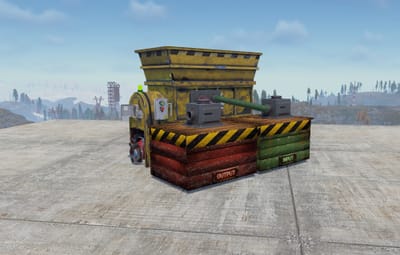
Works with
Optional integrations and compatible files.



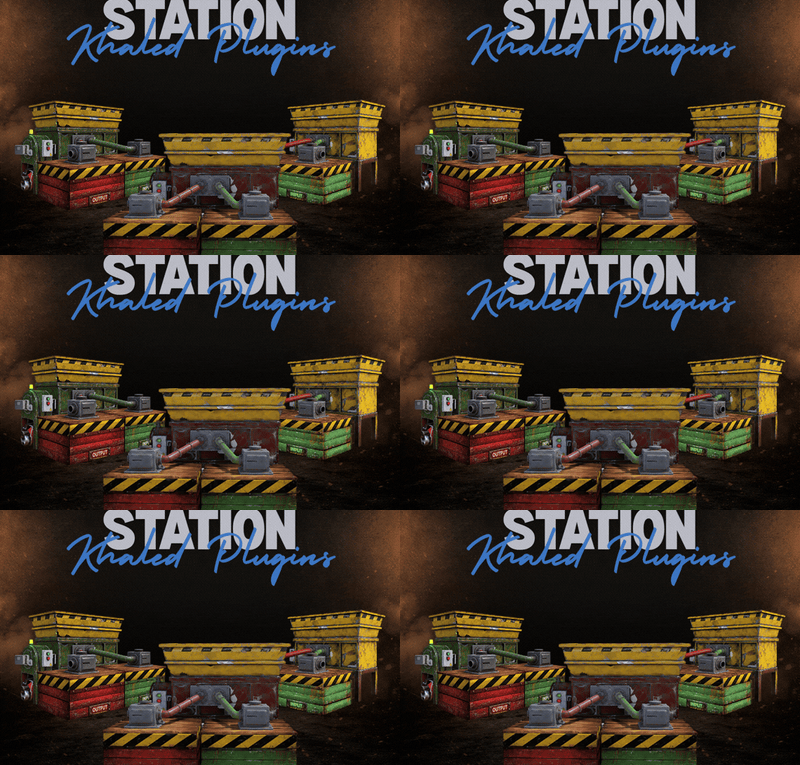
About Recycler Station
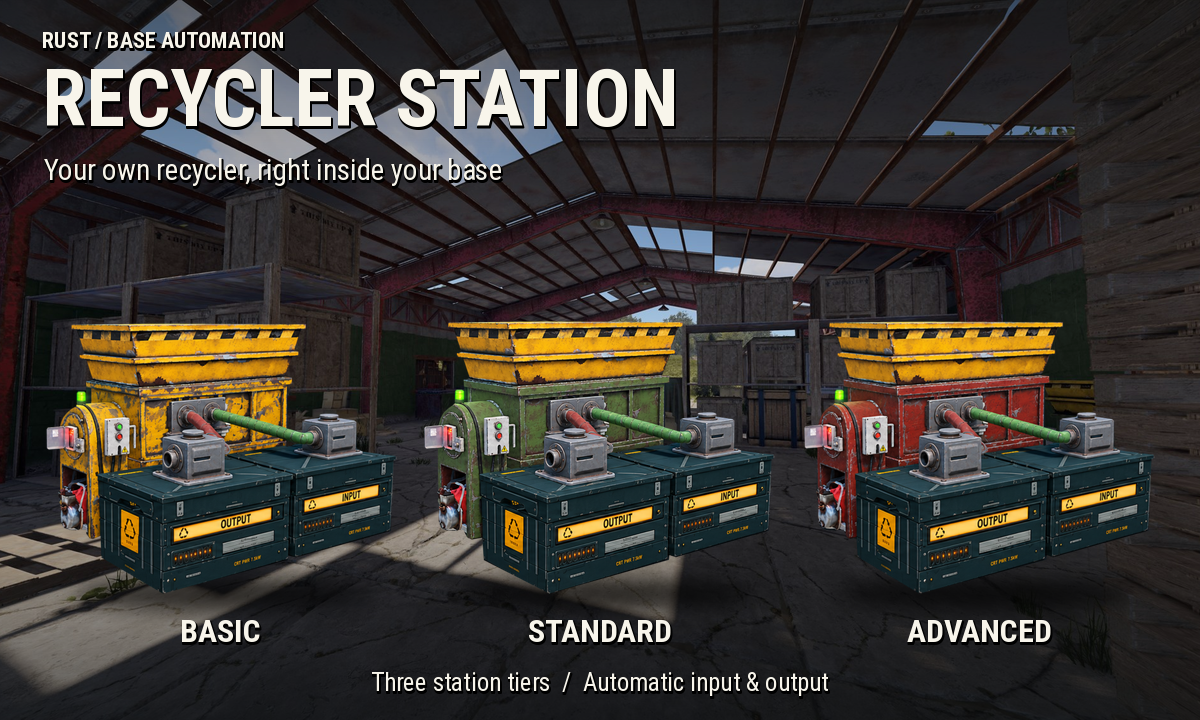
Your own recycler, right inside your base
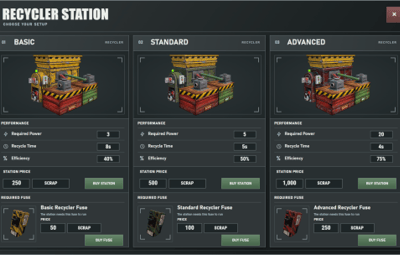
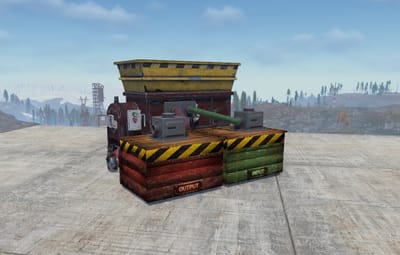
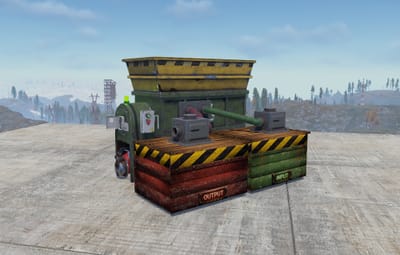
Recycler Station lets players recycle their loot at home with dedicated INPUT and OUTPUT boxes that handle item transfers automatically
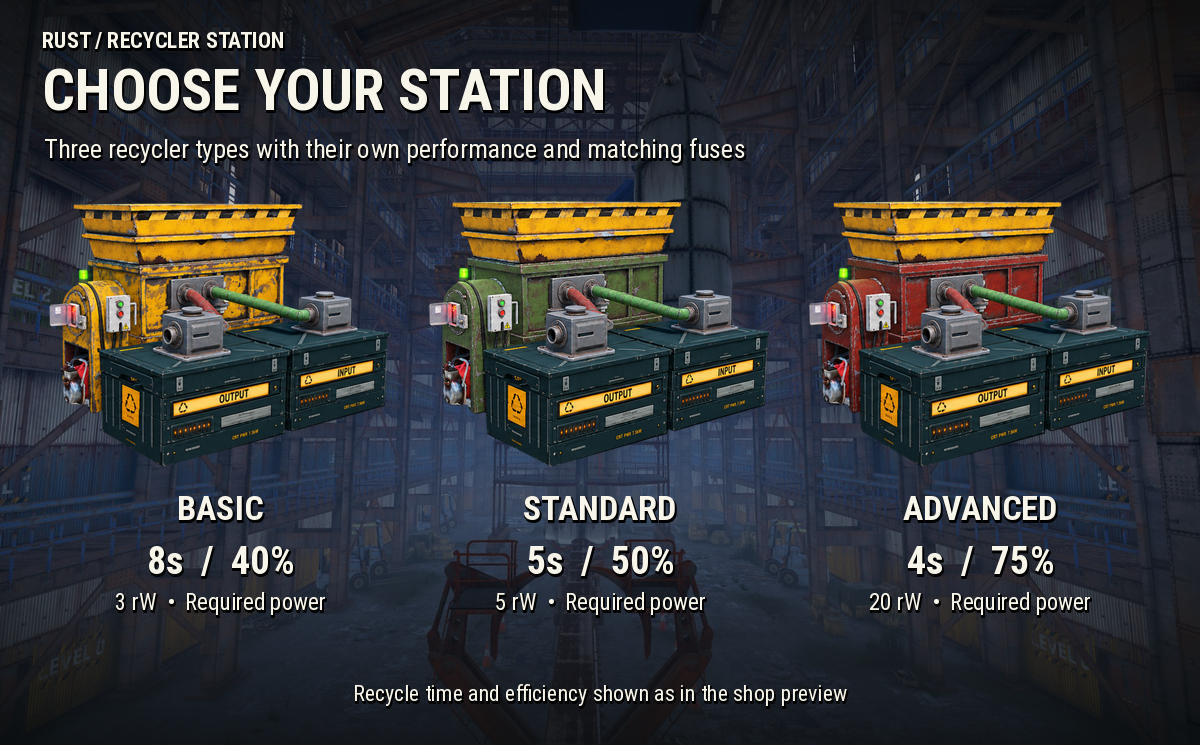
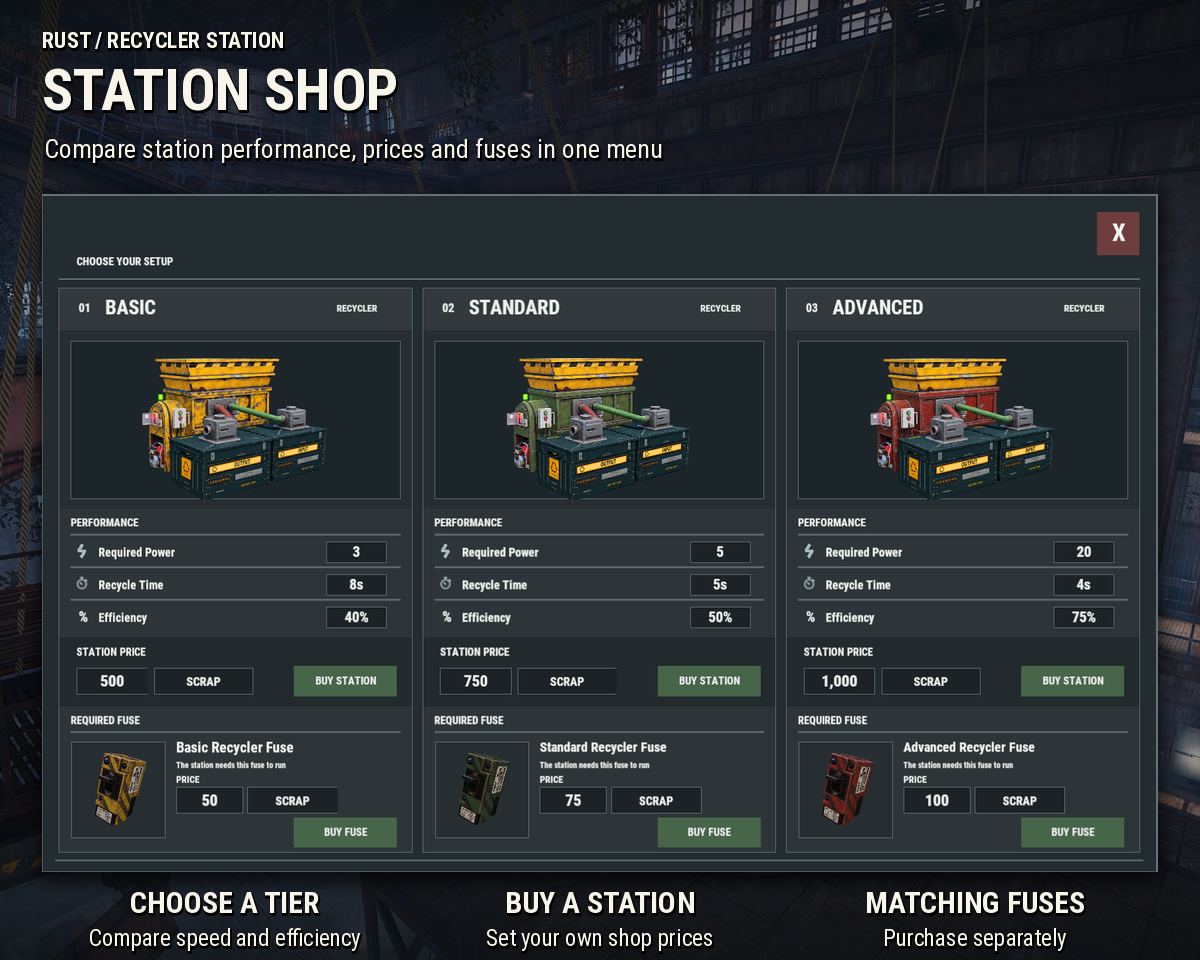
Choose between Basic, Standard and Advanced stations, connect the industrial pipes and get your recycling setup running without constant trips to a monument
HOW IT WORKS
-
Open the station shop using
/rsand buy the recycler you want - Place the station within an authorized TC range with enough room for both boxes
- Connect the industrial pipes manually
- Install the matching fuse if enabled and connect electricity if your station requires it
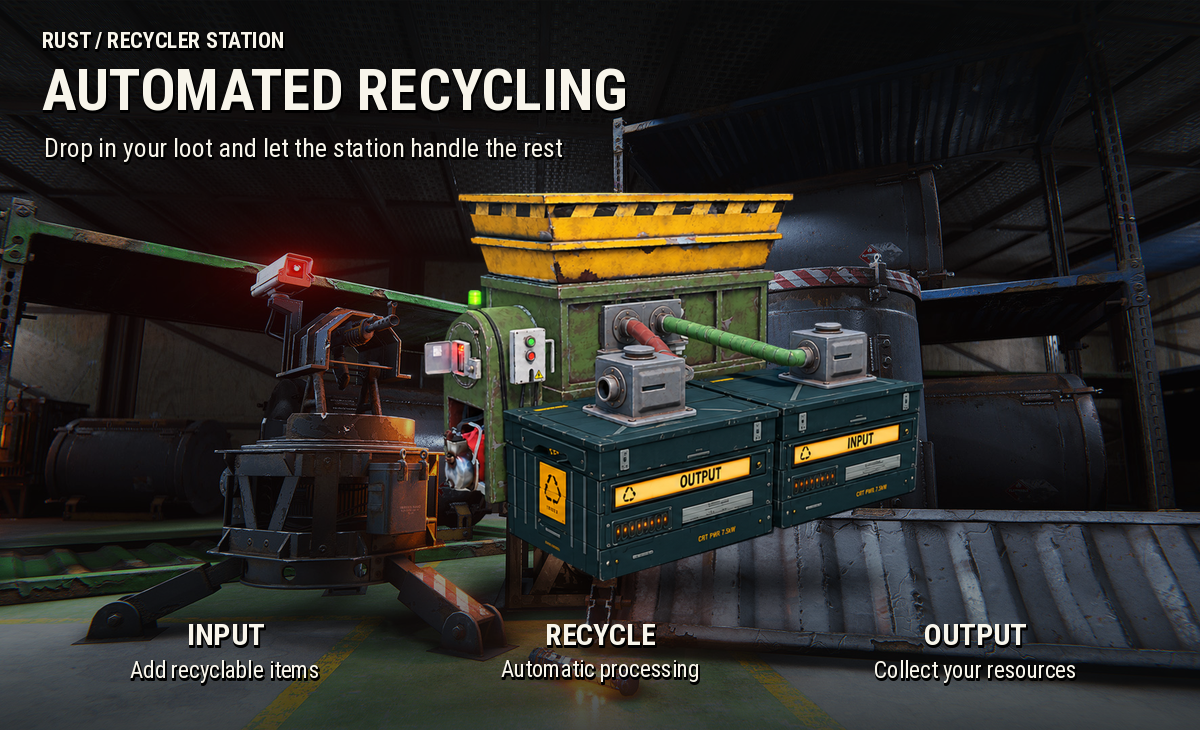
- Drop recyclable items into INPUT and collect your resources from OUTPUT
ADDITIONAL FEATURES
Recycling & Item Transfers
- Use native Rust recycling speed or set a custom speed multiplier
- Limit the number of items recycled per cycle in custom speed mode
- Configure input and output transfer speeds and quantities separately
- Recycling pauses when OUTPUT is blocked and resumes once there is room again
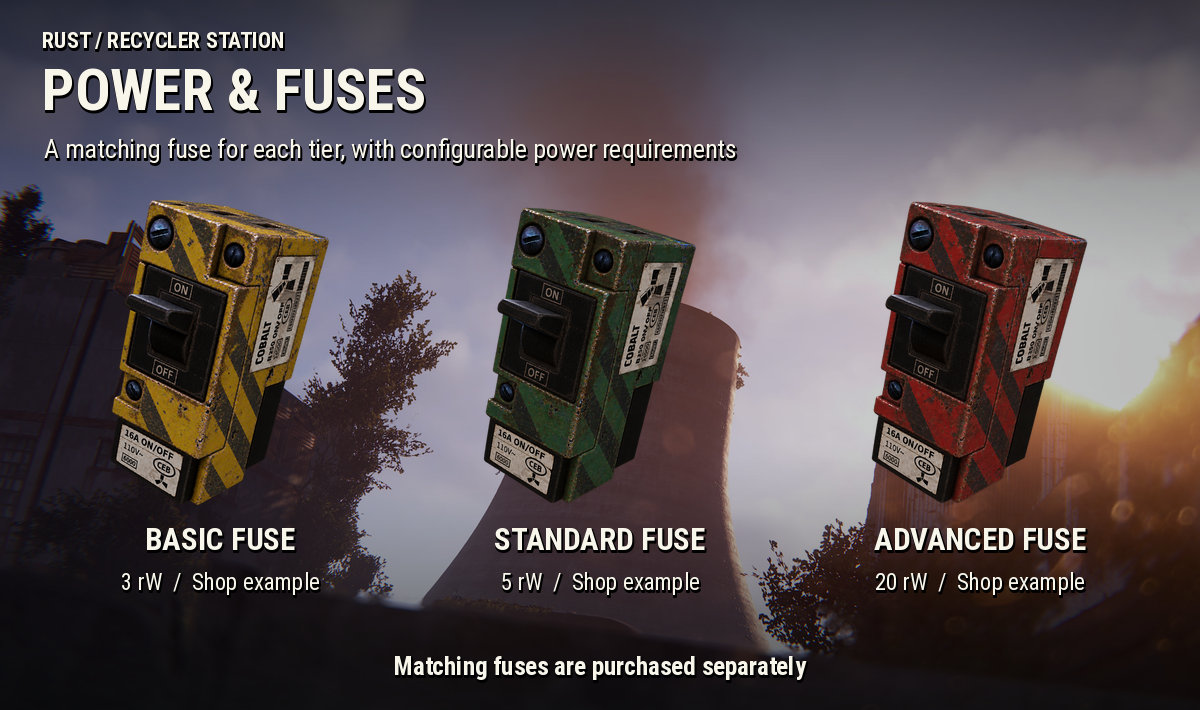
Power & Fuses
- Electricity is optional for Basic and Standard stations and can be enabled in the config
- Advanced stations always need electricity, with a configurable power requirement
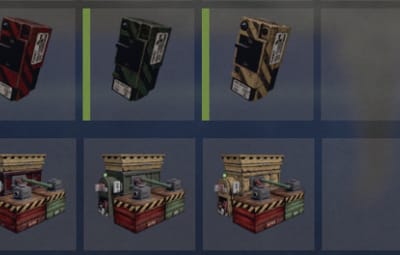
- Each station uses its own matching fuse when the fuse requirement is enabled
- Fuses do not wear out or need replacing
- Server owners can turn off the fuse requirement
Station Shop & Wipe Limits
- Set separate prices for each station and its matching fuse
- Accept Scrap, Economics or ServerRewards for shop purchases
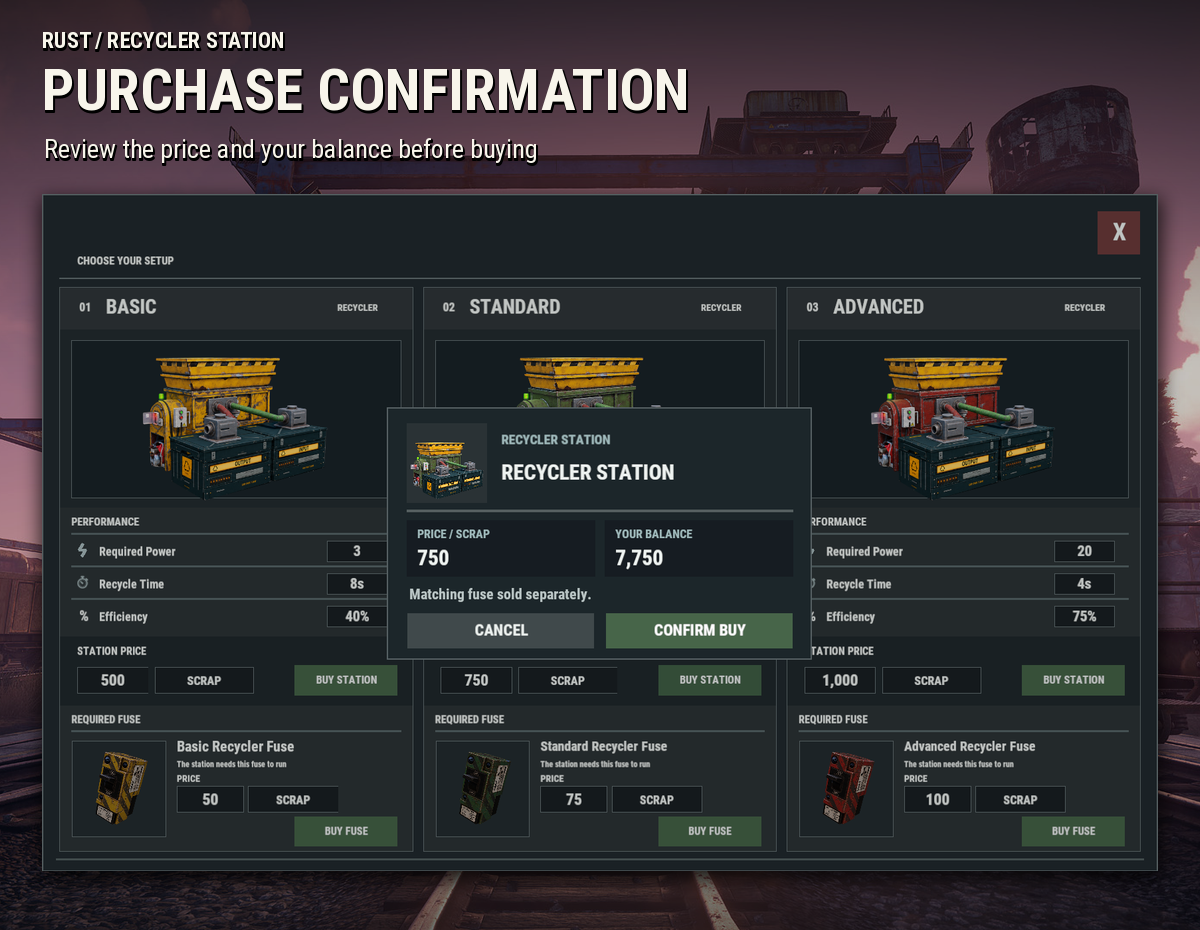
- Players can review the price and their balance before confirming a purchase
- Set a per-player station purchase limit or allow unlimited purchases
- Purchase limits reset on map wipe and fuse purchases do not count toward the limit
Placement & Pickup
- Stations must be placed within an authorized Tool Cupboard range
- Configure station ownership and TC authorization requirements for pickup
- Enable or disable station pickup, set a pickup fee and choose whether the station item is returned
Shop prices, power values and performance figures shown in the images reflect the example setup and may differ on your server depending on its configuration
COMMANDS & PERMISSIONS
Player Commands
-
/rs- Opens the station shop
-
/rs buy- Opens the station shop
-
/rs help- Shows the available help
-
/rs remove- Picks up the station you are looking at when pickup requirements are met
Admin Command
-
/rs give <player> [amount] [basic|standard|advanced]- Gives station items to a player
Standard is used when no station type is specified
Permission
-
recyclerstation.use- Allows players to purchase and place stations and use the pickup command when its requirements are met
To grant access to the default player group on Oxide:
oxide.grant group default recyclerstation.use
CONFIGURATION
- Native or custom recycling speed and item limits
- Input and output transfer intervals and quantities
- Output full cooldown
- Power requirements and matching fuse requirement
- Shop availability, currency, station prices and fuse prices
- Station purchase limits per wipe
- Pickup fees, ownership checks and TC authorization
- Plugin chat messages and debug mode
COMPATIBILITY & REQUIREMENTS
- Oxide / uMod
- Carbon
Optional integrations
Economics or ServerRewards is only needed if you choose it as a payment method for shop purchases or station pickup
The default shop currency is Scrap and the default pickup fee uses Economics
If you do not use an economy plugin, set the pickup fee currency to None to allow free pickup
ImageLibrary is not required and all station artwork is included with the plugin
LANGUAGE SUPPORT
English and Russian are included, with support for additional translations through the language files
Take Your Rust Server to the Next Level
Premium performance, lightning-fast support, and an exclusive 30% OFF using code KHALED

SUPPORT
If you need help setting up Recycler Station, run into any issues or have a feature suggestion, feel free to reach out through the Support section on Codefling
Check the Changelog for the latest updates and improvements