

FandangoChristmas
-
Posts
360 -
Joined
-
Last visited
Content Type
Profiles
Warranty Claims
Downloads
Forums
Store
Services
Downloads Plus Support
DOWNLOADS EXTRA
Reels
Support Center
Everything posted by FandangoChristmas
-
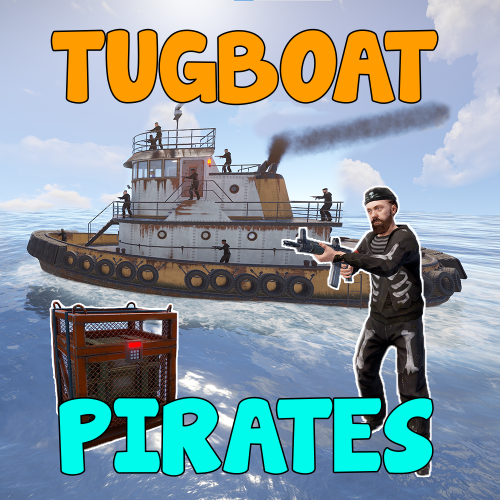 Good day all, Can anyone help me on this. I have had this on for around 6 months or more, and I just heard now that people didn't know it was on because there is never any alert for the event, and there is no map markers to see where it is. Is there something extra that has to be done or is it broken? I see in the console that it alerts when the event it is out, but it never alerts in-game, or shows a event marker. I have, "Announce event in chat": true, and "Enable map marker": true, in my config.
 -
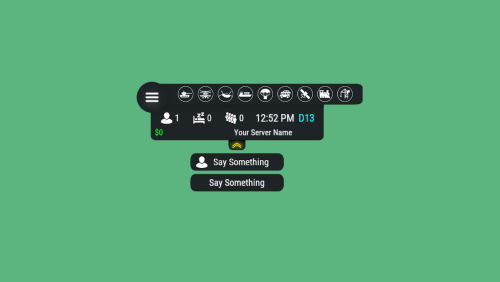 Has anyone had this work for TugBoatPirates event? I'm using "OnTugboatPiratesStarted" and "OnTugboatPiratesEnded" , and it never lights up the icon for me.
 -
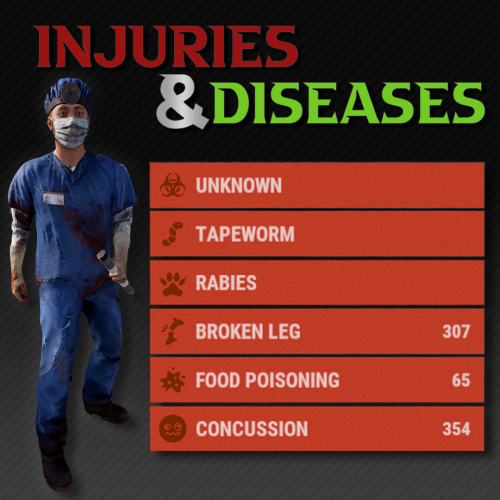 Hey I didn't know that! Thank you for clarifying , I had not encountered any Heavy Scientists yet, so I will just keep "zombie" on, and remove "heavyscientist". Thank you and Merry Christmas!
 -
Yes it does.! Use HeavyScientist.
-
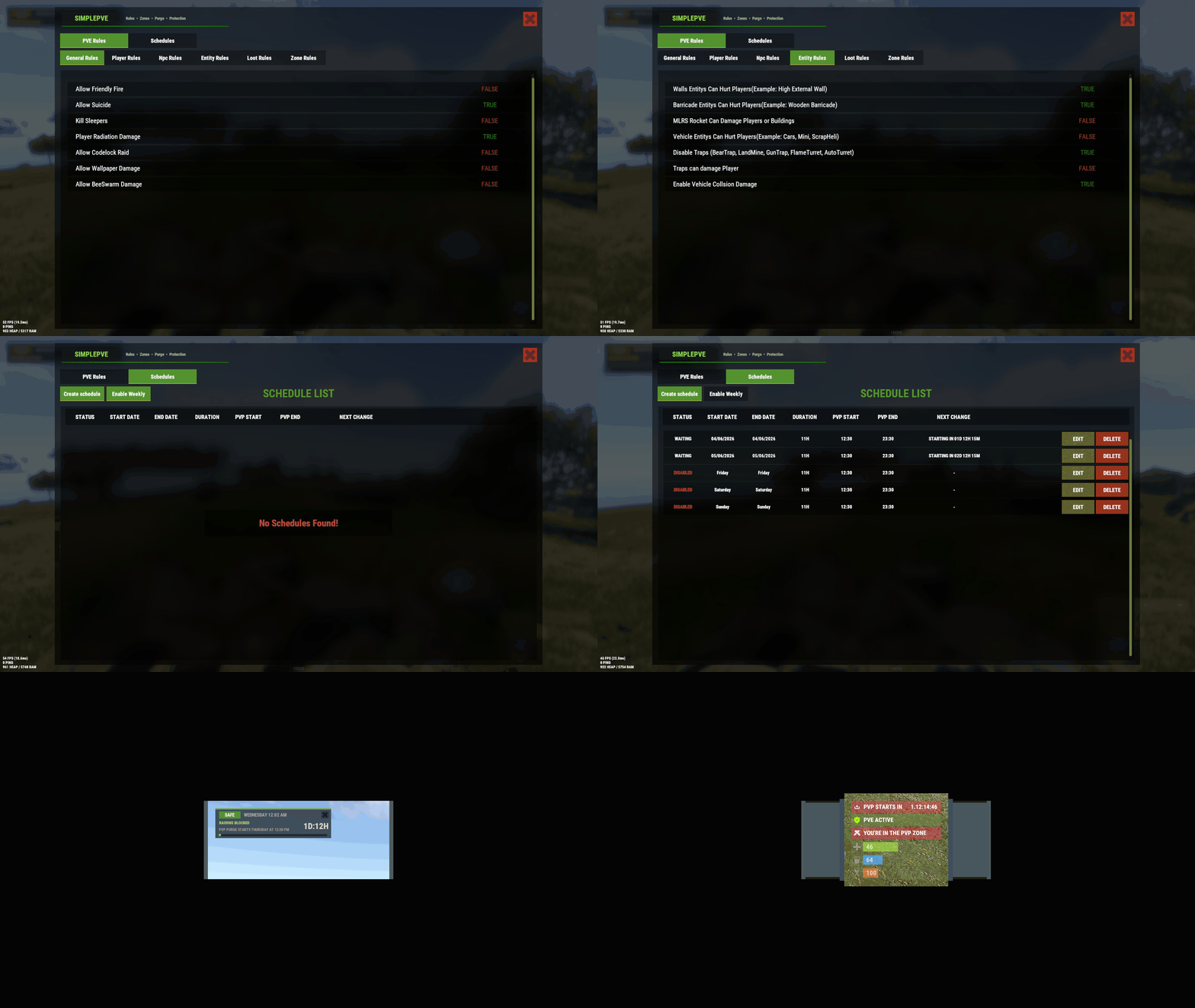 I love this plugin, it is so much better than the free one I used for the past 8 years. I have two things I would love to see with the schedule. It would be nice if their was a option to select a day or multiple days to have it repeat in those days only. The reason for this is so i dont have to make a seperate schedule for every saturday and sunday to be pvp. It takes so many entries into the schedule. Another request for the scheduling is to also have the option to use the games daily time instead of the server hosts time for scheduling. Reason for this is for option to have it switch to pvp every night in the game for example.
 -
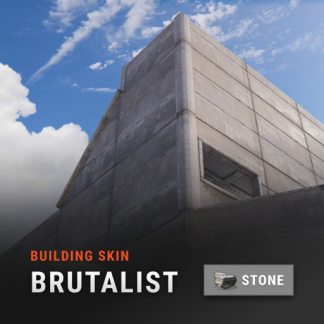 I'm getting the same results here as well. unloaded plugin, deleted plugin, config, data, lang files, then edited the 2 over previous id in .cs, uploaded the cs to the server, and load it up , but it is still twig. EDIT: Make sure that you dont have the gingerbread skin selected in your Hammer's radial dial, and that its on wood as default, then make sure bskin is in gingerbread. Give that a try.
 -
Gingerbread skin is no longer working after the Christmas update. It looks like twig now. UPDATE: So FP actually added gingerbread skin to the game today for free, but the downside is they are the ones that broke it. They have already fixed it for the next update, and it should be out soon. commits.facepunch.com/466924
-

Magic Cargo Plane Crash Event Panel
FandangoChristmas commented on DeutscherRitterPlatz's file in Plugins
 Thank you greatly! I will test around with this.
 -
Magic Cargo Plane Crash Event Panel
FandangoChristmas commented on DeutscherRitterPlatz's file in Plugins
What are the hooks used for start of event and end of this crash event? Trying to build my own event panel. Thank you -
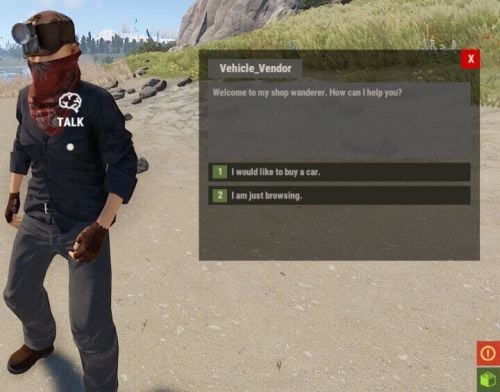 I had this same problem as well. I use VendorBlock plugin from Umod. I ended up editing the VendorBlock plugin, near the bottom line I removed the message out, and that stopped the message of the NPC not being available from appearing.
 -
A quick question on setting this up. I use DynamicPvP for PvP zones , so the only way for pvp to happen in these zones is to have SimplePVE set to use zonemanager and to make the zones pvp, but this messes with all my public player safe zones that use no decay and no damage or nodecay, but then it makes these zones PVP when they are meant to be PVE. Is there a good way to exclude certain zones from being pvp?
-
I just bought this to replace a free plugin that is not very intuitive, and Im liking it so far, good job!!
-
 With this new update from today, Will my players data be fine? I only need to backup config settings and transfer to new version after and keep my old data files going? I'm just checking to make sure players do not lose their stats.
- 129 comments
-
- 1
-

-
- #stats
- #statistic
- (and 3 more)
-
 Look inside the plugin for "if (bd.buff_values.ContainsKey(Buff.Barrel_Smasher) && !IsBarrel(lootContainer.ShortPrefabName)) info?.damageTypes?.ScaleAll(100f);" Remove the ! before the IsBarrel, then save and reload the plugin.
- 1,653 comments
-
- 2
-
-
- #leveling
- #progression
- (and 19 more)
-
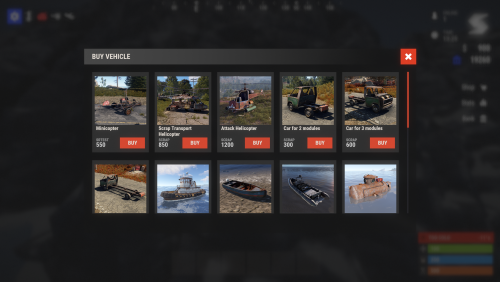 Thank you for the thought! Even if you could pick them up would be cool. I have used the free vehicle license plugin for many years, and I like the recall function of that, it keeps all your fuel and items intact on the vehicle. If you were to store the vehicle, it would drop all items into container where you despawn it. On another server I used a free plugin where you could pick up vehicles, but half the time it did not work. The only things I can think of adding if it doesnt already feature, is a way to use the vehicle buy with a NPC instead of just command, and anti-decay feature for vehicles built in that could be a option if server owners want. I know that isnt really needed, as you can get a free plugin for that.
 -
This looks very nice! Can you pick up your vehicles after placing them on map? Is their a way to use a recall command as well?
-
Sorry to interfere, but I want to say that I 100% agree on this idea for a config, to add events!! What I have done so far, is just edit and add in all my events in the .cs plugin file, but it is annoying to have to redo these edits into the plugin with each update.
-
 Interested about this plugin for a replacement for Vehicle License plugin. That plugin no longer stops decay of the tugboat. If this plugin can stop the natural spawns of tugboats and prevent bought tugboats from decaying, i will buy it on positive confirmation.
 -
 Good day, I have been testing these new FP events that were added. I changed the airdrop to use my FancyDrop command, and that works well. However the CargoShip event and CH47 events seem buggy. When the cargoship event starts, it will start on land, and be clipping through the map as it goes towards water sometimes. Sometimes the NPC are floating in the air above the ship, and or the ship is missing cargo containers. The CH47 event appears on my map when it starts, but when I arrive there, there is a Tugboat in its place, and it makes me glitch out on the map and teleport to a random map spot automatically, then I cannot move until I log out and back into the game. EDIT: I just looked into this command, and I found this command I will try in its place instead. "spawn ch47scientists.entity"
- 350 comments
-
- 1
-

-
- #eventmanager
- #manager
- (and 5 more)
-
event panel not turning off after heavy ship event
FandangoChristmas replied to FandangoChristmas's Support Report in Support
Thank you MeinRust! -
Thank you, that would be appreciated! One question with the facepunch event handling. Does this Event Manager disable the default FP events from running and handle them by itself, or do I have to find a way to stop the default cargo/ch47/airdrop before using this to control them?
- 350 comments
-
- 1
-
-
- #eventmanager
- #manager
- (and 5 more)
-
I'm really liking the newer additions to this! Is there any way in the future we can have more than 6 times added in a day for a event? There is no way to scroll the list, and it covers the button as well when you add that may times.
-
event panel not turning off after heavy ship event
FandangoChristmas replied to FandangoChristmas's Support Report in Support
Appreciated, and If its to much a hassle don't worry, it was just something that I noticed. Thank you for the work on this free plugin. -
event panel not turning off after heavy ship event
FandangoChristmas replied to FandangoChristmas's Support Report in Support
Thank you for checking it out, and most importantly thank you for this plugin. I just started to use it, and it was the only one that was causing issue out of all the magic panel event ones you have made. The only other issue I saw, is that it made the regular cargoship icon light up as well, bit that is not to much of a bother. -
event panel not turning off after heavy ship event
FandangoChristmas replied to FandangoChristmas's Support Report in Support
I tested this plugin with regular cargo event panel removed, as I thought it could of been interfering with this panel not de-activating after event is over, but this panel still stays lit after the heavy cargo event is over. The only way to make the panel not lit anymore it to start the event via command /HeavyCargoStart , then end event with /HeavyCargoStop right away.
