

FandangoChristmas
-
Posts
377 -
Joined
-
Last visited
Content Type
Profiles
Warranty Claims
Downloads
Forums
Store
Services
Downloads Plus Support
DOWNLOADS EXTRA
Reels
Everything posted by FandangoChristmas
-
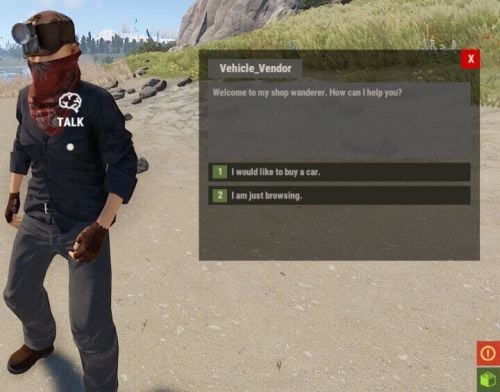 Good idea, I was just about to post about this as well! Would be good for custom maps with no barn, or another way for different currencies.
 -
 My servers don't have a .exe in them, only .sh , so this launcher cannot find RustDedicated.exe. I use lutris for all winblow exe's and usually everything works fine, but not with this application once started, it cannot find the RustDedicated.exe.. Anyone know the workaround for using this new "Launcher" on a Linux server? (I'm not going to install winblows in a container or VM.) In the past I only used the previous method with the .dll in harmony folder. Should I just continue with the .dll method or is there a way for .sh detection with the application?
 -
 I have a custom procedural right now, so it has lots of stuff removed on generation. in the future I will be doing that with more monument replacement.
 -
The newest update compiled fine just now and seems to be smooth here, With previous updates and this new one I have not experienced lag spiking yet. One thing different that Im seeing is you have a plugin named RNPCsManagerAddon , and I have not seen this in roaming npcs plugin, so i have no idea what that is. I suspect it could be that.. One thing I have noticed on this new update is I still dont see permissions in permissions panel and it still says i dont have permissions to use commands, so I actually cannot tell if they are spawned out yet. EDIT: So this new version doesnt work as well. I think I will just be staying with the version 0.5.4 , as its stable , works and doesnt need a api to work. Less plugins taking away resources the better I say! I have been tending to stop future business with plugins that require api's these days.
-
I followed direction and backed up my files, then deleted the bot file in data, and uploaded the new plugins., but Im not even sure mine even compiles, it doesnt show as compiled in c.plugins, and any plugin commands do not work for me and I see no permissions loaded. I followed direction and backed up my files, then deleted the bot file in data, and uploaded the new plugins. I do get all these errors though from above. my server is rebooting in a few minutes, I will see how its doing after a reboot.
-
Do any of you guys run a custom map, or a map with missing monuments? I do not have most of the vanilla monuments on my map and lots of prefabs missing like the power line towers ect. I wonder if that would make these messages pop up about the navmensh?
-
Letting you know I'm experiencing the exact same thing as you. The reload causes that error as well. I will continue to monitor this support thread.
-
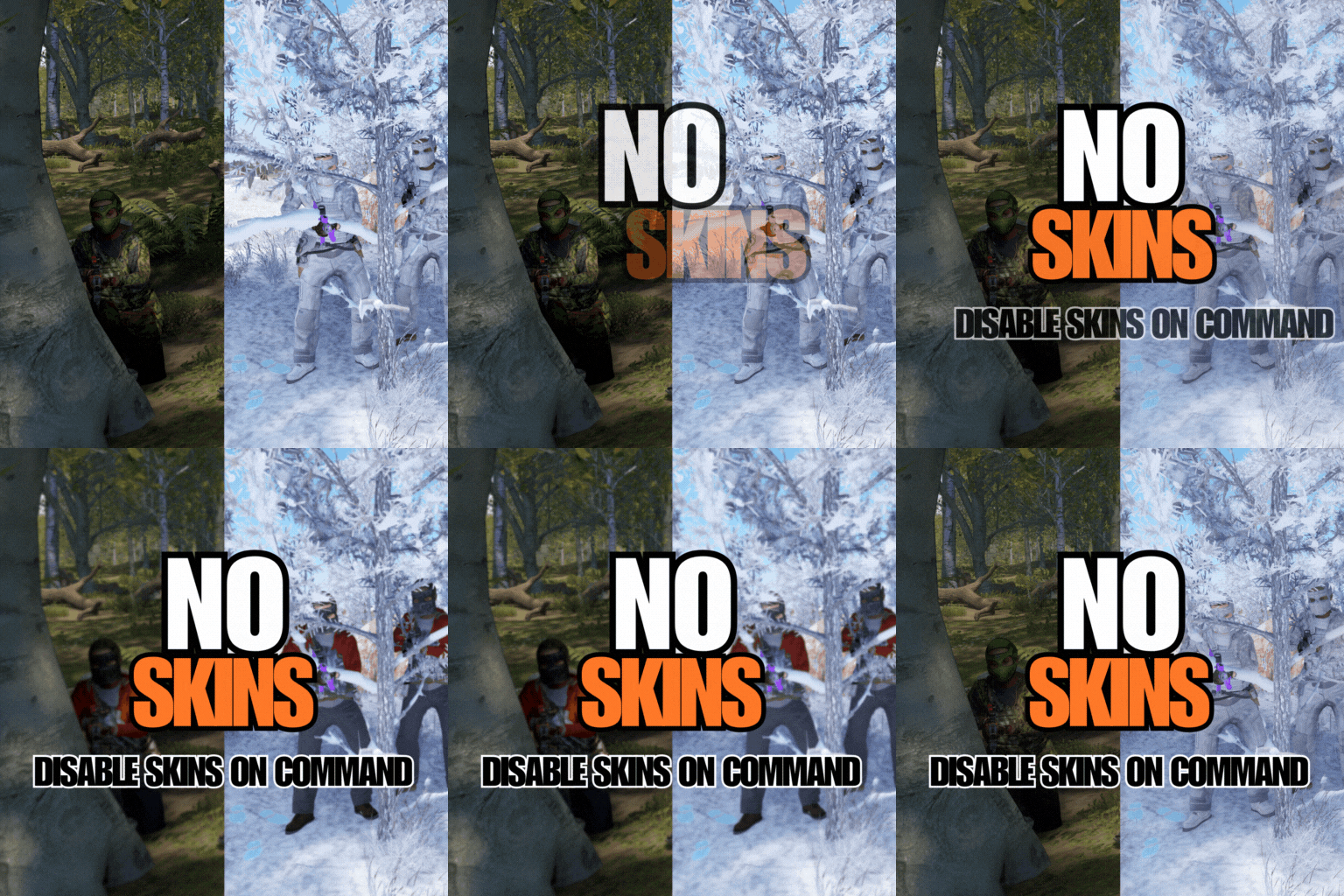 Seeing lots of console error spam each month with this plugin on, and even more so this month. I see it on server startup, but see it while server is running. I think RoamingNPC plugin NPCs could cause it maby? | Failed to call internal hook 'OnInventoryNetworkUpdate' on plugin 'NoSkins v1.0.5' [2916584000] (Object reference not set to an instance of an object) at void Oxide.Plugins.NoSkins.SendUpdates(PlayerInventory playerInventory, UpdateItemContainer updateItemContainer, bool updateLocal) in D:/TCAFiles/Users/admin/80514/carbon/plugins/NoSkins.cs:line 284 at object Oxide.Plugins.NoSkins.OnInventoryNetworkUpdate(PlayerInventory instance, ItemContainer container, UpdateItemContainer updateItemContainer, Type type, NetworkInventoryMode mode) in D:/TCAFiles/Users/admin/80514/carbon/plugins/NoSkins.cs:line 210 at object Oxide.Plugins.NoSkins.InternalCallHook(uint hook, object[] args) in NoSkins.cs/Internal:line 146
 -
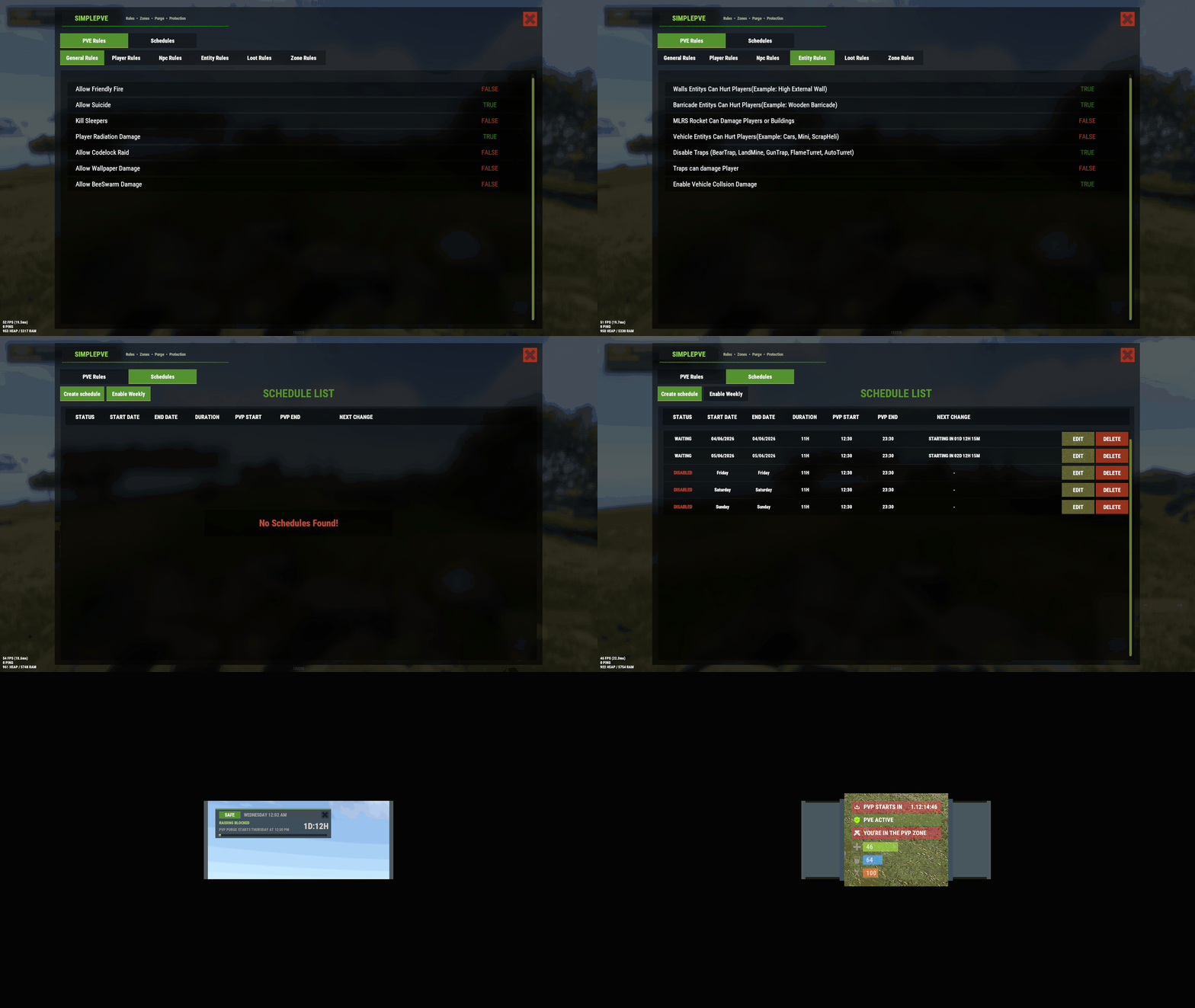 If you need any configs or anything let me know. I still have our convo open from beginning of September wipe in discord about the same issue if you need to ask any questions. EDIT: After some deep investigation I found that what is causing this is ZoneManager plugin and its /undestr true flag. I resorted to using more zones and carefully placed rectangular zones over buildings that use undestr true while keeping surrounding town area just a nobuild zone.
 -
I believe we been in Dms about this a few times now this past few months. The previous few months it was only affecting the newer type of animals added to the game. All the old original ones werent affected, but this month all animals are affected.
-
After a bunch of testing today, I found the flag in ZoneManager , Undestr True , that stops all damage to the animals inside the zones when SimplePve is on. I need to have that flag in my zone set to True so certain deployables dont decay, like candles, flashers, or take damage from explosions.
-
After months of this plugin not working correctly I finally uninstalled it and went back to TruePVE and that works fine now. It would be nice to see this plugin in a working state.
-
Good day, after this update and even before It I could not kill newer type animals inside any zonemanager zones. I notice even old animals wont take dmg now in zonemanager zones.
-

Bought wrong plugin on wrong site, need a refund
FandangoChristmas posted A Support Report in Support
Good day I accidently bought this when I was just waking up. I meant to be on another site buying a different plugin. I need this refunded to my paypa; please. -
 Good day, I accidently bought this plugin when trying to buy another one. I decided to try it out before a refund anyways, but I notice a few weird things right away that. When the heli comes out onto the map, a player observes it just disappear instead of crash. Then the crash site appeared on the other side of the island. I ran a command to stop the event, and the npcs, chests, and map icon remained on the map. I chose to not keep it, and will be doing a refund.
 -
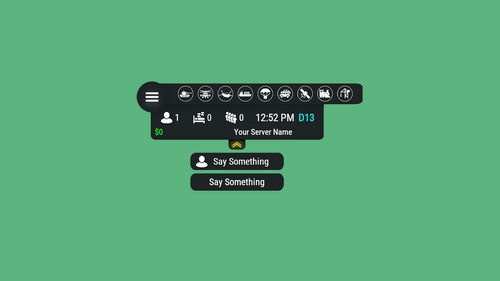 Should I keep waiting for Satellite event support in this, or should I make my own Satellite event support?
 -
Does anyone have a issue that happens where the wolf2, crocodile, panther, tiger, snake all cannot be killed if they are in a zonemanager zone? Bears, boars, and the others are fine.
-
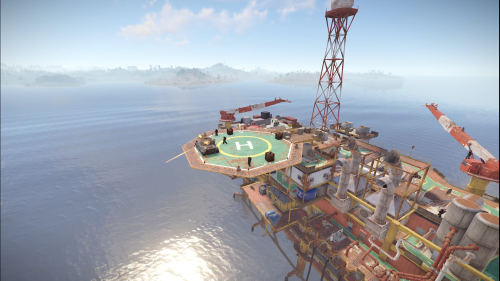 My requests havent been met on some other of Cahnu plugins as this one as well. I had to remove them as they do not work to well and there is no support responses.
 -
 Thanks for the update on lonedesign!
- 213 comments
-
- 1
-

-
- #customizablequests
- #dezlife
- (and 5 more)
-
 If your adding into a monument with /maspawn you also need to set its skinID with /maskin. It tells you the directions on how to use the plugin on the start of the webpage with the commands.
 -
Are you using /maskin properly?
-
 I saw tip4serv plugin doing this earlier today a couple times.
 -
The newest version of this plugin does not compile on carbon prod latest. Rolling back to previous version solved compiling issue.
-
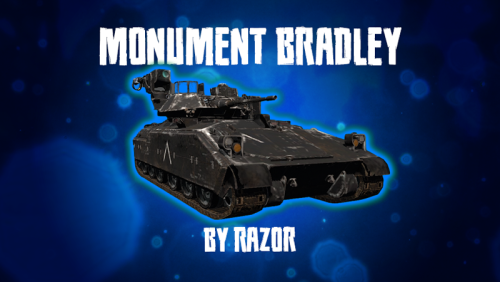 Ok sounds good Razor, Thank you for the info about that!! Excited to try the new version out
 -
If you are choosing to only update on this site in the future, could I have my license revoked on Chaos and moved to codefling for this plugin?
