-
Posts
163 -
Joined
-
Last visited
-
Days Won
1
Content Type
Profiles
Warranty Claims
Downloads
Forums
Store
Services
Downloads Plus Support
DOWNLOADS EXTRA
Reels
Everything posted by ALiEN JiM
-
 All I'm going to say is that "Rust" is the gremlin
 -
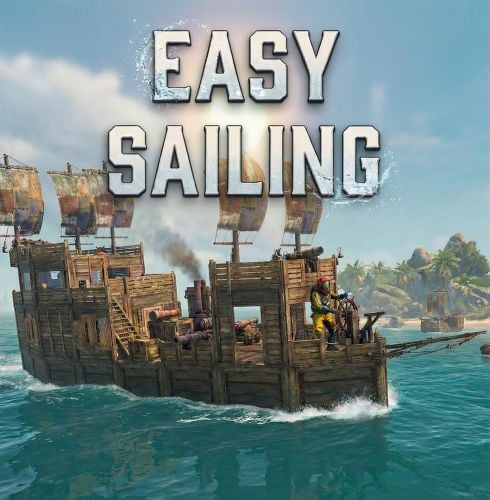
Just for the record, easysailing.use was set to the default group for everyone and had not changed from the previous version to your latest v1.12.4. Removing the permission and adding it back still produced the same issue. However, I then removed the permission again after removing the plugin and config. After reinstalling the plugin, it now seems to be working fine. I don't have an explanation for why that fixed it. Thank you for your help and time on this.
-
Hi Corvus, I am running Oxide with your latest plugin version v1.12.4, which no longer shows any vital speed or anchor information. When I mount the boat wheel, there are no vitals displayed at all related to the plugin. I have tested this on both my public server and a private clone server, and the issue occurs on both. As a test, I restored v1.11.5, and the vitals display correctly again. However, with that version the W and S controls no longer work, which I assume is why the update was made. I have also completely uninstalled the plugin, deleted the config file, rebooted the server, and then reinstalled v1.12.4, but the issue still remains. Any ideas what might be causing this? EasySailing.json
-
Hi, with the latest update (1.12.4) I can no longer get the Vital Speed to show, even though it is still set to true in the config. Does anyone know how I can get it to display again? Many thanks Jim.
-
Yes It is now working while mounted/steering a boat, thank you so much for your time on this Entering and leaving the area both now sending message to chat
-
Hi Beee, Just to keep you up to date with my findings: I performed a fresh reinstall and wipe, testing with both custom and procedural maps. The only plugin installed was AutomatedMessages — no other mods were running. After further investigation and testing, I discovered the following: If I go through the area as an admin with Vanish enabled, I get this console error: "Destroying components immediately is not permitted during physics trigger/contact, animation event callbacks, rendering callbacks or OnValidate. You must use Destroy instead." no other message appears. If I go through as a normal player while mounted on a boat, no message appears. If I go through as an admin using only noclip, I do receive the deep-sea entry message. From what I can tell, the issue seems related to the difference between being put to sleep and waking up in the deep-sea zone, which is what triggers the message. When mounted on a boat, the message does not trigger because the player is not put into a sleep state while driving. At the moment, the only way I can consistently trigger the message is by passing through the area with noclip enabled. I hope this information is useful for your investigation.
-
Sorry forgot to say I am using oxide, also a custom map even though that shouldn't matter I guess? Deep-Sea is South on my server.
-
It is set up the same for login and login out chat massage, just default group for everyone.
-
Hi, I’ve configured the enter and leave messages for the Deep Sea area, but nothing is appearing in chat. I’m not sure what I might be missing. I’m using the same setup for player login and logout messages, and those are working correctly. I just can’t seem to get the Deep Sea player messages to trigger. Thank you for your time and any help with this issue — I really appreciate it.
-
 With the latest update (v1.0.5), after a few hours of runtime my console starts spamming the error: "Failed to create agent because it is not close enough to the NavMesh." To troubleshoot, I began unloading plugins one by one to identify the possible cause. After further investigation, I went into the DeepSea area and found a large number of NPCs and trees floating in the water. I force-closed the DeepSea event and uninstalled the DeepSea plugin. As soon as it was removed, the console spam stopped. It appears the issue is caused by the DeepSea plugin not properly removing spawned NPCs and trees when the event is closed, resulting in leftover entities when the event reopens. For now, I will revert to a previous version and continue monitoring the server to see if the issue reoccurs.
 -
 Hi Aimacak, Yes, the issue started occurring after update v2.1.3, if I remember correctly. When booting up the server or simply reloading the plugin, it would begin loading the monument presets and reach around 25%, then stop with an error and fail to complete the plugin load. I rolled back to a backup version from before v2.1.3 and then updated directly to v2.1.7. Everything seems to be working fine now. Thank you for your reply.
 -
Keep getting this in console when loading the latest update: NullReferenceException: Object reference not set to an instance of an object at Oxide.Plugins.BetterNpc+ControllerSpawnPoint.CanRemoveNpc (BaseCombatEntity npc) [0x0005b] in <46fba1d2af3e4fa1ab556c293006aaca>:0 at Oxide.Plugins.BetterNpc+ControllerSpawnPoint.Init (Oxide.Plugins.BetterNpc+SpawnPoint spawnPoint, UnityEngine.Vector3 position, UnityEngine.Quaternion rotation, System.String spawnPointName) [0x00152] in <46fba1d2af3e4fa1ab556c293006aaca>:0 at Oxide.Plugins.BetterNpc+<SpawnMonumentSpawnPoints>d__83.MoveNext () [0x000ae] in <46fba1d2af3e4fa1ab556c293006aaca>:0 at UnityEngine.SetupCoroutine.InvokeMoveNext (System.Collections.IEnumerator enumerator, System.IntPtr returnValueAddress) [0x00026] in <0063b050016346c5b17d5d89a04d0a99>:0
-
 After a recent update, the custom NPC names defined in my config are no longer being applied. All dungeon NPC variants are now spawning with the default name “Scientist.” The config entries appear correct, but they are not being respected in-game.
 -
 Hi Khaled, I’ve run into an issue with this plugin and wanted to check in with you about it. When a weapon has more ammo than its default capacity (for example, from an extended magazine or a SkillTree extra ammo perk), the ammo count gets reset back to the weapon’s default when swapping to another weapon. This causes the extra ammo to be lost. Would it be possible to add an option to disable the automatic ammo resetting entirely? On my server we don’t need the ammo adjustment feature from this plugin, so having a way to turn it off would be ideal. Thanks for your time, and I appreciate the work you’ve put into this plugin. Best regards, ALiEN JiM
 -
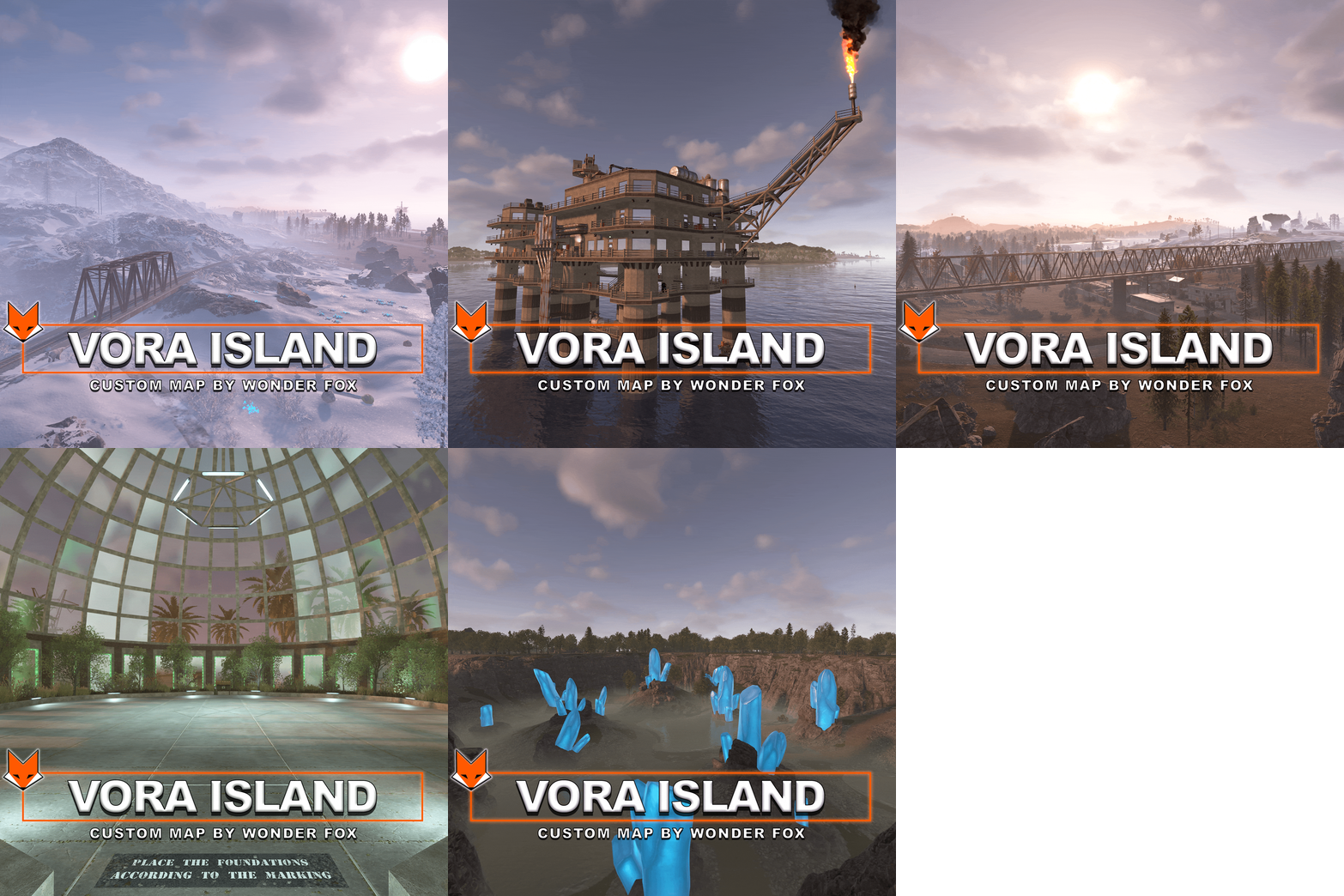 What is the size of the map? I ask as currently the quick overview panel is not showing me any stats.
 -
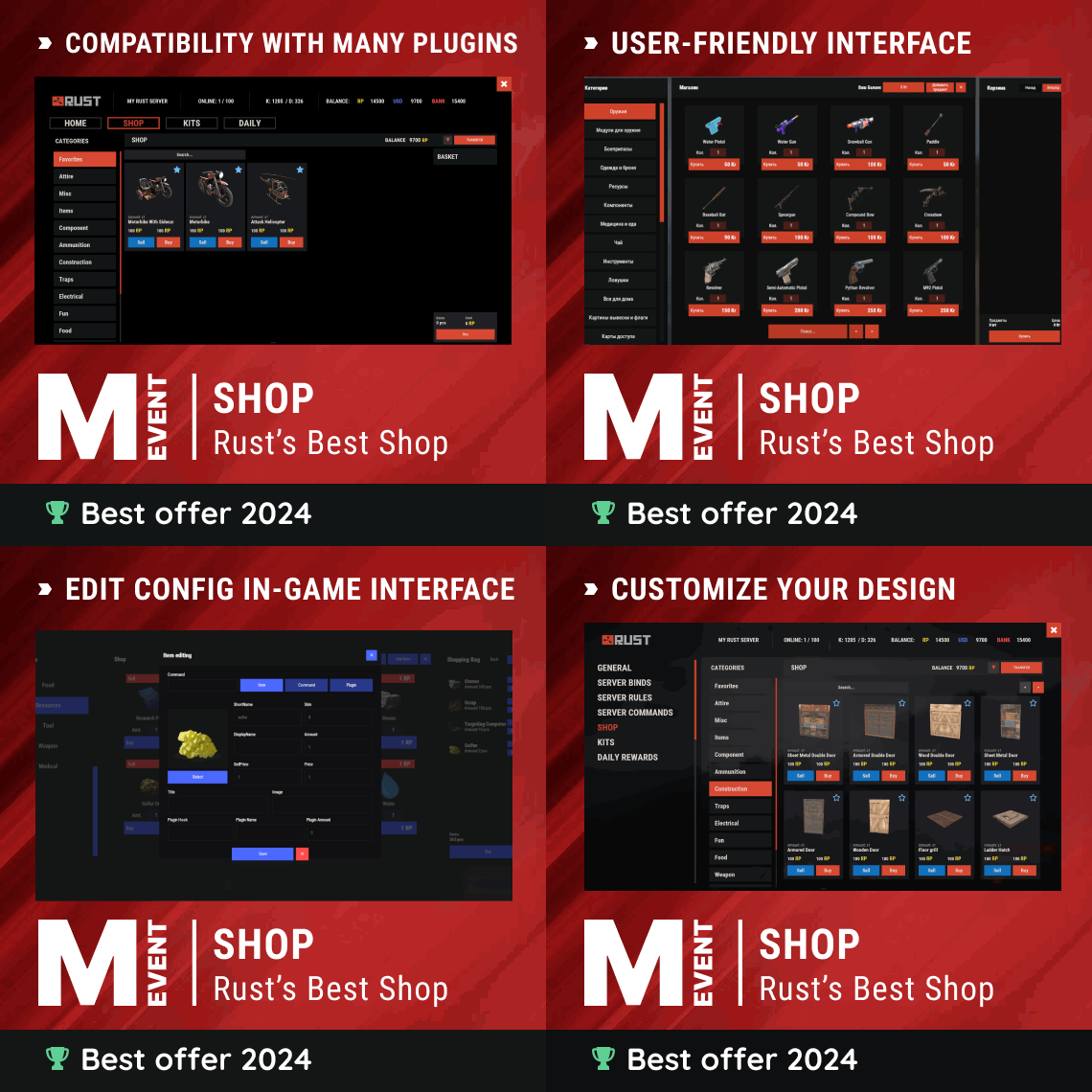 Hi Mevent Support, I appreciate the effort that went into the latest update, and I wanted to share some constructive feedback based on my experience. Positive change: Adding the permissions field directly to the item edit window is a great improvement, it's much more convenient! Issues encountered: Creating new categories isn't working properly for me currently. Skins/previews are not loading for items in the shop UI. Suggestion for item editing UI: The new editing panel feels like a step backward compared to before. It's now a narrower vertical panel that requires scrolling (similar to a mobile view), whereas the previous version was wider, displayed all editable fields at once, and had a much better layout overall. Could you please consider reverting to (or offering an option for) the larger, non-scrolling edit window? It made editing much faster and more efficient. Thanks for you time on this, I love the platform and hope these points can help improve it further! Best regards, ALiEN JiM
 -
 Hi Fruster, I hope you're doing well! Would it be possible to add a feature that allows admins to predefine a list of spawn points for dungeon entrances? The plugin could then randomly select one from that list each time a dungeon is generated. This would give more control over variety and placement, without needing to manually reload the plugin whenever a dungeon spawns in an undesirable area (like a Raidable Bases zone or custom monument). Thanks so much for your time and all the great work on this plugin — I really appreciate it! Best regards, ALiEN JiM
 -
 Hi, I was about to buy this plugin then i read: !ATTENTION! After the last update of the game, the additional slot does not work What is/was an additional slot?
 -
 Yes i did get that info from your patch notes thank you, just that there is no scroll bar for players to know it is scrollable, thankfully you added the config options to resize the icons, as in the older version it would resize automatically to fit so at first it did look like a bug, My apologies i didn't remove this message.
 -
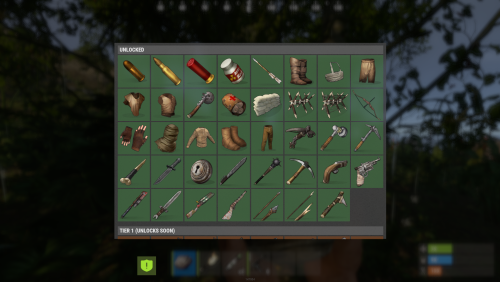
I too was getting black and white icons as well but now with version 1.7.1 the colour is back but still being cut off on the right side sadly.
-
 Hi i'm getting these errors when i load the plugin: Missing plugin name prefix 'wipeblock' for permission 'timedblocker.admin' (by plugin 'WipeBlock') Missing plugin name prefix 'wipeblock' for permission 'timedblocker.bypass' (by plugin 'WipeBlock')