
-
Posts
208 -
Joined
-
Last visited
Content Type
Profiles
Warranty Claims
Downloads
Forums
Store
Services
Downloads Plus Support
DOWNLOADS EXTRA
Reels
Everything posted by Sulfur
-
When you disable the NPCs that are mounted, they steal some of your cannons when they dismount
-
 A little bit of deployable nature should clean up nicely to cover that up
- 31 comments
-
- 1
-

-
- #map
- #synecdoche
- (and 8 more)
-
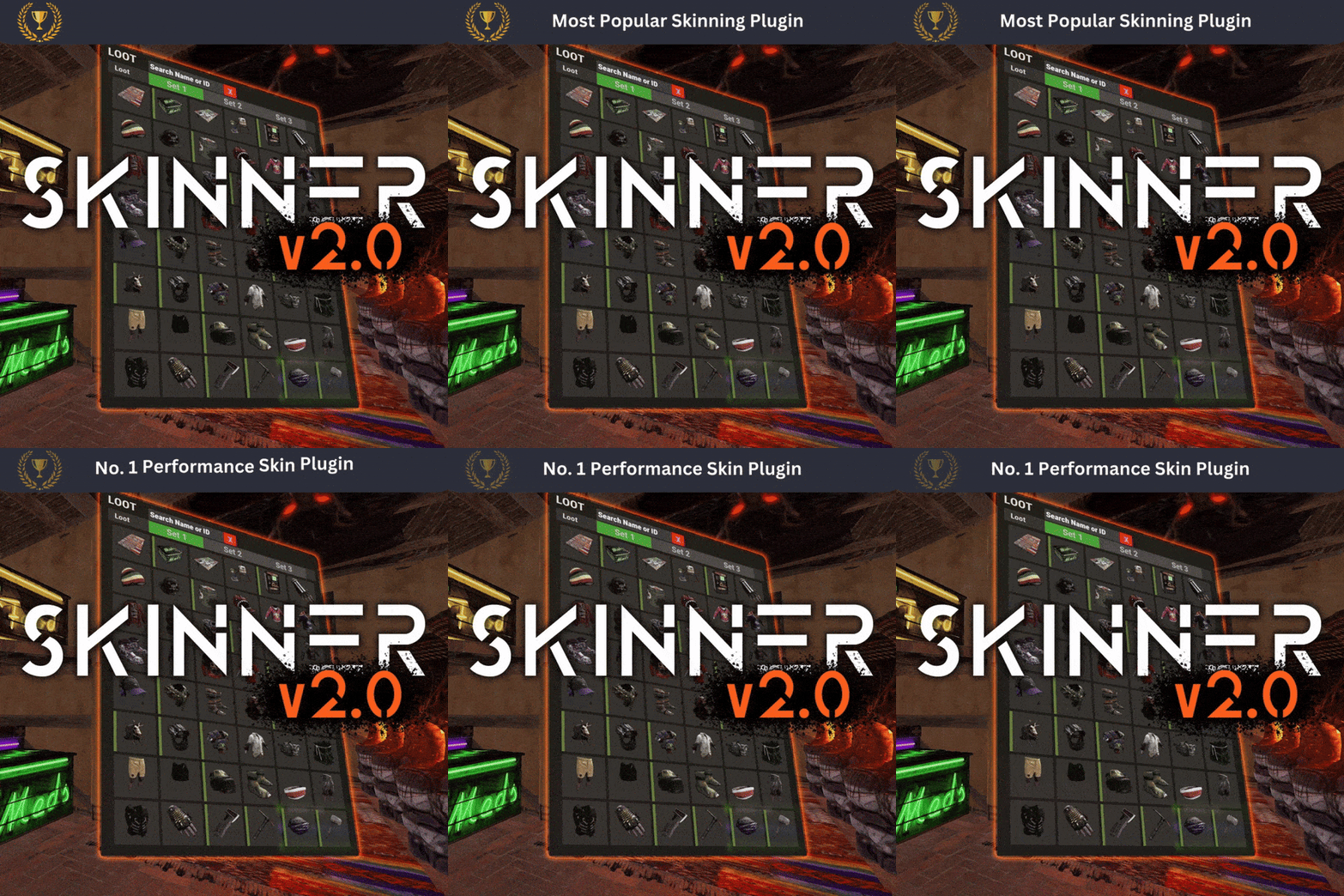 can you update skinner to be able to skin SKS
 -
 Remove this junk here, players get stuck and cant move
 -
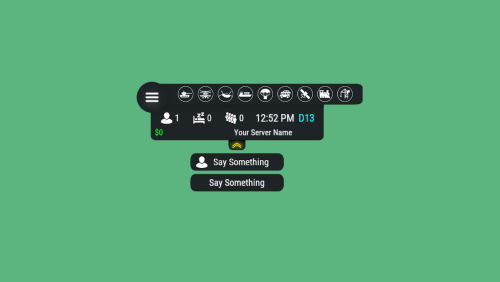 update image Library thats what i did and now it works
 -
 before i purchase is there an option to add lone design website
 -
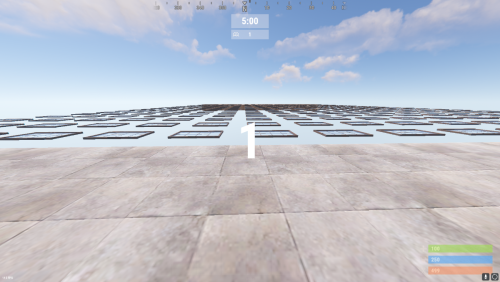 is there an options for winners to get economics as a reward
 -
Can we not have lost outpost spawn under the oil rigs, its blocking off the moon pools
-
O9/P9 river misplaced, i will let you know if i find anymore
-
Theres a big hole when people go down to train tunnels, even though they arent there, people still fall to thier death
-
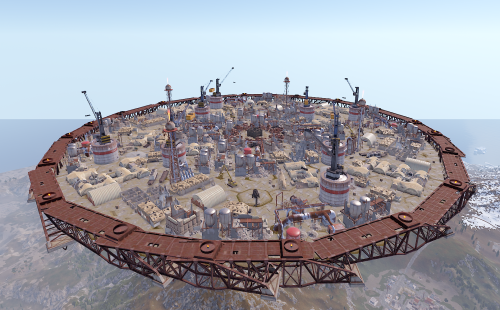 Fantastic arena add-on. The industrial layout is immersive, well thought out, and fun to fight in, with great use of cover and verticality. It opens up new areas for looting and exploration, making SurvivalArena feel fresh instead of repetitive. The price is very affordable for the quality you get, and it integrates smoothly into events. I’d love to see more arenas like this released — unique environments like this add real value and keep players engaged. Highly recommended. Myself and players instantly loved this when i added it, its always requested
 -
im currently using the clans plugin and it works for me
-
 lone design website is terrible, codefling is alot more better, you can see when a reply has been made, there is discussions and support tab, buying plugins from lone design is like stepping into the 90s for the first time
- 1,651 comments
-
- 1
-

-
- #leveling
- #progression
- (and 19 more)
-
disregard that last comment i found out convars exist
-
is there a way to change the tick rate
-
so i fixed that bit, i set it to 5x default smelt speed in the config, even with a furnace maxxed out its doubles really feel 5x ontop of that 5x default speed
-
also it doesnt matter if i oxide.unload my furnace splitter plugin the plugin still thinks it active, when when you start a furnace normally the buttom is lit up green meaning it got wood and a resource to cook, when furnace upgrades is installed and everyone has the permission the button is not lit up and if you press turn on all it does is cook the charcoal silently
-
-
button doesnt light up to say it can be turned on, if what i am getting across to you, players have to setup a auto starter for it to work,id rather not do that also it uses wood and make charcoal when its not turned on looks like its trying to cook the fragments but nothing happens only when i add an ignititer is that when it finally turns on
-
 i find with some plugins the image they use is too high quality and will take too long to upload, i make all my image with an ai and asking it to lower file size under 500kb = 80kb 323 x 323 px, it instantly loads up
 -
when i installed the plugin players who didnt have any upgrades done to thier furnace were met with this error in chat, perhaps they didnt have the perms to use furnace upgrade but still it shouldnt be spammed to a player when they try to use the furnace normally
-
can you make it so players can turn on the deployables like furnaces ect like they normally have to do, i have to setup an auto starter and sprinkler to stop and start furnaces, if just enabling the plugin on standard presets nobody can use fornaces
-
.thumb.gif.4707aef13cba7c3b9ad410f5f982b71c.gif) I’ve been using Daily Rewards on my Rust server and it’s easily one of my favourite quality-of-life plugins. The biggest standout is how customisable it is. You can reward any item, use any image, and fully tailor rewards to match your server’s theme. I’ve set up things like Supply Drops, Pure Teas, refined materials, rare blueberries, and custom loot bags with my own custom made images, and it all just works smoothly. The overall feel of the plugin is clean and polished. The UI looks great in-game, it’s intuitive for players, and it doesn’t feel clunky or intrusive. Most importantly, my players genuinely love it. It gives them a reason to log in daily without feeling forced or pay-to-win. Setup was straightforward, performance has been solid, and it fits perfectly into a PvE or PvP environment. If you’re looking for a daily reward system that’s flexible, visually appealing, and player-approved, this plugin is a no-brainer.
I’ve been using Daily Rewards on my Rust server and it’s easily one of my favourite quality-of-life plugins. The biggest standout is how customisable it is. You can reward any item, use any image, and fully tailor rewards to match your server’s theme. I’ve set up things like Supply Drops, Pure Teas, refined materials, rare blueberries, and custom loot bags with my own custom made images, and it all just works smoothly. The overall feel of the plugin is clean and polished. The UI looks great in-game, it’s intuitive for players, and it doesn’t feel clunky or intrusive. Most importantly, my players genuinely love it. It gives them a reason to log in daily without feeling forced or pay-to-win. Setup was straightforward, performance has been solid, and it fits perfectly into a PvE or PvP environment. If you’re looking for a daily reward system that’s flexible, visually appealing, and player-approved, this plugin is a no-brainer. -

Have to reload plugin to make imported skins worked
Sulfur replied to diaolingtyp's Support Report in Support
always after importing a skin i do the o.reload Skinner but even now a certain skin will not remove from skinner and its causing players to crash to the menu and then all thier skins even official ones crafted in game do not appear, they have to clear thier download cache from steam for it to work again but as soon as they use skinbox again and attempt to skin pants *instant crash*