MooDDang
-
Posts
92 -
Joined
-
Last visited
Content Type
Profiles
Warranty Claims
Downloads
Forums
Store
Services
Downloads Plus Support
DOWNLOADS EXTRA
Everything posted by MooDDang
-
 Hi, I'm running a PvE Rust server. I am currently Vibe Coding with Gemini to create a custom plugin based on the logic from the existing `MovementSpeed` plugin. *(Note: This is for my personal server use only, not for sale.)* The Problem: I implemented a component to increase player movement speed. It works perfectly on flat terrain. However, when a player with high speed (e.g., 2.0x multiplier) runs up slopes or hills, they experience severe rubber-banding (getting pulled back to previous position). [My Environment] * This is a PvE server. * I have already disabled most server-side anti-cheat convars (e.g., `server.secure 0`, `antihack.flyhack_protection 0`, `antihack.speedhack_protection 0`, etc.). * Even with these settings, the physics engine seems to reject the movement on steep slopes. Crucially, this issue DOES NOT happen to Admins. * Admins: Can run up slopes at 2.0x speed smoothly without any issues. * Regular Players: Get rubber-banded / lag-backed immediately when running up slopes. What I've tried: Gemini and I tried to bypass this by: 1. Pausing FlyHack/SpeedHack detection (`player.PauseFlyHackDetection`). 2. Resetting `speedhackDistance` every frame. 3. Updating `lastAdminCheatTime` to `UnityEngine.Time.time` every frame (to trick the server into thinking an admin command was used). 4. Clamping the Y velocity in `FixedUpdate`. Despite these efforts, regular players still suffer from rubber-banding on slopes. Here is the logic I'm currently testing: Is there any other server-side check that restricts player movement on slopes (specifically for non-admins)? Or am I missing something in the physics calculation? Any advice would be greatly appreciated. Thank you!
 -
Oh my goodness, really? Thanks for the clue. I'll have to go check it out...!
-
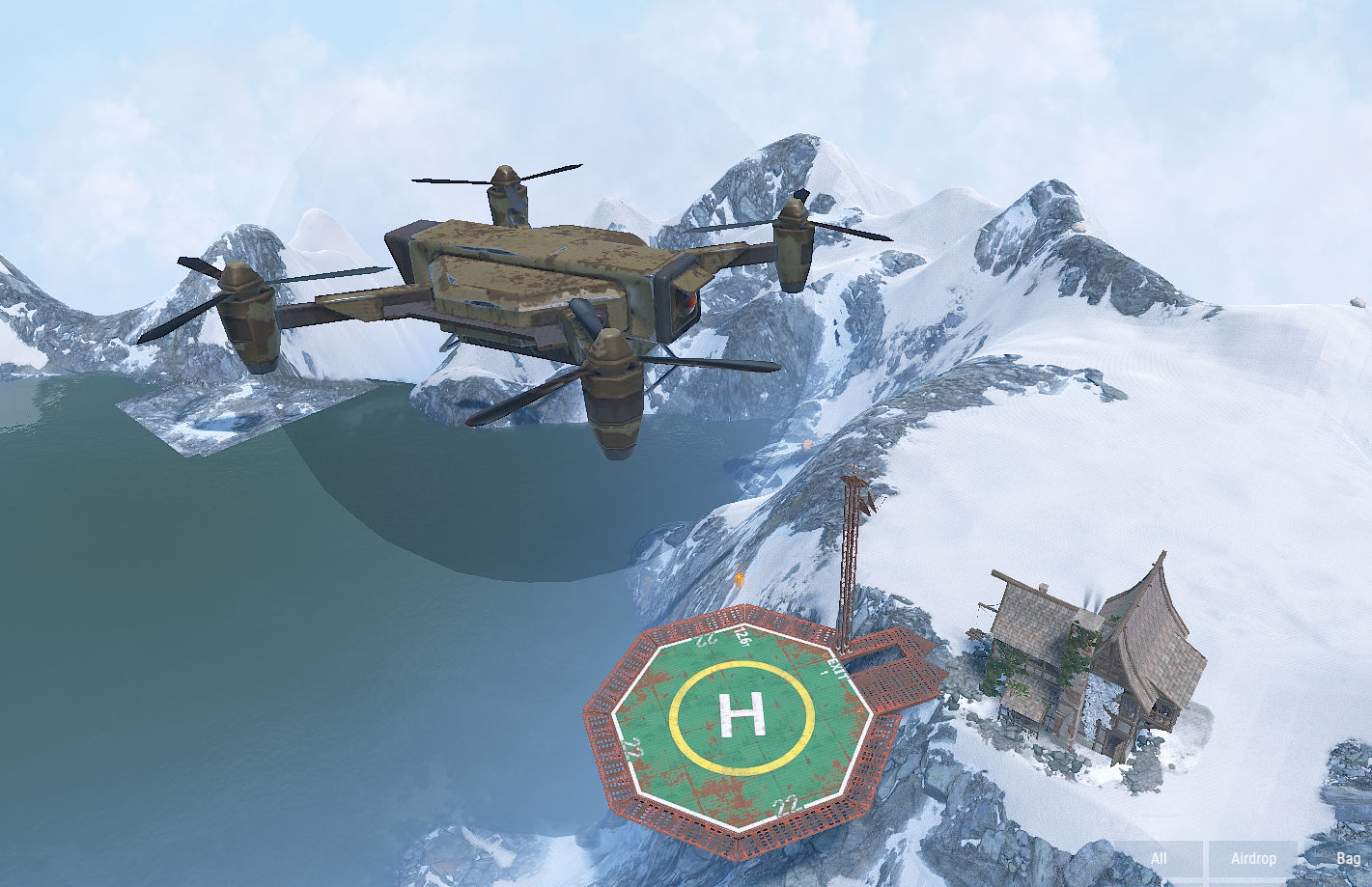
Hello developers, I am working on a plugin to spawn a "Giant Drone" boss. My Approach: To increase the size of the drone, I spawned a SphereEntity, set its scale to 25.0, and then parented a Drone entity to it. The Problem: Sync Issue: Players who are near the spawn point see the giant drone correctly. However, players who come from far away (entering the network group later) see the drone at its default scale (1.0x) instead of 25.0x. Failed Attempt (Important): I tried to force a sync by calling SendNetworkUpdateImmediate() on both the parent (Sphere) and the child (Drone) when a player enters the zone. However, this never worked. The client still renders the drone at the default scale (1x) even after receiving the update packet. Performance Issue: I also tried calling SendNetworkUpdateImmediate() in a loop (e.g., every 0.1s), but it only caused severe server lag/freezing and still did not fix the visual sync issue for new players. My Question: It seems SendNetworkUpdateImmediate() does not properly force the client to update the inherited Scale from a parent entity. Is there a known workaround to force the client to re-sync the hierarchy/scale correctly when a player enters the network range? Any advice would be appreciated. Thanks! The Code Snippet ``` // 1. Create Carrier (Sphere) string spherePrefab = "assets/prefabs/visualization/sphere.prefab"; SphereEntity sphere = GameManager.server.CreateEntity(spherePrefab, startPos, spawnRot) as SphereEntity; float scale = 25.0f; sphere.currentRadius = scale; sphere.lerpRadius = scale; sphere.transform.localScale = new Vector3(scale, scale, scale); sphere.EnableSaving(false); sphere.EnableGlobalBroadcast(true); // Tried this, but didn't help much sphere.Spawn(); sphere.SendNetworkUpdateImmediate(); // 2. Create Drone and Parent string dronePrefab = "assets/prefabs/deployable/drone/drone.deployed.prefab"; BaseEntity drone = GameManager.server.CreateEntity(dronePrefab, Vector3.zero, Quaternion.identity); // Parent to the scaled sphere to resize the drone drone.SetParent(sphere); drone.transform.localPosition = Vector3.zero; drone.transform.localScale = Vector3.one; drone.Spawn(); ```

-
 where is sedan?
 -
 Hello, thank you for the great plugin. I find the current process of spawning NPCs in custom maps quite complicated due to the need for an ID. It would be much more convenient to have an option to simply spawn NPCs at a specified xyz position without needing an ID or extra steps. Additionally, when I spawn NPCs in specific areas like underground or custom locations, plugins like BotReSpawn work fine, but NPCs from this plugin either get displaced or fail to spawn, even after adjusting the "Type of navigation grid" setting. Requests: 1. Could you add an option to spawn NPCs at a set xyz position on custom maps without needing an ID? 2. Please improve the nav mesh handling or allow the Boss Monster NPCs to stay anchored in place when spawning in custom areas. In summary, I’d like to request more flexible nav mesh handling so NPCs can spawn properly in any area, and an option to spawn NPCs at a specific xyz position without needing an ID or complex processes.
 -
 Hello, I have been using your plugin and it’s been working great. Thank you! However, after Rust’s recent update, it seems that the navmesh has disappeared from certain terrains. As shown in the attached image, a profile that was working perfectly until now has suddenly become unusable. Now, I have no choice but to wait until the next month's reset. Is it possible for the plugin to resolve this issue?
 -
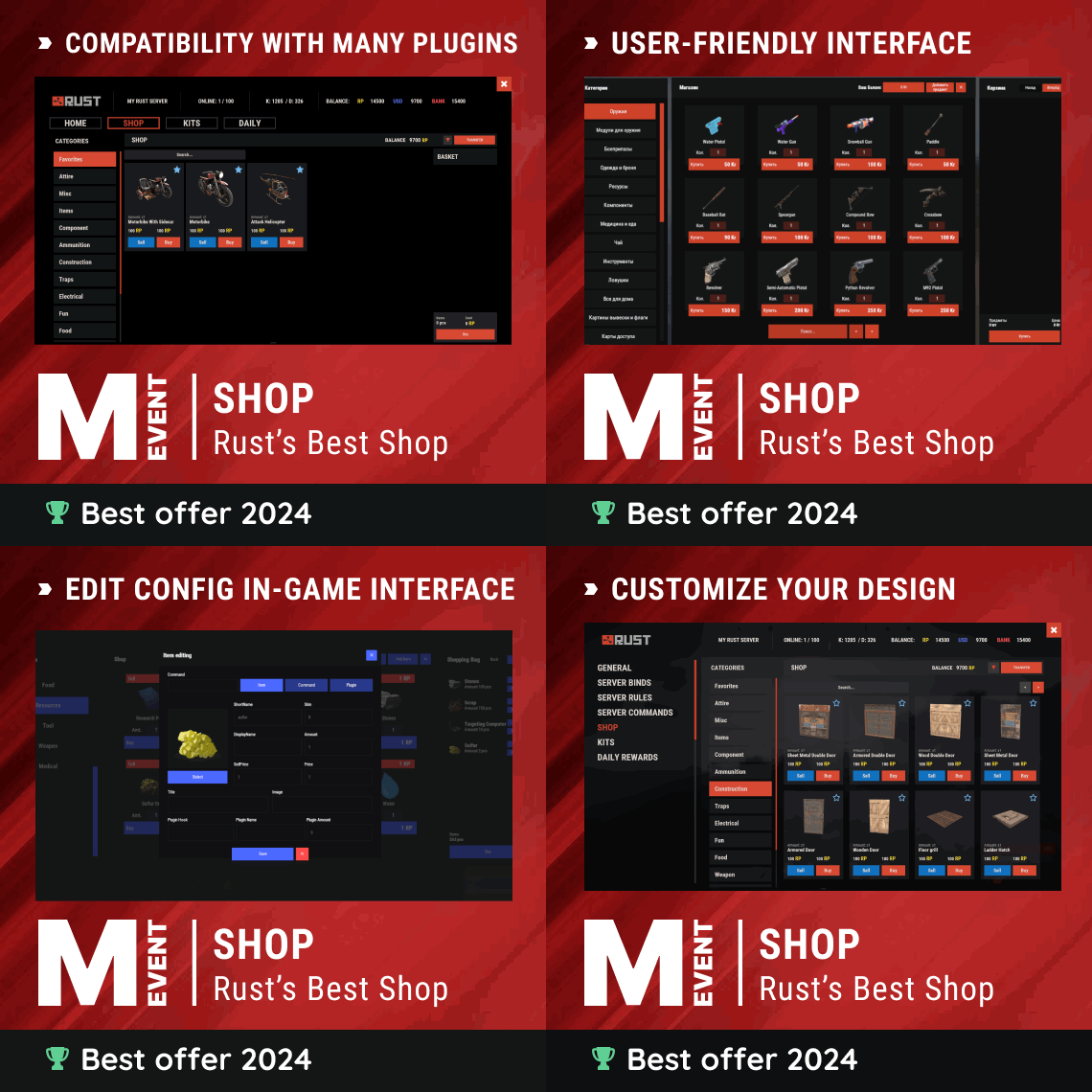 Hello, thank you for the plugin update. However, I'm having difficulties configuring the settings. I want to prevent users from deciding the payment method for specific items. How exactly should I format the {} section for the payment methods? I tried replacing {} with 0, {0}, "0", {"0"}, {"0":price}, and various other formats, but it keeps returning errors. Could you please explain how to properly set up payment methods for each item? "Currencies": { "Enabled": true, "Enabled currency for buying items (key - economy ID, if you use economy by default use 0)": {}, "Currency for selling items (key - economy ID, if you use economy by default use 0)": {} } how do i do this config?
 -
 Hello, I've been using the plugin well so far. However, I noticed that when I enter a ZoneManager zone with a specified flag while using a jetpack, it no longer automatically deactivates. Also, the feature that used to grant collision damage based on permissions (which I was using to sell permissions) has been removed. Could I ask why these previously existing features were removed? Currently, collision damage can only be configured globally, not through permissions, and while it prevents mounting the jetpack in certain zones, it doesn’t stop players from flying into those zones while already mounted. What’s the point of this?
 -
.thumb.png.c7f4bb064c82c82a091c981534225577.png) ?? Does this plugin guide talk about PVE MODE? Let me ask ADEM.
?? Does this plugin guide talk about PVE MODE? Let me ask ADEM. -
Oh, I'm sorry. At first, I mistook PVE MODE for NPC SPAWN PLUGIN and said 'Of course'. I don't use pve mode. I am using true pve and I would like to know why the owner of the config is not working. So I need PVE MODE?
-
PveMode I am actively using mode. Can’t you see my quote in the previous comment? I think the owner part has been set up in config. Regarding the pvemode plugin, I am using true pve and an ownership plugin such as loot defender. However, I don't know what this has to do with entities created by armored train. I'm simply wondering if there's a problem with my settings.
-
Of course, I have installed the NPC plugin. It seems there was some difficulty in communication due to my limited English, but this issue is not related to the NPC plugin. The NPCs appear correctly. My question is about the config settings I mentioned. To put it simply, it seems that the plugin is not assigning the 'owner' value properly. Players can loot the train regardless of the cooldown set for the owner, and even others can open the chest. The 'owner' option doesn’t seem to be working. What should I do?"
-
Hello, thank you for the great plugin. I set the config as below, but even if a user attacks, it is not recognized as the owner. To be exact, I want to enable rooting once every 21600 seconds, that is, every 6 hours. Even if someone stops or attacks the train, it does not appear to be activated as owner. It seems anyone can loot the chest. What should I do?
-
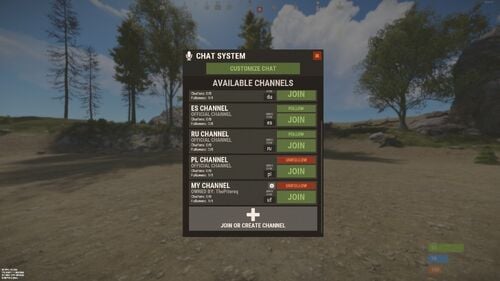 thanks to your work, but it's currently difficult to find meaningful use cases. Permission to join specific groups, removing unnecessary tags like default and admin, and ensuring that certain groups always remain visible regardless of their membership, would make this plugin perfect. It's inconvenient not being able to configure channel and group visibility, and it's currently difficult to find meaningful use cases. If the plugin could offer features such as setting permissions to join specific groups, changing names, and designating group administrators, similar to team chats, it would be excellent. 1. Feature to always display a main group, regardless of membership in other groups. 2. Permissions and group administrators for specific groups 3. Functionality to disable unnecessary tags like EN and admin tag. I think this would make the plugin perfect.
 -
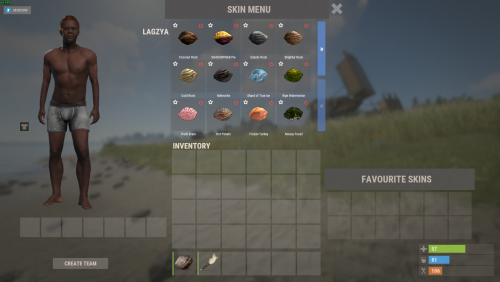 The command /se works, but skins cannot be loaded for most items when called via /skins. For example, rifle.ak loads skins normally, but when you click on other items such as hoodie or door, an error is displayed and no skins are loaded. Please help me Please help me Please help me~~~~~~~~
 -
 Is there still the problem of not being able to register numbers over 2000000000?
 -
 Once I create bases, I want to subordinate those bases to the desired user. And that user becomes the owner, and teams, clans, and friends can attack it together. Can't we add this feature? Honestly, I bought it thinking it would have these features. The current state of the plugin is good, but I don't know who owns it.
 -
 This is a great plugin! But I wish there was a command to get card . And "Maximum balance for accounts" is 2000000000. I wish more figures were allowed.
 -
 Hello! Thank you for this plugin. but i hope adding this functionality would be really more useful! For regular users, it would be ideal if they could only see the locations of other users through designated Permissions. In this case, the positions specifically designated by the Zonemanager would not be visible. can you please add this?
 -
 oh, sorry i found it!! Spawn Bases X Distance Apart
 -
When I spawn buyable bases, I tend to spawn too close like screenshot. Is there an option to increase the spawn distance?
-
hello ni, Buyable bases use individual cooldowns. Buying 1 only applies cooldown to 1. Therefore, I would like you to add a function that applies cooldown to all 1 to 6 even if only one of 1 to 6 is purchased.