.png.a9f77afb0653176492a7ec78168c7ae0.png)
-
Posts
716 -
Joined
-
Days Won
3
Content Type
Profiles
Warranty Claims
Downloads
Forums
Store
Services
Downloads Plus Support
DOWNLOADS EXTRA
Reels
Everything posted by fullwiped
-

Version 1.0.1
12 downloads
To use this loot tables pack, you need to purchase the paid Raidable Bases plugin if you do not already own it: https://codefling.com/plugins/raidable-bases This Raidable Bases 2x+ Loot Tables (Easy to Nightmare) package includes: - Easy Bases - Base_Loot (2x+ tables) - Medium Bases - Base_Loot (2x+ tables) - Hard Bases - Base_Loot (2x+ tables) - Expert Bases - Base_Loot (2x+ tables) - Nightmare Bases - Base_Loot (2x+ tables) Beware: Our loot table package includes only the 5-tier loot tables within the Base_loot folder, ranging from easy to nightmare. It does not include the loot tables from the Difficulty_Loot or Weekday_Loot folders. INSTALLATION INSTRUCTIONS: Extract the downloaded zip file using WinRAR. Then, move the files to the following location, ensuring a clean setup without any other files: data/RaidableBases/Base_Loot You need to place the five prepared .json files for Easy through Nightmare bases into the Base_Loot folder. Important Note: The number of items that spawn in crates is determined not by the loot table but by five different configs found in the data/RaidableBases/Profiles directory, using the code below. For example, open Easy Bases.json inside the Profiles folder with Notepad, press CTRL+F, and search for "Amount Of Items To Spawn" In the example below, the spawn amount is set to 90. You can adjust this number to your preference, either increasing or decreasing it. Keep in mind that changing this will affect the drop rates in the loot table. These loot tables do not work like a BetterLoot or AlphaLoot system. They are more complex and may distribute loot based on higher loot rates, so it is difficult to predict the exact item drop rates. You may need to balance them yourself using the setting below. "Amount Of Items To Spawn": 90, You may also open the individual base profile files (e.g., Easy Bases.json, Medium Bases.json, Hard Bases.json, Expert Bases.json, Nightmare Bases.json) located in data/RaidableBases/Profiles and adjust the "Loot Amount Multiplier" to values such as 2.0 or 5.0. This will alter the existing loot balance. However, we recommend keeping this setting at 1.0, as changing it may disrupt the intended loot balance: "Loot Amount Multiplier": 1.0$17.99 -
.thumb.png.f72ba323afb58522d8b4c626ff181526.png)
Version 1.0.1
310 downloads
Admin Buttons is a clean and customizable Rust admin HUD plugin designed to give server owners quick access to common admin tools through on-screen buttons. Local image support is enabled by default for stable and reliable icon loading, while optional web URL image support is also available when needed. Admin Command: Use /ab in chat to open or close the panel. Admin Permissions: oxide.grant group admin adminbuttons.admin c.grant group admin adminbuttons.admin Configuration: { "Chat command": "ab", "Panel position (0 = BottomLeft, 1 = TopLeft, 2 = TopRight, 3 = BottomRight)": 0, "UI Scale (%) — 100 = default, 75 = -25%, 50 = -50%, 150 = +50%": 100, "Auto-open on connect": true, "Play click sound": true, "Use local images (false = use Web URLs below)": true, "Web image URLs (recommended 128x128 transparent PNG, used only when 'Use local images' = false)": { "ADMIN": "https://i.ibb.co/TBBS73X2/ADMIN.png", "RADAR": "https://i.ibb.co/213xSyb1/RADAR.png", "NOCLIP": "https://i.ibb.co/Q7TvJZTP/NOCLIP.png", "VANISH": "https://i.ibb.co/qFyV9P6g/VANISH.png", "OUTPOST": "https://i.ibb.co/4gjrwZ25/OUTPOST.png", "BANDIT": "https://i.ibb.co/84NZhjkp/BANDIT.png", "TPMARKER": "https://i.ibb.co/F4JF9NP2/TPMARKER.png", "HEAL": "https://i.ibb.co/vvwVb83C/HEAL.png", "CLOSE": "https://i.ibb.co/ZRG7JtKr/CLOSE.png" }, "Buttons (left to right, max 8)": [ { "Label": "ADMIN", "Icon": "ADMIN", "Commands": [ "chat.say \"/admin\"" ] }, { "Label": "RADAR", "Icon": "RADAR", "Commands": [ "chat.say \"/radar\"" ] }, { "Label": "NOCLIP", "Icon": "NOCLIP", "Commands": [ "noclip" ] }, { "Label": "VANISH", "Icon": "VANISH", "Commands": [ "chat.say \"/vanish\"" ] }, { "Label": "OUTPOST", "Icon": "OUTPOST", "Commands": [ "outpost" ] }, { "Label": "BANDIT", "Icon": "BANDIT", "Commands": [ "bandit" ] }, { "Label": "TPMARKER", "Icon": "TPMARKER", "Commands": [ "teleport2marker" ] }, { "Label": "HEAL", "Icon": "HEAL", "Commands": [ "heal 100" ] } ] } ALSO OFFER: Admin Warn: Real Authority for Real Server Control!Free- 3 comments
- 1 review
-
- 1
-

-
- #admin
- #admin tool
- (and 28 more)
-
One of our players reported this. It seems like a different bug.
-
My Movie.mp4
-
Changed Status from Pending to Fixed Changed Fixed In to 1.0.6
-
You're welcome. If you are satisfied with our service, leaving a review would greatly motivate us for future updates: https://codefling.com/plugins/admin-warn?tab=reviews Have a great and happy day.
-
Hi, We've addressed this UI conflict on our end in AdminWarn v1.0.6. The overlay issue during active warnings has been resolved. The issue was related to overlapping CUI element naming during active warning displays, so AdminWarn now uses more unique internal UI names to avoid conflicts with other UI plugins. You may still occasionally see a minor InfoPanel-related log entry during plugin reload cycles, but this does not affect normal gameplay or functionality. Under normal server operation, AdminWarn and InfoPanel should now work correctly together. Please update AdminWarn to v1.0.6 and let us know if you run into any further issues. We're happy to look into it.
-
Hello, could you please send me your InfoPanel config so I can better understand this and personally test it to find a better solution?
-
Changed Status from Pending to Closed Changed Fixed In to 3.3.1
-
Thanks for the edit. Have a lovely day!
-
I noticed one thing. For plugins like IQGradeRemove, Skinbox, and Teleport, having multiple internal commands can make command limit cooldowns cause a lot of issues. For example, in IQGradeRemove, when using the UI menu, options like wood, stone, and metal are detected as separate commands, so players do not really get a chance to navigate the menu properly. Because of this, I set the cooldowns for these plugins to a very short time, like 3-4 seconds. I’m not sure if any improvement can be made for this, but I just wanted to mention it in case it helps. { "Enabled": true, "Command": "remove", "Commands alias": [ "up", "upgrade", "grade", "bgrade" ], "BlockCommand (If set to TRUE players will no longer be able to use this command. Default FALSE)": false, "SafeZone. Value [AllowOnly | Allow | Block] (Default Allow)": "Allow", "BuildingBlocked. Value [AllowOnly | Allow | Block] (Default Allow)": "Allow", "CanBeBypassed (If set to TRUE the command block can be bypassed. It depends on the user permissions)": false, "CooldownSeconds (-1 infinite)": 4, "MaxUsagePerMinute (-1 infinite)": 8, "MaxUsagePerHour (-1 infinite)": -1, "MaxUsagePerDay (-1 infinite)": -1, "MaxUsagePerWipe (-1 infinite)": -1, "BypassPermission (Permissions to bypass the block even if [CanBeBypassed] is set to false)": [] },

-
I will do that, thank you
-
Alright, I set it to “true”, restarted the plugin, refreshed the event, and recorded a video.
-
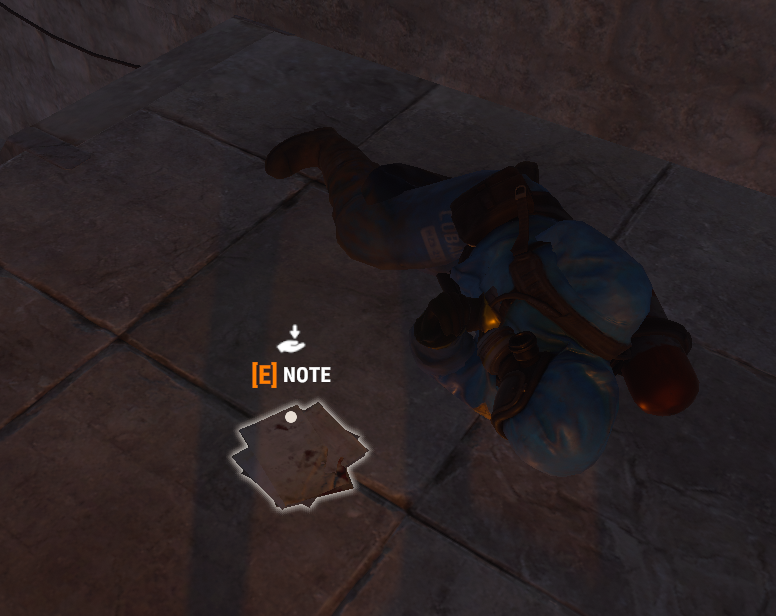
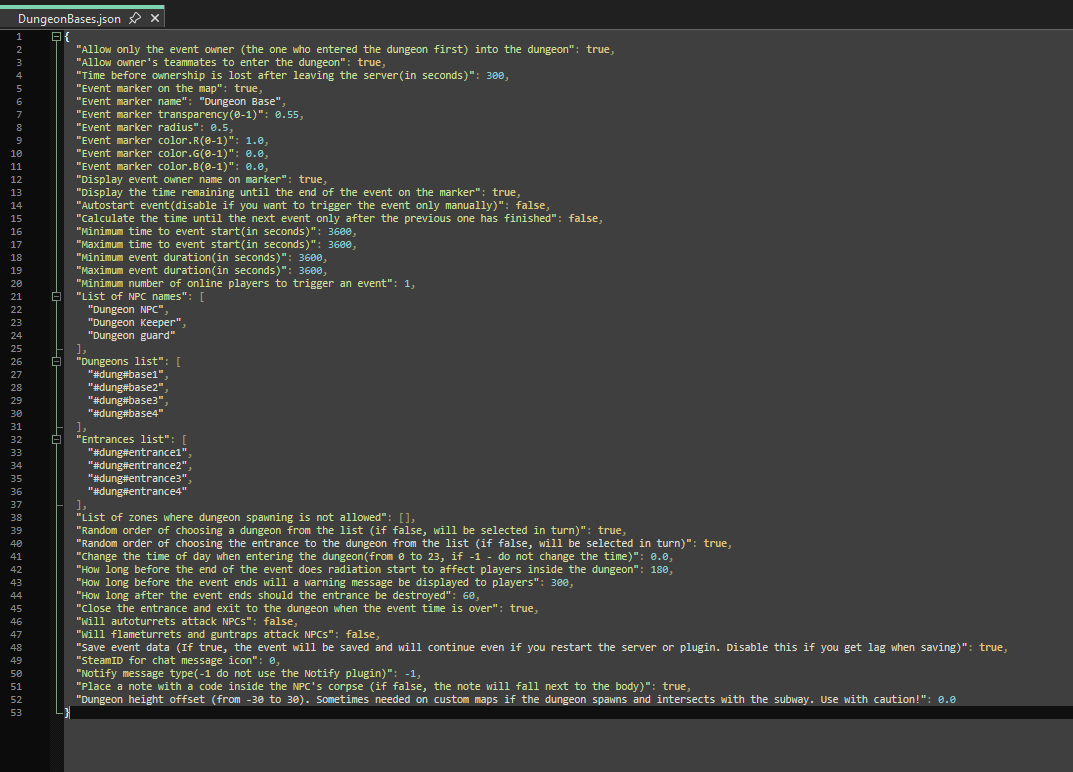
Yes, when it is set to false, I did not get the note as loot from the NPC’s inventory. As soon as the NPC died, the note automatically dropped from the air next to the NPC onto the building floor.
-
Hello, First of all, thank you for your kind reply to my review. You mentioned that you may add new features soon and that I can open a ticket. I must say your plugin is very successful and well-equipped. I don’t think it needs any major features, stability is the most important thing. I just had one very useful feature idea. If players who try to create spam with command binds, fast buttons, illegal clickers, or similar programs could be reported through a Discord webhook, it would help quickly detect malicious players attempting DDoS/click-spam style abuse and remove them from the servers. "MaxUsagePerMinute (-1 infinite)": 8, "MaxUsagePerHour (-1 infinite)": -1, "MaxUsagePerDay (-1 infinite)": -1, "MaxUsagePerWipe (-1 infinite)": -1 From what I can see, you already have a system for these limits. It would be great if players who intentionally try to exceed these limits within a few seconds could be detected and reported. I think this could be very useful. Have a nice day.
-
Your support has been amazing, thank you again. You can close the ticket now. Have a great day!
-
I tested it with this set to false. I killed the first NPC and no note dropped. Then I killed the NPC on the second floor and the note dropped on the ground. So I think this works. Thank you for your support.
-
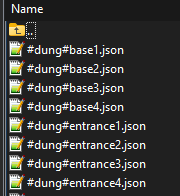
We use AlphaLoot as our loot system. I killed the NPCs with an MP5, so with normal weapon. Which files in this screenshot are related to this base? At least I can delete or remove them so it doesn’t spawn anymore. Because you have a larger base there, and the code/password was written on a note inside a box, just like in your video. It seems like only this specific base has an issue.
-
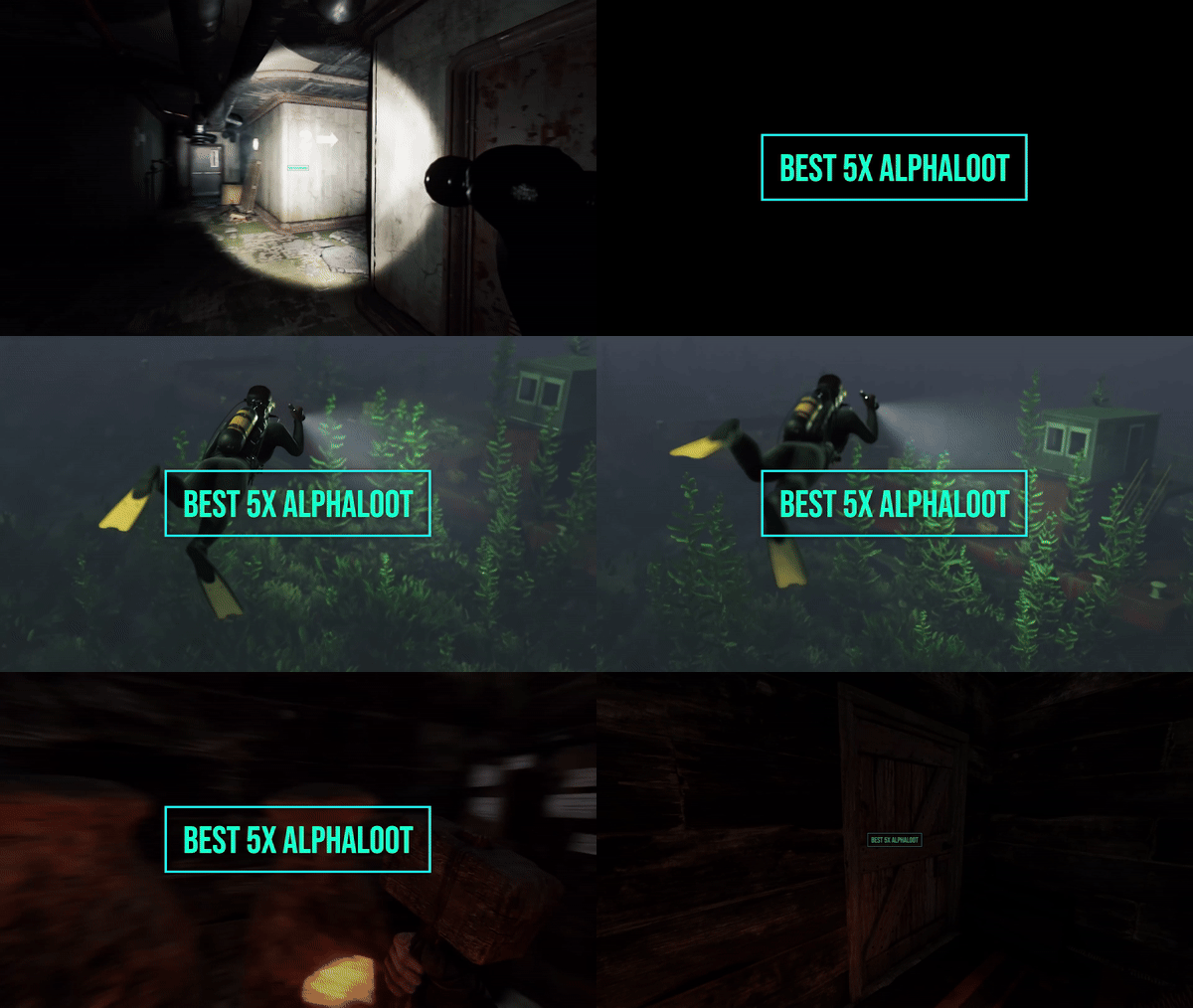 Hello, set this option in the config settings, then restart the plugin "Auto-update loot tables with new items": true,
 -
Yes, the setting is true by default. No note dropped next to the NPC, and there wasn’t one in the loot either. If you have any other suggestions, that would be really helpful. Thank you
-
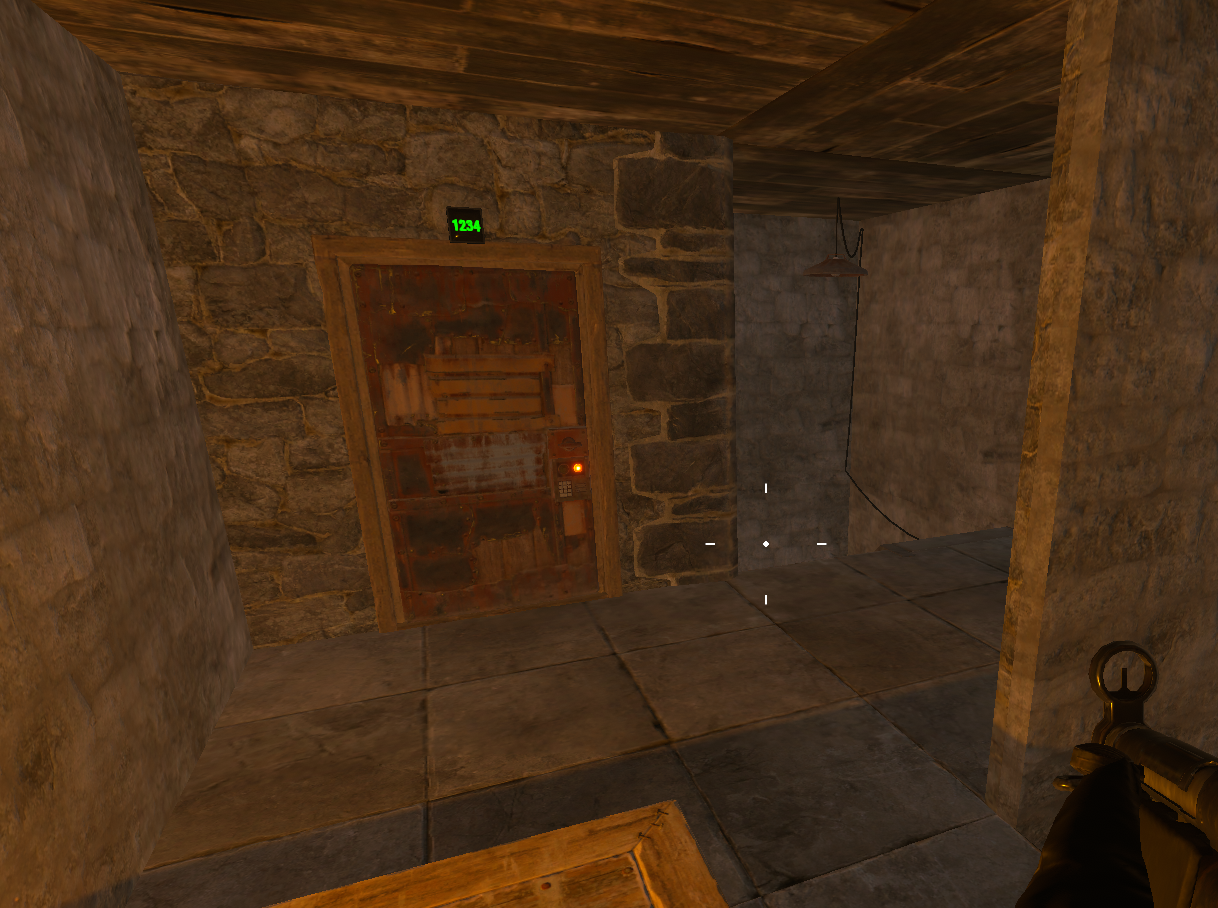
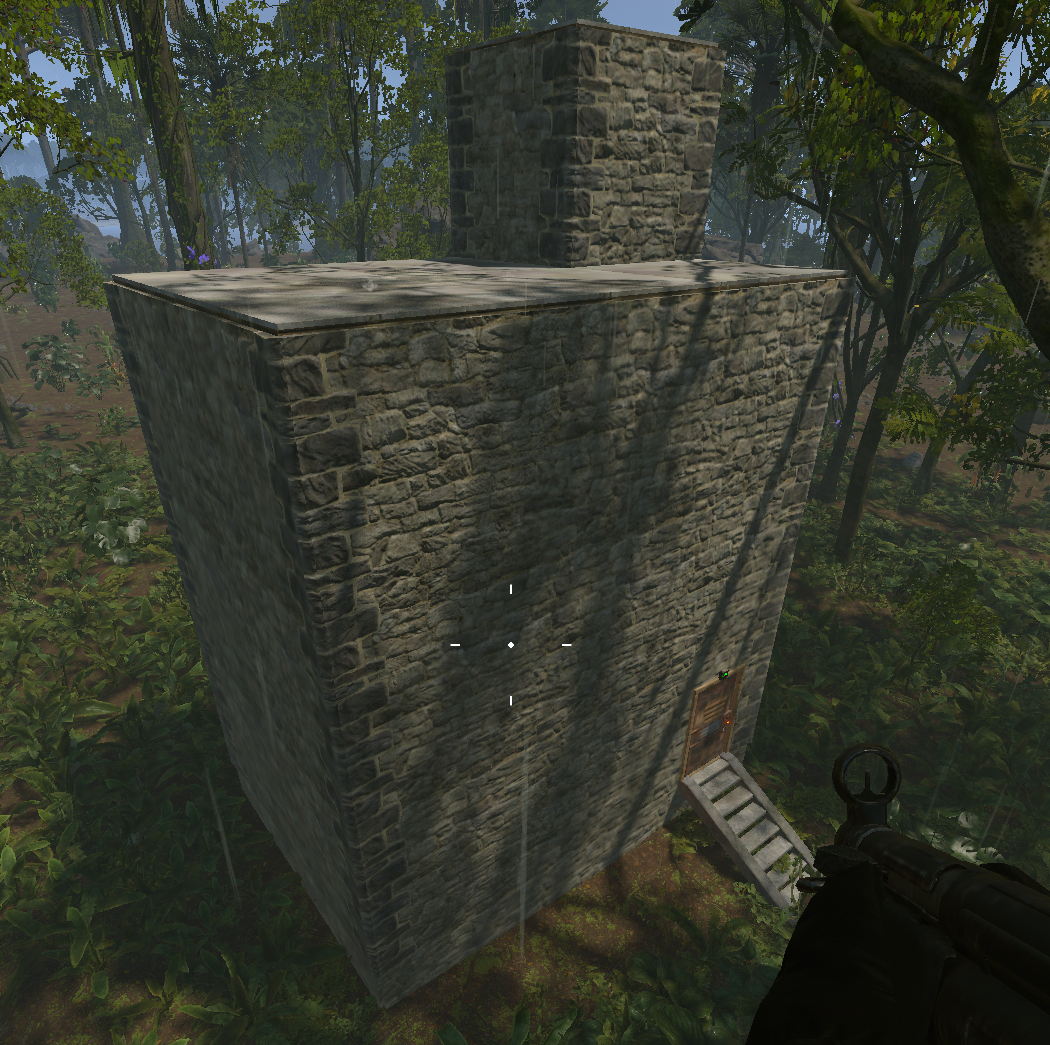
Hello, this door is definitely locked and not open. My player reported this to me, and I checked it myself, but I can’t find the password.
-
Hello, it looks like there is no codelock password in the notes inside the boxes in this building. Could it be somewhere else?
-
 A very well-thought-out plugin, I really like it. It has exactly the features I was looking for. I especially think it will be very effective against potential spam risks from UI buttons like fast buttons, or from many plugins that do not have any cooldown protection. I have not tested it long-term yet, but I hope it runs smoothly without using too much RAM or causing any crashes. As a first impression, I find it successful.
- 16 comments
-
- 1
-
-
- #command
- #command limiter
- (and 3 more)
-
 Please fix this when you are available. Thank you. (10:11:41) | Image failed to download! Error: HTTP/1.1 404 Not Found - Image Name: wipe_protectt_0 - Image URL: https://icon-library.com/images/protect-icon/protect-icon-18.jpg
.thumb.png.fd415e6a279abcb86097c1d6ea9f77b2.png)