


-
Posts
554 -
Joined
-
Days Won
2
Content Type
Profiles
Warranty Claims
Downloads
Forums
Store
Support
DOWNLOADS EXTRA
Services
Everything posted by fullwiped
-
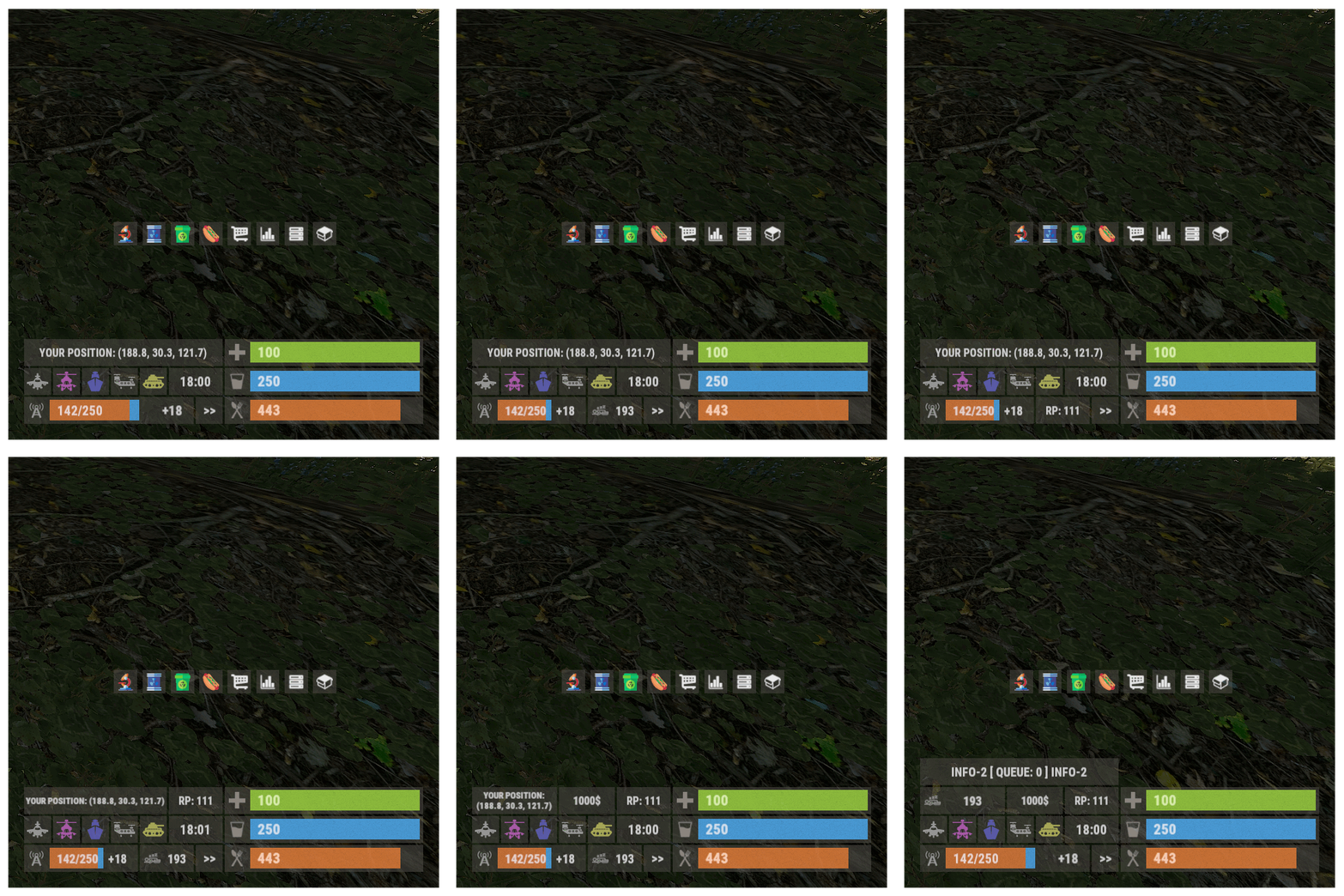 Is there an issue with this plugin’s RAM usage? I don’t understand why, according to c.plugins and Linux htop, this plugin alone uses 3–4 GB of RAM across 4 Rust servers. It doesn’t always happen, but it occurs quite often and stays constant, not as a temporary spike. Even though the servers have BattleMetrics restarts every 24 hours, this issue still persists. Because of this, I hadn’t used the plugin for months, but I think this definitely needs to be checked. A day or two ago, I decided to test it again, and the RAM usage was massive, and some servers started experiencing crashes that never happened before. On a 64 GB dedicated machine, the normal usage of around 29 GB sometimes increased to 32 GB when this plugin was running. I already mentioned this to the developer 4–5 months ago, but unfortunately, they didn’t take my feedback seriously.
- 103 comments
-
- 2
-

-
- #panel
- #infopanel
- (and 5 more)
-
Hello Tofurahie, For example, I want to keep the resources and gather rates the same for a 3x or 5x server. However: "Quarry": false, "PumpJack": false, "Chainsaw": true, "Excavator": false, "Jackhammer": true }, "[LOOT] Categories rates [global rate * category rate]": { "Weapon": 1.0, "Construction": 1.0, "Items": 1.0, "Resources": 3.0, "Attire": 1.0, "Tool": 1.0, "Medical": 1.0, "Food": 3.0, "Ammunition": 1.0, "Traps": 1.0, "Misc": 1.0, "Component": 1.0, "Electrical": 1.0, "Fun": 1.0 I don't want Quarry, PumpJack, and Excavator to drop too much, meaning they should give less drop than the normal server gather rate. Diesel fuel already becomes 3x or 5x when collected. For example, when mining with 3 diesel at 3x, you get 9000 sulfur. I want it to drop 1500 or 2000 sulfur instead of 3000 when we put 1 diesel fuel in the sulfur quarry, so it should be less. Of course, I want to do the same for HQM, stone, and PumpJack, so they give 1.5x or 2x instead of 3x. In short, all the drops from places like Quarry and Excavator should give less drop than the normal 3x gather rate. I couldn't find a way to do this as it only shows True or False. Can you help me with this? Best regards,
-
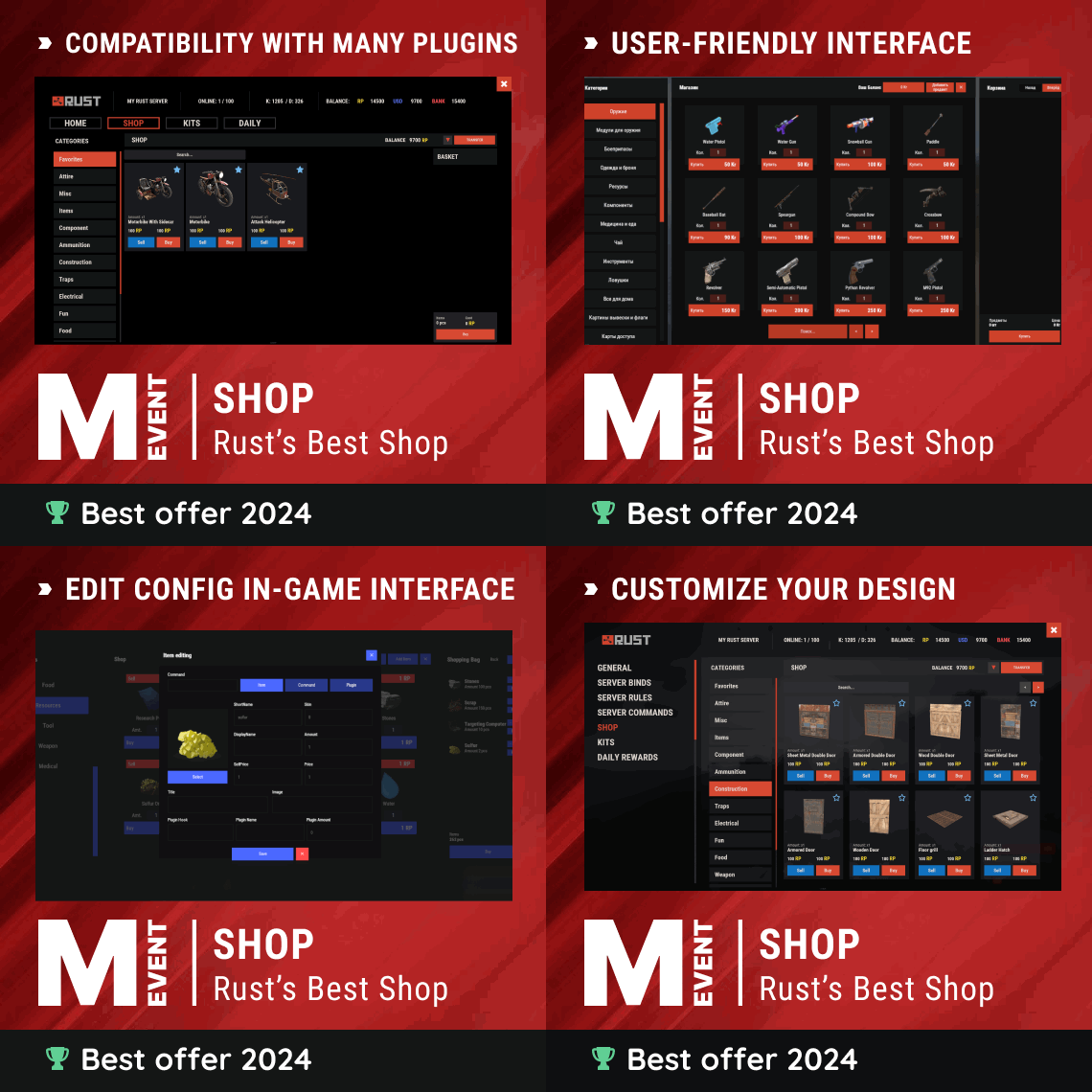 Hello Mevent, When I search for an item in the search section, for example, I type "test" and press the enter key. Instead of finding the Test generator, it directs me to the Favorites page. It only finds it when I use the exact correct letters, so if I type "Test" it finds the Test Generator. Another example, when searching for Assault Rifle, if I type "assault" it again directs me to the favorites page. But if I type "Assault" it finds it. However, there is no such issue with some items, for instance: When searching for Cloth, it finds it regardless of whether I use uppercase or lowercase letters at the beginning. Or the same with Black Raspberries; even if I type "black", it finds it without redirecting me to the favorites tab. Of course, these are not major or critical issues, but maybe they can give you some suggestions and ideas to further develop and improve the Shop. I follow your work and plugins with great interest, thank you...
 -
 The developer just uploaded the new version and it is working without any issues now. Thank you.
 -
I think it broke after the last update
-
 Hello, is it possible to change the position of the NPC at Outpost?
 -

10x Loot Table Config (Better Loot V4 Compatible)
fullwiped commented on fullwiped's file in Customizations
 It's nice that everything is fine. Have a nice day
 -
10x Loot Table Config (Better Loot V4 Compatible)
fullwiped commented on fullwiped's file in Customizations
Hello, The minigun ammo pack icon is not related to this config. This is a new item that has not yet been officially implemented by Rust. However, we have already integrated it into the loot table config as a backpack because it works as such. Even though the icon does not appear, it still provides a backpack-like space for players, and there are no issues with its functionality. The icon image will be corrected with an official update from Rust. However, if you prefer, you can easily remove this item from the loot table list using the website we specified in the downloaded file. -
Version 4.3.43
75 downloads
Please place the downloaded config in the following directory: /home/rustserver/serverfiles/oxide/config (If your Rust server is installed in a different directory, please place it there.) To use the RemoverTool config, you need to download the free plugin from Umod: Download the plugin from here: https://umod.org/plugins/remover-tool The RemoverTool config allows your players to use this tool in a balanced way. In the classic version of the Remover Tool, anyone can freely remove any structure, which is not desirable. This is a major nightmare for players and server owners who want a balanced gaming experience. With this config, players will need to pay certain in-game costs like metal, stone, or wood when demolishing the walls of their bases in Rust. For example, they will need to pay a certain amount of stone resources when removing stone walls. The same applies to wood walls. This small pricing system brings a good balance to the game and the Remover Tool plugin. Additionally, the config prevents the removal of the cupboard with the Remover Tool. Doors can be removed for free. Removing items like metal barricades will require metal resources as a fee. Support: FULLWIPED DISCORD$3.99 -
Hello, thank you for your updates and efforts. I need to report once again that the "auto split add ores" and "auto add fuel" features are not working when I try them with the StacksExtended plugin. As I mentioned earlier, these features started working again once I removed StacksExtended. THE LOGS ARE AS FOLLOWS: (02:17:54) | Unloaded plugin Furnace Upgrades v2.0.40 by yUN (02:17:54) | [Furnace Upgrades] The CanStackItem, CanCombineDroppedItem hook's was unsubscribed due to conflicts with the 'StacksExtended' plugin (02:17:54) | Loaded plugin Furnace Upgrades v2.0.40 by yUN I hope this helps with future updates, thank you.
-
Version 4.0.5
804 downloads
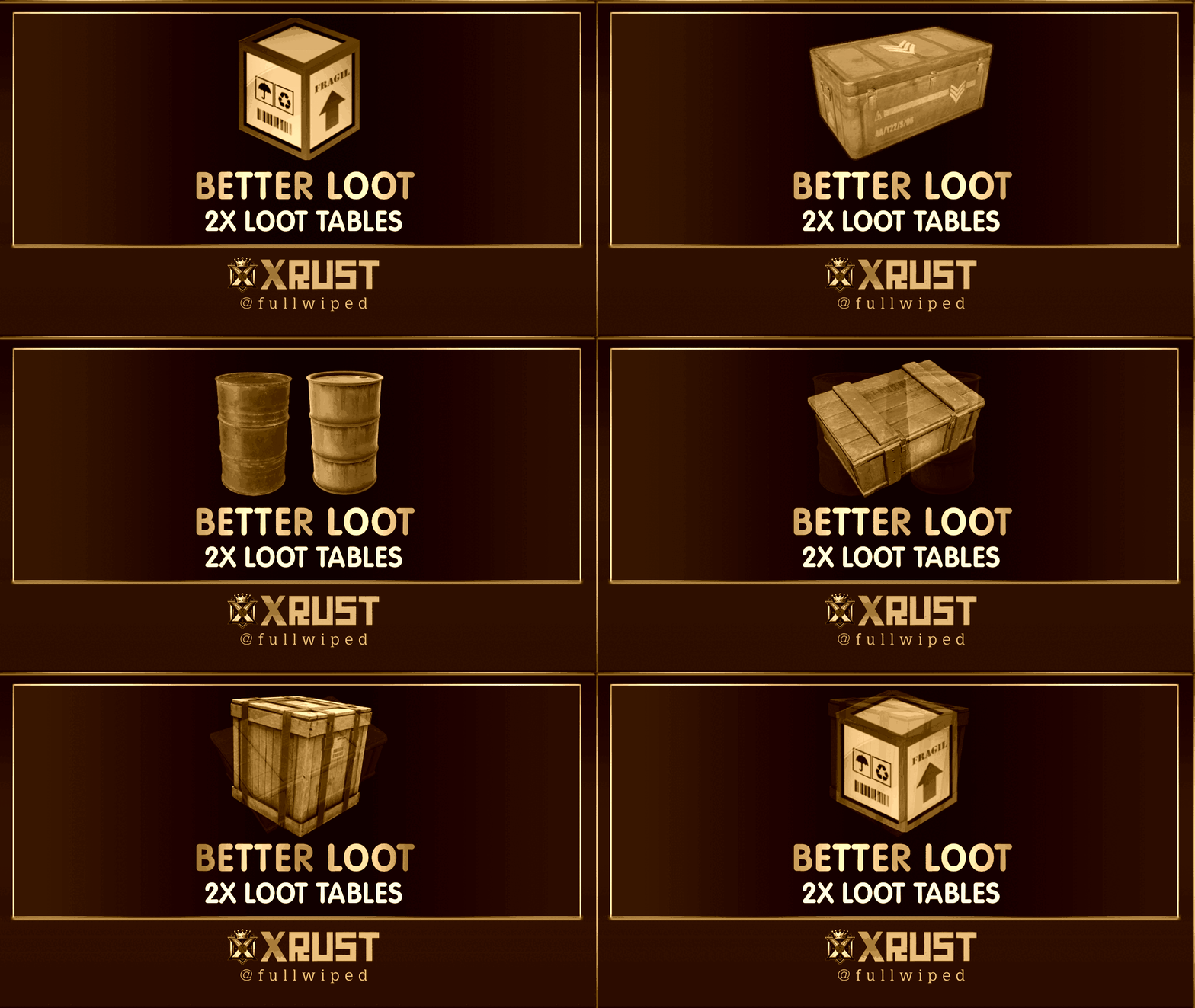
BetterLoot Loot Table Config Our professionally balanced BetterLoot loot table is designed to deliver a clean, optimized loot experience that fits most server types — from lightly modded PvP to high-rate servers. Junk items have been heavily filtered out to ensure quality and consistency in all loot containers. This setup includes newly added items such as the Minigun, Minigun Backpack, and Military Flamethrower — ensuring your loot stays up-to-date with the latest Rust content. All loot tiers have been carefully balanced to provide a smooth progression and competitive gameplay feel without relying on random chance. Please note that this is a standalone loot table for the BetterLoot plugin. It does not include AlphaLoot-style drop percentages or random chance mechanics. If you're looking for a more advanced, dynamic setup, check out our AlphaLoot configs on our profile. Installation is very simple — a step-by-step guide is included inside the downloaded ZIP file.$10.99 -
Thanks to Mevent, some corrections were made and the plugin was updated. Now, the text position looks good."
-
 This plugin is, in my opinion, professional; however, I could only use it for 2 days on my servers. After 2 days, all users incredibly opposed this plugin. I received feedback, especially about how powerful the NPC snipers were. The number of players on my servers decreased by 50% because NPC's are so powerful that new players don't understand how they died and immediately left the server. This was sad, and therefore, despite the plugin working well, I decided to remove it from my servers. If your servers have more than 2,000 hours and cater to professional players, this plugin can add color to your server. However, if it caters to new players like ours, unfortunately, it can discourage them from your servers. Care must be taken when using it, but I still emphasize that it is flawless and works well. Good work, thank you.
 -
Without this Shop plugin, something would really be missing on our servers. I've mentioned before in another comment that I like the plugins developed by Mevent. The Shop plugin has become an indispensable part of our servers. Mevent's continuous updates and handling of issues regarding this plugin are also, in my opinion, successful. I wish you continued success and offer you my sincere regards. Thank you.
-
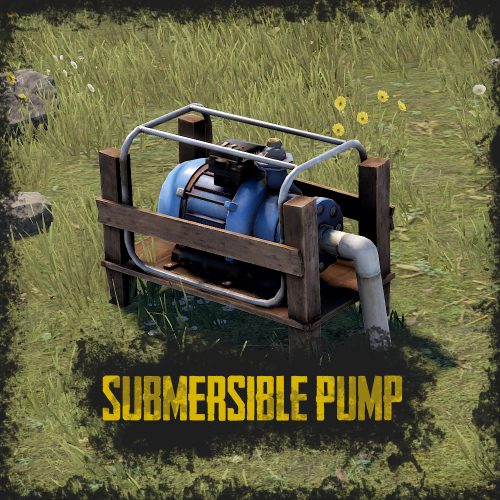 The Submersible Pump plugin is worth its price in my opinion. It allows our players to do farming in Rust on land without water thanks to this plugin. I always wished for something like this when I was a player, and now that I'm an admin, I can offer this to my users. It works well. Thank you!
 -
 It seems to have been about 2 months, and we've been using it successfully on our servers. There have been no console errors, etc. It works well and is very practical. I hope it continues to work in the same quality in future updates and wish you success. Thanks!
 -
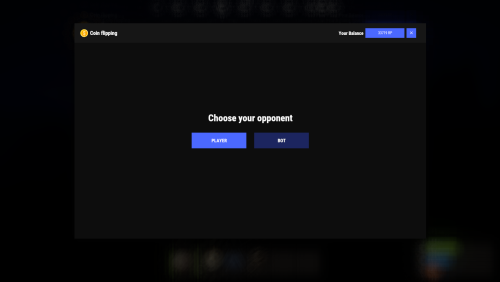 The setup and usage are easy, and I believe this plugin adds a nice touch to the server. It offers our players a chance to multiply the RP we provide as a playtime reward. Occasionally, there's a minor bug when entering the amount in the "enter your amount" section, but overall, the plugin works well. Thanks!
 -
Of course, I sent it to your account as a pm.
-
The issue with the text not appearing under the INVENTORY happens on a 1920x1080, or 1080p monitor. It displays correctly on a 2k monitor. This information might be useful for you.
-
Yes, I checked and the items do drop on the ground. So, there is no serious problem. However, it would be better if it gave a warning that the inventory is full
-
5x Loot Table Config (Better Loot V4 Compatible)
fullwiped commented on fullwiped's file in Customizations
 Hello, the file has been updated. Burst module added to Military crate.
 -
.thumb.png.5493908087e3da6457421ab30f541dac.png)
Version 2.3.6
487 downloads
Warning: To use this config file, you need to purchase the Shop plugin developed by Mevent: https://codefling.com/plugins/shop We prioritize keeping this configuration updated to deliver a smooth and enjoyable experience. In this optimized configuration, item prices have been manually adjusted to offer balanced gameplay. This Shop Config file is versatile and can be applied to any server, whether it's 1x, 2x, 3x, 5x, 10x, or even 100x gather rates. Simply align the RP rewards provided by the Playtimereward plugin to suit your server's rate. For example, we use a 20 RP reward for every 30 minutes on our 3x servers, which works well with this configuration. Features: - Manually Adjusted Prices: A large number of items with carefully set RP values. Note: Due to the new TOS rules, items such as skins, DLC content, and other cosmetic elements are no longer included. - Extensive Testing: Successfully used and positively received by players across +100 servers. - Versatile Application: Compatible with any gather rate, from 1x to 100x. - Continuous Updates: We strive to keep this configuration up-to-date to ensure the best experience. - Positive Player Feedback: Excellent reception and feedback from players. - Enjoy using this optimized setup! Installation Instructions: 1) Extract the RAR file you downloaded. There will be three folders: lang, data, and config. 2) Drag and drop these folders into the specified directory: /home/rustserver/serverfiles/oxide. 3) After that, upload the latest version of the Shop plugin to the plugins folder. If the Shop plugin is already installed, restart the server or use the following command in the RCON admin console to reload the plugin: o.reload Shop This will ensure the plugin is restarted properly.$10.00 -
Hello, I hope this message finds you well. I would like to request assistance in gaining access to the seller roles and the features for viewing my balance and making withdrawals. Your support in resolving this matter would be greatly appreciated. Thank you for your time and assistance. Best regards.
-
Version 4.0.5
91 downloads
BetterLoot Loot Table Config Our professionally balanced BetterLoot loot table is designed to deliver a clean, optimized loot experience that fits most server types — from lightly modded PvP to high-rate servers. Junk items have been heavily filtered out to ensure quality and consistency in all loot containers. This setup includes newly added items such as the Minigun, Minigun Backpack, and Military Flamethrower — ensuring your loot stays up-to-date with the latest Rust content. All loot tiers have been carefully balanced to provide a smooth progression and competitive gameplay feel without relying on random chance. Please note that this is a standalone loot table for the BetterLoot plugin. It does not include AlphaLoot-style drop percentages or random chance mechanics. If you're looking for a more advanced, dynamic setup, check out our AlphaLoot configs on our profile. Installation is very simple — a step-by-step guide is included inside the downloaded ZIP file.$10.99

