
Vengadorweb
-
Posts
91 -
Joined
-
Last visited
Content Type
Profiles
Warranty Claims
Downloads
Forums
Store
Services
Downloads Plus Support
DOWNLOADS EXTRA
Everything posted by Vengadorweb
-
 with this plugin i'll be able to create commands like !pop or !wipe?
 -
 Hey man! Dumb question over here, do you know if i move my server to community if i can still use this plugin?
 -
 Hey man! Dumb question over here, do you know if i move my server to community if i can still use this event plugin?
 -
 Hey man! Dumb question over here, do you know if i move my server to community if i can still use this event plugin?
 -
 Hey man! Dumb question over here, do you know if i move my server to community if i can still use this event plugin?
 -
Few words I can say about this plugin is that the developer DELIVER, and my users really like this plugin (damn I like it too). It fits the needs for the admins who look to entertain a little more their users also, creates a meta in your server, since you can configure this plugin (amount of npcs, heli, crates, etc.) allows you to give a different experience each wipe or each time you want to "balance, buff, nerf" this event. I used to use it with the default settings and worked like a charm, then 3 wipes ago I started to play with the config and I really like it how simple it is to configure.
-
I'm don't know how this works but, there is a way tu "label" a custom monument as airfield? That should work? (is to allow me understand if i can do this if i edit the custom map on rust edit)
-
 Hello man! One question, recently i'm playing on a custom map, and before that the plugin worked 100% well, but now the cargo plane falls outside the island, can you help me on this?
 -
Hello man! One question here, i've a custom map and has a custom airfield, how i can make this plugin work with that custom airfield? How does this plugin detects the airfield?
-
I have the message AIRDROP INBOUND when the event is about to start, i think is because i accidentally deleted the lang file for this plugin, can you help me?
-
Same here Error while compiling: RaidableBases.cs(2672,24): error CS1501: No overload for method `Init' takes `15' arguments
-
Hello Adem! I installed the latest version but i still have a drop of 40 FPS when approching to the satellites from the event or the event areas. When i play i've stable 90-100 FPS and when i add the sputnik event and the event starts and the satellites touch the ground. When i approach to a satellite, my FPS drops to 59
-
 This is exactly what i was looking for, a easy website you can set up just by modifying it's config file. You can easily show the state and description of all your servers, and what i liked the most is the outpost UI style and Astinox support when i had conflicts setting this up.
 -
 Hello Man! The chat feature is malfunctioning, sometimes it just stops reporting the chat messages, and i've to restart the bot to make it work again.
 -
Is there any way to automatically (if flag is set to true on the config) remove previous rank when a new and higher rank is assigned? Example: User proceeds to raid a raid easy, grants easy rank. User raids expert raid, grants expert rank and now has two groups. Since expert is more difficult than easy i want to automatically remove easy group from that player. Will that be posible?
-
Hello man! One qq, how i can automatically assign a permission when someone raids a base? I see the ranks by typing /rb, but i don't see that those users are getting any perm when they raid the base, so how i can assign a better chat tag if they're not receiving a perm? Or i'm missing something? What should i've done wrong? Or is up to us to manually set a permission based on the user points/raided bases Bump 1 about this: I found on my logs that the permissions are being given, but i can't see that the user actually have the perms when i check the user with oxide.show user xxxx, neither the group, what should i do now? 18:09 [Info] [RaidableBases] Granted xxx (xxxxxxx) permission raidablebases.ladder.nightmare for group raidnightmare 18:09 [Info] [RaidableBases] Granted xxx (xxxxxxx) permission raidablebases.th for group raidhunter (yes i censored the steamid) And on this real example, the user has not any perm or group related to raidable bases. Bump 2: I think i'm starting to understand what's happening, in order to let raidable bases plugin to assign user to groups, i should FIRST, create this groups, right? groups: raideasy, raidmedium, raidhard, raidexpert, raidnightmare, raidhunter So, with this i can assign perms related to raid bases. Bump 3: Yeah i understood what happened, all the mess was due Raidable Bases or other plugin that i have, for some reason deleted this mentioned groups. Since i dind't use them i never realized, i just created the group again and automatically the permissions were given. Sorry the long text, i just going to let it here just in case anyone has the same issue someday.
-
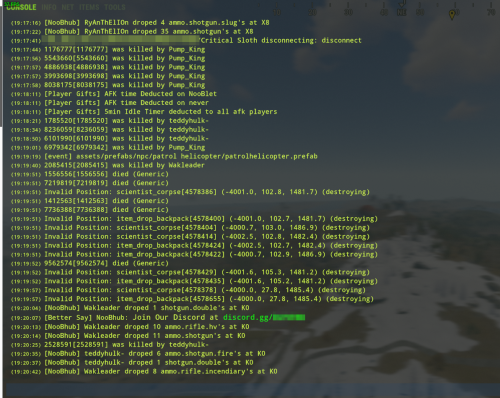 I was looking for this for SO LONG. Seeing the logs in the F1 server console is a MUST-HAVE of any rust Admin.
-
- 1
-

-
 Hey man! i really liked your plugin, i want tu buy it, a few questions for you: Do i need a custom map in order to use it? This plugins has anything in common with event manager, gun game, deatmatch umod plugins? (i used them a couple of months and end uninstalling them due a random error when a user shoots another user see: https://umod.org/community/gun-game/44746-rpc-error-in-onprojectileattack, this error caused ALL my users to disconnect, so yeah, really painful)
 -
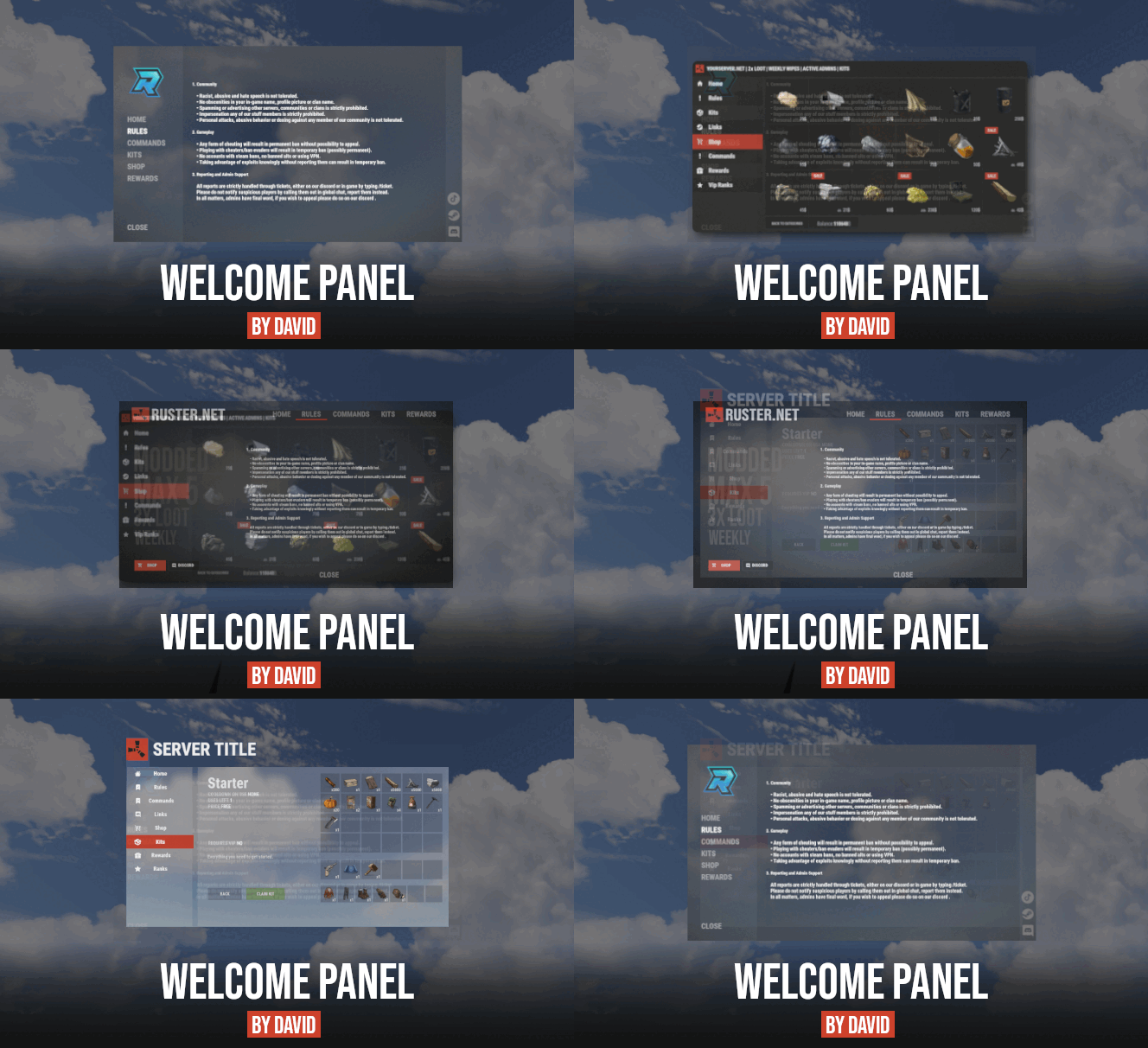 Hey man, there is a way to go to a tab and page? Like tab2page2 for example
 -
Thank you man! Really appreciate it
-
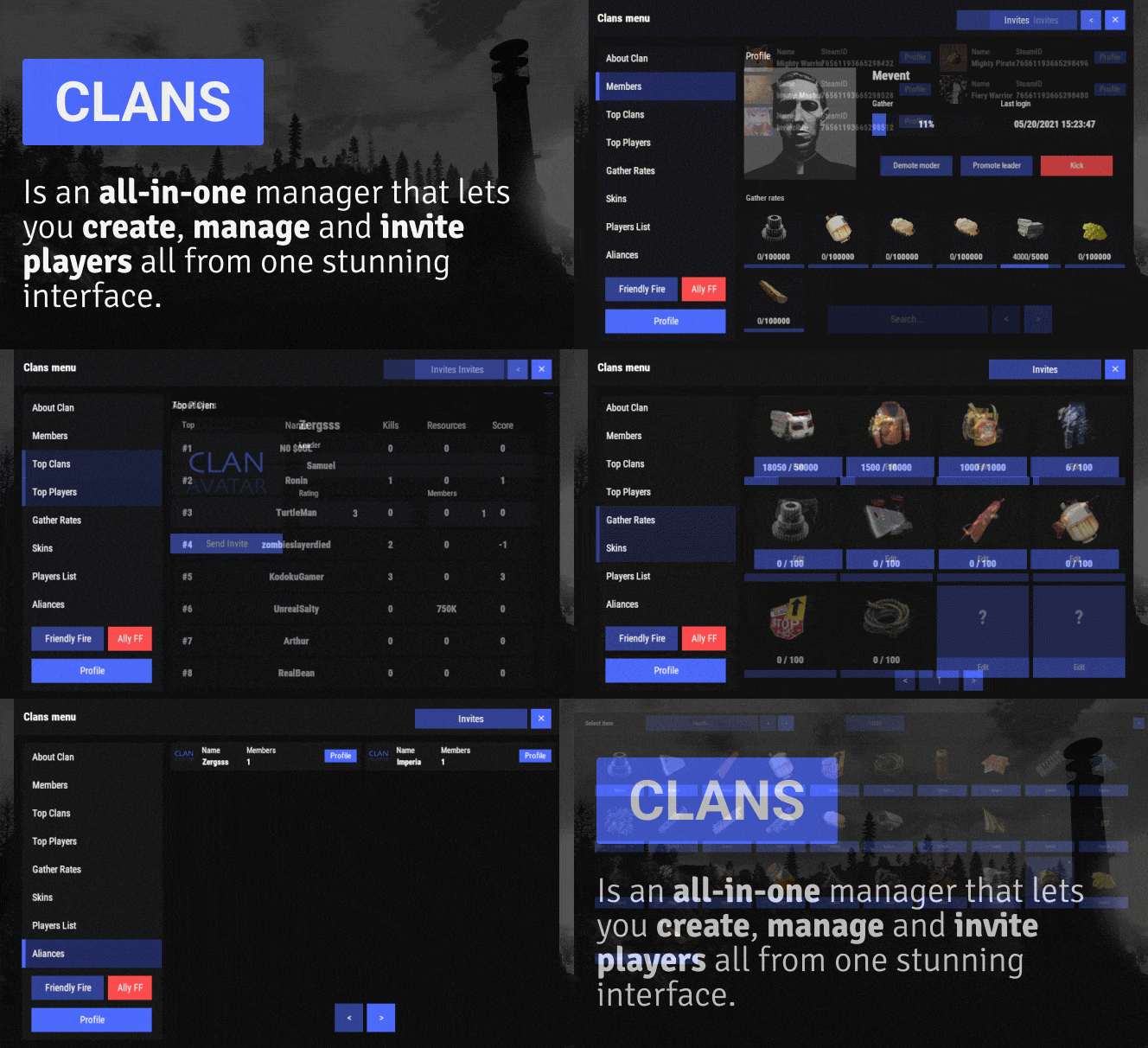 Thank you man! Really appreciate it.
 -
How i can bind a key to take the user directly to a certain tab? For example i want to: If user writes /kit, i want to open the welcome panel and show the user to the tab Kits if user writes /commands i want to open the welcome panel and show the user to the tab Commands and so on.
-
Hey Mevent! Just wanting to know when auth turrets and codelocks for clan members will be available
-
.thumb.gif.3c9c0e18006368d634273095544fb983.gif) Hello! Yes you can change the image, the width, height, positioning, everything. Is absolutely customizable, the thing is that you have to play with the config file, the most hard part i think is to give it more/less width and more/less to the image. You can do this by changing the values, for example these are my values: "Logotype": { "Enabled": true, "Image": "the url of your img here!", "Command": "panelsystem.buttons", "AnchorMin": "0 0", "AnchorMax": "2 2", "OffsetMin": "-100 -250", <-- the -250 is the value i used to change for width "OffsetMax": "-10 -160" <-- the -160 value is the value i use to change the height }, if i can recall correctly, those are the values i use to change width and height of my custom image. If you need more help feel free to ask help over here to Mevent, or any folk that can help.
Hello! Yes you can change the image, the width, height, positioning, everything. Is absolutely customizable, the thing is that you have to play with the config file, the most hard part i think is to give it more/less width and more/less to the image. You can do this by changing the values, for example these are my values: "Logotype": { "Enabled": true, "Image": "the url of your img here!", "Command": "panelsystem.buttons", "AnchorMin": "0 0", "AnchorMax": "2 2", "OffsetMin": "-100 -250", <-- the -250 is the value i used to change for width "OffsetMax": "-10 -160" <-- the -160 value is the value i use to change the height }, if i can recall correctly, those are the values i use to change width and height of my custom image. If you need more help feel free to ask help over here to Mevent, or any folk that can help. -
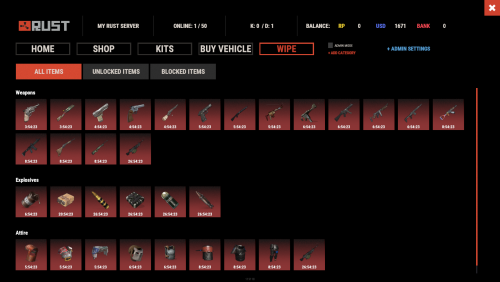 Another question, also blocks usage? Or just crafting