

MeventSupport
-
Posts
2,001 -
Joined
-
Last visited
-
Days Won
9
Content Type
Profiles
Warranty Claims
Downloads
Forums
Store
Services
Downloads Plus Support
DOWNLOADS EXTRA
Reels
Everything posted by MeventSupport
-
How to get ItemCostCalculator working for this
MeventSupport replied to T-Nuts's Support Report in Support
Glad you figured it out. If you run into any other issues, let me know. Happy gaming! -
Glad you figured it out. If you run into any other issues, let me know. Happy gaming!
-
 Hi! Yes, pretty much all the features can be configured — either through permissions or through the settings in the config
 -
Hi! Try updating the plugin to the latest version
-
Hey! So theres no playtime mission type in Battlepass. The mission types are all action based, gather, kill, craft, loot, build, upgrade, events and so on. But you can still do what you want. Battlepass has a console command addfirstcurrency [steamid] [amount], so just grab any playtime tracker plugin that can run a command every hour and point it at addfirstcurrency {steamid} 1000. Works the same as if they finished a mission.
-
Gotcha, so a real rate like 10 SR = 1 XP doesnt exist right now. The custom economy swaps out the XP balance entirely instead of converting into it, so its locked at 1:1. Right now the workaround is just scaling the Cost values per skill. I can put a rate multiplier on the list for a future update if thats what youre after.
-
Can't find this plugin on codefling.com
MeventSupport replied to Bear Grills's Support Report in Support
Hey! So in game the plugin name is already exactly Ultimate Leaderboard, and the file is UltimateLeaderboard.cs. The (+WEB Editor) tag only exists in the Codefling page title. Most trackers let you pin a plugin to a resource id manually, that usually fixes it right away. Which tracker are you running? Ill check how it matches names. -
 Hi! Yes, we’ve already got this update ready! We’ll be releasing it soon.
 -
.thumb.gif.30bb4fb1ad6b9cbba98fad72b9533086.gif) Yes, we’ll add that
Yes, we’ll add that -
 Yes, we’ll add that
- 72 comments
-
- 1
-

-
- #ultimateleaderboard
- #leaderboard
- (and 22 more)
-
 Yes, we’ll add that
 -
.thumb.gif.4707aef13cba7c3b9ad410f5f982b71c.gif) Yes, we’ll add that
Yes, we’ll add that -
Yo! Good news, thats already in the plugin. Theres a Custom Economy Settings block in the config and its already prefilled for ServerRewards, so you just set "Use Custom Economy": true and reload. After that all skill costs and XP gains run through SR points instead of the built in XP.
-
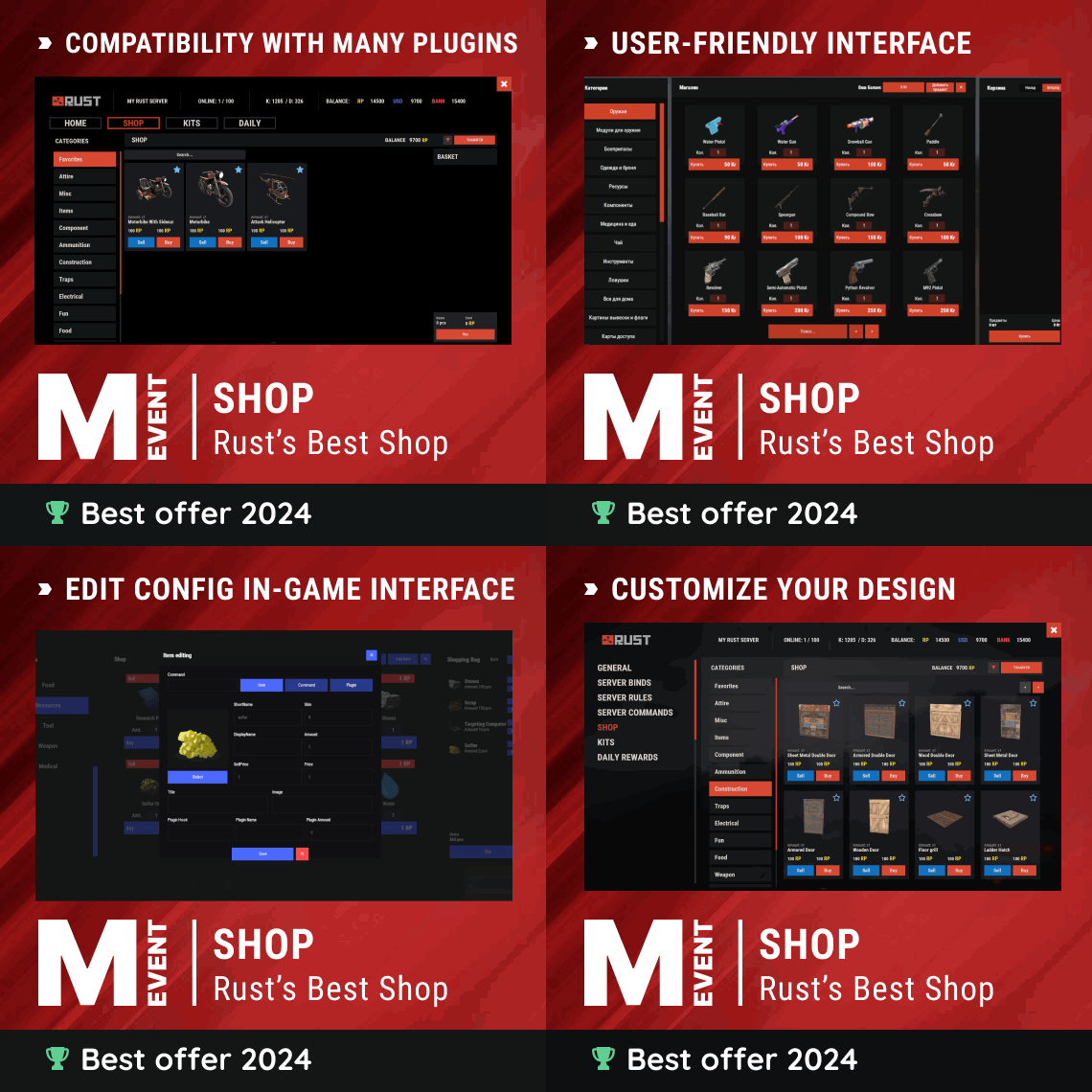
So basically these are two different locks. Shop own permission only guards its chat command, ServerPanel treats every plugin tab as its own thing and ships with no permission set by default, meaning open to everyone who can open the panel. You gotta set it on both sides for it to match up. Same steps as before, edit mode in ServerPanel, open the SHOP category settings, drop the permission into the Permission field there.
-
Hi! We’ll do that in the next update!
-
Hi! Could you send me your config (including the API keys) so I can check it? IMPORTANT: Please send it to me via DM so it doesn’t get leaked publicly.
-
-
Right, we’ll think about how to go about it
-
Hello! We will check this out
-
Hi! Could you send me your config?
-
In other words, do you simply want to use SR instead of Economics?
-
Production does not increase with level
MeventSupport replied to eov-dev's Support Report in Support
Hello! Thank you for informing us. We will try to fix this -
Hi! Could you clarify what you mean? Do you want each skill to be purchasable with multiple currencies? For example, Skill 1 could be bought for either $100 or 20 RP. Or do you mean that each skill can only use one selected currency? For example, Skill 1 costs $100, while Skill 2 costs 20 RP.
-
Unable to install, Install blank...
MeventSupport replied to ThatGuyPlex's Support Report in Support
Could you please specify what errors you’re getting in the server console? -
Unable to install, Install blank...
MeventSupport replied to ThatGuyPlex's Support Report in Support
How to turn on Offline Image Mode in ServerPanel Blank install screens, images showing as question marks or the black Rust logo, or 429 errors all point to the same thing: your server cant download images from the internet. Offline Image Mode fixes it by loading images from local files instead. Step 1. Open your config file: oxide/config/ServerPanel.json (Oxide) or carbon/config/ServerPanel.json (Carbon) Find "Enable Offline Image Mode" and set it to true. Step 2. Create a folder named TheMevent inside your data folder: oxide/data/TheMevent (Oxide) or carbon/data/TheMevent (Carbon) Go to https://gitlab.com/TheMevent/PluginsStorage, click CODE, then Download ZIP. Unzip it and copy everything inside into that TheMevent folder. If youre on a hosting service you probably dont have direct file access, so use their file manager or an FTP client instead. Step 3. Reload the plugin: o.reload ServerPanel (Oxide) or c.reload ServerPanel (Carbon) Thats it. ServerPanel will load images straight from the TheMevent folder from now on instead of trying to pull them from the internet, so no more blank UI and no more 429s.
