
Mevent
-
Posts
3,442 -
Joined
-
Last visited
-
Days Won
53
Content Type
Profiles
Warranty Claims
Downloads
Forums
Store
Services
Downloads Plus Support
DOWNLOADS EXTRA
Reels
Everything posted by Mevent
-
.thumb.png.bcb832e22f0a48b6833fee517e444bff.png) can u create a support ticket?
can u create a support ticket? -
 Changed Status from Work in Progress to Fixed
 -
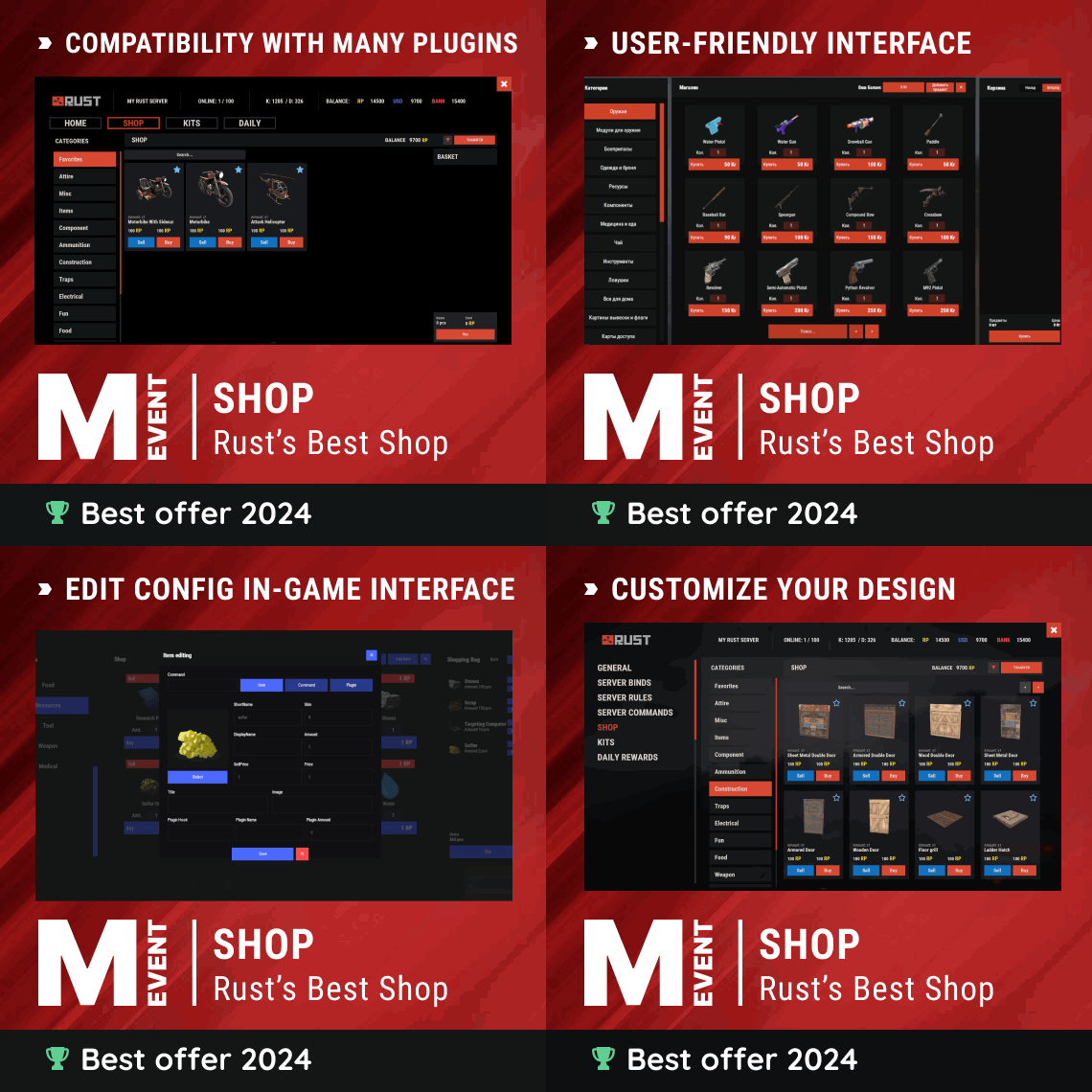 Hey! Yes, super easy. In your config, go to "Additional Economics" and add a new entry like this: { "ID": 1, "Enabled": true, "Type": "Plugin", "Plugin name": "YourPlugin", "Balance add hook": "YourAddHook", "Balance remove hook": "YourRemoveHook", "Balance show hook": "YourBalanceHook", "Title": "Custom Currency", "Balance": "{0}", "Price": "{0}" } Just replace the plugin name and hook names with yours. You can also use game items as currency with "Type": "Item".
 -
Hey! Yep, this is a bug on our end. We'll get it fixed!
-
Changed Status from Pending to Work in Progress
-
Hey! Could you shoot me a DM on Discord? It'll be easier to sort this out there.
-
So the port and IP look correct, that's not the issue here. The error "did not receive a valid HTTP response" means the bot is trying to connect via WebSocket, but your second server isn't responding with a WebSocket handshake. Our bot requires WebSocket RCON, not regular TCP RCON. Check your second server's startup command line and make sure it has +rcon.web 1 in the launch parameters. Your first server probably already has it since it connects fine. Without that flag, the RCON port only accepts TCP connections and rejects the bot's WebSocket requests.
-
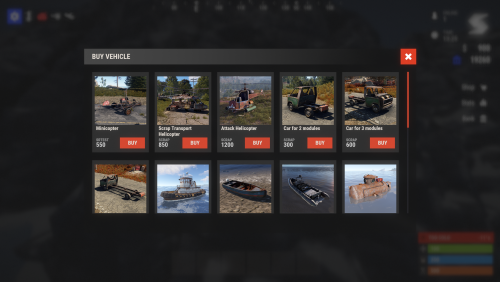 Could you give us a bit more detail - is the recall not working for all vehicle types, or just specific ones? Also, are you using any custom/modded vehicles (like from Caruza's pack), or is it happening with default Rust vehicles too? That'll help us narrow down the issue.
 -
So we actually have a config option for exactly this. Open your VehicleBuy config and set "ControlSplit" to false. That'll disable the CanStackItem hook completely and the spam will stop. The config description even mentions this, it says to turn it off if there are errors with stack plugins.
-
Hey! The reason deleting files didn't work is probably because the plugin keeps the data in memory and re-saves it when it unloads. To wipe without restarting: unload the plugin (o.unload VehicleBuy), then delete oxide/data/VehicleBuy/cooldowns.json, then reload it (o.load VehicleBuy). That's the only data file you need to delete - the Template folder and config are separate. Also, you can set "WipeOnNewSave": true in config to auto-wipe on map wipes going forward.
-
Could you run o.show perm shop.free (or c.show perm shop.free if you're on Carbon) in your server console and send us the result?
-
Can you record a short video showing the whole process in-game? Open the shop, buy something, and show your balance before and after the purchase. That way I can see exactly what's happening on your end.
-
Your config looks totally fine - economy settings are correct and discounts are disabled, so that's not the issue. Quick question - when you open the shop in-game, do the items actually show a price above 0? If they do, then the prices are set correctly and the problem is somewhere in the Economics withdrawal call. Can you do a test purchase and then immediately paste what shows up in your server console? Since you have logging enabled, it should show the transaction details. Also, what version of Economics are you running?
-
Just to make sure we're looking at the right thing - which economy plugin are you using exactly? Is it the default Economics by Wulf, or something else like BankSystem, ServerRewards, or IQEconomic? Also, can you share your Shop config file so I can check the economy settings and item prices?
-
Changed Status from Pending to Fixed Changed Fixed In to 1.3.19
-
Changed Status from Pending to Fixed Changed Fixed In to 2.3.2
-
Hey! This is almost certainly a permissions issue. The shop.free permission makes all purchases free - and it might be assigned through a group without you realizing it. Run oxide.show group default (or whatever groups your players are in) and check if shop.free is granted to any of them. Also try oxide.show user <steamid> on an affected player to see all their permissions.
-
Hey! That's actually a great suggestion. Right now there's Kits.bypasscooldown which skips cooldown timers, but there's no equivalent permission for bypassing usage limits. As a workaround, you can create a duplicate kit with "Amount": 0 (unlimited) and lock it behind a VIP permission. I'll pass this along as a feature request though - a Kits.bypasslimit permission would definitely be useful.
-
Hey! The error log shows that the object shortnames in your config are empty - that's why you're getting the null error. Can you share your full ObjectStacks config? I want to check if the shortname fields are missing or if something else went wrong during generation. In the meantime, try deleting the config and letting the plugin regenerate it from scratch. On a fresh install that should give you a working default setup.
- 1 reply
-
- 1
-

-
Hey! Your config entry looks correct. The most likely issue is permissions - you need to grant yourself the stacking permission for shelves. Based on your config shortname shelves_horizontal, run this command: oxide.grant group default objectstacks.shelves_horizontal.use (or for Carbon: c.grant group default objectstacks.shelves_horizontal.use) The permission format is objectstacks.<shortname>.<tier>, and you also need to set up the tier with a max stack count in the permissions config. After that, look at a placed shelf and right-click with another shelf in your hand.
-
Changed Status from Pending to Closed
-
Haha glad you figured it out! Yeah when migrating from Oxide to Carbon you basically need to remove all the old Oxide extension DLLs (Oxide.SQLite, Oxide.MySql, etc.) since Carbon handles all of that natively. Easy to miss one. All good now!
-
Hey! So the bot connects to your servers via WebSocket RCON, and Server-1 on port 28016 is working fine. The issue is Server-2 on port 28021 - it's not responding to the RCON connection at all. The most common cause is a wrong RCON port. In Rust, the RCON port is usually your server port + 1 (so if your game port is 28015, RCON is 28016). Double check what RCON port your second server is actually using - look for +rcon.port in your server's startup command line. It might not be 28021.
-
Hey! So that error just means the bot is looking for a Discord role called Linked in your server but can't find it. You need to create a role named Linked in your Discord server settings (Server Settings > Roles > Create Role). Make sure the bot's role is above the Linked role in the role hierarchy, otherwise it won't be able to assign it. The good news is your bot works fine without it - linking still functions, it just won't auto-assign that role to linked members. Once you create the role, restart the bot and the error will go away.
-
hello! What kind of entities is the damage not working on?