Depends on
Required for this file to work correctly.

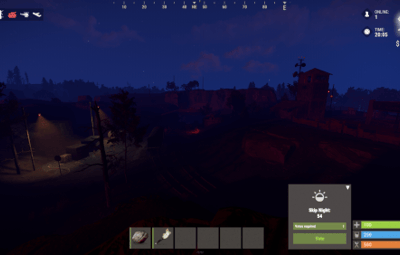
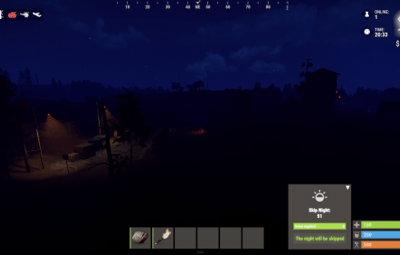
About Skip Night
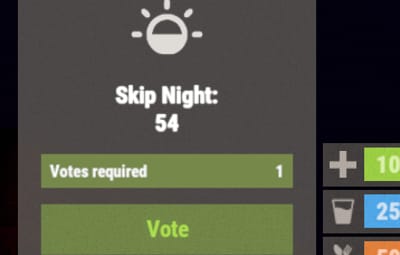
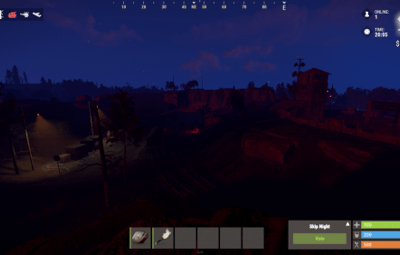
Lets your server skip the night. Besides skipping it instantly, you can speed the night up, and you can turn on white nights (under the full moon).

Features:
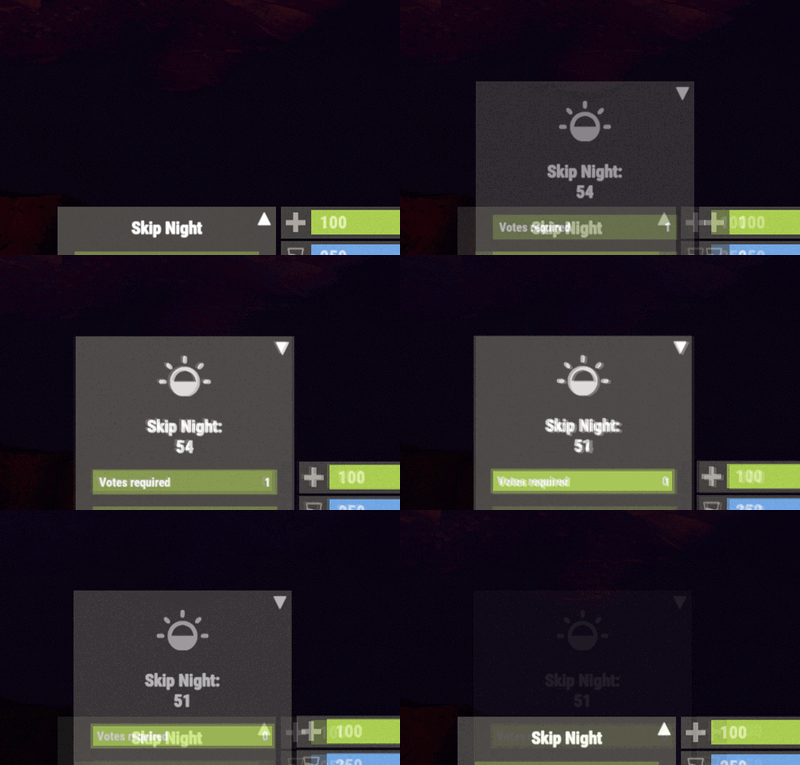
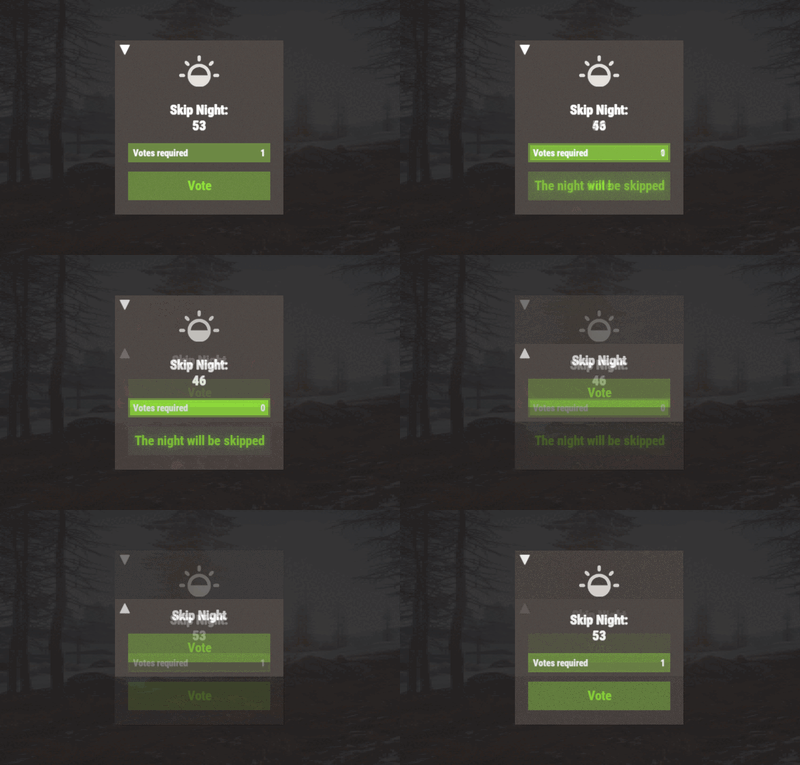
- Beautiful interface
- Voting is automatic (at the specified time in the config, without a command)
- Easy customization (time settings, text, interface, colors, etc.)
- Speeding up the day
- Speeding up the night
- White Nights (Full Moon)
Commands
- sn.admin start_manually (start voting manually)
Permissions
- skipnight.admin (for the "sn.admin" command)
Video:
 Web Config Editor
Manage the SkipNight settings in our web config editor. You change the config in a browser form instead of editing files on the server by hand.
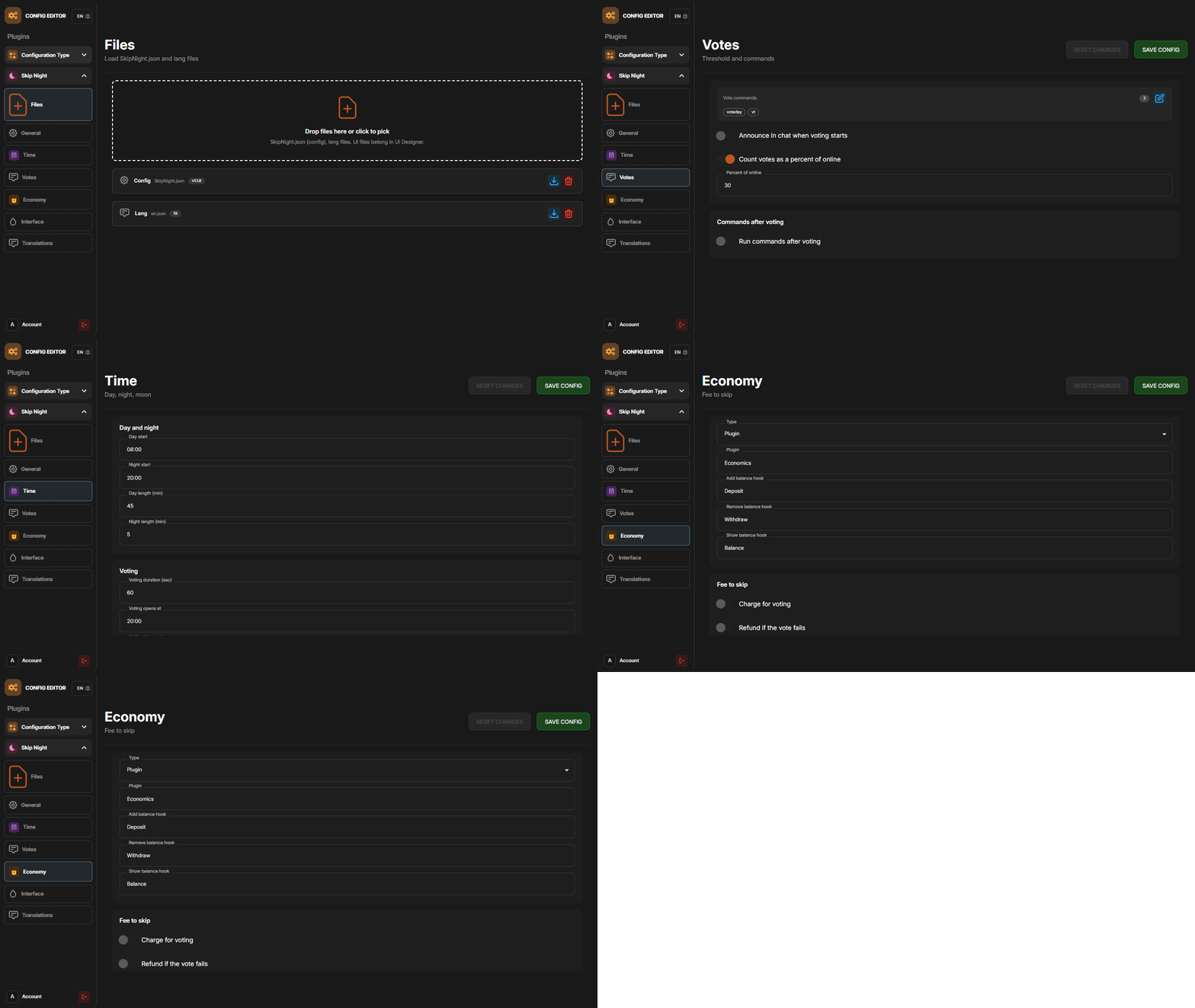
P.S. The web config editor is open to members of the "SkipNight" group in our Discord server. Join at https://discord.gg/mevent and ask for the group.
FAQ:
- Where can I ask questions/get help quickly?
My Discord: Mevent#4546
- How do I turn on the full moon?
1. Enable nights with a full moon in the config.
"Night with a full moon": true,
2. Configure the dates of the full moon in the config (you can get them from https://www.timeanddate.com/moon/phases/usa/new-york?year=2024)
    "Full Moon Dates": [
      "2024-01-25T00:00:00",
      "2024-02-24T00:00:00",
      "2024-03-25T00:00:00",
      "2024-04-23T00:00:00",
      "2024-05-23T00:00:00",
      "2024-06-21T00:00:00",
      "2024-07-21T00:00:00",
      "2024-08-19T00:00:00",
      "2024-09-17T00:00:00",
      "2024-10-17T00:00:00",
      "2024-11-15T00:00:00",
      "2024-12-15T00:00:00"
    ]
Config
{
  "Time Settings": {
    "Day Start": "06:00",
    "Night Start": "18:00",
    "Voting time": 60,
    "Voting start time (time to check)": "20:00",
    "Time until which hour the voting will take place (time to check)": "21:00",
    "Time after voting (to which the night passes)": "08:00",
    "Fast skip the night": true,
    "Length of the night (minutes)": 5.0,
    "Length of the FAST night (minutes)": 2.0,
    "Length of the day (minutes)": 45.0,
    "Night with a full moon": true,
    "Full Moon Dates": [
      "2024-01-25T00:00:00",
      "2024-02-24T00:00:00",
      "2024-03-25T00:00:00",
      "2024-04-23T00:00:00",
      "2024-05-23T00:00:00",
      "2024-06-21T00:00:00",
      "2024-07-21T00:00:00",
      "2024-08-19T00:00:00",
      "2024-09-17T00:00:00",
      "2024-10-17T00:00:00",
      "2024-11-15T00:00:00",
      "2024-12-15T00:00:00"
    ]
  },
  "UI Settings": {
    "Destroy Time": 5.0,
    "Show Image?": true,
    "Image": "https://i.imgur.com/uNSAY42.png",
    "Image Width": 42.0,
    "Image Height": 33.0,
    "Image Up Indent": 16.0,
    "Left Indent": 212.0,
    "Bottom Indent": 16.0,
    "Width": 178.0,
    "Height for default version": 82.0,
    "Height for unfolded version": 184.0,
    "Background Color": {
      "HEX": "#F8EBE3",
      "Opacity (0 - 100)": 4.0
    },
    "Background Materal": "assets/content/ui/uibackgroundblur-ingamemenu.mat",
    "Voting Button": {
      "Width": 150.0,
      "Height": 30.0,
      "Bottom Indent": 15.0
    },
    "Progress Bar": {
      "Width": 150.0,
      "Height": 20.0,
      "Bottom Indent": 55.0
    },
    "Colors": {
      "Color 1": {
        "HEX": "#ABE04E",
        "Opacity (0 - 100)": 100.0
      },
      "Color 2": {
        "HEX": "#595651",
        "Opacity (0 - 100)": 75.0
      },
      "Color 3": {
        "HEX": "#74884A",
        "Opacity (0 - 100)": 95.0
      },
      "Color 4": {
        "HEX": "#FFFFFF",
        "Opacity (0 - 100)": 100.0
      }
    }
  },
  "Votes Settings": {
    "Number of votes": 5,
    "Use a percentage of the online?": true,
    "Percentage of the online": 30.0
  }
}