

Depends on
Required for this file to work correctly.

Works with
Optional integrations and compatible files.

About Wipe Schedule
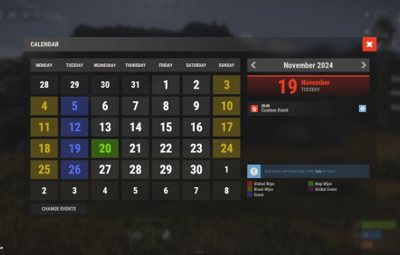
A plugin for RUST server owners that schedules server events. You build your own schedules to fit your server.


 Features of Wipe Schedule
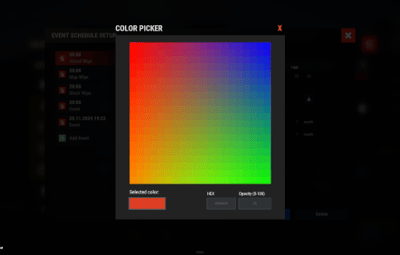
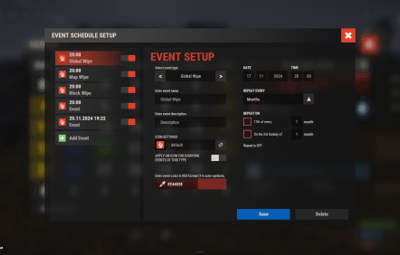
- Built-in editor: Manage events in-game through the plugin interface.
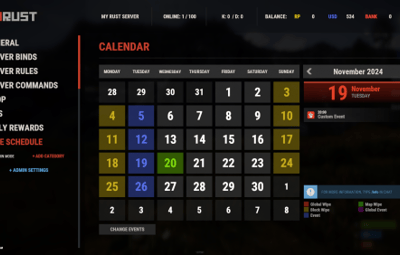
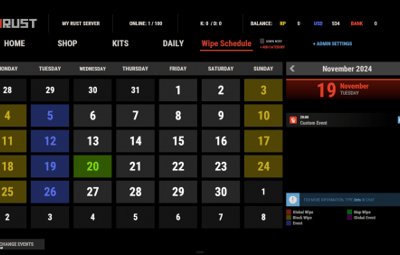
- Customizable calendar commands: Set your own commands for players to open the calendar and see upcoming events.
- Multi-language support: Translate all interface text into any language.
- Custom events: Add events with their own descriptions, dates and times, for wipes, tournaments or special server events.
- Easy integration: Quick to install with Server Panels.
- Flexible week display: Choose between two calendar week formats: Monday-first (ISO standard) or Sunday-first (American style).
-
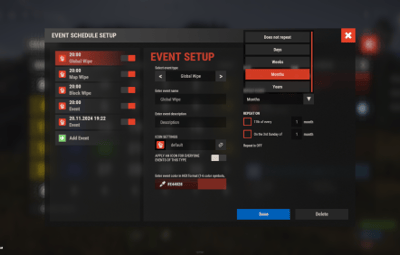
Recurring events: Create events that repeat on a set schedule instead of scheduling them by hand every week:
 Weekly events.
Repeats every X days.
Monthly and annual events.
- Complex combinations: Combine different repeat types to build your own schedules.
 Commands
- /wipe: Open the calendar interface (for players)
- wipeschedule.time (console): Displays current plugin time with configured timezone offset. Useful for verifying timezone settings. (RCON/Server console only)
 Permissions
- wipeschedule.admin: Grants full access to create, edit, and delete scheduled events through the in-game interface.
 Video overview
 Web Config Editor
Manage the WipeSchedule settings in our web config editor. You change the config in a browser form instead of editing files on the server by hand.
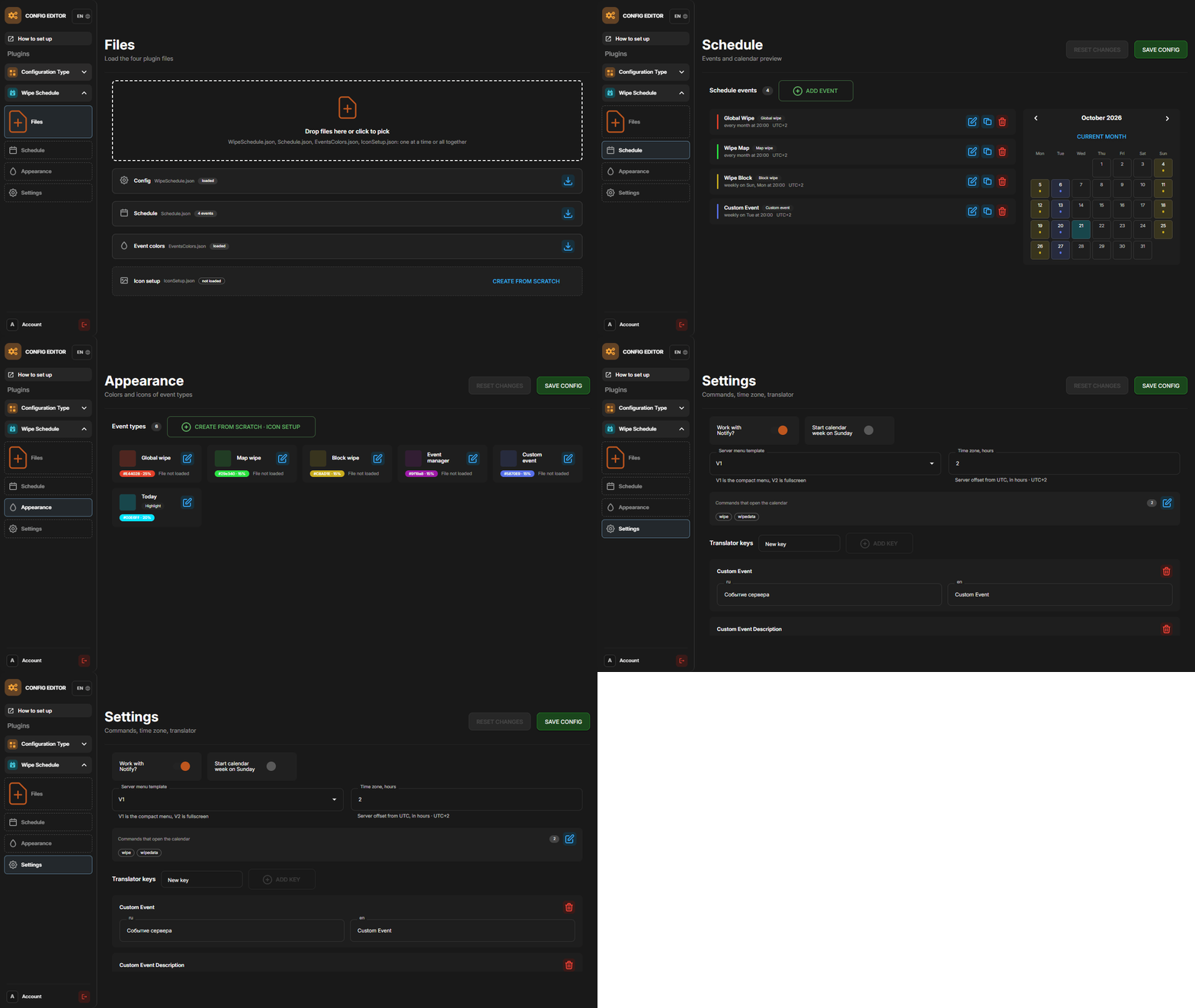
P.S. The web config editor is open to members of the "WipeSchedule" group in our Discord server. Join at https://discord.gg/mevent and ask for the group.
 Test Server
Join our test server and try the features yourself.
Copy the IP address below to connect.
connect 155.103.86.38:28015
 FAQ
Q: Where can I see an example of a config?
A: Config
Q: How do I add WipeSchedule to the ServerPanel menu?
A: Follow these steps:
1. Open the ServerPanel menu in-game and click the "+ADD CATEGORY" button
2. Set these exact parameters:
- Type: Plugin
- Plugin Name: WipeSchedule
- Plugin Hook: API_OpenPlugin
3. Click the "SAVE" button to create the category
Q: How can I hide the bottom panel with "/info" command and event color markers?
A: To hide the bottom information panel, edit the UI configuration file located at oxide/data/WipeSchedule/SetupUI and set "Show panel with /info command and event color markers?": false in the Schedule section. The file name depends on your template: UIFullScreen.json for full screen mode, UIMenuV1.json for ServerPanel template V1, or UIMenuV2.json for ServerPanel template V2.
Q: How do I set the calendar to start the week on Monday?
A: By default, the calendar week starts on Monday (ISO standard). If you need to change it, edit the plugin configuration file and set "Start calendar week on Sunday": false to keep Monday as the first day, or set it to true to use Sunday-first format (American style).