Mbesailor
-
Posts
66 -
Joined
-
Last visited
-
Days Won
1
Content Type
Profiles
Warranty Claims
Downloads
Forums
Store
Services
Downloads Plus Support
DOWNLOADS EXTRA
Everything posted by Mbesailor
-
 so, so what should i set it for lets say, i want the loot and npcs to reset every three hours, since it looks like the deep sea will be open forever and loot wont reset until 10mins to close time
 -
Just curious, is it normal for the deepsea timer to now say 2760:14:30 for 2760 hrs, 14mins. I noticed yesterday is started with 2777:0:0 Not sure but do you think my config might be not right on set up. { "Control - Schedule (plugin manages open/close mode and timers)": true, "Control - Content (plugin sets island/ghost ship/RHIB spawn settings)": true, "Control - Travel Rules (plugin changes what can pass through the portal)": true, "Control - Building (plugin enforces allow/deny building while in deep sea)": true, "Force apply change on plugin reload? (closes + reopens deep sea to apply spawn changes immediately. Recommend manual close/open instead.)": false, "Schedule": { "Mode (Vanilla | AlwaysOpen | Disabled)": "AlwaysOpen", "Open Time Seconds (vanilla wipeDuration)": 9999999.0, "Cooldown Seconds (time until next opening after closing)": 5400.0, "Final Phase Seconds (used for end weather/ramp)": 1800.0, "Radiation Warning Phase Seconds (entry blocked when time left is below this)": 300.0, "AlwaysOpen - Keep Time Left Around Seconds": 10800.0, "AlwaysOpen - Refill When Below Seconds": 600.0, "Disabled - Push Next Opening To Seconds": 9999999.0, "Set DeepSea Enabled Flag (restart may be required)": true, "DeepSea Enabled": true },
-
 As i read across the board here many are either liking the change, hating the change, or somewhere in between. Long before Loot Manager arrived there was always other methods to set your loot up. Some took hours of time to set up each file. Others may have used just mins to set up items all this based on what you really wanted to set up to minimize time spent of so many files. When the new major update came along, at first I didn't like having Lootmanager as a required plugin but I worked with it. As time went I found using the GUI was a great help. As time went from after many reviews appeared again which resulted in another update which in-turend allowed us a choice of using Lootmanager. i find this outstanding for myself. With this update it also allowed the abiltiy not to load in all the betternpc data files but just what I needed. I also noticed after this new round of update on NpcSpawn my cpu usage was able to come down to a managable level. Where as before my CPU was out of control to the point I actually turned off NpcSpawn and BetterNpc until a fix was found. Now my Npc's so far are running great. I can now change loot, clothing, etc at a moments notice. Still dealing with the scale damage that is not really up to par just yet but I know that is still being worked on and tweaked by Kpuc. But overall, this saves me time as a server owner expecially when you run several servers either be a PVP or PVE. My opinion this is still a great option to have on all events, some, or just to have a monuments expecially for PVE servers.
 -
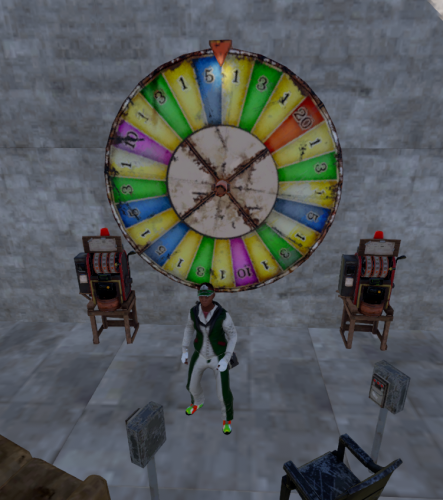 Afternon, notice that whan i put the slots down, it only shows up as a frigerator
 -
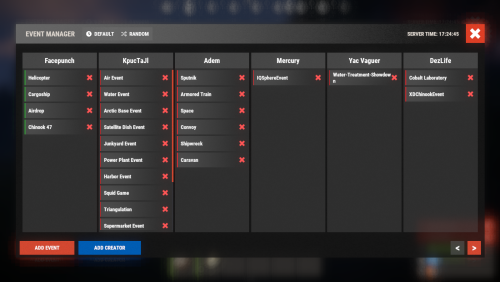 Morning, just a question, on the config file. "Disable vanilla auto events?": false, "Allowed list of vanilla events": [ "event_f15e" the section where it says Disable vanilla auto events, i have set to false, however, if i just want the vanilla brad to come in auto, do I place that in the allowed list while i have the vanilla events set to false.
 -
 Morning, not sure you know of this, I was trying to figure this one out. [Error] Failed to call hook 'OnEntityTakeDamage' on plugin 'BossMonster v2.1.6' (NullReferenceException: Object reference not set to an instance of an object.) at Oxide.Plugins.BossMonster.OnEntityTakeDamage (ScientistNPC entity, HitInfo info) [0x00020] in <09ebc2e2334442e58b34442c364726b9>:0 at Oxide.Plugins.BossMonster.DirectCallHook (System.String name, System.Object& ret, System.Object[] args) [0x00998] in <09ebc2e2334442e58b34442c364726b9>:0 at Oxide.Plugins.CSharpPlugin.InvokeMethod (Oxide.Core.Plugins.HookMethod method, System.Object[] args) [0x00079] in <42f9bedc659b4f4786eb778d3cd58968>:0 at Oxide.Core.Plugins.CSPlugin.OnCallHook (System.String name, System.Object[] args) [0x000de] in <112d89ea5d3348c8b949af0ab1a866d2>:0 at Oxide.Core.Plugins.Plugin.CallHook (System.String hook, System.Object[] args) [0x00060] in <112d89ea5d3348c8b949af0ab1a866d2>:0 NVM wrong place.
 -
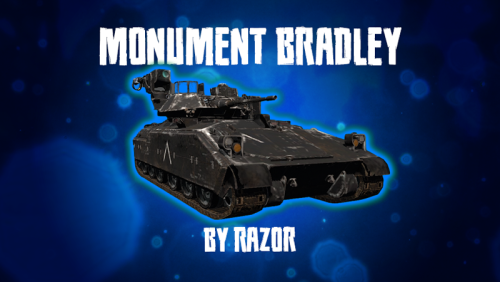 Afternoon Razor, are you removing Monument Bradley from Lone Design. Was checking for updates and noticed now its say $120 to purchase. If your not using lone how do I get my purchase moved over to codefling then. I purchsed back on 2 August 2021 from Lone.
 -
 Sorry to bother, is there a way to make sure mods dont use the f1 console and use the command god true
 -
Hey thanks all on that premissions setting. Went in and got the perms set, now the Huntsman is working fine.
-
Evening all, we have noticed that this wipe the huntsman has not showed up. So i set the percent from 25 to 50 then to 100 percent of always showing up. But so far no huntsman. I am running version 1.50. So not sure if I did anything wrong or theres something else wrong.
-
 Evening, just got home from work. The only thing it has in the data file, now mind you many many many data files. one for each biome, one for each monument, several for undergroung, etc. This is what it says: "Which loot table should the plugin use? (0 - default; 1 - own; 2 - AlphaLoot; 3 - CustomLoot; 4 - loot table of the Rust objects; 5 - combine the 1 and 4 methods)": For example, I have a data file called Arctic.json, in there are two types of NPC's (now some data files may only have one, or many in that one file). Now in this case, the name of the Npc's are Pollar Bear Man and Rabbit Man. If you want i can send you one of my .json files so you can take a look.
 -
hey all, sorry to bother, new to custom loot, I am looking at setting up the loot for BetterNpc since theres an option to use custom loot for the npcs. Whats the best route to configure where betternpc loots at custom loot.
-
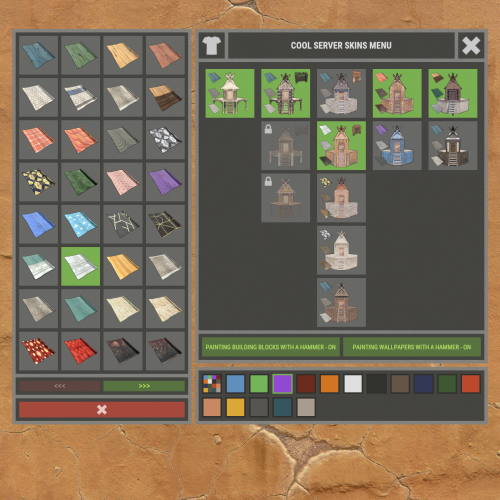 Monster, Thanks for the reply. Well, guess I will be posting the bad news to my players, Hopefully in the future they dont come out with a ToS saying using the word "Mod" for saying your server is "Modded" will be against the rules.
 -
Morning all, Monster, I saw this posted over at Mad Mappers Discord on the General Chat room. Will this affect your plugin https://facepunch.com/legal/servers It talks about servers no longer being able to use ANY of the approved skins and any DLC items to some degree.
-
 Morning all, I have the newest update. we went to the launch site to get the brad. After killing the brad we noticed no bradley guards, I checked the console and noticed this error Exception while calling NextTick callback (NullReferenceException: Object reference not set to an instance of an object) at Oxide.Plugins.BradleyGuards+<>c__DisplayClass61_0.<SpawnDriver>b__0 () [0x00125] in <d55002c2fc844d13a354d4a86f041aee>:0 at Oxide.Core.OxideMod.OnFrame (System.Single delta) [0x00051] in <8cb2d664f1574f2b96d53f1c1869d96a>:0 I do run BetterNPc also btw. But went back through the logs and noticed it has happen many times so far on killing the Brad where no brad guards show up then sometimes they would show up.
 -
 thanks, i see what i was doing wrong. just didnt read it correctly on my end
 -
hey all, how does one place the large pen. where do i get it from as seen in the vid
-
Sorry about that, they was right in front of my eyes. happens when ur getting old. thanks.
-
Evening there, sorry to bother, Great plugin, been using it since you first came out with it. was wondering if ur able to add in the lunar wallpaper. not sure if u able too. Thanks
-
 no worry, will do the ticket next time. thanks
 -
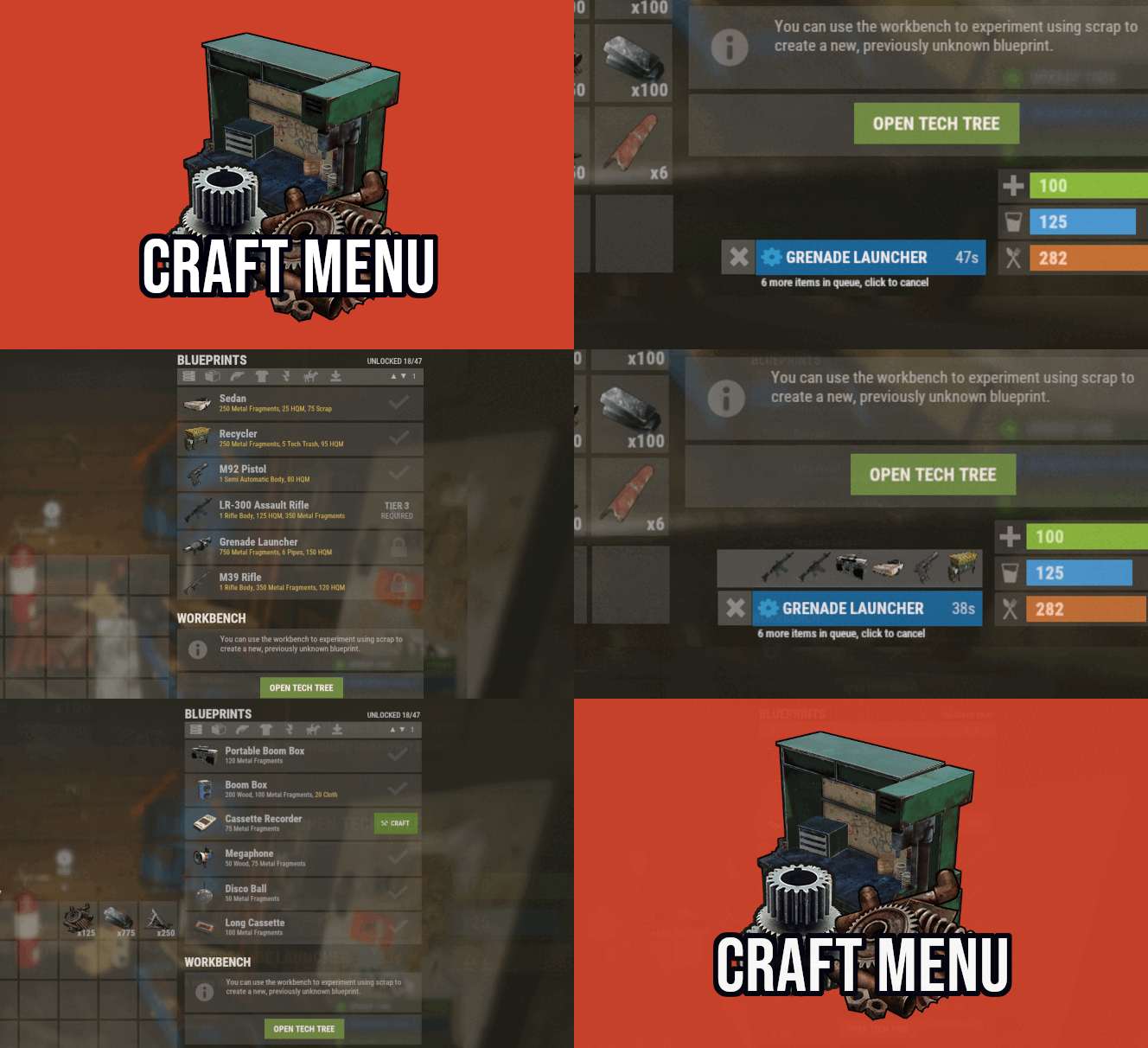
Morning David, seems I now get this spamming in my console after i do a restart or do a reload of craft menu for ALL the images after this mandatory update yesterday. Image failed to download! Error: HTTP/1.1 403 Forbidden - Image Name: https://rustlabs.com/img/items180/frankensteins.monster.03.legs.png_0 - Image URL: https://rustlabs.com/img/items180/frankensteins.monster.03.legs.png As a work around, i am downloading all the images and placing them on my drop box and setting the path up in the data files. Pain staking, but in the end for me and my players it will be worth it.
-
 Morning, i been seeing this when ever i do a server startup, restart, etc. NullReferenceException: Object reference not set to an instance of an object at Oxide.Plugins.Biplane.SaveBiplane (Oxide.Plugins.Biplane+BiplaneComponent biplaneComponent) [0x00039] in <3a10257b53664ff3842a03e588c13301>:0 at Oxide.Plugins.Biplane+<SaveCorountine>d__29.MoveNext () [0x0003f] in <3a10257b53664ff3842a03e588c13301>:0 at UnityEngine.SetupCoroutine.InvokeMoveNext (System.Collections.IEnumerator enumerator, System.IntPtr returnValueAddress) [0x00026] in <9b9363fdd7ce4d3aa81e4c2f9c1be714>:0
 -
 Evening, just as a heads up, when i do Defendable Bases i get this error Failed to call hook 'OnItemPickup' on plugin 'TheRedButton v1.8.0' (NullReferenceException: Object reference not set to an instance of an object) at Oxide.Plugins.TheRedButton.OnItemPickup (Item item, BasePlayer player) [0x00006] in <4105c7c546a14081be156a7742ff0581>:0 at Oxide.Plugins.TheRedButton.DirectCallHook (System.String name, System.Object& ret, System.Object[] args) [0x0046c] in <4105c7c546a14081be156a7742ff0581>:0 at Oxide.Plugins.CSharpPlugin.InvokeMethod (Oxide.Core.Plugins.HookMethod method, System.Object[] args) [0x00079] in <795304323ac74a298b8ed190a1dfa739>:0 at Oxide.Core.Plugins.CSPlugin.OnCallHook (System.String name, System.Object[] args) [0x000de] in <beb2b64691c64e2b95b99491bd85442c>:0 at Oxide.Core.Plugins.Plugin.CallHook (System.String hook, System.Object[] args) [0x00060] in <beb2b64691c64e2b95b99491bd85442c>:0
 -
same here on the above errors