-
Posts
407 -
Joined
-
Last visited
-
Days Won
6
Content Type
Profiles
Warranty Claims
Downloads
Forums
Store
Services
Downloads Plus Support
DOWNLOADS EXTRA
Everything posted by Bad Cop
-
Not sure how, but maybe some sort of guarantee that a plugin works at point of purchase Understandably plugins can stop working due to FP updates, but in my case i've purchased some premium priced plugins only to find its main features not working correctly or at all. Currently this leaves me at the mercy of developer or fixing things myself when time allows, few months and 5 patches later it still doesn't work as intended
-
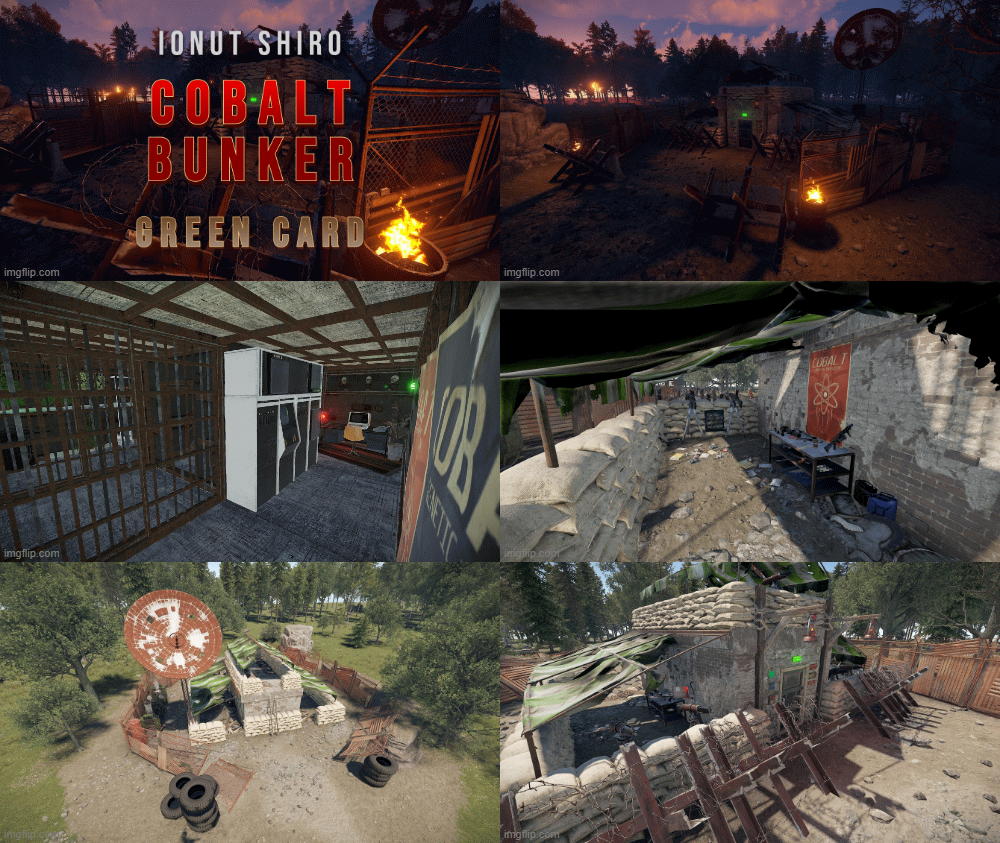 One of my favorite mini monuments, usually hide it away somewhere in a forest or other out of the way location
 -
 Hi, Yes the requirements for ServerRewards are implemented and should work (see config for currency options)
 -
Version 1.0.7
75 downloads
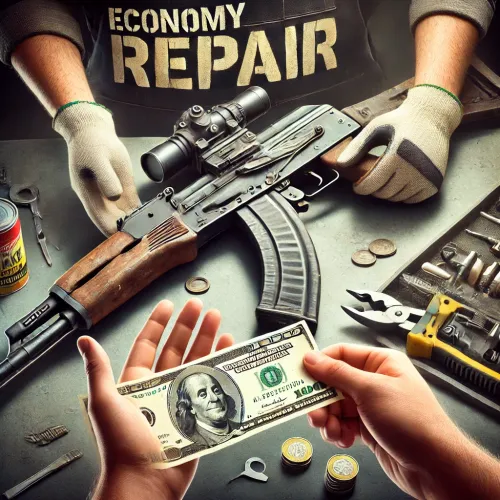
Compliment your in game economy system by allowing players to repair weapons using their currency. Economy Repair offers a solution that lets players repair their damaged weapons using in-game currency of your choice. With this plugin, your worn-out AKs, tools, and gear can be repaired through a simple new option in the repair bench, making sure you're always prepared for the next battle! Key Features: Multiple Currency Support: Use popular Rust plugins like Economics or ServerRewards to pay for repairs using your in-game currency. You can even set up custom item-based currencies for repairs! Condition Loss: Condition loss can be disabled, or the scale of it modified. VIP Discounts: Offer VIP players reduced repair costs, providing an extra incentive for premium members of your community. Customizable Repair Costs: Tailor the repair prices for different items, ensuring fair costs for everything from weapons to tools. Repair cost can be set globally, and per item. Clean UI: Enjoy a sleek almost vanilla like repair button that appears when interacting with a repair bench. Instantly know the cost to restore your item and confirm the repair with just a click. Repair Blacklist: Administrators can blacklist certain items from being repaired, maintaining control over game balance and preventing unintended item restorations. How It Works: 1. Interact with a repair bench. 2. Insert item normally into the repair bench 3. See the cost, click the repair button! Economy Repair is your perfect choice for expanding the usefulness of economy on your server. Keep your equipment in top shape without the hassle of searching through boxes to try and find the correct components. PERMISSIONS: economyrepair.use - Required to see and use the economy repair option economyrepair.VIP - Required for VIP discount feature CONFIG EXAMPLE: { "Default Max Repair Cost": 100.0, // default repair cost for all items "Reduce Durability On Repair": true, // should the item lose durability if repaired with currency? "Durability Loss Scaling Factor": 1.0, // play with this to increase/reduce how much durability is lost "Currency System (Economics, ServerRewards, Item, TCBank)": "Economics", //which currency system to use "VIP Discount Percentage": 0.0, // percentage discount for players with VIP permission "Currency Item": { // If using "Item" as currency, specify item details here "ItemID": 0, "SkinID": 0, "Display Name": "Currency" }, "Custom Repair Costs": { // customize repair cost for individual items "hatchet": 50.0, "pickaxe": 75.0 }, "Repair Blacklist": [ // list of items which cannot be repaired using currency "minigun", "fuse" ], "Blacklisted SkinIDs": [ 3380502905, 987654321 ], "Debug Messages Enabled": false } LANG EXAMPLE: { "RepairCostLabel": "Economy Repair: {0} {1}", "CurrencyLabel": "$", "RepairButtonLabel": "Repair", "NoValidItem": "No valid item to repair.", "MaxDurability": "This item is already at full durability.", "NotEnoughCurrency": "You do not have enough {0} to repair this item.", "RepairSuccess": "Item successfully repaired.", "RepairFailed": "Failed to repair the item. Please try again.", "ItemBlacklisted": "This item cannot be repaired." }$7.98 -
Version 1.2.3
115 downloads
MiniGunner provides players with a simple reload mechanic for the powerful minigun without the usual limitation of requiring a workbench. Brrrt. Features: Natural reloading by holding R key Reload progress bar Reload sound effects Optional max ammo increase for hand reloaded miniguns Configurable reload time Configurable cancel reload if moving Permissions: minigunner.use - required to be able to reload Configuration: { "Permission to Use": "minireload.use", "Max Ammo": 300, "Reload Time (seconds)": 10.0, "Allow Movement While Reloading": false }$3.49 -
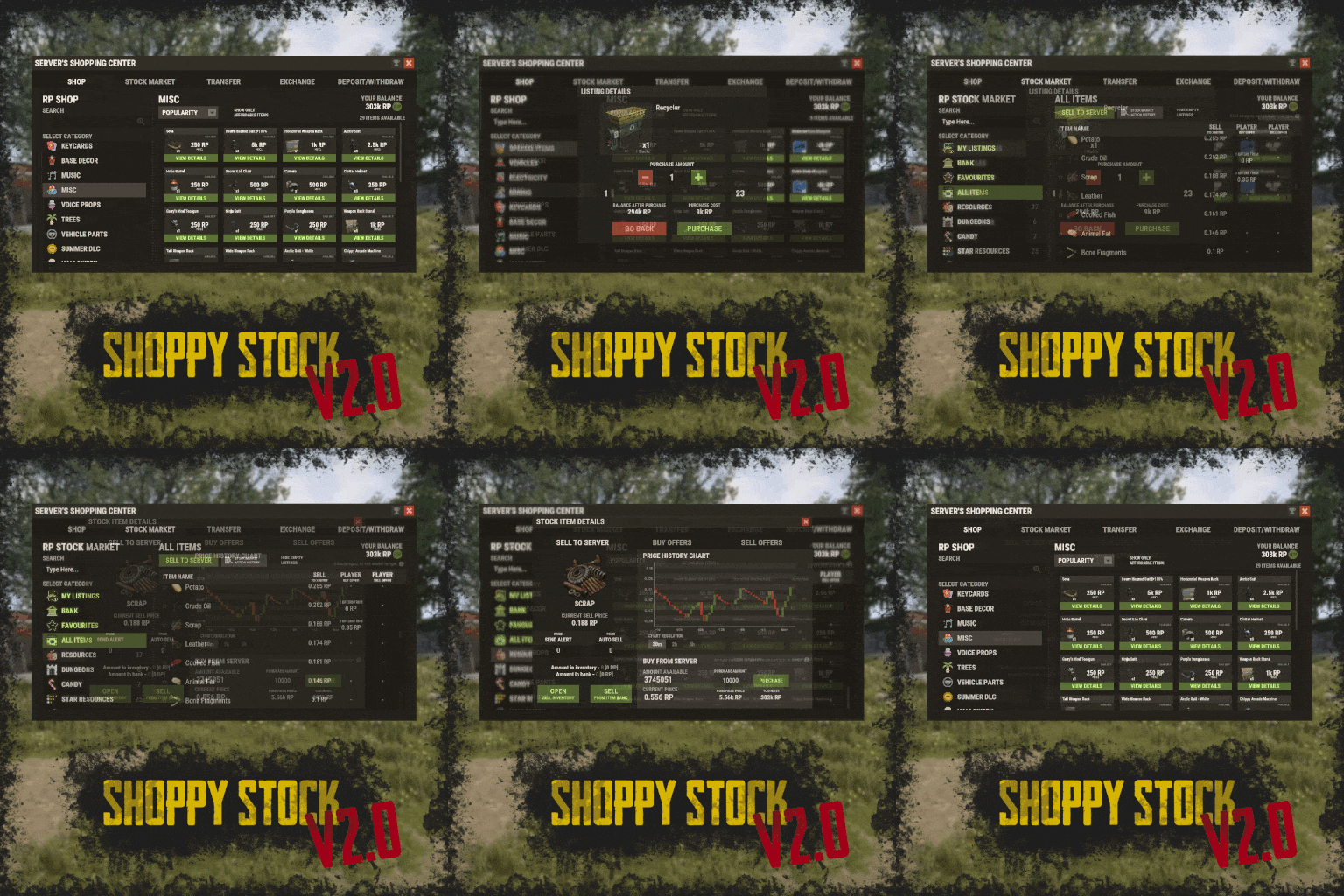 Very versatile, not just a shop plugin Great interface IMO - but players don't find things obvious at first, especially viewing items to sell (I tell them to select the sell to server checkbox :] ) Stock Market excellent idea, helps to get people farming and with the fluctuating prices there can be a bit of competition. It also incentivise doing different types of activities. One improvement I would suggest is something better for retrieving items than the storage API and a /redeem command. If a storage could be accessed from within the UI, it would be a nicer experience and not feeling like using 2 different plugins for the job. redeem is great im using it for other things now lol
 -
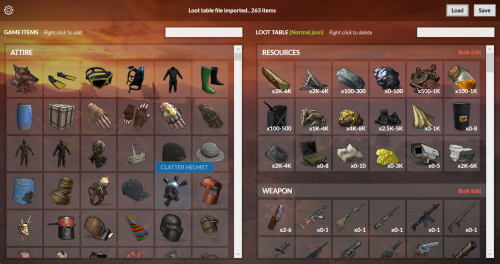 Love it, using this tool has made building rb loot tables fast, easy, without tears Ignore the possible microsoft security alert when launching
 -
.thumb.png.4946b6bb28f5c8029dbc6ef637a0c10f.png) Now that is weird, send me a discord msg we'll find some time to figure it out
Now that is weird, send me a discord msg we'll find some time to figure it out -
Hi, sorry to hear that. Do you see sound files in oxide/data/ogg? Could try deleting reloading both plugins amd hitting some bots again to redownload Let me know how it goes, maybe paste whatever shows in console when a bot goes down (with debug enabled in config)
-
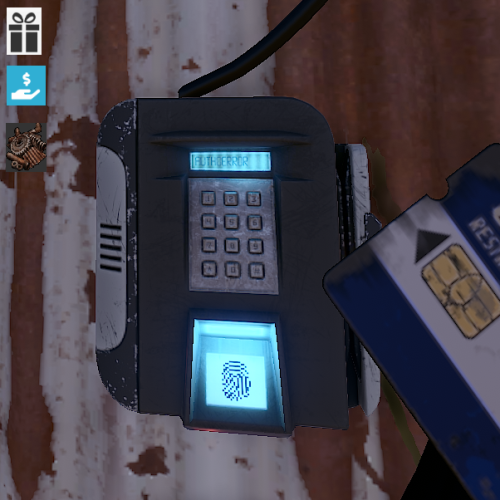 Looks like recent fp update broke this again
 -
Send me a discord msg if you can, might be easier to figure out whats up :]
-
Is TapeLibrary plugin also loaded (included in the download, can try reloading) ?
-
Hey, just uploaded an update, please overwrite, hope it helps
-
Version 1.0.9
201 downloads
Introducing WoundedNPC — where NPCs don't just die; they make a scene! Watch in amusement as your NPCs go from tough guys to crybabies, collapsing and crying out in pain. They'll lie there, whining and wailing, giving you a show worth watching! Perfect for adding a touch of humor to your Rust world. Your NPCs will now collapse similar to players, with customizable scream (or other sound of your choice!) with a configurable chance to get back up for a second chance. Get ready for the most entertaining and theatrical NPC deaths ever with WoundedNPC! Features: NPCs will enter a wounded state Configurable % chance for them to get back up Configurable wounded timer for them Configurable scream sounds Lightweight format sounds stored in data for minimal delay Automatically checks if screams listed in config exist, if not, it's downloaded. Ability to exclude specific NPCs by either prefab path, or partial name matching (useful to exclude zombies or any other NPC which you wish to die immediately) Notes: Dependency plugin - TapeLibrary by Nikedemos - Included 5 scream sound files included Audio file format .ogg Mono channel (can convert mp3 to a mono .ogg here , then upload to a file host of your choice ensuring link leads directly to downloading the file) Sound Loops - worth ensuring your wounded timer is around the same length as sound files. Example config { "Enabled: ": true, // can disable the plugin features from the config if needed "Wounded timer: ": 20, // how long will the NPC stay in wounded state "Chance to die after wounded timer: ": 50, // percentage chance NPC will NOT get back up after being wounded "NPC Prefab paths to exclude: ": [], // can exclude an entire prefab path for an npc (eg for scarecrow) "Exclude NPC where their displayname contains: ": [ "Marauder", "Zombie" ], // can exclude NPCs by their full or partial display name. "Boombox Prefab Path: ": "assets/prefabs/voiceaudio/boombox/boombox.deployed.prefab", // don't need to touch unless boombox prefab path ever changes or there's a new boombox type item introduced. "Wounded Sounds URLs: ": [ "https://www.dropbox.com/scl/fi/vyhsne1efaictwl39oqgu/Scream-Medium-C1-www.fesliyanstudios.com.ogg?rlkey=7ae1rnbtwj662puo874t823y6&st=svp1qa0x&dl=1", "https://www.dropbox.com/scl/fi/j6zo85v7uuwje4scenmm3/longpain1.ogg?rlkey=7cmumo9z40no1xkdzkcwzxl36&st=gef2dhc7&dl=1", "https://www.dropbox.com/scl/fi/gb2jkxu1gxfsqjxmtum32/longpain2.ogg?rlkey=81iwgqqw9j26t7f7vfbzg1diw&st=f5s5k1to&dl=1", "https://www.dropbox.com/scl/fi/04o1ukje93tly4rjx9dvu/longpain3.ogg?rlkey=cjkv5ks97307yadnah0pvua8b&st=ns0tqygh&dl=1", "https://www.dropbox.com/scl/fi/e6ey5eqevqwey43b16xj2/longpain4.ogg?rlkey=28vksom5xd5o82rhvy5kmiaj7&st=wgo8v7ue&dl=1" ], // Direct URL to scream sound files "Enable Debug Messages: ": true // debug messages in console. Turn off to reduce spam. Turn on for troubleshooting }$16.98 -
 Hi @Aelanna Its just the text with color added. Interesting concept though
 -
 Truly a king
 -
I agree with you about the impact Sadly this is just 1 guy making a game modification probably as a hobby. Best advice i can give - run a staging server few days before wipe and check which plugin is broken. Then notify the developer in advance, or if you're able, do the fix yourself until official update is released
- 1,131 comments
-
- 1
-

-
- #loot
- #customloot
- (and 13 more)
-
Give the man a chance, it's like 5 minutes into wipe.
-
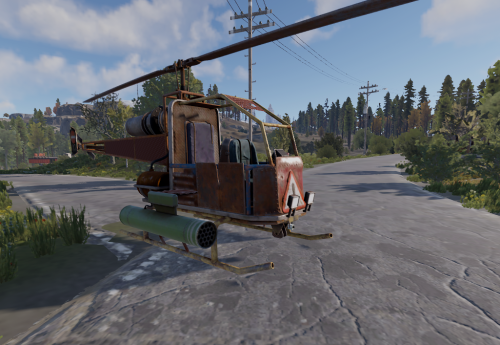 The error was on latest staging :] So will probably need update after the forced wipe today
 -
Will have compilation issue after rust update: MyAttackHeli: Cannot implicitly convert type 'IFuelSystem' to 'EntityFuelSystem'. An explicit conversion exists (are you missing a cast?) | Line: 270, Pos: 44
-
Heads up compilation error on staging Error while compiling Loottable: Cannot implicitly convert type 'IFuelSystem' to 'EntityFuelSystem'. An explicit conversion exists (are you missing a cast?) | Line: 1432, Pos: 39
-
Hi @The_Kiiiing Is it possible to give players a different stack size limit based on permission, or even to add such a feature?
-
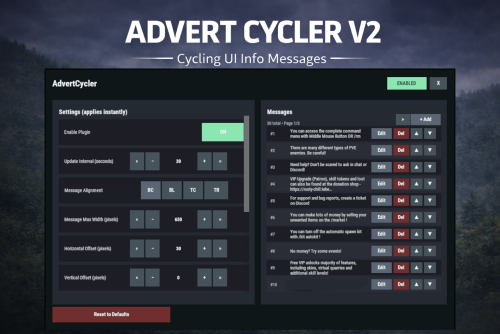
Version 2.0.0
35 downloads
AdvertCycler lets you create a rotating list of on-screen info messages (“adverts”) that display to players without spamming chat. It’s a clean, unobtrusive alternative to chat-based announcers, and the positioning is designed to remain consistent across different screen resolutions and UI scale settings. Messages cycle on a configurable timer, either in order or randomly. You can fine-tune how the message looks and where it appears using: Preset alignment modes (Bottom Center / Bottom Left / Top Center / Top Right) Horizontal + Vertical offsets (with small/big nudge controls for precise positioning) Max text line width Font size Optional text outline with configurable color (quick-pick color swatches in the UI) Admin UI (Instant Apply) AdvertCycler includes a built-in admin UI for live editing and previewing changes in real time: Toggle the plugin on/off Adjust interval, alignment, offsets, width, and font settings Enable/disable outline and pick outline color Choose whether the advert displays on Overlay or Hud Manage the message list: Add / Edit / Delete Reorder messages (move up/down) Paging for large lists All changes apply instantly, so you can visually tune placement and style while in-game. Permissions advertcycler.admin - Grants access to the admin UI and allows editing of all AdvertCycler settings and messages. advertcycler.view - players/groups with this permission will be shown the advert messages. Chat Command /adverts - opens the editor UI Config Example { "AdvertCycler": { "Enable Plugin": true, /Can disable globally from config if needed for whatever reason. "Update Interval (seconds)": 30, /How often the message should change "Message Alignment (BottomCenter/BottomLeft/TopCenter/TopRight)": "BottomLeft", /Base position where the messages should appear "Message Max Width (pixels)": 300, /Maximum line width for text. Anything beyond carries on new line "Vertical Offset (pixels)": 10, /Fine Up and Down adjustment of text position "Horizontal Offset (pixels)": 2, /Fine Left and Right adjustment of text position "Enable Text Outline": true, /Enable or disable text outline "Text Outline Color (HEX)": "#000000", /Color of text outline. Black by default. "Font Size (pixels)": 12, /Text font size "Display as Overlay": true, /Displaying the messages as overlay will allow them to be seen on top of other in game hud screens such as inventory "Randomize Messages": false, /Messages can be displayed at random "Message List": [ "For server info, type <color=#30FEDE>/info</color> in chat.", "There are many different types of PVE enemies. Be careful!" ] } } HTML can be used in messages to modify color in full or partially, example: For server info, type <color=#30FEDE>/info</color> in chat.$7.99