

MeventSupport
-
Posts
2,001 -
Joined
-
Last visited
-
Days Won
9
Content Type
Profiles
Warranty Claims
Downloads
Forums
Store
Services
Downloads Plus Support
DOWNLOADS EXTRA
Reels
Everything posted by MeventSupport
-
Suggestion: Different button colour when kit is available or not
MeventSupport replied to Bear Grills's Support Report in Support
Hi! Yes, that’s a great idea! We’ve added it to our ToDo list! It’s important to mention that we’ll be releasing many updates for a lot of our plugins very soon! -
Hey! The error means migration 2.0.0 hit something in your Template.json thats structured differently than expected. Like a field thats supposed to be an object but is just a string or number. Can you DM me the Template.json file from oxide/data/ServerPanel/ so I can see whats off? Backup is fine btw, your data is safe at oxide/data/ServerPanelMigrations/backup/.
-
How to add your battlepass reborn to the Categories?
MeventSupport replied to BULL1060's Support Report in Support
Yes, Honestly, this isn’t our plugin. It would be better to contact its developers. Sorry -
How to add your battlepass reborn to the Categories?
MeventSupport replied to BULL1060's Support Report in Support
hey! You need to add a category to ServerPanel and specify: Type: Plugin PluginName: the name of the plugin you want to integrate PluginHook: the plugin API created for working with ServerPanel Also, in all of my plugins, the PluginHook is always API_OpenPlugin -
Hey! So unfortunately there isnt a setting for that right now. The plugin only supports two positions, top right corner or bottom left corner, controlled by "Display notifications on the top right?" in the config. There is no center anchor option, so you cant place it under the coord panel without code changes. Ill add it to the suggestions list for a future update.
-
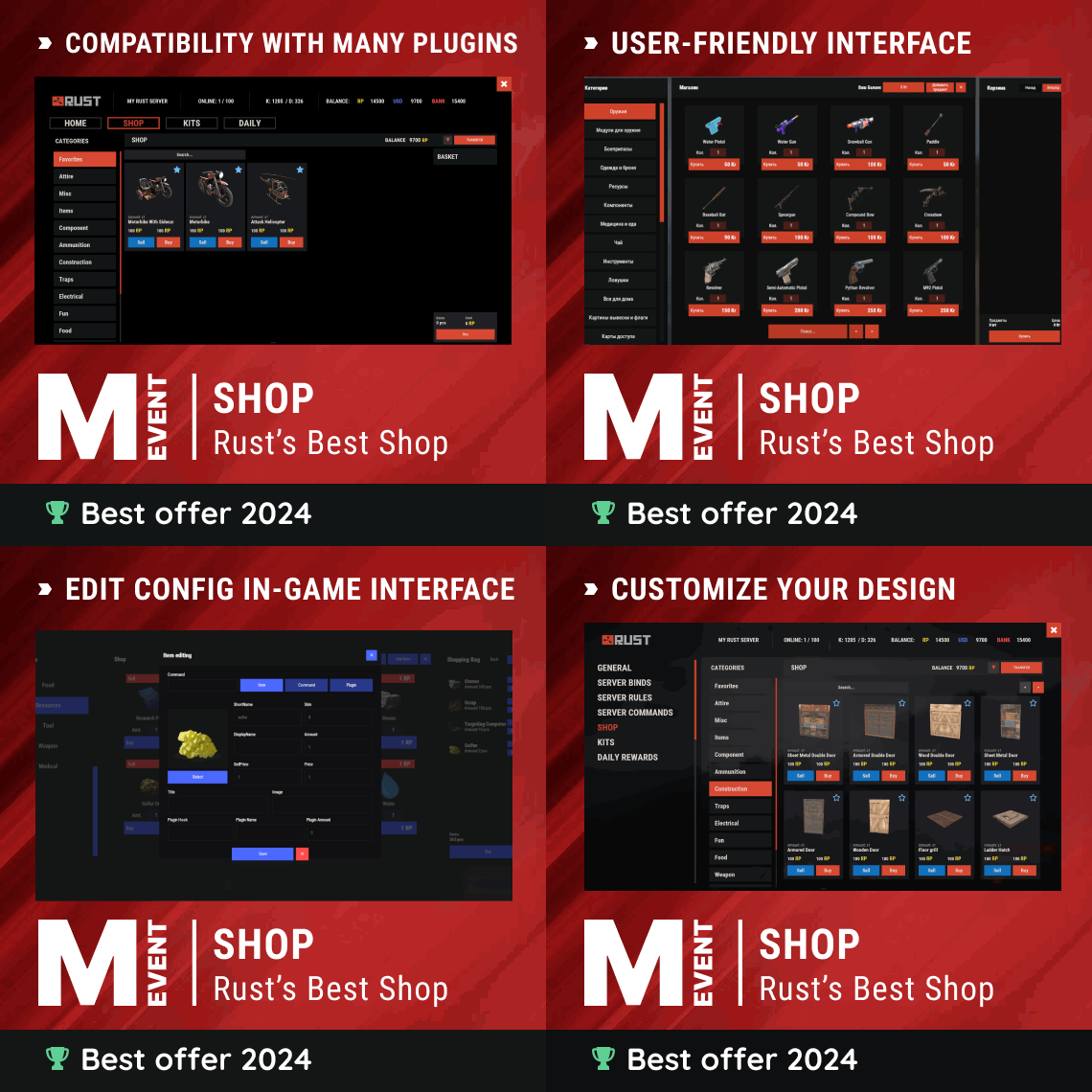 Yo, the way to do this is via Additional Economics. Make an entry like this: ID 2, Enabled true, Type "Item", ShortName "scrap", Skin 1112, DisplayName "Special Scrap", and set EconomyTitle/Balance/Price templates how you want them shown. Then on your grenade.smoke item flip Currencies.Enabled to true and add an entry under Currencies with key 2 and the Price. Thatll lock the purchase to skinned scrap only.
 -
We will publish this update soon! Thank you!
-
 Hello! Yes, of course
 -
.thumb.gif.4707aef13cba7c3b9ad410f5f982b71c.gif) Can you explain a bit more, do you want this UI to open in Windowed mode instead of Fullscreen?
Can you explain a bit more, do you want this UI to open in Windowed mode instead of Fullscreen? -
.thumb.png.bcb832e22f0a48b6833fee517e444bff.png) we are aware of the problem, we will fix it soon
we are aware of the problem, we will fix it soon- 343 comments
-
- 1
-

-
- #eventmanager
- #manager
- (and 5 more)
-
The redesign wasn’t meant to hide authors or their other plugins. The goal was to make navigation simpler, reduce clutter, and help users find content faster. You’re right that seeing other plugins from the same author was useful for discovering new things. We’re not ignoring that and are thinking about how to bring it back in a cleaner way. Thanks for the feedback. it really helps improve the product.
- 343 comments
-
- 1
-
-
- #eventmanager
- #manager
- (and 5 more)
-
Hey! Yep there is a setting for exactly this. In the config under Upgrade Settings find "Upgrade buildings while they are being built?" and set it to false. After that players will only place twig first, then they gotta hit the block a second time with the hammer to upgrade it to stone or metal. Reload the plugin and youre good.
-
.thumb.png.6fb63bc7327c60bdc01a5e1225049c1d.png) Hey! So the idea is basically territory taxation. You place a special cupboard with that skin (comes from loot crates or admin gives it) and it creates a 40m zone. Any player who farms inside your zone gives you a cut of what they gather, default 20%. About the spam, just bump "Notification during mining in the occupied territory" > "Cooldown" from 5 to like 30 or 60 seconds. Or set "Enabled": false to turn the message off completely. The tax still works, just no popup.
Hey! So the idea is basically territory taxation. You place a special cupboard with that skin (comes from loot crates or admin gives it) and it creates a 40m zone. Any player who farms inside your zone gives you a cut of what they gather, default 20%. About the spam, just bump "Notification during mining in the occupied territory" > "Cooldown" from 5 to like 30 or 60 seconds. Or set "Enabled": false to turn the message off completely. The tax still works, just no popup. -
Can you add a wipe delay / minimum time since wipe
MeventSupport replied to Bear Grills's Support Report in Support
Great, we will add this -
Can you add a wipe delay / minimum time since wipe
MeventSupport replied to Bear Grills's Support Report in Support
Do you mean something like a wipe block? Do you want this to be configurable for each event separately, or for all events at once? -
We will analyze this issue soon and find a solution
-
Regarding the UI (buttons and 1/1): these elements are tied to the internal pagination logic. We’ve heard your feedback — in the upcoming update, we’ll move their customization (colors and text) into a separate config section so you can modify them just like the rest of the menu. Regarding the config resetting on restart: this is not typical behavior. To pinpoint the exact line of code or log causing the issue, we’ll need: The config you saved before the restart and the config that got “reset” The console log (Oxide/Carbon) at the moment the plugin loads during server startup Please create a ticket in our Discord https://discord.gg/mevent and send the files so we can properly investigate the issue.
-
Hello! Could you please clarify — are you using Oxide or Carbon?
-
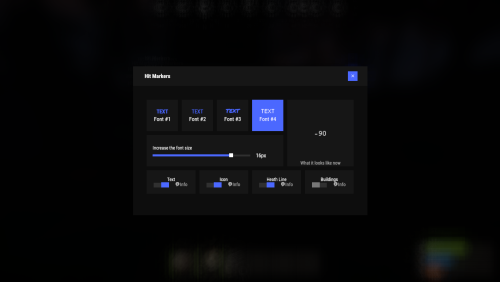 Not yet, but we’ll update the description and add a video next week or sooner.
 -
Hello! Please, could you create a ticket in our discord channel https://discord.gg/mevent
-
update will be out today, it took longer
-
Yes, of course, we will add it
-
 Thank you for the suggestion! We’ll be reviewing the plugin’s UI over the next month and plan to release an update afterward
- 72 comments
-
- 1
-
-
- #ultimateleaderboard
- #leaderboard
- (and 22 more)
-
Yo! That functionality doesnt exist right now unfortunately. We only have global wipes for everyone at the same time. The only way to do it right now is to unload the plugin, go to your oxide/data/Shop/Players folder and delete their specific SteamID file, then reload the plugin.
-
We need to clarify that, we'll come back with an answer later
