

MeventSupport
-
Posts
2,001 -
Joined
-
Last visited
-
Days Won
9
Content Type
Profiles
Warranty Claims
Downloads
Forums
Store
Services
Downloads Plus Support
DOWNLOADS EXTRA
Reels
Everything posted by MeventSupport
-
Hello! We are currently in the process of reviewing this. There has been a high workload recently, so we appreciate your patience
-
.thumb.png.bcb832e22f0a48b6833fee517e444bff.png) Hello! you can turn it off in the config and switch it back on
Hello! you can turn it off in the config and switch it back on -
.thumb.gif.4707aef13cba7c3b9ad410f5f982b71c.gif) Hey! So the thing is, the inmenu template only applies when DailyRewards is opened through a menu like ServerPanel. If you're opening it directly via command or button, it uses the fullscreen template instead - that's a separate setting in your config (UI vs MenuUI). If you want to change how it looks when opened directly, you'd need to tweak the UI section in your config file, specifically the panel offsets and anchor values. Are you using ServerPanel or opening DailyRewards on its own?
Hey! So the thing is, the inmenu template only applies when DailyRewards is opened through a menu like ServerPanel. If you're opening it directly via command or button, it uses the fullscreen template instead - that's a separate setting in your config (UI vs MenuUI). If you want to change how it looks when opened directly, you'd need to tweak the UI section in your config file, specifically the panel offsets and anchor values. Are you using ServerPanel or opening DailyRewards on its own? -
Hey! So this isn't actually a Clans bug - it's a Carbon framework thing. Carbon sometimes throws these hook patching errors (OnTeamMemberInvite) but it doesn't affect how the plugin works. You can safely ignore it, everything should be functioning normally.
-
Hi. How's it going with that? How's the test?
-
 By default most items give 1 XP but some already have higher values like supply_drop gives 3 XP and heli_crate or bradley_crate give 5 XP. You can change all these values in the XP Rewards Settings section under the Loots array in your config.
 -
Hi! We’re currently testing the update, and once everything is checked, we’ll release it! Just a little bit more
-
Glad you figured it out. If you run into any other issues, let me know. Happy gaming!
-
Okay, well, we'll look into it today
-
Thank you for your message. We are currently investigating the issue and will provide a response a bit later
-
We are looking into this issue and will provide an answer a bit later
- 343 comments
-
- 1
-

-
- #eventmanager
- #manager
- (and 5 more)
-
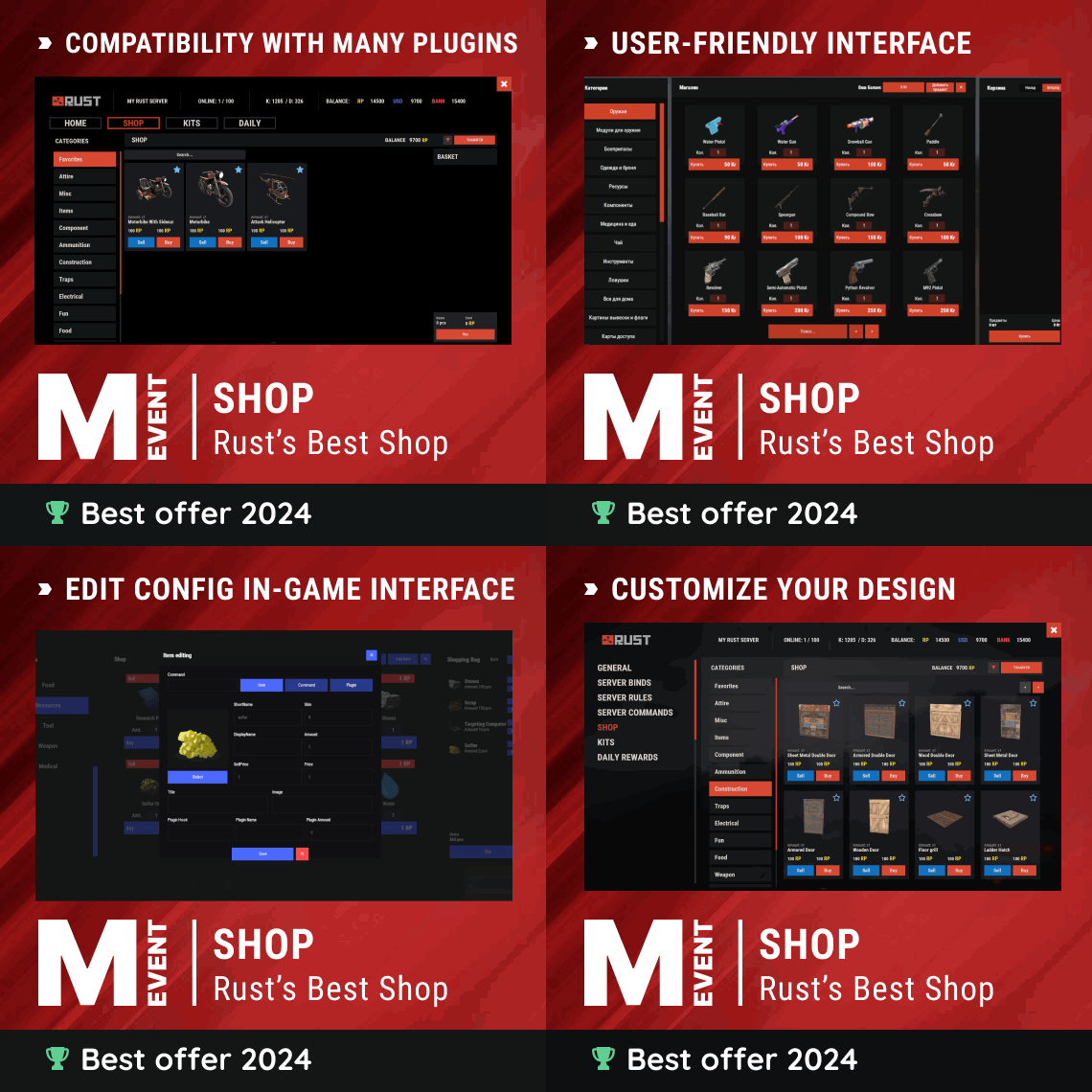 Hey! Here's a quick step-by-step for NPC shops: Install the HumanNPC plugin and create an NPC Grant yourself permission: o.grant user yourname shop.setnpc Look at the NPC and run: shop.setnpc categories: * (for all categories) or shop.setnpc categories: Weapon Tools Food (for specific ones) After that, you'll find the NPC in your config under "NPC Shops" - it'll look something like this: "NPC Shops (NPC ID - shop categories)": { "1234567": { "Permission": "", "Categories": ["Weapon", "Tools"] } } You can also set an optional permission in the "Permission" field if you want to restrict who can use that NPC.
 -
We will think about how this can be realised
-
Thanks for sending it in, we'll check it out
-
Kk, we will check it
-
Can you be more specific about what you mean?
-
Adding a command from the UI makes it unusable
MeventSupport replied to hid333's Support Report in Support
Hello! We will fix it -
 Please create a ticket in our discord channel, we will help you there https://discord.gg/mevent
 -
Hey! Thanks for the detailed report. Could you send us your Skills config and a link to the AmmoCapacity plugin (or its page on Codefling/uMod)? We want to make sure our fix works correctly with that specific plugin before pushing the update.
-
 It will be possible to create a button that will open the vitemap plugin
 -
.thumb.gif.30bb4fb1ad6b9cbba98fad72b9533086.gif) Hey! I think I see what's going on. When you use categories, the plugin requires a separate permission for the category itself, not just for the individual kit. Since all your kits are in the "linking" category, each player needs the kits.linking permission to even see that category tab. The booster kit probably works because the booster group already has this permission somehow. Try adding kits.linking to the discord-steam-member group: oxide.grant group discord-steam-member kits.linking That should make the category visible and show all kits the player has permissions for.
Hey! I think I see what's going on. When you use categories, the plugin requires a separate permission for the category itself, not just for the individual kit. Since all your kits are in the "linking" category, each player needs the kits.linking permission to even see that category tab. The booster kit probably works because the booster group already has this permission somehow. Try adding kits.linking to the discord-steam-member group: oxide.grant group discord-steam-member kits.linking That should make the category visible and show all kits the player has permissions for. -
Hey! Just to clarify - there's no skill called "Processing Speed" in the plugin. Could you let me know which skill exactly you mean? The closest ones are: - Recycler Speed - speeds up the recycler - Craft Speed - speeds up crafting - Furnace Smelting Speed - speeds up furnaces - Cooking Speed - speeds up cooking Also, what do you mean by "stopped working"? Did it work before and broke after an update, or is the bonus just not applying? Any errors in the server console? That'll help me narrow it down.
-
Hey, glad you like the plugin! If you're talking about the XP balance (the points you spend on skills) - that's already shown in the skills menu UI. But if you mean having it visible all the time on screen without opening the menu, that's a feature request we can note for the devs. Right now the balance only shows when you open the skills panel. The UI positioning for elements inside the menu is already configurable in the config though!
-
Hi! We'll consider your offer, thank you
- 343 comments
-
- 1
-
-
- #eventmanager
- #manager
- (and 5 more)
-
Hello! Please create a suggestion ticket in our Discord channel and describe in detail what you would like to see or have added https://discord.gg/mevent