


-
Posts
1,496 -
Joined
-
Last visited
-
Days Won
43
Content Type
Profiles
Warranty Claims
Downloads
Forums
Store
Services
Downloads Plus Support
DOWNLOADS EXTRA
Everything posted by Krungh Crow
-
 { "Main config": { "Debug": true }, "Egg injection Settings": { "Chance on Egg Injection (0-100)": 50.0, "Chance on Regular Egg (0-100)": 60.0, "Chance on Bronze Egg (0-100)": 30.0, "Chance on Silver Egg (0-100)": 20.0, "Chance on Golden Egg (0-100)": 10.0, "Default Egg": "easter.paintedeggs" } } Current randomisation setup default egg would be if all the random triggers per egg type would be skipped so the default egg will be injected If within the set injection rates next step to avoid gather mulipliers if installed default egg = subject to change (codewise)
 -
Its harvested so the x2 multiplier is in effect. I can add more functionality to it tho once i get home from work
-
I will add a chance drop this week
-
Ah yes cheers Maelep (note to myself dont make plugins 5 mins before going bed). fixed it in 1.1.0 + randomised eggs (skulls and bones are from a diffrent plugin)
-
fixed in 1.0.2
-
All ? Let me cap that
-
Version 1.1.6
1,106 downloads
Injects a chicken with a random egg (Harvested from their corpses) you can upgrade using 10 of them in to bronze eggs then into silver and gold eggs. This is the start of a series of animal( roleplay ) Plugins. Features : Having a set chance to get a chicken corpse giving a egg. Eggs can be upgraded from regular to golden (easter egg system) using 10 eggs per grade. The eggs are limited to 1 egg per corpse ignoring the gathering multipliers from GatherManager and Zlevels. Option to disable chat messages when finding a egg through config. Eggs that can be found : Egg (Regular Egg) Bronze Egg Silver Egg Gold Egg Permissions : eggs.chat : Permission to use the /egg commands Commands : /egg info : Shows plugin info/version/author (Or any info edited in the language file about the event) Configuration : Debug is set to true by default (set to false if you dont want every action loggd to console) Chance on Egg Injection : The chance a chicken corpse is injected with a egg in % Chance on X Egg : Is the chance it will be this grade (if golden is not triggered it checks silver then bronze then regular) Default Egg : if none of the Egg grades where triggered it will use this egg.shortname. The following egg.shortnames can be used : easter.paintedeggs (This is used as a Regular Egg) easter.bronzeegg easter.silveregg easter.goldegg The custom names in CFG are shown on the item ! { "Main config": { "Debug": true, "Show Chat messages": true }, "Egg injection Settings": { "Chance on Egg Injection (0-100)": 100.0, "Chance on Regular Egg (0-100)": 50.0, "Chance on Bronze Egg (0-100)": 25.0, "Chance on Silver Egg (0-100)": 20.0, "Chance on Golden Egg (0-100)": 10.0, "Default Egg": "easter.paintedeggs" }, "Max eggs when using multiplier plugins": { "Max Regular Eggs": 4, "Max Bronze Eggs": 3, "Max Silver Eggs": 2, "Max Golden Eggs": 1 }, "Custom egg names (suggest to keep default)": { "Regular egg": "EGG", "Bronze egg": "BRONZE EGG", "Silver egg": "SILVER EGG", "Gold egg": "GOLD EGG" } } Localisation : English language file included to use a different language just make a new file in the language folder. The Egg name sin language file are used for the messages! { "EggRegular": "Egg", "EggBronze": "Bronze EGG", "EggSilver": "Silver EGG", "EggGold": "Gold EGG", "Info": "\n<color=green>Available Commands</color>\n<color=green>/egg info</color> : Shows info on version/author and commands", "InvalidInput": "<color=red>Please enter a valid command!</color>", "FoundEgg": "You found a <color=#4A95CC>{0}</color>", "Version": "Version : V", "NoPermission": "<color=green>You do not have permission to use that command!</color>" }Free -
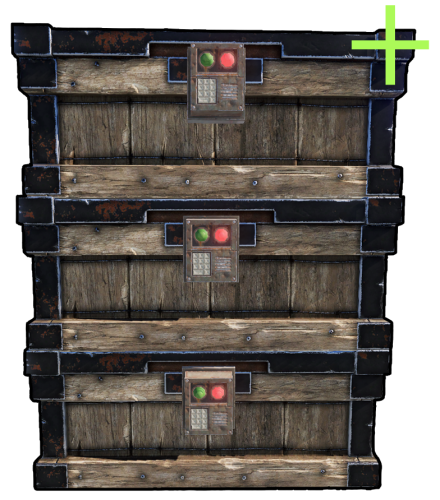 works perfectly and simple nice plugin this makes the players lootrooms more organised then by using shelves only
- 91 comments
-
- 4
-

-
- #rust
- #rust plugin
- (and 9 more)
-

Version 1.0.1
348 downloads
Very basic plugin to make sure that skinned items do not get to lose their added skin when spliting stacks. (no config only a dev debug inside)Free -
 you can disable the cooldown inside BradleyOptions config to use the LootDefender lock. But then u can still spam it. They both do diffrent things lootdefender locks the bradley components and chest to a player/team cooldown in bradleyoptions just makes u unable to damage the bradley when its respawned for x time
 -
np bud Just checked LootDefender has a hud activation in the cfg
-
hud is not from my plugin maybe lootdefender ?
-
 ye can ignore it for now allready debugging and testing new attempts ^^
 -
seems the 1.1.7 version still has the issue
-
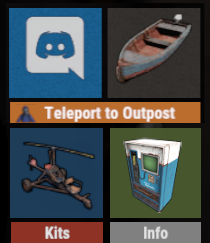 might want to add a example button cause i know some dont like to use ingame ui editors
 -
 yes to combine the 3 to work in tiers i need to partial rewrite them to make them function together. Wip (no eta tho). I try to keep payd plugins to a minimum since i do it for fun and not as a income. WalkingDead was a exception and more to sponsor Codefling
- 225 comments
-
- 1
-
-
- #bradley
- #krunghcrow
- (and 4 more)
-
Yes only for My version the current versions of BradleyGuards and BradleyOptions and BradleyTiers work together (my versions) using other plugins or the other BG version still need to do the changes. Since noone using a bradley in their plugin altering crate hp or loot is optioning the choice to use that function. same as base command (mostly /bradley) this should be restricted to a Core plugin like BradleyOptions. No renaming planned this one is released long before the other version. ps : changed the description notes for the BG and BO plugin references
- 225 comments
-
- 1
-
-
- #bradley
- #krunghcrow
- (and 4 more)
-
 that's the current facepunch behavior . I am not that far to write a behavior for the animals themselves yet
 -
 elements.Add(new CuiElement { Parent = "StockUI", Components = { new CuiRawImageComponent { Url = $"{configData.BackgroundImage}", Color = string.Format($"1 1 1 {configData.BckgrndAlpha}"), FadeIn = 0f }, new CuiRectTransformComponent { AnchorMin = $"0 0", AnchorMax = $"1 1" } } }); u can set a transparency on images ^^ i do it all the time let me lookup the code examples (see above block) its a setting in my garage plugin aswell
 -
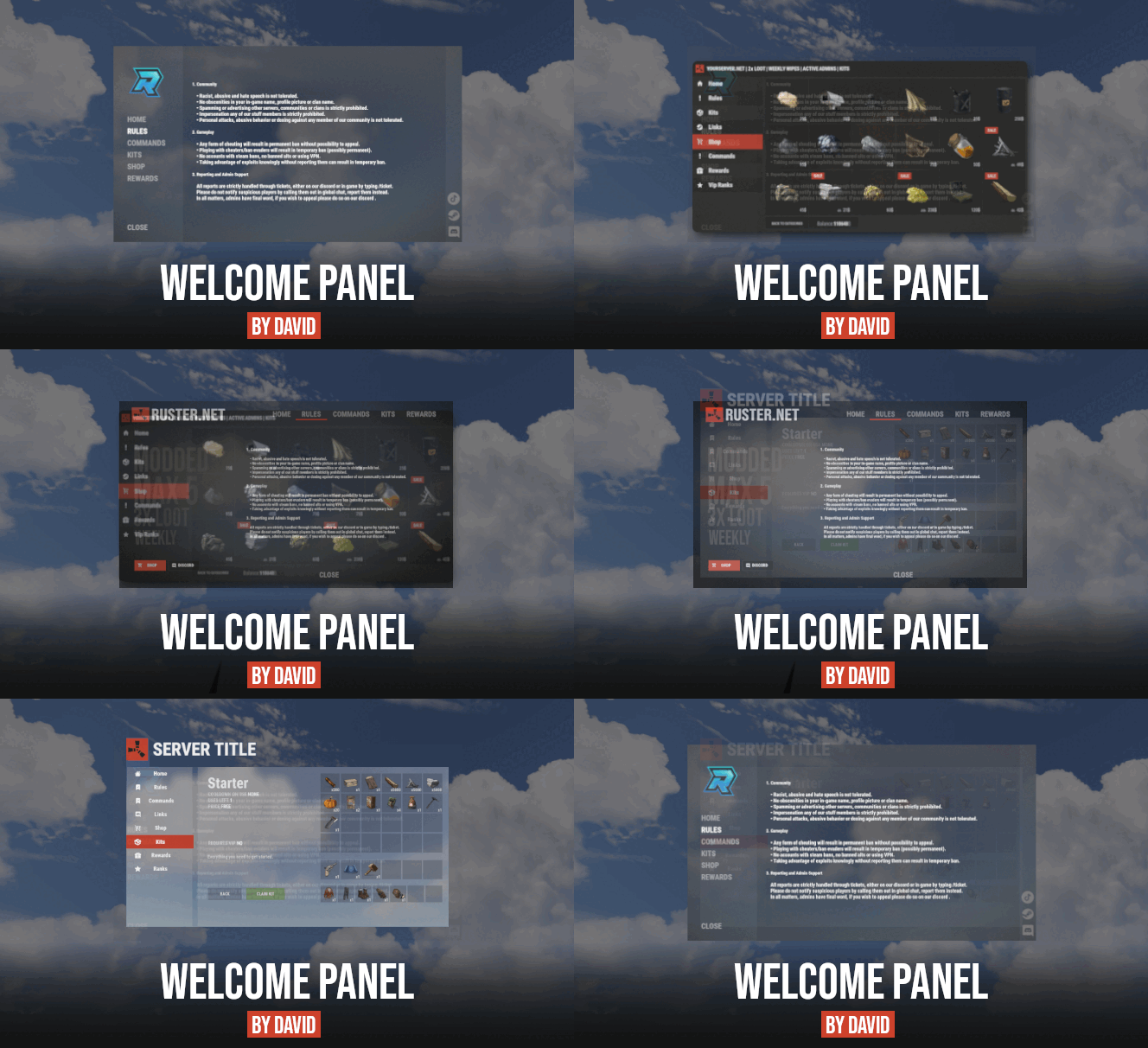
i recently purchased it myself and i love it Thx @David. Could you add backgroundImage Transparency (alpha) so the background images are not that FULL and in my face ^^
-
i made it disabling the broadcast for every machine and block broadcasting by players when they place and activate it (will disable all vendingmachine markers) then it will make them broadcast again on unload so no restart is needed
-
 Thx for reminding me
- 46 comments
-
- 1
-
-
- #spawn
- #modular vehicle
- (and 12 more)
-
just noticed the reply when i uploaded a mapblocker ^^. mine just does not remove all current markers ^^ smart one Does yours restore the old markers on unload or do you need to restart server ? @bmgjet
-

Version 1.0.2
562 downloads
Simple plugin to block map with a colored map marker and Disable all Vending Machines from broadcasting. Features : Set a color using Hex code or Rust colors (black, yellow, red, blue, white, green etc.) Set alpha (transparency) to the overlay. If for a reason the colors set in configuration do not exist sets a black marker instead. Disables any Vending machine Map marker (if plugin is unload it will make all Vending Machines broadcast again). Tells the player if he turns broadcasting on it is disabled and blocks the broadcasting. You can now use the mapblock and vending machine blocker separately through config. Known issues : Map will always be briefly shown by rust before the marker is generated setting a color will make it slightly harder to see. Side notes : Disabling HUD by default on a server is not possible since that is a feature from clientside only. Commands : /mapblock info (to tell players why the map has blocked Configuration : { "Plugin config": { "Chat Prefix": "[<color=yellow>MapBlock+</color>] " }, "MapBlocker setup": { "Use Map overlay": true, "Block VendingMachine Markers": true, "Overlay Alpha": 1.0, "Overlay Color": "#B48EF6" } } Localization : English language file included to use a different language just make a new file in the language folder. { "NoBroadcast": "<color=red>Vendingmachine broadcasting is disabled on this server!</color>" "Info": "\n<color=green>To have a mutch better experience roaming the map we have blocked the view of the map</color>", "InvalidInput": "<color=red>Please enter a valid command!</color>", "Version": "Version : V" }Free- 5 comments
- 2 reviews
-
- 2
-

-
-
- #krunghcrow
- #rust
- (and 5 more)
-
no map just put a big ass black mapmarker on it

