
-
Posts
92 -
Joined
-
Last visited
Content Type
Profiles
Warranty Claims
Downloads
Forums
Store
Services
Downloads Plus Support
DOWNLOADS EXTRA
Reels
Everything posted by ShadoW6
-
 be honest plugin are nice and done well, but it will kill gameplay, no more players in game only auto bot.
 -
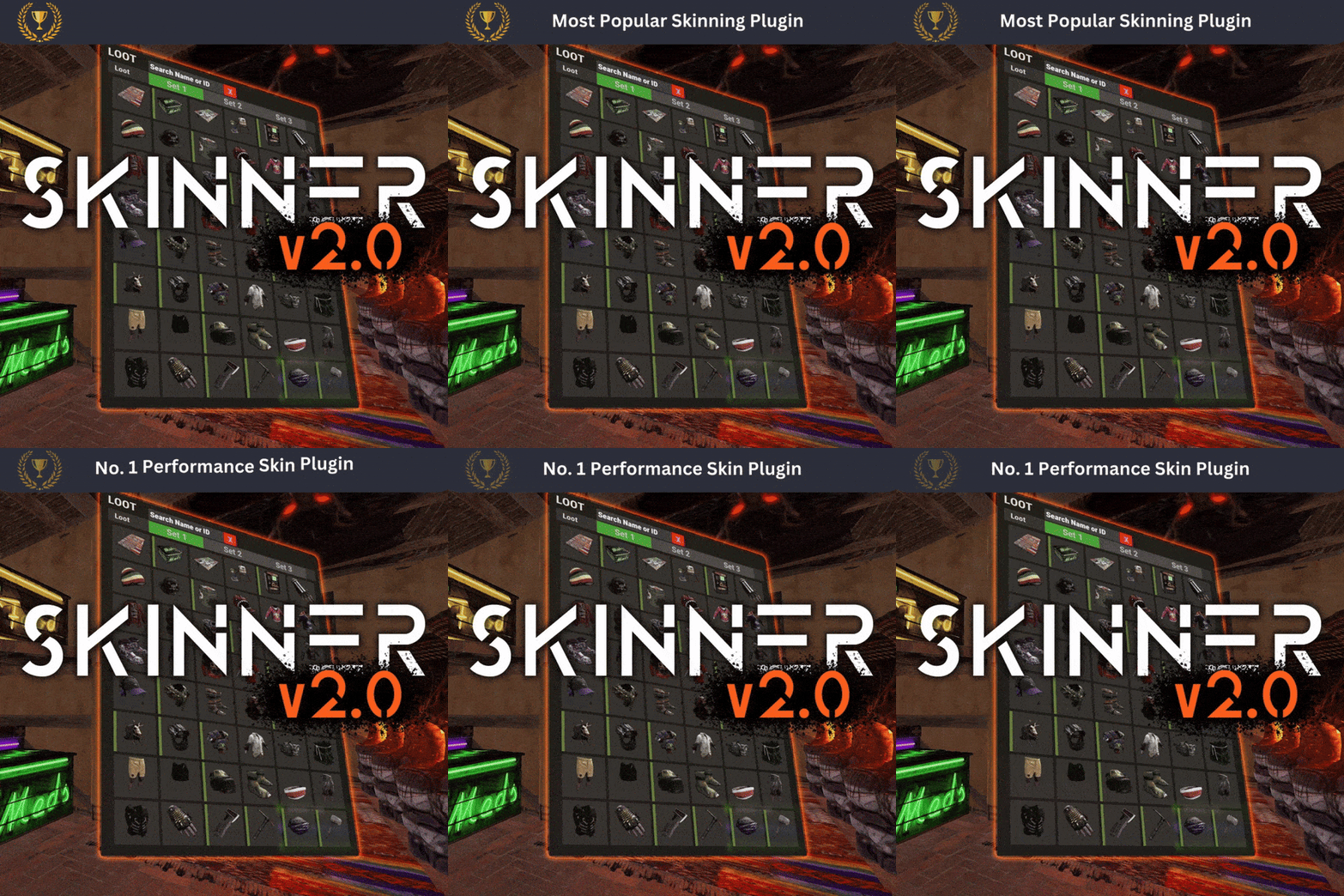 what i would like to see in this plugin is option to delete skin that don't have image. Because when they don't have image "icon" they just don't work. so the Delete option will be good. Another one thing what i notice, is when you apply some skin they don't apply in sec, and when this happen impact game frame rate, so what i mean the game it's like a froggy (I have hope some ppl understand what do I mean).
 -
 hello guys. is this plugin works? As far i watched video the plugin is so simple to use and even for configuration. So i really would like to know is this plugin is still Up To Date?
 -
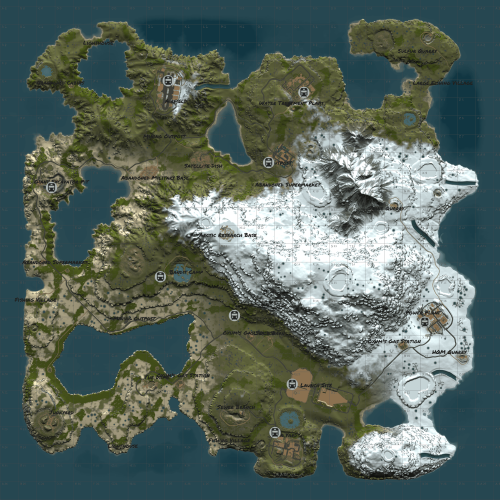 I look on the lake in regular map "Procedural map" and they are green not blue.
 -
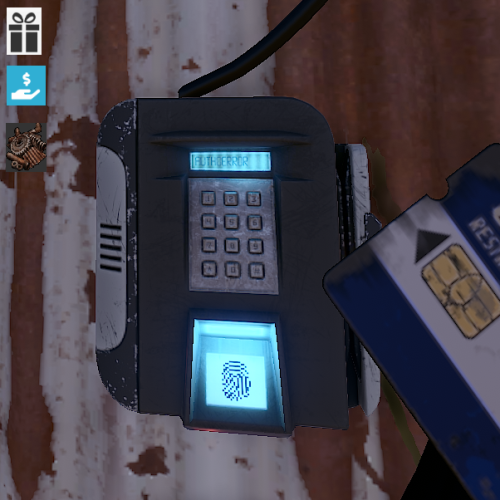 i just put the Puzzle Point two days ago on the server. and on the start all was ok the problem appear if i go to the same monument even after an 1h latter. Also i did not change any thing in the .cs file or even in the config .json
 -
(12:35:31) | [Puzzle Points] giving scrap: 25 (12:35:31) | [Puzzle Points] --using rewards (12:35:31) | [Puzzle Points] shadow swiped a green card at Airfield (W21)! And when Blue card swipe get this no reward. Monument names are in oxide\plugin folder (12:37:51) | Failed to call hook 'OnCardSwipe' on plugin 'PuzzlePoints v1.5.6' (InvalidOperationException: Collection was modified; enumeration operation may not execute.) at System.Collections.Generic.List`1+Enumerator[T].MoveNextRare () [0x00013] in <8ce0bd04a7a04b4b9395538239d3fdd8>:0 at System.Collections.Generic.List`1+Enumerator[T].MoveNext () [0x0004a] in <8ce0bd04a7a04b4b9395538239d3fdd8>:0 at Oxide.Plugins.PuzzlePoints.OnCardSwipe (CardReader cardReader, Keycard card, BasePlayer player) [0x00076] in <0143962f21594fb7bfaa2d0330ccda49>:0 at Oxide.Plugins.PuzzlePoints.DirectCallHook (System.String name, System.Object& ret, System.Object[] args) [0x0015e] in <0143962f21594fb7bfaa2d0330ccda49>:0 at Oxide.Plugins.CSharpPlugin.InvokeMethod (Oxide.Core.Plugins.HookMethod method, System.Object[] args) [0x00079] in <206a0f2c6ee141f38e2ad549cde44d70>:0 at Oxide.Core.Plugins.CSPlugin.OnCallHook (System.String name, System.Object[] args) [0x000de] in <beb2b64691c64e2b95b99491bd85442c>:0 at Oxide.Core.Plugins.Plugin.CallHook (System.String hook, System.Object[] args) [0x00060] in <beb2b64691c64e2b95b99491bd85442c>:0
-
 The application is easy to use with a nice and clean UI. I would like to see the server status changed from (waiting for server) and (server running) to something else, like: Server OFF - when servers are off When the server starting status should change to loading server and when it is fully run, the status should change to Server Is UP and Running or Server Ready
- 193 comments
-
- 1
-

-
- #server
- #installer
- (and 7 more)
-
 Plugin are easy to use. Grate support from author. About plugin it works like it should work: display proper status about Zone that player are in. Keep up man good job.
 -
ok thanks again i will try. Thanks for help i add all where it should be and now works perfect, you are the man
-
Thank you HunterZ for advice, but i still don't really understand so here is an example if i good understand you: zone_data.json create this "definitions": [ { "Name": "Lighthouse #1", "Radius": 80.0, "Radiation": 0.0, "Comfort": 0.0, "Temperature": 0.0, "SafeZone": false, "Location": "1843.313 0 -1278.681", "Size": "0 0 0", "Rotation": "0 0 0", "Id": "lighthouse_1", "ParentID": null, "EnterMessage": "WARNING: You are now entering a PVP Zone", "LeaveMessage": "Returning to PVE Area", "Permission": null, "EjectSpawns": null, "Enabled": true, "Flags": "AutoLights" }, { "Name": "Lighthouse #2", "Radius": 80.0, "Radiation": 0.0, "Comfort": 0.0, "Temperature": 0.0, "SafeZone": false, "Location": "-1240.894 0 -1984.331", "Size": "0 0 0", "Rotation": "0 0 0", "Id": "lighthouse_2", "ParentID": null, "EnterMessage": "WARNING: You are now entering a PVP Zone", "LeaveMessage": "Returning to PVE Area", "Permission": null, "EjectSpawns": null, "Enabled": true, "Flags": "AutoLights" }, { "Name": "Mining Outpost #1", "Radius": 50.0, "Radiation": 0.0, "Comfort": 0.0, "Temperature": 0.0, "SafeZone": false, "Location": "-1494.454 16.13187 225.0785", "Size": "0 0 0", "Rotation": "0 0 0", "Id": "miningoutpost_1", "ParentID": null, "EnterMessage": "WARNING: You are now entering a PVP Zone", "LeaveMessage": "Returning to PVE Area", "Permission": null, "EjectSpawns": null, "Enabled": true, "Flags": "AutoLights" }, so i need put Name in SuperPVxInfo.json that is locate in oxide\data? { "Mappings": {}, "PvpEvents": {} } so if im wrong please correct me { "Mappings": {Lighthouse #1, Lighthouse #2, Mining Outpost #1}, "PvpEvents": {} }
-
I try and strange because i go to safe zone and status change i put for test another plugin PlayerbasePVP and with this plugin Status change to PVP in player base. but with this PVP zone what Zone Manager Auto zones create status not change stay as PVE on chat i get information from Zone Manager that i enter to PVP zone when i left that zone i get info on chat that i enter to PVE zone so i don't get it where is the problem. also i dont see any error on server console.
-
I have Zone Manager also I use Zone Manager Auto Zones + TruePvE as far as I read this SuperPvX don't work with Zone Manager Auto Zones so my question is it is a chance to make this Super PVx Info works nice with Zone Manager Auto Zones
-
witch one plugin I missing [Super PVx Info] Creating a new configuration file [Super PVx Info] Notify via PopupNotifications enabled, but required plugin is missing and how this status are changing that are showed on this image
-
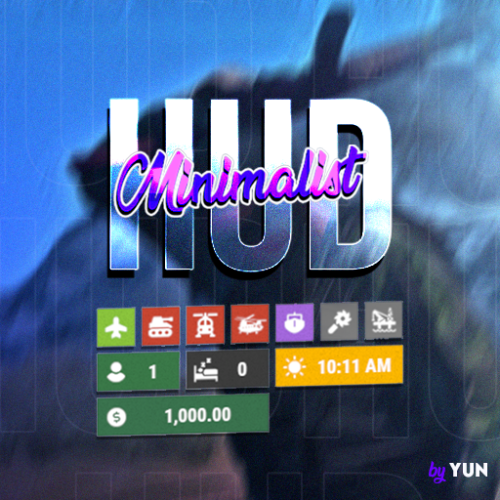 Hello. I have a one quick question about this plugin. If the Oil Rig are active the icon are change i mean if on any of oil rig will be spawn hackable crate the icon for Oil Rig in panel will indicate this?
 -
after latest server update map stop loading and it says missing file .sav also before that issue there is many errors with road, and many other. will be nice if you can update.