

eov-dev
-
Posts
80 -
Joined
-
Last visited
Content Type
Profiles
Warranty Claims
Downloads
Forums
Store
Services
Downloads Plus Support
DOWNLOADS EXTRA
Reels
Everything posted by eov-dev
-
 (edited, sorry I have figured it out)
 -
Perfect, thank you very much this is exactly what I needed
-
Hey, love the plugin, it's amazing! I am trying to do something but I'm unsure if it is possible or how to do it. I've tried looking at support tickets and discussions here but there are too many to find what I'm looking for. I am trying to spawn some bases based on events that happen on my server, and I am using the console command "rbevent [basename] [difficulty]". But I would like to set the owner of that base to a player (and this is happening without me being in game, so I can't use rbe setowner, if I understood what that command does). Is this possible at all? Thanks for your help
-
 Hi, great plugin, thanks for your work on it!! I'm trying to do something a bit unusal and I'm struggling to achieve it with your plugin. Before opening a ticket, I wanted to check whether what I'm trying to do is even possible. My goal is to completely disable the default Deep Sea scheduler and only open the Deep Sea in response to specific events on my server. What I've imagined so far is: - Disabling any automatic Deep Sea opening - Using the deepsea.forceopen command to manually open the Deep Sea - Configure the Deep Sea to remain open for 2 hours, as specfied in the config file, and then not open again until I run the deepsea.forceopen command again. However, I've noticed that the Deep Sea still opens automatically from time to time, even when I haven't executed the deepsea.forceopen command. In my config file, I have: - Control Schedule set to true - Schedule Mode set to Disabled! - Disabled - Push next opening set to a very large value - Open TIme (Seconds) is set to the 2 hours I want the event to remain active Is this setup supposed to achieve what I'm trying to do? If so, am I missing a configuration setting that would prevent all automatic Deep Sea openings? Thanks for your help
 -
 Hey, sorry for the delay I was out of town. Thank you very much for this, everything seems to be there!
 -
(1)raFASTT(1).thumb.gif.635aa07ec3040329591c26c91f7f6480.gif) Hi, love the plugin, thanks for the great work! I hava a very minor request, so it's really not that urgent/important, but there is one hard-coded word ("hour", it is also the case for "minute" but it is the same word in my language so it's not problematic in my case.) that I would like to change to my lang, would it be possible to add localisation for these ones too? Thanks!
Hi, love the plugin, thanks for the great work! I hava a very minor request, so it's really not that urgent/important, but there is one hard-coded word ("hour", it is also the case for "minute" but it is the same word in my language so it's not problematic in my case.) that I would like to change to my lang, would it be possible to add localisation for these ones too? Thanks!- 61 comments
-
- 2
-

-
- #roamtasks
- #roam
- (and 12 more)
-
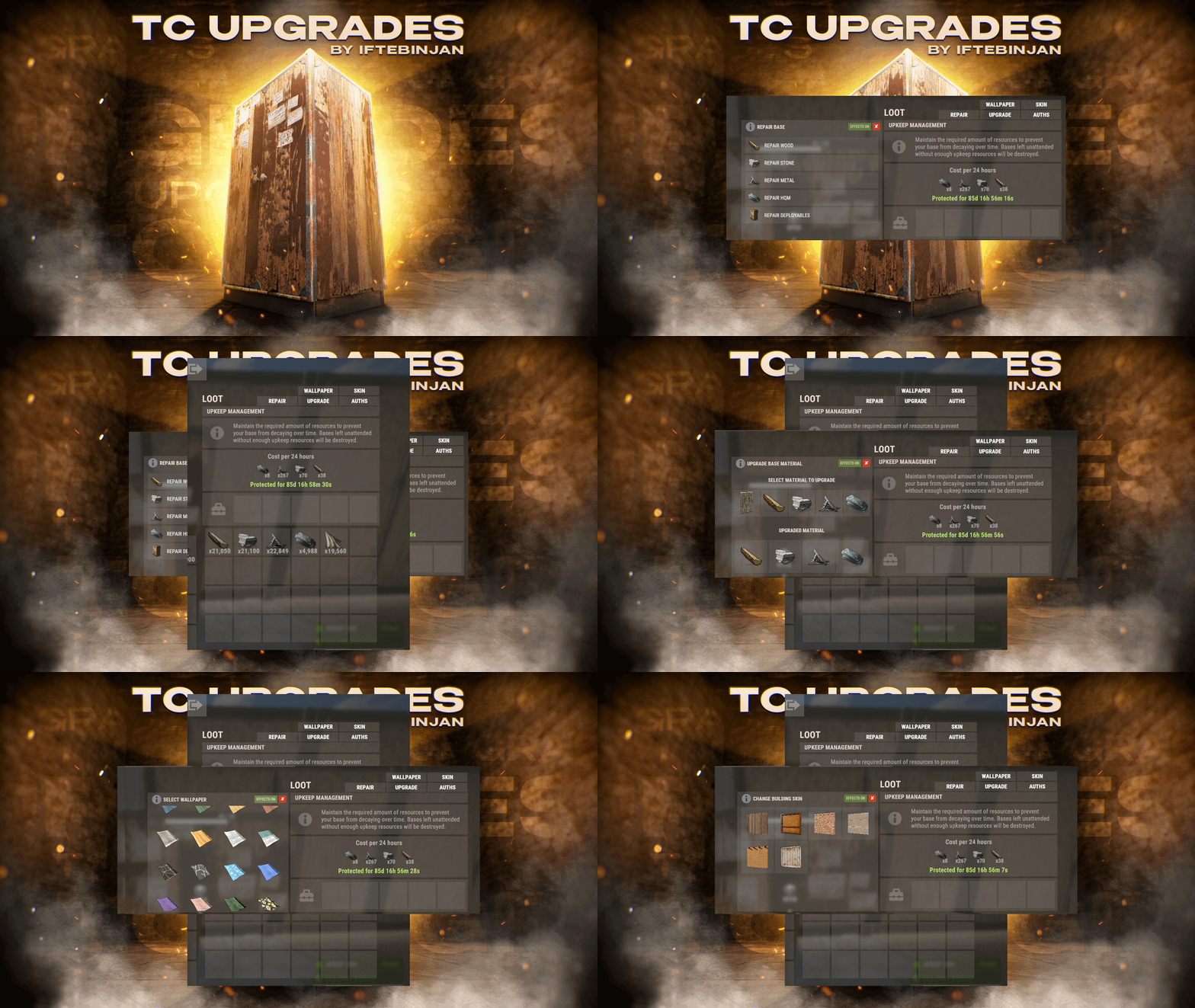
Hey, love the plugin, thanks for the great work. I have a minor request, so it's really not that urgent, but could you add lang localisation for the UI text (other than the buttons, as they are already localized). Like all the "Repair Wood", "Select Material to upgrade", etc. This would be awesome, thanks!
- 77 comments
-
- 1
-
-
- #upgrade
- #toolcupboard
- (and 7 more)
-
 Hi, I've just tested this and it works perfectly both for rhib.deepsea as well as for ptboat.deepsea. The only thing is that it won't update if a change is made while the boats were already spawned in (which really is not a big deal). On another note, but maybe I missed something, I think they also changed the scientist type of the RHIBs and pt boats. The entities I get in console info are "scientistnpc_rhib" and "scientistnpc_ptboat". I'm pretty sure I got their loot succesfully changed in the past but their loot is vanilla again since (I think) this update. I can't seem to find the correct corpse type in CustomLoot for them. Thanks again!
 -
Thank you
-
Hey Steenamaroo, where you able to find a solution to this? Thanks!
-
 Oh nice, thank you very much !
 -
Hey Krungh Crow, Thanks for the plugin, i've been using it for a while now, and I love it. I have a question: is there a simple method to kill all alpha animals. A command perhaps? I've seen some info about using del animalType in the documentation, but as I understand it this deletes even normal animals? Or, alternativly, is there a way to revert the stats of the animals (either by command or when tu plugin is unloaded)? Thanks!
-
 Hey, I think last update broke the plugin; Error while compiling xNoBleeding: 'PlayerMetabolism' does not contain a definition for 'SendChangesToClient' and no accessible extension method 'SendChangesToClient' accepting a first argument of type 'PlayerMetabolism' could be found (are you missing a using directive or an assembly reference?) | Line: 127, Pos: 35
 -
 Hey I think last update broke the plugin: Error while compiling PookEvent: 'TerrainMeta' does not contain a definition for 'Terrain' | Line: 913, Pos: 29
 -
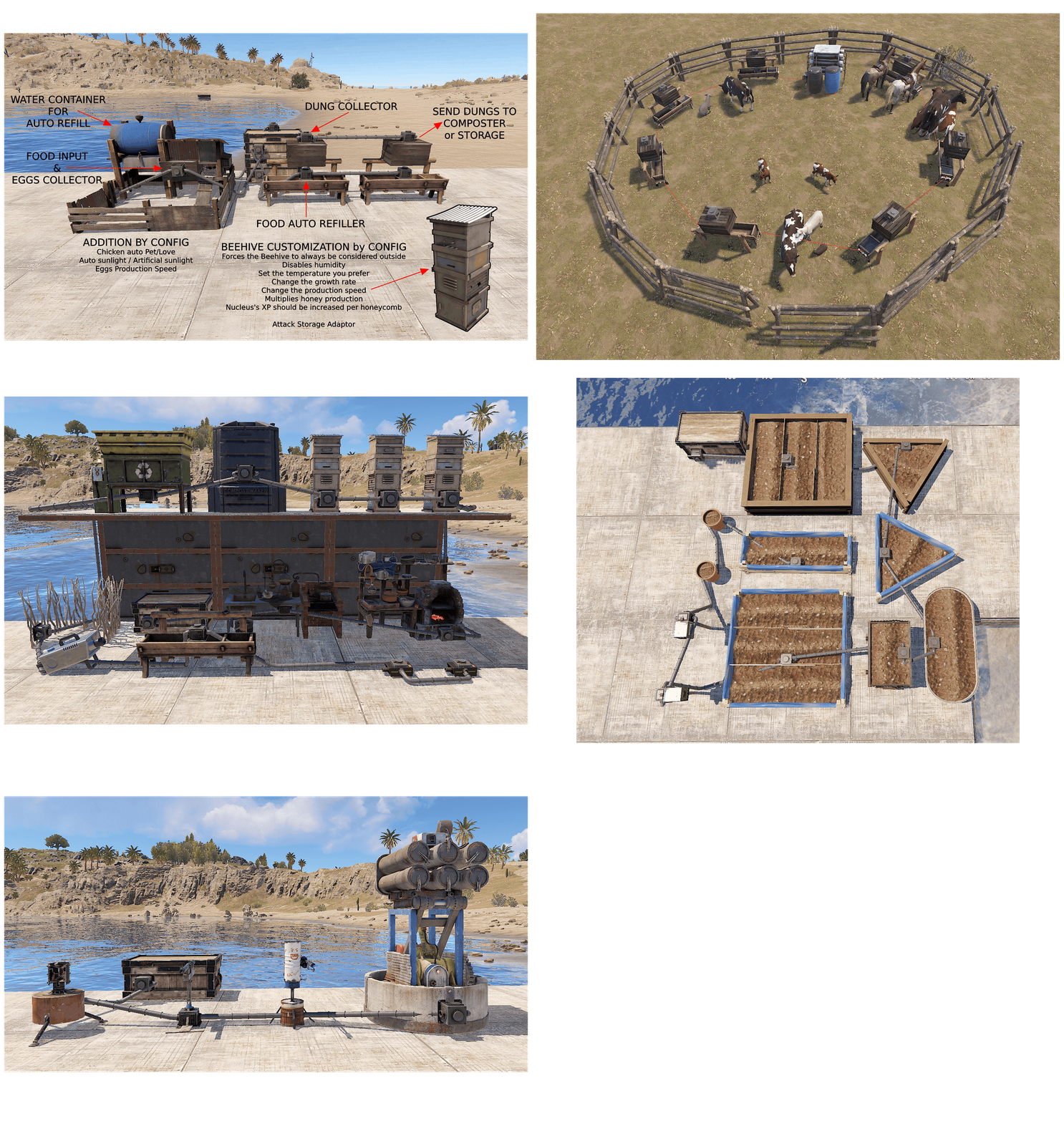 Hey Scalbox, still loving your plugin, it is amazing. Quick question, any idea when the quarries/pumpjacks (storage adaptors) will be added? Would love to see that feature Thanks
- 324 comments
-
- 1
-

-
- #industrial storage adaptor
- #expand storage adaptor
- (and 52 more)
-
 Hey, I might have missed the feature (or the feature request somewhere) but I would like to ask: would it be possible to add a command option to reset a specific players' shop data (something like shop.resetplayer <steamid> that would erase cooldowns, limits, etc.)? I'd like to offer my players the possibility to reset their progression on my server, and some items in the shop are kept behind limits and cooldowns. Thanks!
 -
Hey Steenamaroo, I'm trying to change the loot of thes RHIBs that are patrolling the deep sea. They come with a cache full of loot but I can't figure out which container type it is. Is CustomLoot able to change that loot? I had no problem changing loot of other containers in the deep sea. Thanks!
-
 Hey, thanks for your input, I do understand you can create loot tables within the plugin, my question was more of the nature "are these crates protected against loot modification from other plugins" (I do not know the technical specifities however)
 -
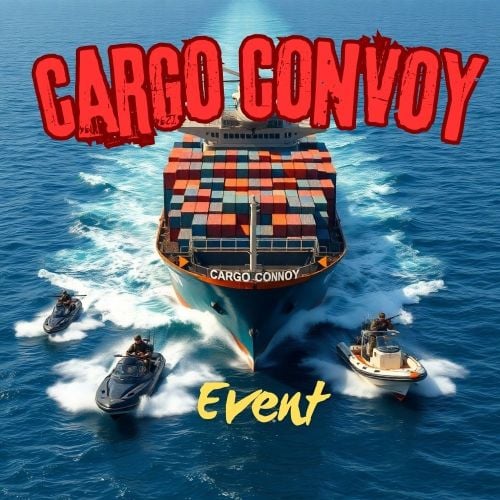 Hi, love your plugin! I do not see any answer to this feature suggestion, and I have the same: would it be possible, in the same way os other plugins with Tiered event as the Convoy event or Raidable Bases, to be able to block the spawn of a given event tier for a set amount of time after server wipe? If not per tier, would it be possible to have a global block for a set amount of time? This would be configurable, of course. Thanks!
 -
Hi, I'd like to add your plugin to my server, but before purchasing it, I wanted to clarify something. Is it possible for anoterh plugin to modify the contents of the three crates? More specifically, I use the CustomLoot plugin (by Steenamaroo), and I want to ensure that it won't affect the loot in these crates. If all three ended up having the same loot quality it would defeat their purpose. Thanks!
-
 Hi, I love the plugin. Thanks for the hard work. I'd like to suggest a feature, apologies if it has already been requested (or if it is already implemented) but I couldn't find anything in the discussions or support tickets. Would it be possible to add an option to enable each tier after a configurable number of hours following a wipe? Ideally this would apply to both purchasable dungeons and automatically spawned ones, similar to how other plugins like Raidable Bases or Convoy allow certain tiers to unlock after a set period of time. Thanks!
 -
Behind this very long plugin name is something tryly incredible. Everything you've ever dreamed of for industrial and farming automation, the author has either already created it, is planning to, or has gone even further (e.g. special seeds and upcoming custom food). It's easy to set up, highly configurable, and the overall quality of the plugin is outstanding. For that price, you're essentially getting several plugins in one. I'm amazed by the work of Scalbox and highly recommend this plmugin if you need to add any kind of automation or simply want to expand the industrial capabilities of Rust!
- 324 comments
-
- 1
-
-
- #industrial storage adaptor
- #expand storage adaptor
- (and 52 more)
-
 Hi Krungh Crow, Love the plugin (and all of your plugins). Any plans to add the map markers back?