
-
Posts
72 -
Joined
-
Last visited
Content Type
Profiles
Warranty Claims
Downloads
Forums
Store
Services
Downloads Plus Support
DOWNLOADS EXTRA
Reels
Support Center
Everything posted by MONSTRO
-
 Welp, I feel silly. That did the trick. I appreciate the quick reply!
- 451 comments
-
- 1
-

-
- #builder
- #automation
- (and 9 more)
-
 Oh I feel silly now. Thank you for pointing that out! Much appreciated.
 -
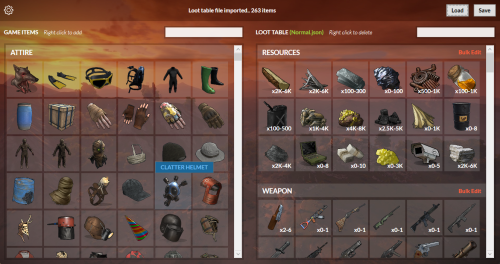
Hey @beee - Any chance to get a mass remove items button or a way to select multiple items at once to delete? Deleting 1 by 1 is tedious but I understand if there's no way to implement this. Even a way to "Delete all Disabled Items" works too. Thanks!
-
 Good question. I'll test again and report back.
 -
 @David Is there a way to Indent text so it's properly lined up vs. just adding a bunch of spaces to separate text? \t doesn't work on line items for some reason even though it works in other plugins I use. Could be plugin specific though. Not sure.
 -
Can you add Dana's website to the list of websites that it checks for Plugin updates please? game4freak.io Thanks!
-
Hey there - looks like the UI may have a bug - it shows 2 NPC's left but they were all killed and there were no NPC's in the area. Just wanted to share in case it needs an update. Thanks!
-
 Can you add Dana's website to the list of websites that it checks for Plugin updates please? game4freak.io Thanks!
 -
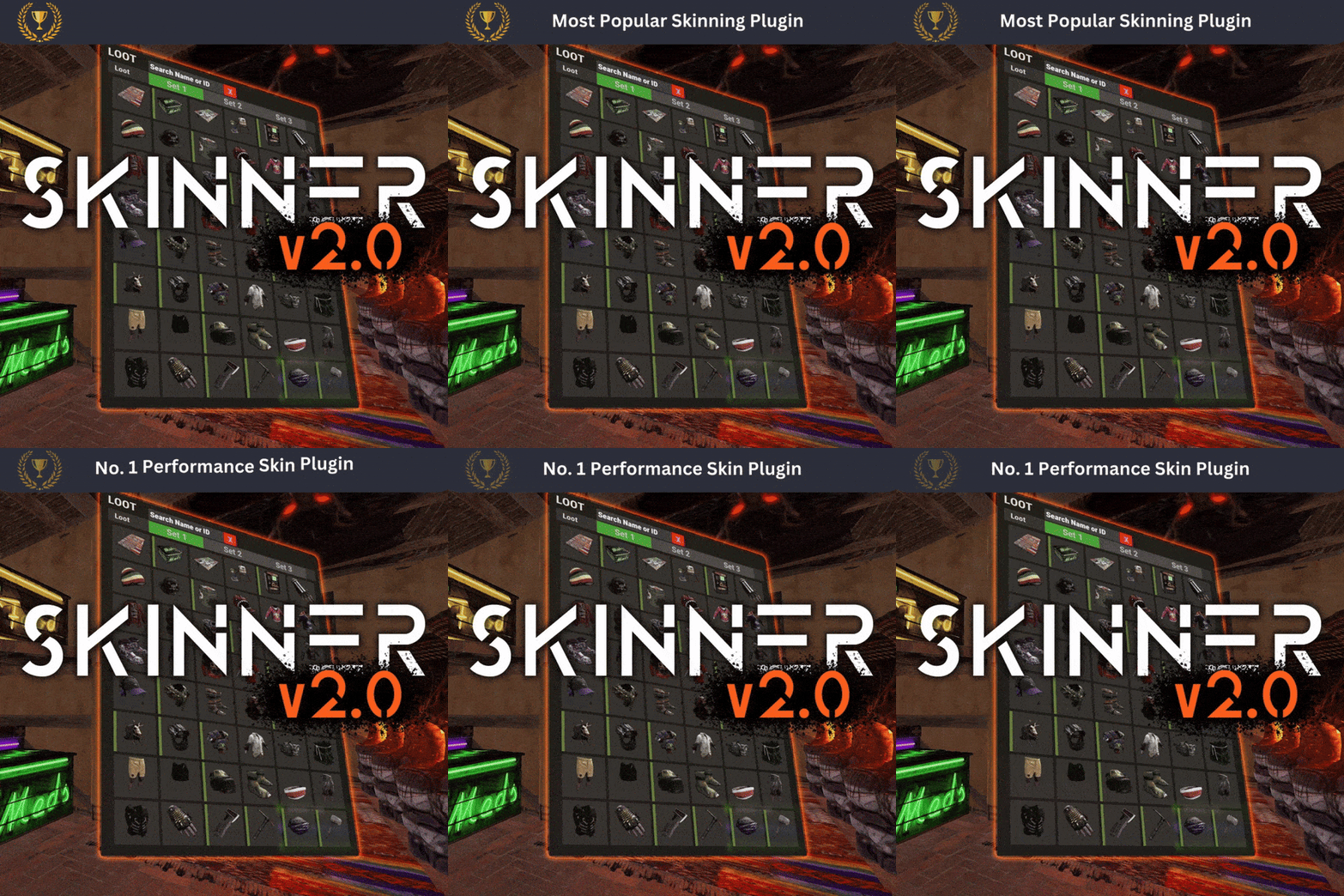 Hands down the best Skins plugin available for Rust. I've tried ALL of them, I kid you not. Skinner has the best performance, lowest response times, and best feature sets with the most intuitive UI you can find. Not to mention, the plugin author is active, responsive, and pushes updates regularly. It's hard to find that in other plugin authors. They listen to feedback and gladly implement changes within reason. 5 Stars all day for this plugin. Trust me, you don't want to purchase any other Skins plugin. THIS IS THE ONE.
 -
Hey there - I'm using the /am.edit setup for the "Player Connected" trigger and have added one to the default oxide group, but it doesn't seem to work once a player connects (tested on myself.) You can see in the screenshots the Trigger is there, and the preview works, however, if I disconnect and re-connect to the server it never greets me with the message. Here's the code for the Trigger as well: { "Replies": [ "Welcome to <color=#F15A24>Rust Elevated</color> {playername}!\n\nHere are some commands you'll want to remember:\n<color=#F15A24>/info</color> \t\t Brings up the Welcome Panel\n<color=#F15A24>/kit</color> \t\t Brings up the Kits Menu\n<color=#F15A24>/stats</color> \t Brings up the Stats Leaderboard\n<color=#F15A24>/pc</color> \t\t Brings up the Player Challenges Leaderboard\n<color=#F15A24>/link</color> \t\t Link your Steam & Discord for FREE Skins" ], "Type (Check Sample Types above for Reference)": "PlayerConnected", "Interval between messages in minutes (if Type = Timed)": 0, "Target": "", "Permissions": [], "Groups": [ "default" ], "Blacklisted Permissions": [], "Blacklisted Groups": [], "Enabled": true, "Broadcast to all?": false, "Don't trigger for admins": false, "Player Can Disable?": false }
-
Awesome, verified it works now. Thank you @David!
-
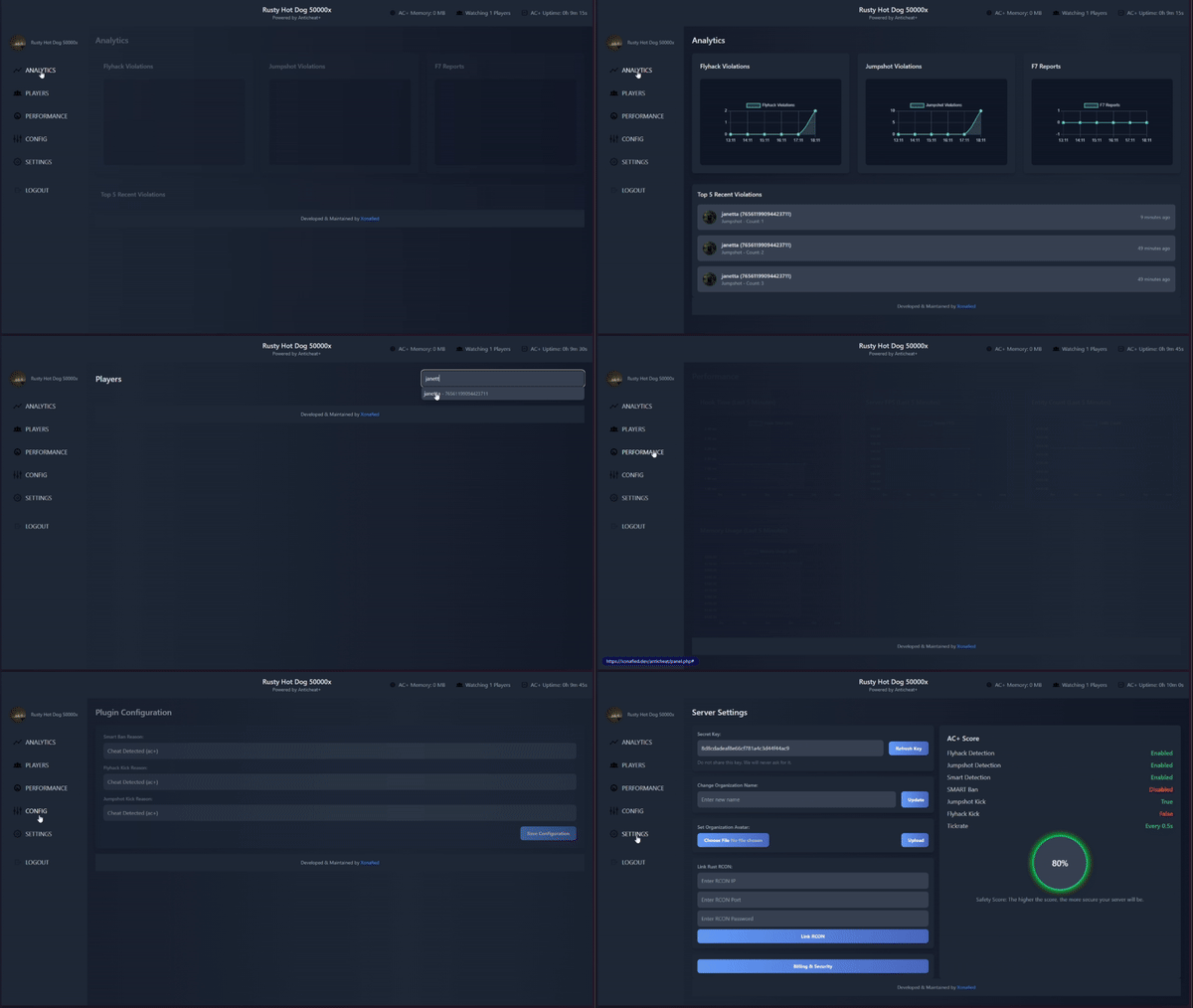 How did this go / is this going? Looking at this plugin at the moment. Care to provide an update on that piece?
 -
Appreciate it thank you!
-
@David Anything?
-
Ya, nothing works.
-
@benks Are you using 1.2.3 or 1.1.4?
-
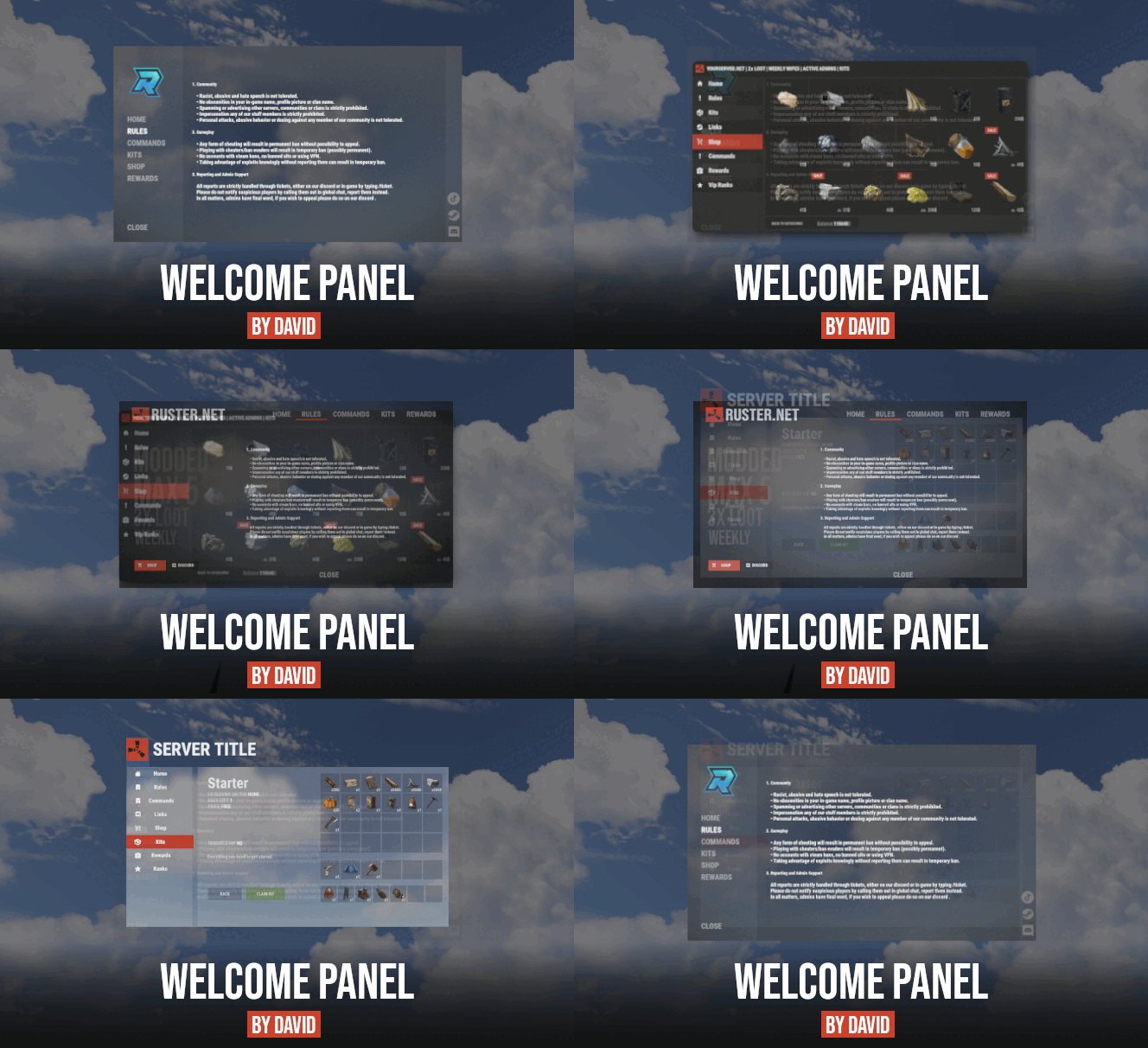
Nope doesn't work. I have a kit called "Fireworks" and even that one doesn't load (no spaces.) Just to be clear, I did the following: 1.) Created a new tab / section in Welcome Panel's Oxide > Config > WelcomePanel.json with the following: { "Name": " <size=13>Kits Test</size>", "Icon": "https://rustplugins.net/products/welcomepanellite/2/kits_button.png", "Font Size": 12, "Font Color": "1 1 1 1", "Font Outline Color": "0 0 0 1", "Font Outline Thickness": "0.5", "Font": "robotocondensed-regular.ttf", "Text Background Image": "", "Text Alignment": 0, "ScrollView Height": 0, "Text Lines": [ [ "<size=45><color=#F15A24><b>KITS TEST</b></color></size>", ] ], "Addon (plugin name)": "kits" }, 2.) Ensured kits were showing up in the Oxide > Config > WPKits.json file with the following as an example: "Fireworks": { "» Display Name": "Fireworks", "» Image": "https://rustelevated.com/wp-content/uploads/2024/05/kits_icon_fireworks_boomers.jpg", "» Big Image": null, "» Short Text": "Short kit description.\nCOOLDOWN: <b><color=#1175A5>{kitCooldown}</color></b> \nUSES LEFT: <b><color=#1175A5>{kitUsesLeft}</color></b>", "» Description": "<size=15><b>Fireworks</b></size>\n\n{kitDescription}\n\n{kitItemList}" }, Nothing shows up in the Panel under that tab. It's completely blank.
-
Is it true what @benks said, that the names of the Kits cannot have spaces in them? Is that the reason they aren't showing? So I would need to re-name all of my actual Kits? WPKits.json example kits_data.json example
-
Is the Kits addon broken? I've done everything I need to set up correctly but the Tab is just blank. Other people are posting in the Discussion tab saying they're broken too, Do you have any feedback?
-
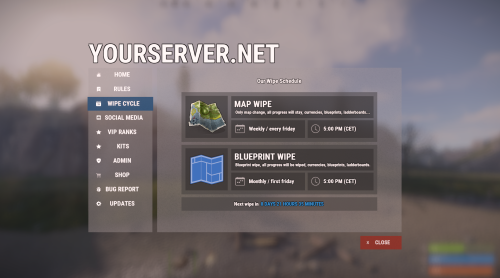 Are the Kits addon broken? I've done everything I need to setup correctly but the Tab is just blank. Other people posting here they're broken too, any feedback?
 -
Hey @Whispers88 - do you have any plans to "modernize" the plugin at all in regards to the UI / features? For example, in comparison to LSkins and Skin Controller. Maybe bring some of those UI / live skin preview options in LSkins / outfit skin sets, etc? Instead of dragging the item back and forth to preview skins, just select the skin you want, open the skins UI on the right and click the skin. No need to ever drag it over to preview it, etc. This is especially useful with having clothes /armor on your body and leaving them on your body without the need to take them off or have them moved into your inventory after you re-skin. Plus having the ability to have images on your own server pull in would probably speed it up for the ones you add in on top of the approved ones… maybe pull it 1 time and it can just load from data Just curious if you have any plans to maybe do away with the "old" Skinbox style UI (moving items back and forth, back and forth to see skins) skin preview loading times, etc.
-
@beee I'd be more than happy to test! I'll shoot you a DM.
-
Hey There, Loving the plugin so far, but I'm having issues getting it to display PlaceHolder API content. Is this not compatible with it? If so, I'm trying to create a reply to the common "!pop" command using {server.players} but it's not liking it. Any help is appreciated on getting that up and running. Thanks!
-
Appreciate the quick reply - I think my issue is I did not add the actual "Mod" via the "moderatorid <steam64id>" command. I just had dumped them into an Oxide group I created called "Mod." I'll have them test now that they have auth level 2 access now and retry.