
-
Posts
72 -
Joined
-
Last visited
Content Type
Profiles
Warranty Claims
Downloads
Forums
Store
Services
Downloads Plus Support
DOWNLOADS EXTRA
Reels
Everything posted by MONSTRO
-
Greetings, For users that are not Admins (Mods / Staff) each time they use /tmod to toggle into the Moderation group, and then back out, and then attempt to go back in again, they lose their Moderation permissions (they are removed from the Oxide group entirely.) Here's my Console logs: o.reload AuthToggle [CSharp] Started Oxide.Compiler v successfully AuthToggle was compiled successfully in 1730ms Unloaded plugin Auth Toggle v1.3.0 by Gt403cyl2 Loaded plugin Auth Toggle v1.3.0 by Gt403cyl2 [UltimateRconPlus] PERMCHANGED:{ "UserID": "<steam64id>", "Added": true, "IsGroup": true, "Perm": "mod" } [Auth Toggle] Doc <steam64id> swapped to Moderator mode. [UltimateRconPlus] PERMCHANGED:{ "UserID": "<steam64id>", "Added": false, "IsGroup": true, "Perm": "mod" } [Auth Toggle] Doc <steam64id> swapped to Player mode. [Auth Toggle] Doc <steam64id> tried to toggle moderator authority without permission. Any help or an update would be appreciated! Thanks.
-
 I have this exact same issue. @The_Kiiiing - can we get an update for the latest Rust update please?
 -
I already reached out via Discord and I know Amino is aware, but I'm documenting this issue here as I know this is the proper support method for purchased items here on Codefling, especially if I need to request a refund if it can't be resolved. I may have found a bug / flaw or maybe something is just not configured right. I found in the following scenario, Discord Link does NOT sync Discord Roles to Oxide Groups: User links their accounts in-game using the /link command User is then successfully added to the specified Discord Roles outlined in the "LINKED_ROLE(S)" line item in the Bot's config.json file on Line #61 User leaves the server User then gets added to ANOTHER Role in Discord while they are NOT in-game in the actual Rust server. This Discord Role is specified in the Roles to Sync (Steam : Discord) line items in the Rust Server's DiscordLinkBot.json file on Lines #2 - #6 Upon connecting to the Rust server, it never sync's that "new" Discord Role to the specified Oxide Group they were added to when they were NOT in the actual Rust server. Is this by design? (ie. Do they HAVE to be in the Rust server before being assigned ANY Discord Role? There's no sync'ing upon connect / reconnect?) If so, that's going to throw a wrench in how we handle permissions. Appreciate you taking the time to review. Here is a video of the issue occurring in real-time.
-
Hey - just following up on Any feedback on loading the default Missile Silo NPC's loot then modifying it like all the other NPC's?
-
Understood about the positioning - for the logo, would that be starting with Line #443 in oxide/config/WelcomePanel.json? And or the Next/ Back buttons, would that be starting with Line #469 in oxide/config/WelcomePanel.json? I'll tinker with it a bit and see where I can get with it. Appreciate the reply!
-
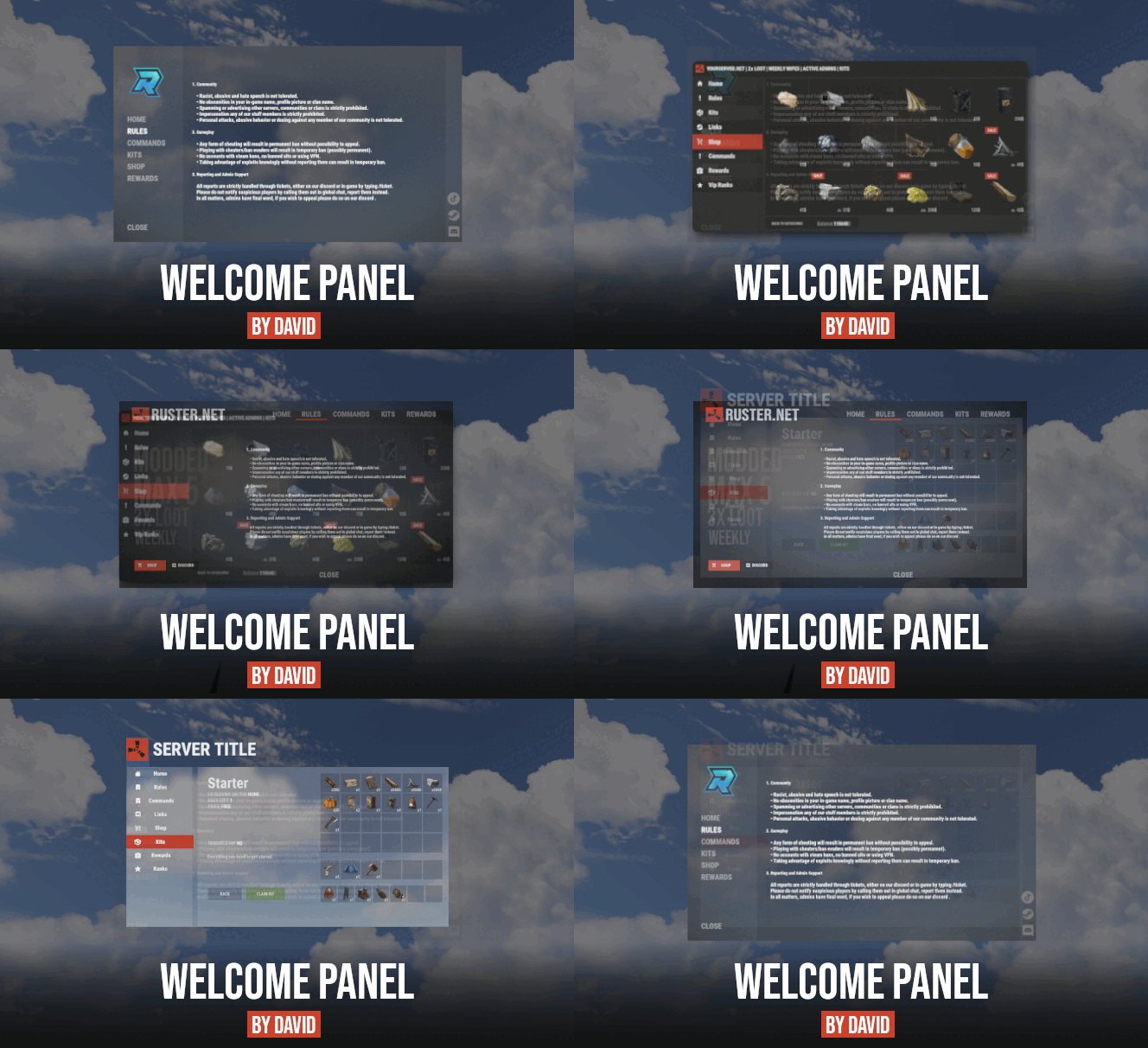 There's no indication for actual size though, no? I opened an actual support request instead as that makes more sense. "next_button": { "Color": "0 0 0 0.4", "Material": "assets/icons/iconmaterial.mat", "Image": "https://rustplugins.net/products/welcomepanellite/1/next.png", "Anchor Min": "0.97 0.005", "Anchor Max": "1 0.053", "Offset Min": "0 0", "Offset Max": "0 0", "Fade": 0.0, "Text (not for panels)": "", "Text Alignment (not for panels)": 4, "Text Font (not for panels)": "robotocondensed-bold.ttf" }, "back_button": { "Color": "0 0 0 0.4", "Material": "assets/icons/iconmaterial.mat", "Image": "https://rustplugins.net/products/welcomepanellite/1/back.png", "Anchor Min": "0.935 0.005", "Anchor Max": "0.965 0.053", "Offset Min": "0 0", "Offset Max": "0 0", "Fade": 0.0, "Text (not for panels)": "", "Text Alignment (not for panels)": 4, "Text Font (not for panels)": "robotocondensed-bold.ttf" }
 -
Hey @David - 2 Part question: Next and Back Button Size Is there any way to increase the size of the Next and Back buttons (down by the Close button?) They're a little too small (out of sight out of mind) for them to be obvious for the oblivious players, if you catch my drift. Logo Position and Size (and Quality) How would you move / increase the logo size (and quality) at the very top? I'm trying to achieve the same thing that RustyMoon (Leunal17) did in your Showcase on your plugin page. Here's what I have now. Thanks in advance!
-
Hey @David - 2 Part question: Next and Back Button Size Is there any way to increase the size of the Next and Back buttons (down by the Close button?) They're a little too small (out of sight out of mind) for them to be obvious for the oblivious players, if you catch my drift. Logo Position and Size (and Quality) How would you move / increase the logo size (and quality) at the very top? I'm trying to achieve the same thing that RustyMoon (Leunal17) did in your Showcase on your plugin page. Here's what I have now. Thanks in advance!
-
Is there any reason why the NVP Missile Silo NPC loot table doesn't load like the other NPC's? Or do we have to manually add each item found on Rust Labs here: https://rustlabs.com/entity/nvg-scientist ?
-
 Awesome, thanks for the reply!
 -
Hey @Amino - I am possibly re-spinning up our Rust servers once again after a hiatus and have a pre-sales question. I was previously using Steamcord for account linking paired with MEE6 for Discord memberships (VIP, etc.) that granted specific in-game perks. Steamcord allowed me to control limiting Discord access until they link their accounts fully (Discord / Steam.) Once they link those, they get a Discord Role that gives them full Discord access. I also had a bot from them that could see once an account was linked, and a Membership purchase was made with MEE6, it would sync the Discord Role to an Oxide group across multiple servers. I'm looking to replace the above with this, if it can accomplish it. Account Linking Interface and Number of Discord Roles / Oxide Groups Question Does account linking ONLY happen when the player is in-game? Or is there a web interface where you can link accounts (Discord / Steam) together? Is there any limitation to how many Discord Roles / Oxide Groups this plugin can sync? Can there be multiple (2 or more?) ex.) Grant a Discord Role / Oxide group after they link Discord / Steam accounts ex.) Grant an additional Oxide group after they purchase a Discord membership or Nitro Boost (and are added to another Discord Role.) This would be our desired workflow in detail: #1 - Linking Accounts for Full Discord Access Once someone joins our Discord we limit what they can see until they link their Discord / Steam accounts. Once they link their accounts, they are added to a Discord Role that gives them full Discord access (including the Memberships channel that gives them instructions on how to purchase an optional Membership) plus an in-game freebie (Skinner access via an Oxide group that syncs.) #2 - Memberships If a "Membership" is purchased using the MEE6 bot's Memberships feature to our Discord, MEE6 automatically adds them to a Discord Role. Grant an additional Oxide group after they purchase a Discord membership or Nitro Boost (and are added to another Discord Role.) If the above is accurate, what happens in the following scenario: Their membership expires/is not renewed. MEE6 automatically removes them from their Discord Role. Does this bot know to remove them from the Oxide group they were a member of as well once they are removed from said Discord Role? I appreciate taking the time to read all of the above, and I think this is the most optimal way to handle Discord memberships / VIP without paying a recurring monthly fee to other services out there (Steamcord, Tebex, Social Linking, etc.)... if it can be done with this product, of course. I look forward to your clarification! Thanks again, as always @Amino!
-
 It was working fine prior to the 3.1 update on the 23rd though?
 -
I'm still seeing the "not found" messages as well after unloading the plugin > deleting config file > reloading. [UpdateChecker] [Codefling]AuthToggle 1.1.0 -> 1.1.1 <https://codefling.com/plugins/auth-toggle> [Codefling]CircularNetworkDistance 1.0.0 -> 1.0.1 <https://codefling.com/plugins/circular-network-distance> [Codefling]WelcomePanel 3.0.7 -> 3.2.2 <https://codefling.com/plugins/welcome-panel> [AutoTurretAuth] - not found [BGrade] - not found [FixPoolLeak] - not found [Loottable] - not found [NTeleportation] - not found [NpcSpawn] - not found [PlaceholderAPI] - not found [SAMSiteAuth] - not found [Steamcord] - not found [WPKits] - not found [WPSocialLinks] - not found [WPVipRanks] - not found [WPWipeCycle] - not found FixPoolLeak (not published anywhere) and Steamcord (from Steamcord's website) are understandable since they're not published anywhere but the others are out there publicly.
-
I believe Electric Furnaces need to be checked in the plugin. I run a 10x server and the multiplier I have set in the settings is set to 10.0 (same as Small Furnaces) yet the Small Furnaces are running way faster than the Electric Furnaces. According to Rustlabs, here are the smelting rates: https://rustlabs.com/item/electric-furnace#tab=smelting - It should only take 2 sec to smelt 1 metal ore on Vanilla. Small Furnaces is 3.33 sec. Yet the Small Furnaces are outperforming the Electric Furnaces. Can you double check this please? See clip here for proof: https://medal.tv/games/rust/clips/1bKP2IW5cUR7Y9/d1337VAROYTw?invite=cr-MSxBdkUsMjg0MDc2Mjks
- 1,163 comments
-
- 1
-

-
- #loot
- #customloot
- (and 13 more)
-
I'm seeing this come across even though I'm on the latest version. Been happening for a few weeks I believe. [AuthToggle] - not found [WipeCountdown] - not found [WPKits] - not found [WPSocialLinks] - not found [WPVipRanks] - not found [WPWipeCycle] - not found [WelcomePanel] - not found [Steamcord] - not found [FixPoolLeak] - not found [CircularNetworkDistance] - not found [Loottable] - not found Any idea why?
-
Hey there - can you modify the multiplier on quarries so if you have a 10x server, have 10x resources come out of the quarry? If so, how? I don't see a Multiplier option and it appears the lowest you can go for "Time to generate one item (seconds)" is "0.1" and that doesn't produce the amount for 10x or even 5x for that matter. Example scenarios: Have Stone quarry produce 10x Vanilla = 50K Stone and 10K Metal Ore Have Stone quarry produce 5x Vanilla = 25K Stone and 5K Metal Ore Have Stone quarry produce 2x Vanilla = 10K Stone and 2K Metal Ore Since you can only set the "Time to generate one item (seconds)" to a minimum of 0.1, I don't think this is achievable, correct? Can you add a simple option in the UI like a Multiplier button or something? So if you want 2x Vanilla, or 10x, etc. just enter a value of 2 or 10? Thank you in advance! EDIT: It turns out you can modify the value for "work" in quarry_stone.json to whatever you want, but in the GUI itself it won't let you go below "0.1" at all. Example if you want to use "0.01" the GUI reverts it back to "0.1."
- 1,163 comments
-
- 1
-
-
- #loot
- #customloot
- (and 13 more)
-
 Is there any way to add MORE Discord Roles to sync to additional Oxide groups? If so, how? Ex.) If I have a "VIP" role in Discord, sync it to a "VIP" oxide group? Any help @Ryz0r?
 -
Any reason why this plugin thinks I have "Server Hud" installed on my server? It tells me to update it, but it doesn't exist.
-
Any tips on getting this to work on your domain in a subfolder and having it go to say, yourdomain.com/link on an existing OpenLiteSpeed WordPress install? Do you need to mess with .htaccess rules? If so, any tips what to use exactly?
-
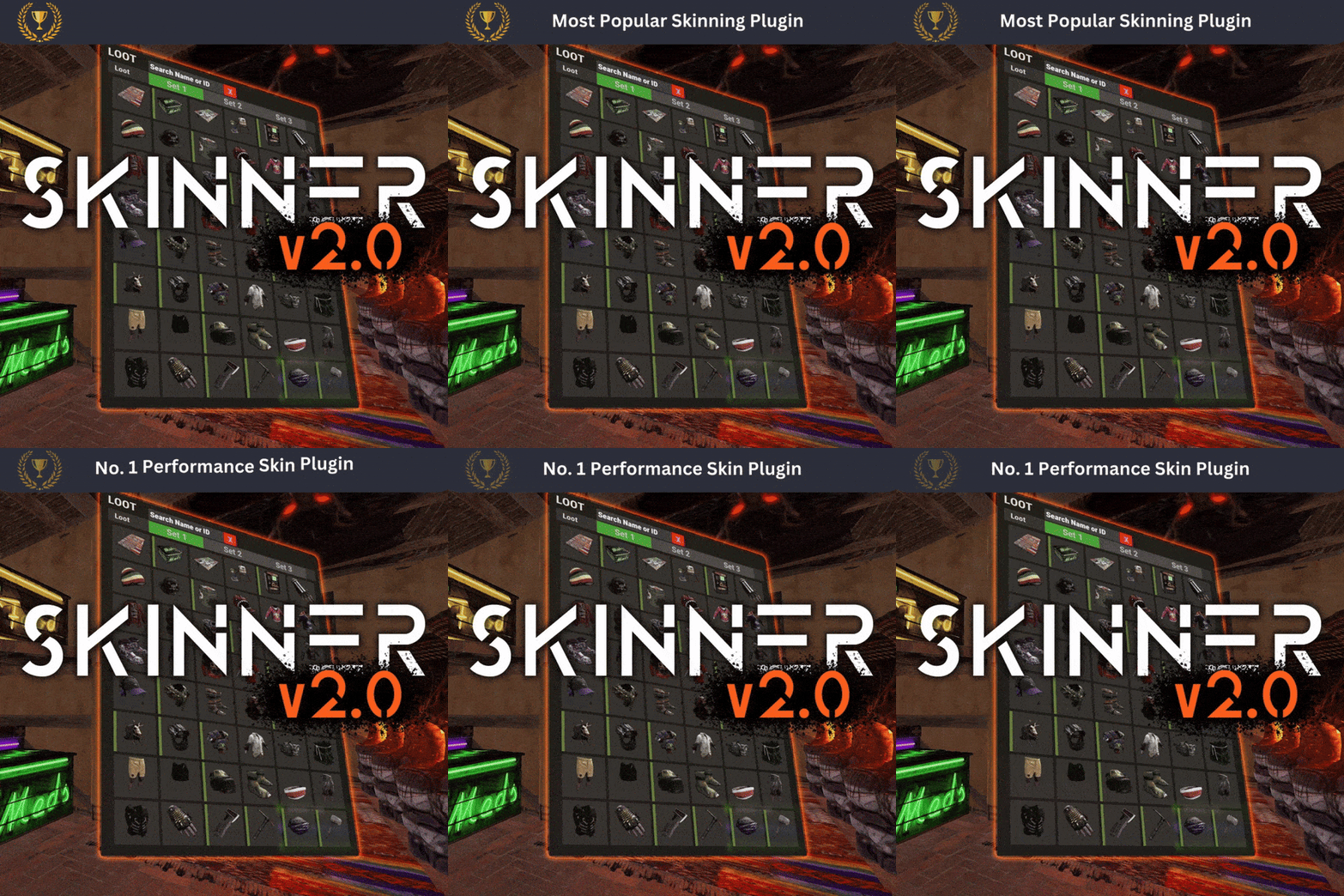 Thanks for the awesome update! Just a heads up, when searching for skins by name, etc. in the new Search option, you need to "Close" or "X" out of the search term before attempting to re-skin again (if looking for other Skins.) I find it easy to forget you searched for something previously and you get confused why only 1 skin is showing up when trying to skin something. Is there a way you can have it "clear" the search box after searching for the item? Ex.) Search > Apply the Skin > Then bring back in your inventory > Auto clear the search box? If not, totally get it. Might make sense to keep as-is if you're trying to skin multiple items to the same skin.
 -
 @Pho3niX90 - Any confirmation would be appreciated. Thanks!
 -
Greetings! Is this plugin still updated / maintained? I see the last update was on July 15, 2021. Appreciate a response. Thanks!
-
 I mean I'm fine with modifying the loot tables to say "not include" ABC items, and then only include XYZ items. I've worked with Magic Loot and Better Loot as well. I hate how Better Loot only controls the "rarity" of items globally in all items. I'd like to create categories of loot, and set probabilities of that loot. Which sounds like Custom Loot can do, right? Do you have ANY sample config files to share?
 -
Wanted to follow up on this plugin - for @Steenamaroo - do you have any "example" config files? Say, for a simple 2x server?
-
If you make time, and release just the Loot functionality I'm sure you'll make a good amount of money off of it. Food for thought.