Works with
Compatible add-ons, packages, or tools that pair well with this resource.
-
.thumb.gif.88b2fe972bac57e852c9e4e25f40c4ae.gif) NCP Optional
NCP Optional -
 Economics Optional
 -
 Server Rewards Optional
 -
 Bank System Optional
 -
 Skill Tree Optional
 -
 Advanced Status Optional
 -
 Raidable Bases Optional
 -
 Arctic Base Event Optional
 -
 Gas Station Event Optional
 -
 Sputnik Optional
 -
 Shipwreck Optional
 -
 Harbor Event Optional
 -
 Junkyard Event Optional
 -
 Satellite Dish Event Optional
 -
 Water Event Optional
 -
 Air Event Optional
 -
 Power Plant Event Optional
 -
 Airfield Event Optional
 -
 Space Optional
 -
 Supermarket Event Optional
 -
.thumb.png.ac72dca13c4e30a2d2181ddd2b0fdc0a.png) Armored Train Optional
Armored Train Optional -
 Convoy Optional
 -
 Caravan Optional
 -
 Tugboat Pirates Optional
 -
 Flying Cargo Ship Event Optional
 -
 Dungeon Events Optional
 -
 Abandoned Bases Optional
 -
 Ferry Terminal Event Optional
 -
 Triangulation Optional
 -
 Zone Manager Optional
 -
 Survival Arena Optional
 -
 Zombie Infection Optional
 -
 Paintball Optional
 -
 Gun Game Optional
 -
 Multi Events Optional
About Battle Pass (+WEB Editor)
[ ! ] The zip contains a DLL extension that goes into RustDedicated_Data/Managed. Some hosts do not allow uploading DLLs - check with your host before buying. [ ! ]
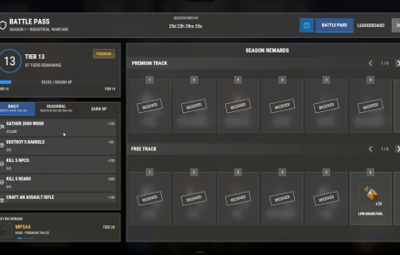
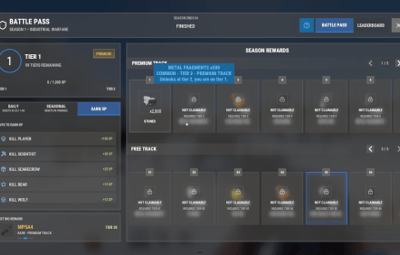
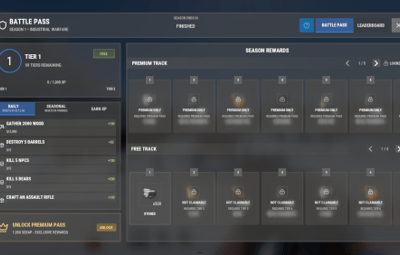
Battle Pass is a seasonal battle pass for Rust. Players earn XP from what they already do (gathering, fishing, crafting, building, looting, raiding, killing players, scientists and animals, winning events) and climb a ladder of tiers, 100 by default, each with a reward on the free track and another on the premium track. Rewards are real Rust items with their skins, or console commands with your own card image for anything custom.
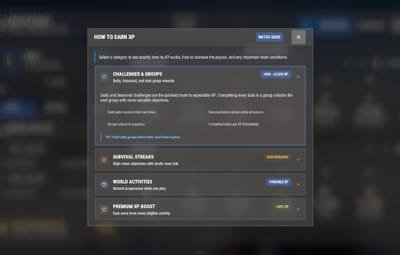
Daily and seasonal challenges keep the season moving. Dailies refresh every day, seasonal challenges come in groups that unlock one after another, and survival streaks reset when the player dies. A season leaderboard ranks the whole server, and a HOW TO EARN XP guide in the menu lists every source of XP and what it pays.
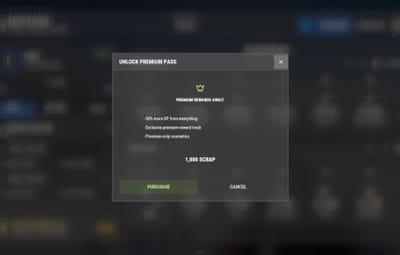
Premium is bought in game with scrap or any other item, Economics, ServerRewards, BankSystem or IQEconomic, or handed to a group by permission, and premium players earn 50% more XP by default. Version 4 rebuilt the whole interface: reward tracks, challenges, a tier-up popup, toasts and a HUD that each player sets up, with every text in the language file.

 Features of Battle Pass
- A free and a premium reward track over 100 tiers by default, with real items (skins included) or console commands as rewards
- XP for 20+ everyday actions: gathering, fishing, crafting, building and upgrading, looting crates and barrels, hacking crates, swiping cards, recycling, raiding, and killing players, NPCs, bosses and animals
- Event XP for Raidable Bases (per difficulty), Convoy, Armored Train, Harbor, Sputnik and two dozen more event plugins, plus Zone Manager zones and SkillTree
- Daily challenges and seasonal challenge groups that unlock in sequence, survival streaks that reset on death, and finished challenges move to the bottom of the list
- A HOW TO EARN XP guide in the menu with every XP source and its payout
- Premium sold in game for an item, Economics, ServerRewards, BankSystem or IQEconomic, limited to Oxide groups if you like, or granted free by permission
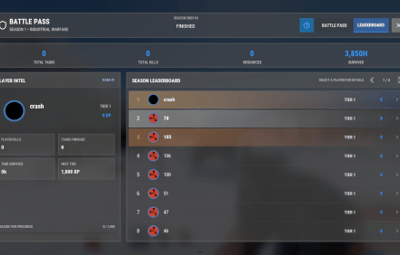
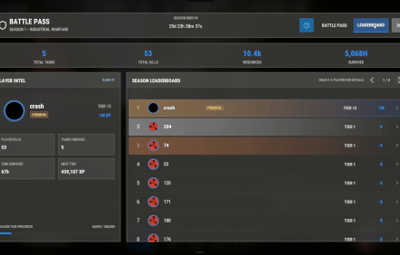
- A season leaderboard with each player's kills, finished tasks and time survived
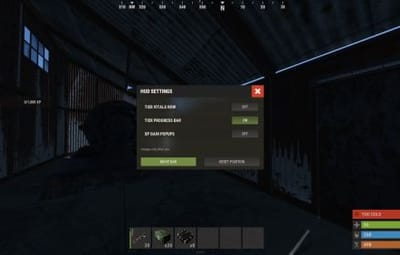
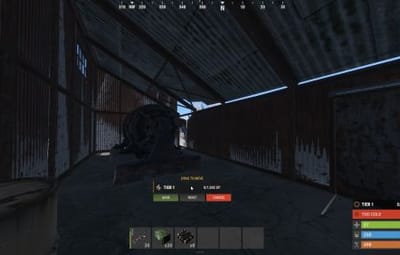
- A tier row in the game's own vitals stack with a progress ring, an optional tier bar every player can drag anywhere, and XP gain popups, each switchable per player with /bphud
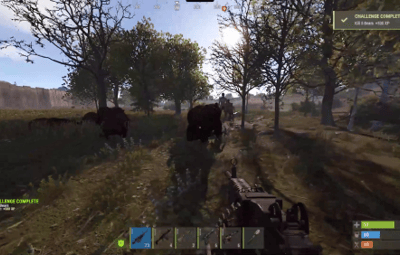
- A tier-up popup, reward claimed toasts and challenge complete notices
- The Item Collector: a roaming NPC with a map marker who sells XP Tokens and pays XP for them, with your own orders, stock and outfit
- Optional Discord posts for tier-ups, reward claims, premium purchases and the leaderboard
- A web editor for every file, and every interface text in the language file
 Commands
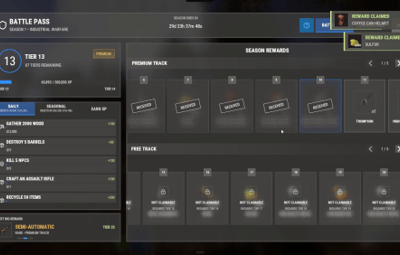
- /battlepass, /bp - open the pass: season progress, both reward tracks, the challenges and the HOW TO EARN XP guide
- /leaderboard, /lb - the season leaderboard. Click a player for their details
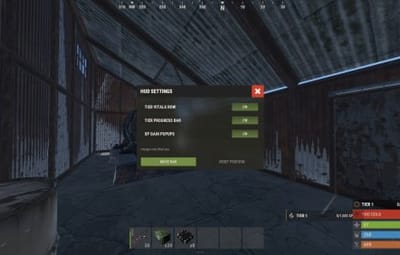
- /bphud - personal HUD settings: the tier row, the tier bar (drag it anywhere and save the spot) and the XP gain popups
Every chat command and its aliases are set in the config.
Admin
- battlepass.addxp <player> <amount> - give XP. Tier-ups and their rewards follow
- battlepass.removexp <player> <amount> - take XP away
- battlepass.settier <player> <tier> - move a player straight to a tier
- battlepass.givepremium <player>, battlepass.revokepremium <player> - grant the premium pass or take it back
- battlepass.reset <player> - wipe one player's progress, claims and challenges
- battlepass.resetall confirm - start a new season: resets every stored player
- battlepass.leaderboard - post the leaderboard to your Discord webhook now
- battlepass.reloadimages, battlepass.pruneimages [days] - fetch the interface images again, or clear cached images older than that (30 days by default)
- battlepass.killorphanvendors - remove Item Collector vendors an older build left behind
Run them from the server console (F1 or RCON). In game they need auth level 2 or the battlepass.admin permission. <player> is a name, a partial name or a SteamID, and works on offline players too.
 Permissions
- battlepass.premium - the premium reward track, free (while "Allow Premium By Permission" is on, the default)
- battlepass.admin - the admin commands without auth level 2
- battlepass.xpboost - the premium XP multiplier without the premium rewards (while "XP Boost By Permission" is on, off by default)
Example: oxide.grant group vip battlepass.premium
 Included Season
- 100 tiers with their XP curve, from 1,000 XP for the first tier
- 200 rewards - a free reward and a premium reward on every tier
- Daily and seasonal challenges, seasonal groups and survival streaks included
- The XP table - a value for every action and every supported event
All of it lives in oxide/data/BattlePass/ as plain JSON: change any of it, or build your own season from scratch.
 Showcase
Every screen below is the plugin running in game
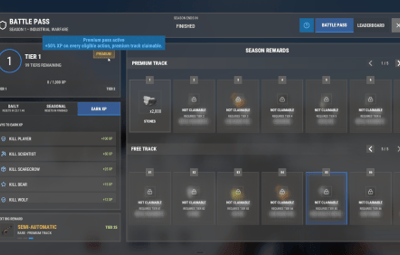
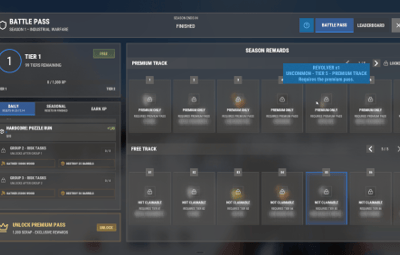
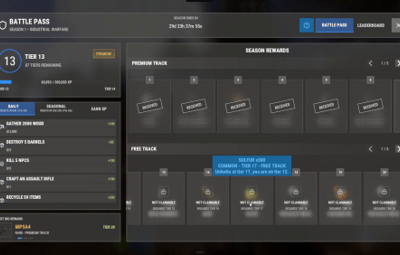
The pass

Every reward card says what it is and when it unlocks

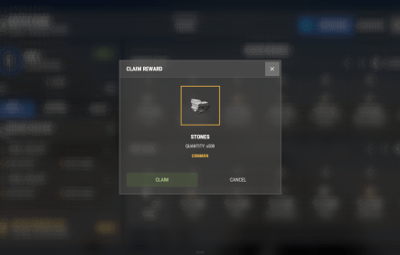
Claiming a reward

Reward claimed toasts

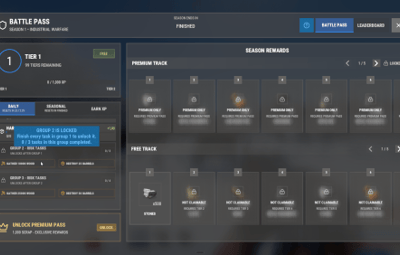
Seasonal challenge groups

The HOW TO EARN XP guide

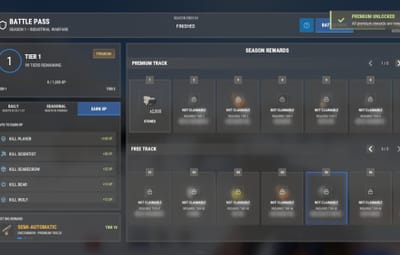
Buying the premium pass in game

The season leaderboard

A challenge completed in game

Per-player HUD settings and the tier bar

 Video
Video
 Web Editor
No hand-editing of JSON needed. editor.venuxplugins.com opens your Battle Pass files in the browser with item and colour pickers and a search over every setting: load a file, edit it, download it back over yours and run oxide.reload BattlePass. It opens from a free venuxplugins.com account: send your CodeFling order in our Discord and we unlock it for you. The editor is optional, and every setting stays a plain JSON file.
 Configuration
Everything lives in oxide/config/BattlePass.json and oxide/data/BattlePass/:
- BattlePass.json - season name and end date, the premium cost (an item, skins included, Economics, ServerRewards, BankSystem or IQEconomic; several costs add up), who may buy it, premium by permission, the premium XP multiplier, the chat commands, the wipe on a new map save and the video the WATCH GUIDE button plays
- Rewards.json - the XP every action and event pays, the XP each tier needs and the free and premium rewards of every tier, each with an item, a custom image and one or more console commands run in order on claim
- Challenges.json - the daily and seasonal challenges and their groups
- UI.json - the card colour (see-through or solid), an image on every reward card, the HUD row, the tier bar, the toasts and every animation on its own switch
- Discord.json - the webhook posts, off until you turn them on, with every title, line and colour
- ItemCollectorNPC.json - the Item Collector: how many spawn, how fast they walk, what they wear, what they sell and the XP each token pays
 TEST SERVER
Try Battle Pass before you buy: it runs on our test server next to every other Venux plugin. Join and play with it in game. Once in, pick it from the welcome menu or type /battlepass.
client.connect 103.106.58.173:7047
 FAQ
FAQ
Q: Do I need an economy plugin?
A: No. Premium costs 1,000 scrap by default, and any item works, skins included. Economics, ServerRewards, BankSystem or IQEconomic take one config entry, and several costs add up.
Q: Can I give premium to my VIPs?
A: Yes. Grant battlepass.premium to their group and they get the premium track for free. To sell premium only to some groups, list them in "Restrict Premium Purchase To These Oxide Groups".
Q: Can a season run longer than a wipe?
A: Yes. The season ends on the date you set, and progress is kept across map wipes unless you turn on "Wipe Data On New Map Save".
Q: What happens when the season ends?
A: The menu shows the season as finished and XP stops. battlepass.resetall confirm starts the next one.
Q: Do my players have to download anything?
A: No. Reward cards use the game's own item icons. On its first start the plugin downloads its 23 small interface images from our image server and caches them, and each player receives them once.
Q: Can I translate it?
A: Yes. Every interface text is in oxide/lang/en/BattlePass.json. Copy it to oxide/lang/<code>/BattlePass.json under the game's language code (Spanish is es-ES, Brazilian Portuguese pt-BR) and translate it: each player sees the language their game runs in. The season name, challenges, rewards and Discord posts are texts you write in your own files.
Q: Does it work on Carbon?
A: Yes. The extension goes into carbon/extensions instead of RustDedicated_Data/Managed, and everything else is the same.
Q: Can I make the cards solid or use my own image?
A: Yes. In oxide/data/BattlePass/UI.json, "Card Background Color" sets the colour of every panel, card and pop-up (set its last number to 1 for solid cards), and "Reward Card Background Image" puts your image on every reward card, from oxide/data/BattlePass/images/ or an https link.
Q: I run 4.0.x. What changes when I update?
A: From 4.0.4, replace BattlePass.cs; replacing the extension with the one in the zip (v1.12.11) and restarting once is recommended. From 4.0.1, replace the extension first (4.1.0 needs v1.11.9 or newer) and restart once. Your config, rewards, challenges and player progress stay as they are, new options are added at their defaults and your own texts are kept.
Q: I am coming from 3.x. What do I need to do?
A: Install the extension, drop in the new BattlePass.cs and restart once. Your config and player data carry over: the plugin rewrites its own files and removes the settings that no longer exist.
 API / Hooks
// API: BattlePass?.Call("AddXP", player, amount)
// tier-ups and their rewards follow, like battlepass.addxp
void AddXP(BasePlayer player, int amount)

Questions, ideas or bug reports? Join our Discord.