

rogder dodger
-
Posts
148 -
Joined
-
Last visited
Content Type
Profiles
Warranty Claims
Downloads
Forums
Store
Services
Downloads Plus Support
DOWNLOADS EXTRA
Everything posted by rogder dodger
-
 Hey thank you very much for the feedback, i'll look into that!
 -
 1.0.15 is the latest version on both platforms.
 -
Version 1.0.0
36 downloads
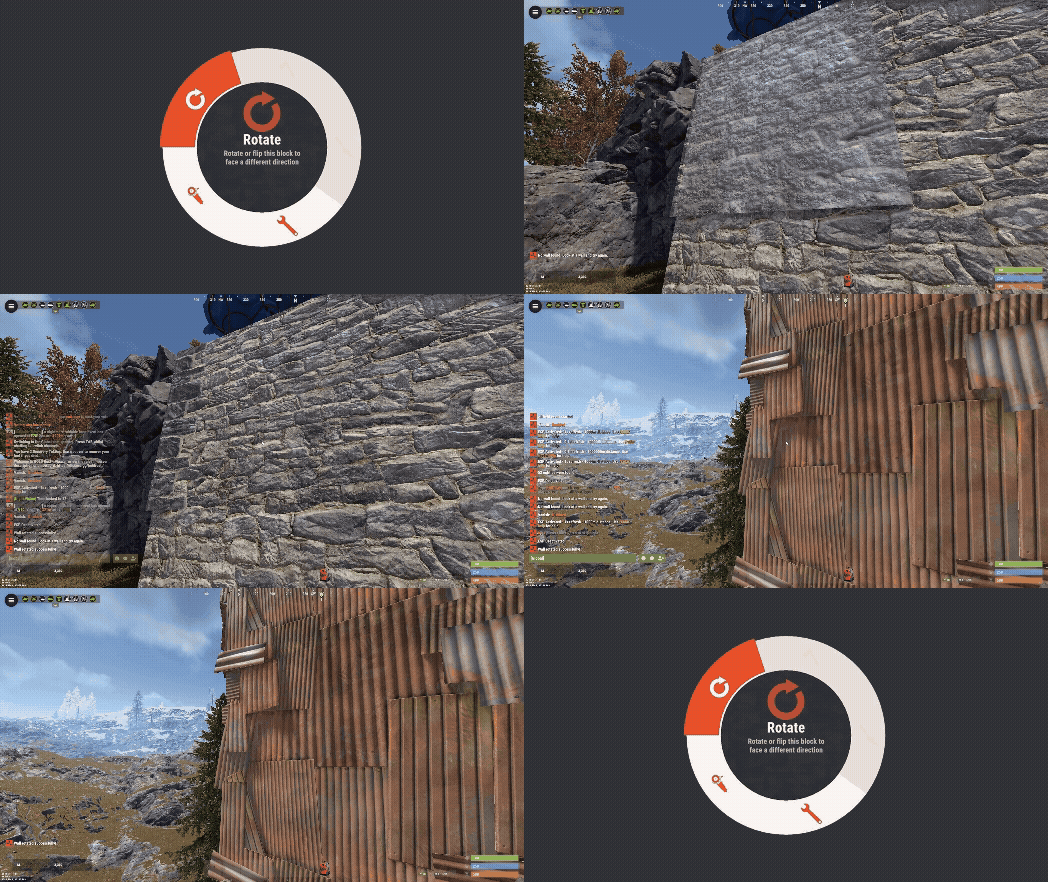
Wall Rotator Wall Rotator is a quality-of-life plugin that allows players to rotate walls at any time, bypassing Rust's default 10-minute rotation window. Perfect for servers that want to give players more building flexibility while maintaining control through TC authorization and optional material costs. Key Features Bypass the 10-minute timer - Players can rotate walls long after placement TC Authorization - Require cupboard access before allowing rotation (configurable) Material costs - Optional resource requirements based on wall tier (wood/stone/metal/armored) VIP/MVP support - Configurable cost multipliers for donor tiers Admin bypass - Admins can rotate any wall without restrictions Safety checks - Prevent rotation of walls with mounted items, explosives, or recent damage Developer hooks - API for other plugins to integrate with rotation events Players often realize they need to rotate a wall after the vanilla timer expires. Rather than tearing down and rebuilding (wasting resources), this plugin gives them the flexibility to fix their mistakes. Server owners maintain control through TC requirements and configurable costs making it feel like players are paying for it. Configuration { "Require TC Authorization": true, "Enable Rotation Costs": false, "VIP Cost Multiplier (1.0 = 100%, 0.5 = 50%, 0 = free)": 0.5, "MVP Cost Multiplier (1.0 = 100%, 0.5 = 50%, 0 = free)": 0.25, "Block Rotation With Mounted Items": true, "Block Rotation With Explosives": true, "Block Rotation After Damage (seconds)": 30.0, "Material Costs": { "wood": { "Item Shortname": "wood", "Amount": 50 }, "stone": { "Item Shortname": "stones", "Amount": 50 }, "metal": { "Item Shortname": "metal.fragments", "Amount": 50 }, "toptier": { "Item Shortname": "metal.refined", "Amount": 5 } } } Configuration Options Require TC Authorization - If true, players must have cupboard access to rotate walls (recommended) Enable Rotation Costs - Toggle material costs for rotation VIP/MVP Cost Multipliers - Reduce costs for donor tiers (0 = free, 0.5 = 50%, 1.0 = full price) Block Rotation With Mounted Items - Prevent rotation if picture frames, shelves, signs, etc. are attached Block Rotation With Explosives - Prevent rotation if C4 or satchels are attached Block Rotation After Damage - Set cooldown period after wall takes damage (prevents rotation during raids) Material Costs - Define resource requirements per wall tier when costs are enabled Chat Commands /rotate - Rotate the wall you're looking at (requires wallrotator.use permission) Simply look at a wall and type /rotate. The plugin handles the rest. Permissions wallrotator.use - Allows player to use the /rotate command wallrotator.admin - Bypasses all restrictions (TC auth, costs, mounted items, explosives, damage cooldown) wallrotator.nocost - Rotate walls for free (when costs are enabled) wallrotator.vip - Apply VIP cost multiplier wallrotator.mvp - Apply MVP cost multiplier (usually lower than VIP) Note: MVP permission takes priority over VIP if a player has both. Developer API Other plugins can integrate with Wall Rotator using these hooks: OnWallRotate - Called before rotation occurs. Return non-null to cancel. object OnWallRotate(BasePlayer player, BuildingBlock wall) { // Return string message to cancel and notify player // Return any non-null value to silently cancel // Return null to allow rotation } OnWallRotated - Called after successful rotation. void OnWallRotated(BasePlayer player, BuildingBlock wall) { // Perform actions after wall is rotated }$3.99 -
 A video on how to integrate Rust Admin with Watchlist. The video was made for a support request but might be useful for other users while setting the plugin up. The Captions were auto generated and slightly hit or miss (the Burdens of being a Scottish Man). Questions and Suggestions welcome
 -
Hey the plugin is designed to operate without causing issues when used with these plugins. However, it does not integrate or alter the functionality of these plugins. This means it shouldn't cause any issues with Helpful supply but it won't make those supply drops instant currently.
-
 This is a fantastic map and my players have loved it - it's very well designed with amazing attention to detail and really cool locations to visit. Being a water based map added a load of interesting challenges on our PVE server and we'll definitely be using it again. The map maker is very responsive and helpful and has kept on top of updates which makes this a great choice for any server.
 -
Version 1.0.4
129 downloads
Watchlist is a lightweight but powerful tool that alerts admins when specific players connect to the server. Whether you're online or offline, you'll get real-time in-game notifications and Discord alerts with fully configurable message templates and role pings. The built-in UI makes managing the watchlist easy, with support for sorting, filtering, teleporting, and note-taking. Players can be added or removed manually or straight from RustAdmin with custom commands. Very useful tool to keep you and your staff one step ahead. Configuration { "Discord Webhook URL": "https://discord.com/api/webhooks/your/webhook/url", (Your Webhook URL) "Ping Role": false, (Whether to ping a role when player comes online on discord, e.g: @Admin) "Role ID": 0, (Discord Roll Id to ping) "Purge Watchlist on Wipe": false, (whether to purge on wipe) "Purge Players List on Wipe": true, (performance, every player is stored in a file, it is recommended to clear this on wipe) "Enable UI": true, (plugin can be run entirely without UI if desired) "UI Color Scheme (Options: dark, light, rust)": "dark", ( UI styles ) "Custom Colors": { (customise the UI for your server) "PrimaryBackground": "0 0 0 0.95", "SecondaryBackground": "0.15 0.15 0.15 1", "HeaderBackground": "0.1 0.1 0.1 1", "ButtonPrimary": "0.2 0.7 0.2 0.9", "ButtonSecondary": "0.3 0.3 0.3 1", "ButtonDanger": "0.7 0.2 0.2 0.9", "TextPrimary": "1 1 1 1", "TextSecondary": "0.7 0.7 0.7 1", "OnlineIndicator": "0.2 0.8 0.2 1", "OfflineIndicator": "0.8 0.2 0.2 1", "RowEven": "0.12 0.12 0.12 0.95", "RowOdd": "0.15 0.15 0.15 0.95", "ActiveItem": "0.4 0.4 0.4 1", "AlertBackground": "0.8 0.2 0.2 0.95", "AlertText": "1 1 1 1" }, "UI Scale": 1.0, (scales the UI as desired) "Main UI Position": { "AnchorMin": "0.2 0.1", "AnchorMax": "0.8 0.9" }, "Font Size": { "Title": 20, "Header": 14, "Normal": 12, "Small": 10 }, "UI Animation": true, (enables ui animations) "Enable Sound Alert": true, (plays sound when watchlist player comes online) "Alert Sound": "assets/bundled/prefabs/fx/notice/item.select.fx.prefab", (choose which sound you want from rust prefab sounds) "Alert Duration (seconds)": 10.0, ( hlow long the alert is displayed in-game when a player comes online - only admins see this) "Show Visual Alert": true, (enable / disable the in-game alert) "Send Discord Add/Remove Notifications": true ( enable discord logging of adding/removing watchlist players) "Max Cached Players": 3000, (Performance, set this lower to reduce the memory used by the plugin this populates the player list with the last x number of players to join your server, ordered by latest) "Alert Cooldown Seconds": 120, (Prevents alert spam when players reconnect) "Startup Alert Grace Seconds": 60, (waits before firing watchlist alerts after server starts) "Auto Expire Days (0 = disabled)": 0, (auto expire watchlist players after number of days) "Send Prune Discord Notifications": true, (sent prune notification to discord) "Prune Report Max Per Embed": 10, (max players in prune message, prevents breaching discord embed count) "Prune Report Include Notes": false, "Enable Diagnostics": false (enable this for plugin performance stats and diagnostic information) } COMMANDS Chat: /watchlist Opens the Watchlist UI (requires permission) /wl <steamid> "<note>" Adds a player to the watchlist with a note (requires watchlist.admin permission) /wlr <steamid> Removes a player from the watchlist (requires watchlist.admin permission) /wlist Lists all watched players in chat (requires watchlist.admin permission) Console: watchlist.add <steamid> "<note>" Adds a player to the watchlist Example: watchlist.add 76561198000000000 "Suspected Cheater" watchlist.remove <steamid> Removes a player from the watchlist watchlist.list Lists all watched players in the server console wl <steamid> "<note>" Adds a player to the watchlist with a note (can be used via rcon) wlr <steamid> Removes a player from the watchlist (can be used via rcon) wlist Lists all watched players in the server console (can be used via rcon) purgewl Clears the entire watchlist (requires watchlist.admin permission) PERMISSIONS watchlist.admin Full access to all commands and features watchlistui.toggle Allows UI toggle via `/watchlist` command RUSTADMIN INTEGRATION You can integrate Watchlist directly with **RustAdmin** to add or remove players with a single click. Add to Watchlist Command to Execute: wl ${playerSteamid} "From RustAdmin" Tick "Show Command Output in a Dialog" (optional) Remove from Watchlist Command to Execute: wlr ${playerSteamid} Tick "Show Command Output in a Dialog" (optional)$4.99 -
Hey is it still happening? im not seeing other reports of this - can you send me a private message with a list of any other Supply Drop related plugins you have?
-
Hey there is a known compatibility issue with Vehicle Airdrops that can cause this - see if it happens with the Vehicle Airdrops plugin unloaded? I am working on a fix for this
- 44 comments
-
- 1
-

-
- #rust
- #supply drop
- (and 20 more)
-
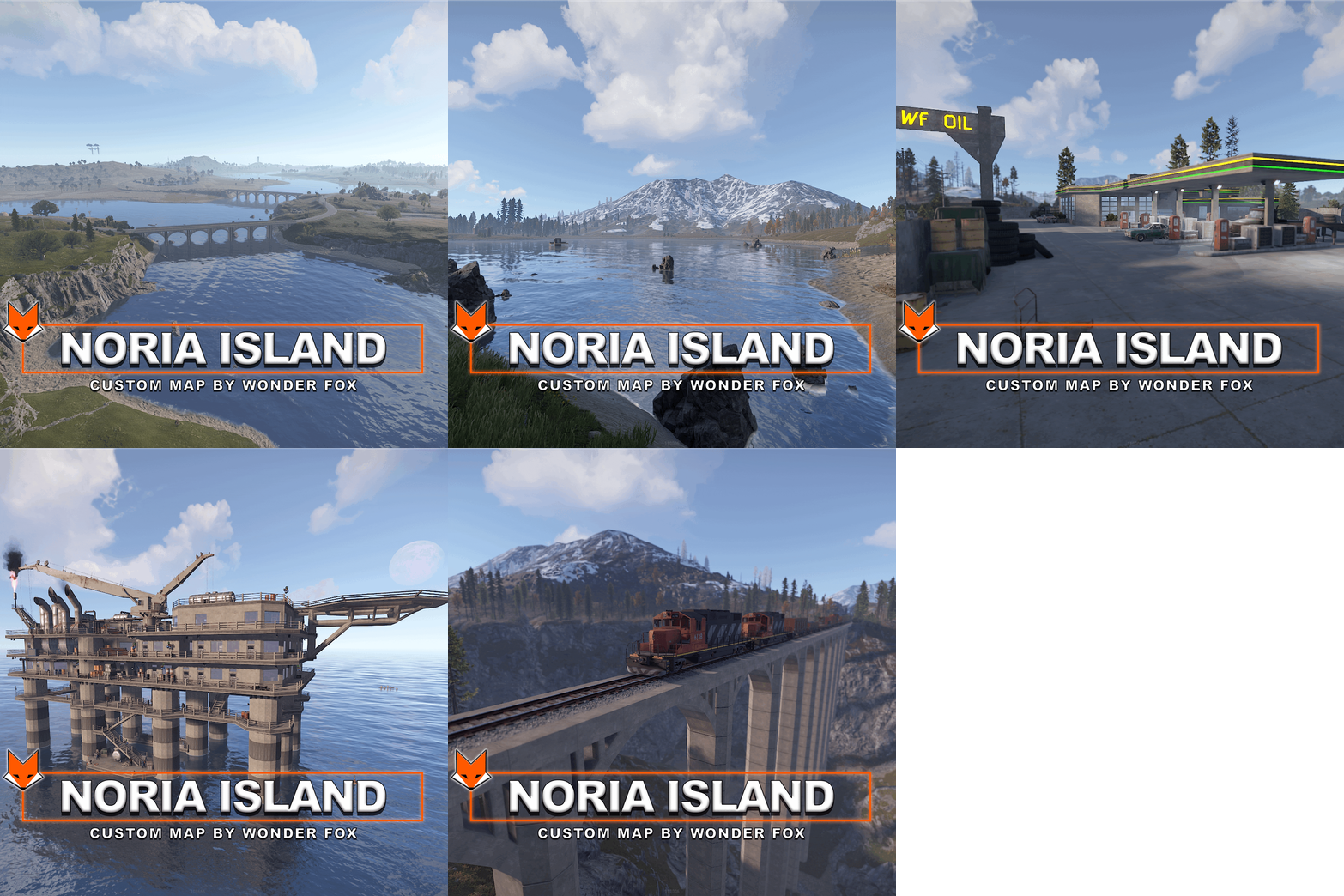 Custom map is great, really like it - I don't think its necessary for you to plaster your name everywhere on the map though. Literally everywhere you look on this map you see either "Created by Wonder Fox", "Wonder Fox was here", "BY WF", even on the map its self at the bottom right is a huge grid sized WF. I don't think this is necessary and had to spend a significant amount of time going around and removing them
 -
 The map is designed very well, a great size and the monument placement works really well. Sadly my rating and review reflects the overall quality of the map and the support provided by the creator. The map has many issues such as Cargos mapping always getting suck, trapped and failing to interact with harbors, the textures are really bad in many places, with assets old assets stretched instead of newer assets used etc. especially wind town (the maps outpost) where there are invisible elements, the tugboat "shop" hasn't worked for months, turrets can be picked up by players, trees can be walked through, the tugboat textures are broken and more. Many of the monuments have fuse puzzles but the fuze is missing, having the old fuze elements still in place and not updated. All of these issues have been reported to the creator who simply does not respond or show an interest in supporting and updating the map to fix these issues. While this could be a great map I cannot recommend it in its current state and with the lack of creator support.
 -
I've added a list of issues to the support section of this plugin. It has been 2 weeks and no response from creator.
-
Followed up in DMs and issue was not related to Instant Airdrop
-
Hey @Hwang85do you have any other air drop related plugins? you could try disabling to test? specifically around locking and custom loot perhaps?
-
Hey unfortunately not, the Vehicle Airdrops plugin and Instant Airdrops plugin do not have such integration as of yet, this is something i might discuss with the developer in the future though
- 44 comments
-
- 1
-

-
- #rust
- #supply drop
- (and 20 more)
-
Hey sorry about this, this issue should be resolved with update 1.0.12
-
If you mean that it makes Helpful Supply drops instant too, I’m afraid not at this time. The plugin currently just insures that it doesn’t cause issues with Helpful Supply but without collaboration with the developer making helpful supplies instant is not currently possible
-
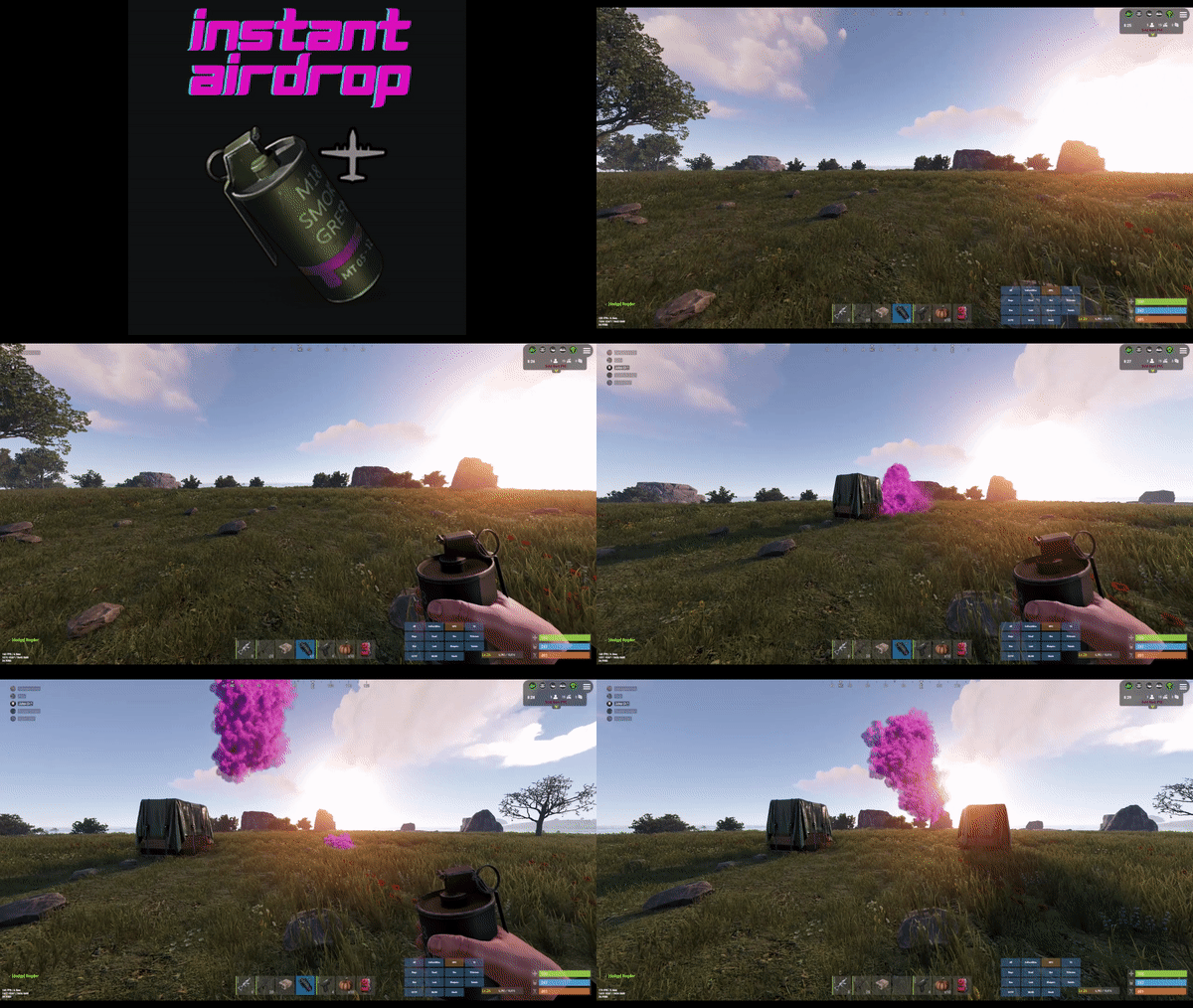
New Features: Configurable Skin IDs to Ignore: Description: You can now specify skin IDs that will be ignored by the InstantAirdrop plugin. Supply signals with these specified skin IDs will not trigger instant airdrops. Benefit: This feature allows for more precise control over which supply signals should trigger instant airdrops and which should follow the standard deployment process. Default Skin IDs for VehicleAirdrops: Description: We have added default skin IDs for the VehicleAirdrops plugin. By default, supply signals associated with vehicles (like minicopters, scrap helicopters, rowboats, etc.) will not trigger instant airdrops. Benefit: This ensures a more realistic and balanced gameplay experience by preventing instant airdrops for vehicle-related supply signals. Default Skin IDs which will be ignored for VehicleAirdrops: Minicopter: 2144524645 Scrap Heli: 2144547783 Rowboat: 2144555007 RHIB: 2144558893 Car: 2144560388 Crate: 2146665840 Solo Sub: 2567551241 Duo Sub: 2567552797 Snowmobile Red: 2756133263 Snowmobile Tomaha: 2756136166 How to Use: Configuration: The new skin IDs can be configured directly in the InstantAirdrop.json configuration file. If the Skin IDs To Ignore property is not already present in your configuration file, it will be automatically added with the default values listed above. The defaults can be removed if you want to keep the VehicleAirdrops instant
-
Hey the compatibility with Helpful Supply was ensuring the plugin worked with standard airdrops when Helpful Supply was also enabled on the server. There were issues with this fixed in 1.0.9. The full update changelog is here
-

Version 1.0.3
187 downloads
Simple plugin which tracks sleeping bags being assigned to players outwith the current players team. New in this version: Clans Integration: Sleeping bag notifications are now suppressed when players assign bags to fellow clan members. Core Features: Teaming Control: Prevent unauthorized alliances in Rust with a plugin that sends alerts when players assign sleeping bags or beds to those not on their team. Discord Integration: Receive instant notifications on Discord via a webhook Player Identification: Each alert includes direct links to the involved players' Steam profiles and Battlemetrics information, allowing for easy identification and background checks. Location Tracking: The plugin also provides teleport coordinates, helping admins locate the exact in-game spot of the assigned item. Time-Stamped Records: All notifications are time-stamped, ensuring that admins have a chronological record of teaming incidents. Battlemetrics Link: Each report is provided with battlemetrics link for both the bag assigner and assignee of the bag for further investigation Configuration: { "Log To Console": true, "Log To Discord": false, "Discord Webhook URL": "https://support.discord.com/hc/en-us/articles/228383668-Intro-to-Webhooks", }Free -
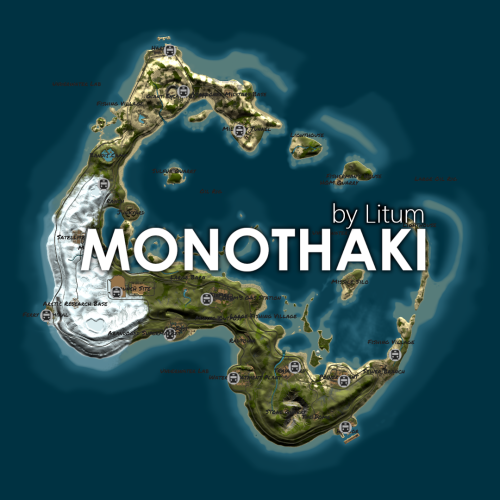
 Beautiful map to run around christmas or during winter in general, love the sled track and loads of little details in here that players will love. 10/10
- 9 comments
-
- 1
-
-
- #rust
- #christmas
- (and 10 more)
-
The latest update adds a configurable option to ensure supply signals can only be deployed outside.
-
Hey Zilch, thank you for the report of this - i'll have a look at the Custom Loot plugin and see if i can get some integration that will either retain the normal loot table or populate the contents faster. I'll get back to you when i have done some investigation.
- 44 comments
-
- 1
-
-
- #rust
- #supply drop
- (and 20 more)
-
This is something i will look into adding as a configurable option, thanks!
-
This has been fixed in the latest patch with integration with plugin: Fancy Drop https://umod.org/plugins/fancy-drop