


rogder dodger
-
Posts
166 -
Joined
-
Last visited
Content Type
Profiles
Warranty Claims
Downloads
Forums
Store
Services
Downloads Plus Support
DOWNLOADS EXTRA
Reels
Everything posted by rogder dodger
-
If it's not possible i understand - I do note that Facepunch updated their AI to operate this way and the default NPCs cannot shoot through bushes. I wonder how they did it and whether they will add modding support for it in future
-
 1.0.15 is the latest version on both platforms.
 -

Players can redeem a recycler for free even with zero credits
rogder dodger replied to rogder dodger's Support Report in Support
@imthenewguyThis issue is still present in recent versions -

Version 1.0.0
49 downloads
Wall Rotator Wall Rotator is a quality-of-life plugin that allows players to rotate walls at any time, bypassing Rust's default 10-minute rotation window. Perfect for servers that want to give players more building flexibility while maintaining control through TC authorization and optional material costs. Key Features Bypass the 10-minute timer - Players can rotate walls long after placement TC Authorization - Require cupboard access before allowing rotation (configurable) Material costs - Optional resource requirements based on wall tier (wood/stone/metal/armored) VIP/MVP support - Configurable cost multipliers for donor tiers Admin bypass - Admins can rotate any wall without restrictions Safety checks - Prevent rotation of walls with mounted items, explosives, or recent damage Developer hooks - API for other plugins to integrate with rotation events Players often realize they need to rotate a wall after the vanilla timer expires. Rather than tearing down and rebuilding (wasting resources), this plugin gives them the flexibility to fix their mistakes. Server owners maintain control through TC requirements and configurable costs making it feel like players are paying for it. Configuration { "Require TC Authorization": true, "Enable Rotation Costs": false, "VIP Cost Multiplier (1.0 = 100%, 0.5 = 50%, 0 = free)": 0.5, "MVP Cost Multiplier (1.0 = 100%, 0.5 = 50%, 0 = free)": 0.25, "Block Rotation With Mounted Items": true, "Block Rotation With Explosives": true, "Block Rotation After Damage (seconds)": 30.0, "Material Costs": { "wood": { "Item Shortname": "wood", "Amount": 50 }, "stone": { "Item Shortname": "stones", "Amount": 50 }, "metal": { "Item Shortname": "metal.fragments", "Amount": 50 }, "toptier": { "Item Shortname": "metal.refined", "Amount": 5 } } } Configuration Options Require TC Authorization - If true, players must have cupboard access to rotate walls (recommended) Enable Rotation Costs - Toggle material costs for rotation VIP/MVP Cost Multipliers - Reduce costs for donor tiers (0 = free, 0.5 = 50%, 1.0 = full price) Block Rotation With Mounted Items - Prevent rotation if picture frames, shelves, signs, etc. are attached Block Rotation With Explosives - Prevent rotation if C4 or satchels are attached Block Rotation After Damage - Set cooldown period after wall takes damage (prevents rotation during raids) Material Costs - Define resource requirements per wall tier when costs are enabled Chat Commands /rotate - Rotate the wall you're looking at (requires wallrotator.use permission) Simply look at a wall and type /rotate. The plugin handles the rest. Permissions wallrotator.use - Allows player to use the /rotate command wallrotator.admin - Bypasses all restrictions (TC auth, costs, mounted items, explosives, damage cooldown) wallrotator.nocost - Rotate walls for free (when costs are enabled) wallrotator.vip - Apply VIP cost multiplier wallrotator.mvp - Apply MVP cost multiplier (usually lower than VIP) Note: MVP permission takes priority over VIP if a player has both. Developer API Other plugins can integrate with Wall Rotator using these hooks: OnWallRotate - Called before rotation occurs. Return non-null to cancel. object OnWallRotate(BasePlayer player, BuildingBlock wall) { // Return string message to cancel and notify player // Return any non-null value to silently cancel // Return null to allow rotation } OnWallRotated - Called after successful rotation. void OnWallRotated(BasePlayer player, BuildingBlock wall) { // Perform actions after wall is rotated }$3.99 -
@MrLiquid @OldRusty Just checking-in that 1.0.4 resolved the issues you were seeing with the player list population?
-
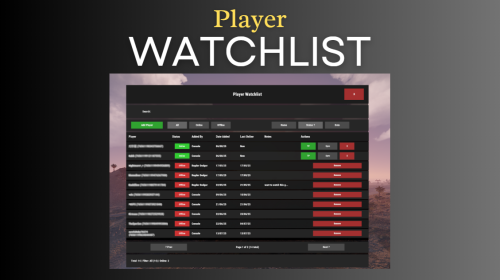 A video on how to integrate Rust Admin with Watchlist. The video was made for a support request but might be useful for other users while setting the plugin up. The Captions were auto generated and slightly hit or miss (the Burdens of being a Scottish Man). Questions and Suggestions welcome
 -
Subject: Assistance Required – Watchlist Plugin RustAdmin Integration
rogder dodger replied to OldRusty's Support Report in Support
You are most welcome @OldRusty. Yeah you can add offline players from rust admin. At the moment you can’t add notes from the command context as RA doesn’t provide an additional text box for that however you can do it via a custom command in console. im looking to expand on the integration further In the future though so that may change. all the best rogder -
Latest version 1.0.4 should fix these issues. Please confirm
-
Subject: Assistance Required – Watchlist Plugin RustAdmin Integration
rogder dodger replied to OldRusty's Support Report in Support
Changed Status from Pending to Not a Bug Changed Fixed In to 1.0.3 -
@MrLiquid Can i just check if you are still having issues with too?
-
Apologies, i was not aware this was still an issue and thought it was isolated. I think a restart will probably resolve it and start populating the players table however this should not be required and i'll look into fixing the plugin to ensure it does not in the next version.
-
Subject: Assistance Required – Watchlist Plugin RustAdmin Integration
rogder dodger replied to OldRusty's Support Report in Support
@OldRustySorry to hear you're having trouble getting Rust Admin configured with Watchlist, i've made a quick video with instructions that should help you get it up and running. Let me know if you have success with this. I'll work on improving my documentation shortly to improve on that. Appreciate the feedback. Video is here: -
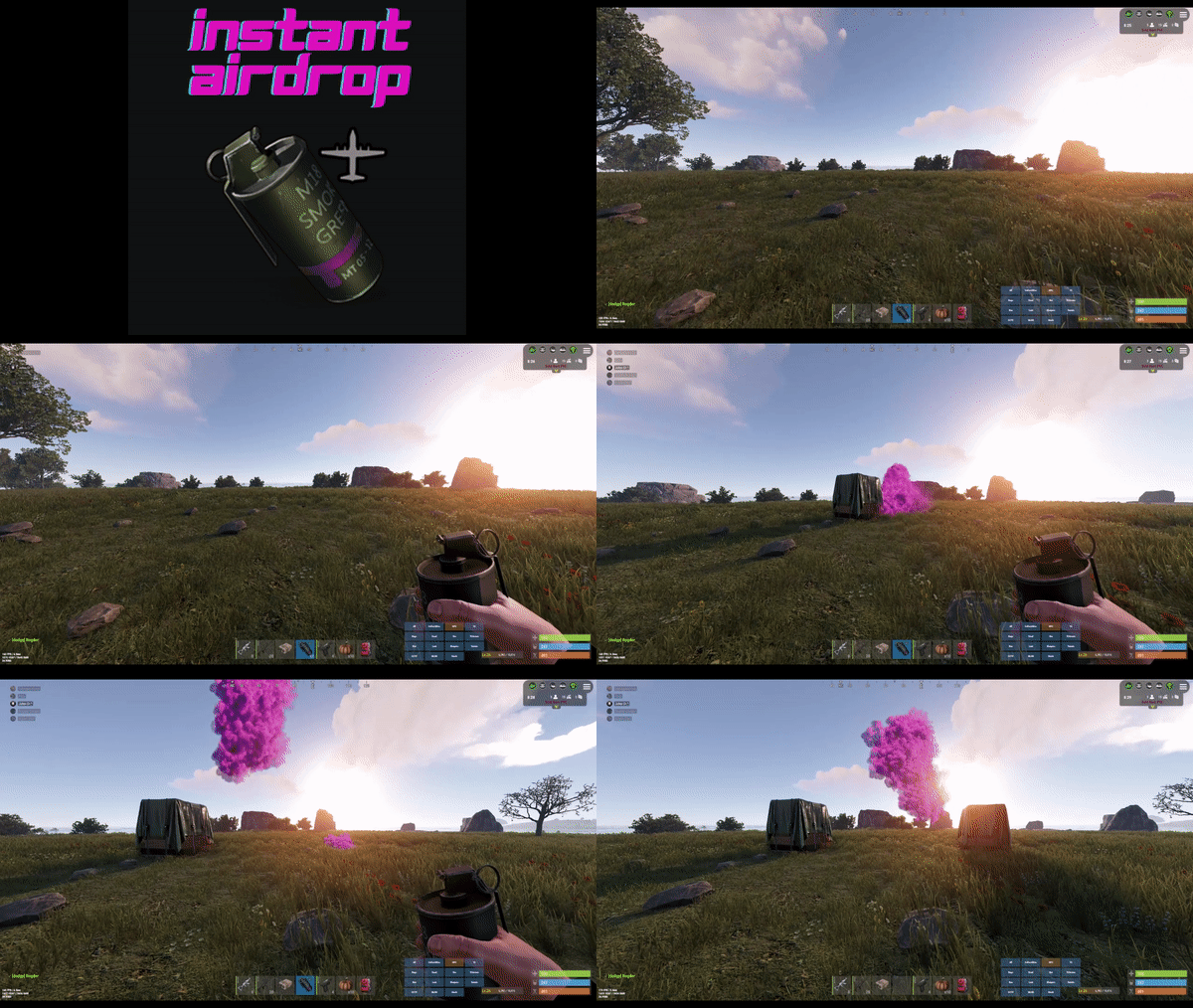
Hey the plugin is designed to operate without causing issues when used with these plugins. However, it does not integrate or alter the functionality of these plugins. This means it shouldn't cause any issues with Helpful supply but it won't make those supply drops instant currently.
-
Changed Status from Work in Progress to Fixed Changed Fixed In to 1.0.3
-
@MrLiquidthis should be fixed with latest version. Thanks for reporting it
-
Changed Status from Pending to Work in Progress
-
Players can redeem a recycler for free even with zero credits
rogder dodger posted A Support Report in Support
When a new player types /redeemrecycler, the plugin gives them a recycler even if they have no credits. It looks like the plugin creates a new record for the player, sets their credits to the start_recyclers value, and then immediately spawns a recycler without checking if the balance is actually greater than zero. In my config I have start_recyclers set to 0, but brand new players can still redeem one for free. Once they’ve redeemed, their credits correctly go negative and then back to zero, but the players get a free Recycler... Steps to reproduce: Set start_recyclers to 0 in the config. Join as a fresh player with no prior data. Run /redeemrecycler. Observe that the player gets a recycler even though they had no credits. Expected behavior: If a player has zero available recyclers, the plugin should block the redeem attempt and show the “no recyclers” message instead of giving them a free one. Actual Behavior: Player who should have zero available recyclers gets a free recycler. -
Confirmed fixed, you are the best! thank you.
-
sent
-
It may have something to do with custom map markers being broken in maps edited with Rust Edit - apparently some translation changes to the maps in latest rust update. I am going to try and quickly remove the markers and reload the map
-
Using this https://rustmaps.com/map/1884b14b78e34f87a9102044a710e72f
-
04/09 19:36:51 | Loaded plugin BotReSpawn v1.4.2 by Steenamaroo 04/09 19:36:52 | Failed to run a 1.00 timer in 'BotReSpawn v1.4.2' (NullReferenceException: Object reference not set to an instance of an object) at Oxide.Plugins.BotReSpawn.CheckMonuments (System.Boolean add) [0x00054] in <a0f6658ebdcc44fea78940c9c82cf46c>:0 at Oxide.Plugins.BotReSpawn.<OnServerInitialized>b__33_0 () [0x00043] in <a0f6658ebdcc44fea78940c9c82cf46c>:0 at Oxide.Core.Libraries.Timer+TimerInstance.FireCallback () [0x00018] in <112d89ea5d3348c8b949af0ab1a866d2>:0
-
 This is a fantastic map and my players have loved it - it's very well designed with amazing attention to detail and really cool locations to visit. Being a water based map added a load of interesting challenges on our PVE server and we'll definitely be using it again. The map maker is very responsive and helpful and has kept on top of updates which makes this a great choice for any server.
 -
Changed Fixed In to 1.0.1
-
Changed Status from Pending to Not a Bug
