

Theswingingturtle
-
Posts
162 -
Joined
-
Last visited
Content Type
Profiles
Warranty Claims
Downloads
Forums
Store
Services
Downloads Plus Support
DOWNLOADS EXTRA
Everything posted by Theswingingturtle
-
 I added a permission-based give command per item in the config. You can use giverw <player> <givecommand> in console or /giverw in chat.
 -
I tested the plugin "Give" by Mr.Blue, it worked fine for me, try this command: giveto <playername/steamid> <shortname> <amount> <skinid> works in chat aswell just add "/" before. Example in chat for your skin: /giveto T-Nuts rifle.ak 1 2782816777
-
I'm not 100% sure, cause I haven't tested it myself, but I do think this plugin can spawn items with skin id command https://umod.org/plugins/give
-
Version 1.0.3
21 downloads
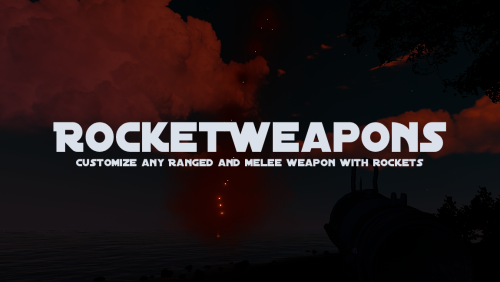
## RocketWeapons Transform weapons into rocket-firing weapon. Supports all ranged and melee weapons — including custom shortnames and skins. Fine-tune rockets per shot, spread, speed, and cost per weapon. Throwables and water guns are not supported. Example shown uses a custom weapon created with the CustomizableWeapons plugin. RocketWeapons provides the rocket-firing logic only. ### Key Features - Toggle with /rocketweapons or enable Always-On for all players - Permission controlled via "rocketweapons.use" - Define rocket type per shortname - Fallback mapping for non-ammo weapons (e.g. water pistol, snowball gun) - HUD icon shows which rocket type is active - Override weapon display name via config Spawn Weapons via RocketWeapons Chat: /giverw player givecommand Console: giverw player givecommand ### Rocket Types 0 = None • 1 = Basic • 2 = HV • 3 = Fire ### Configuration Example { "Toggle command": "toggleweapons", "Enable toggleweapons command for players": false, "Toggleweapons always on": true, "HUD Icon Size (percent)": 5.0, "HUD Offset From Right (px)": 435.0, "HUD Offset From Bottom (px)": 25.0, "Weapons": [ { "shortname": "rifle.ak", "customname": "", "skinid": 0, "GiveCommand": "", "rocketspershot": 4, "consumedrocketspershot": 0, "rockettype(0=basic 1=hv 2=inced)": 0, "spreaddegrees": 10.0, "speedmultiplier": 1.0 }, { "shortname": "hammer.salvaged", "customname": "", "skinid": 0, "GiveCommand": "", "rocketspershot": 4, "consumedrocketspershot": 0, "rockettype(0=basic 1=hv 2=inced)": 0, "spreaddegrees": 10.0, "speedmultiplier": 1.0 }, { "shortname": "snowballgun", "customname": "", "skinid": 0, "GiveCommand": "", "rocketspershot": 4, "consumedrocketspershot": 0, "rockettype(0=basic 1=hv 2=inced)": 0, "spreaddegrees": 10.0, "speedmultiplier": 1.0 } ] } Installation 1. Upload RocketWeapons.cs → oxide/plugins 3. Configure oxide/config/RocketWeapons.json 4. Grant Permission oxide.grant user STEAMID rocketweapons.use oxide.grant user STEAMID rocketweapons.give$22.00 -
Version 1.2.2
14 downloads
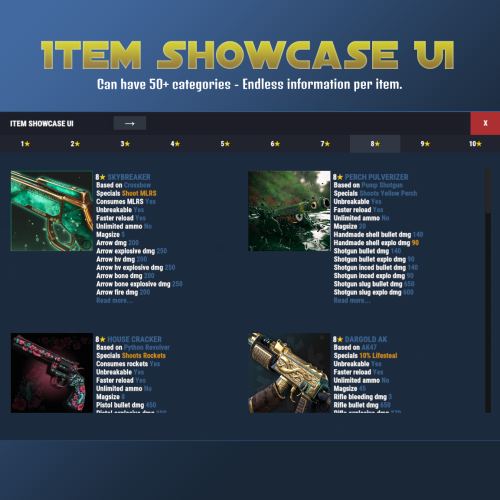
Browse and showcase your custom items in-game with categories, search and themed UI. Features • Unlimited categories • Color formatted text (<color> tags supported) • Search by name, shortname or skin ID • Item images via ImageLibrary (shortname or URL) • Designed for modded servers with custom items Admin Command /additem <category> • Registers the item you are currently holding • Works with exact category name from config • Also works if you type the category without color tags • Example: 1<color=#FFD700>★</color> can be added using /additem 1★ • Automatically sets shortname, SkinID (0 if none) and the lowest available unique ID How to open ItemShowcaseUI Use /items Optional Dependency ImageLibrary - only required for item images Example of adding more categories and different colors to both UI and info text. Endless Info text Easy to find items with searchbar Data Example { "Id": 1, "DisplayName": "<color=#FF66CC>Bubblegum Armor</color>", "Category": "<color=#FFD700>ARMOR</color>", "Shortname": "metal.plate.torso", "SkinID": 0, "Url": null, "Description": [ "Colored text example", "Gold, cyan and lime colors supported" ], "Drops": [ "Elite Crate", "Dungeon Boss" ] } Config Example { "General": { "Browser Title": "Custom Item Browser", "Categories": [ "<color=#FFD700>ARMOR</color>", "<color=#FFD700>WEAPONS</color>", "<color=#FFD700>CONSUMABLE</color>" ] }, "Override UI Theme (None, Blue, Teal, Purple, Green, Yellow, Orange, Red, Pink, Swamp, Oak)": "None" }$14.99 -
.thumb.gif.bc4c90f2bbe81c697c930552f09e0dcf.gif) I'm so happy with this plugin. It makes the server look alot more alive and players can keep track on eachother in a totally different way! It doesn't matter if you're running PvE or PVP this is a must have Developer is awesome aswell, made fixes asked right away.
I'm so happy with this plugin. It makes the server look alot more alive and players can keep track on eachother in a totally different way! It doesn't matter if you're running PvE or PVP this is a must have Developer is awesome aswell, made fixes asked right away. -
 Hello, do anyone know here what to put in Name if I have custom items? I can't get it to work with customshortnames on "Name", am I supposed to use display name?
 -
 hello, is it possible to increase damage above 1.0 on turrets? I have modded armors that can take more damage etc
 -
 hello if I take the new update with lootmanager, will my betterloot table towards convoy event stop working?
 -
This is by far the best Trader/Shop I ever used. You can shoot any command you want for a purchase/trade. It supports any custom items and you can require more then 1 item which is something most vendors/shops are missing! Would be nice to have some wider configuration for the npc buildings but other then that I 100% recommend it. Edit: It needs some improvements when working with custom items. In the trader data config you have to use "Name" as the display name, while all my other plugins work cleanly with "shortname" for custom items. This makes custom item handling inconsistent and more error-prone than necessary.
-
Also, can you make it possible in config to remove RP or Economics, cause I'm only using RP on my server
-
Hey, I have custom items, how do I add them? I see only itemid but I need to be able to add custom shortname
-
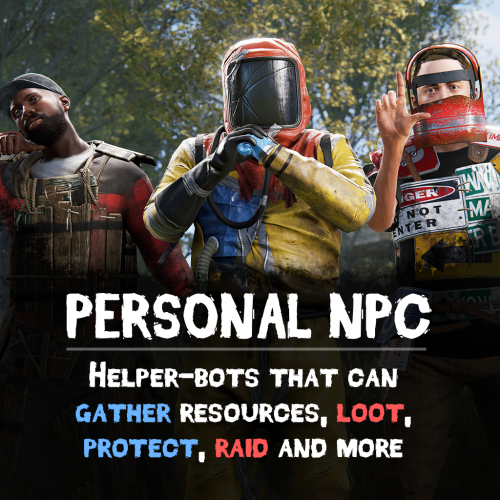 oh awesome, one last question, can npc jump into karuzas custom vehicles aswell?
 -
https://codefling.com/plugins/customizable-protection https://codefling.com/plugins/customizable-weapons https://codefling.com/extensions/custom-item-definitions Edit: So basically making new shortname via skinid, and tweaking dmg stats and resistances.
-
Hello, does this plugin support customizable weapons and protection plugin?
-
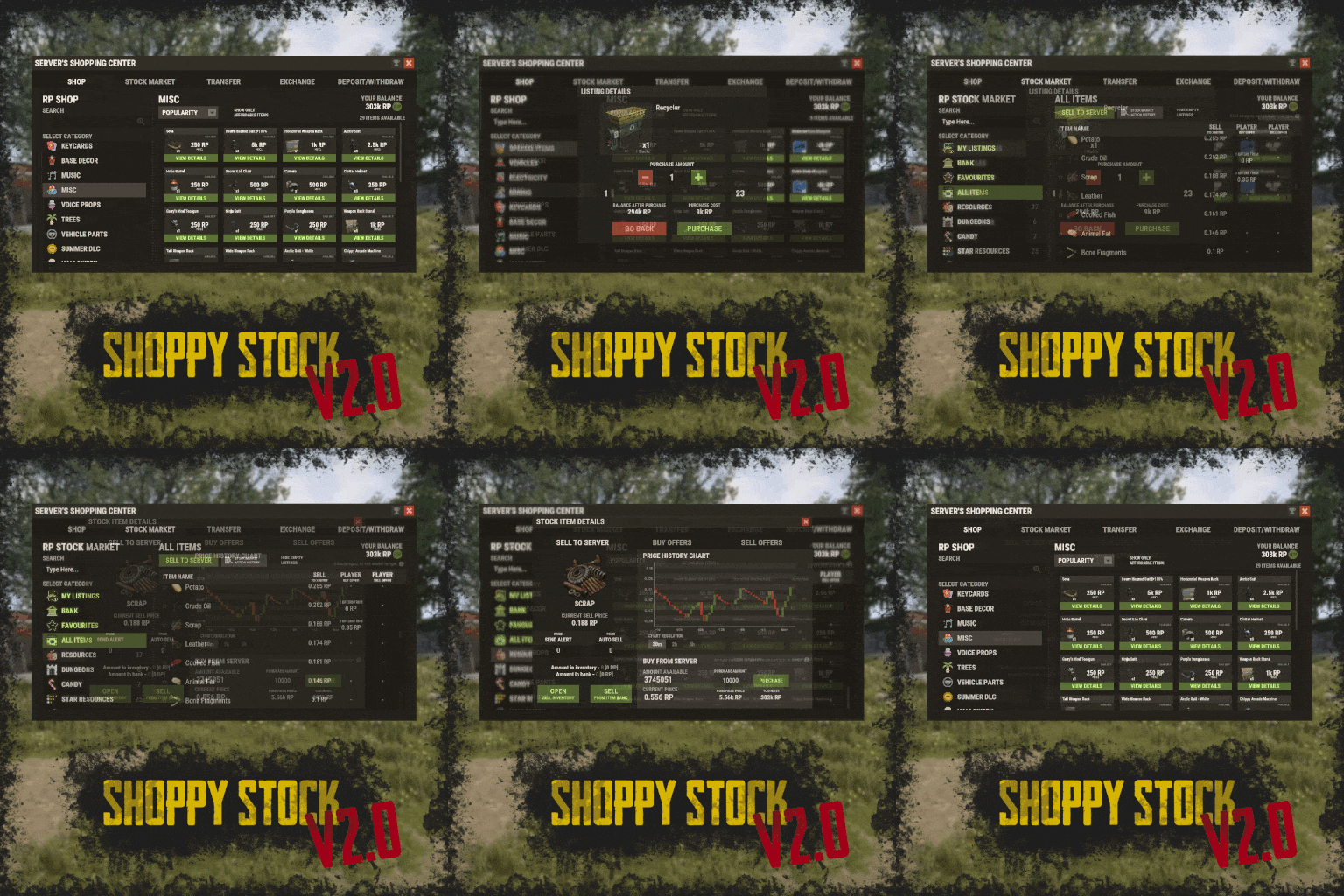 One thing that is pretty smooth is to add a link in ur serverpanel, then shop will overlay serverpanel automatically, so it doesn't close serverpanel, and best part is, it makes server panel blurry while ur in shop. I attached an example of my serverpanel to shop, I added the link "Shop" in top of my serverpanel. Just set it to "Button" and add chat.say /shop in bottom of left menueditor.
 -
 Thank you for the answer!
 -
Hello, I asked a few days ago on Lone Design, is this prefab spawning via plugin or u need to edit world? Would like an answer before I buy thank you.
-
sometimes you need to reload ImageLibrary
-
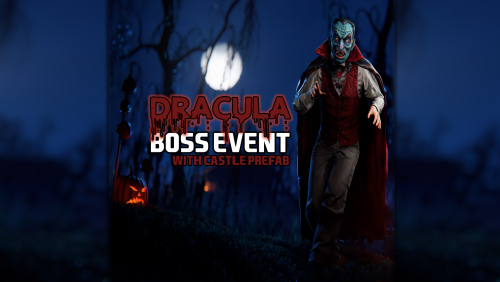 I am really curious on this plugin, is the boss hp adjustable? Since I have custom weapons made with over 1000 dmg, modded guns with rockets and lifesteal I need to be able to adjust hp of boss and dmg. preferebly aim cone aswell but not a must. Please can I get an answer on this? Edit, I did not read the whole description carefully, I bought it
 -
The UI is absolutely amazing, and the configuration options for this plugin are endless! I even got my custom-made items to fit perfectly in the shop, all thanks to the developer, who’s been more responsive than anyone I’ve ever worked with. 10/5
-
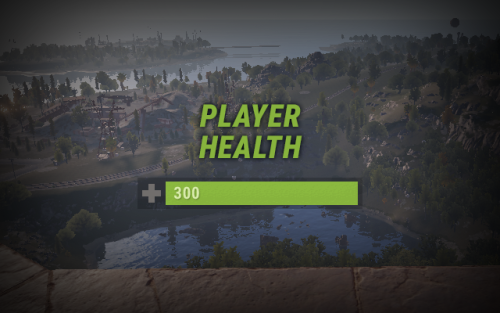 Love your plugin so much! Made it so any custom items can have different hp, it freaking awesome!
 -
Hello, when I implement customizable items, they just get a white square instead of skinid picture. Is it possible to connect CustomizableWeapons and CustomizableProtection so it works properly with the pictures somehow? cause it sure is possible to change the vanilla items skins in the shop thrue the plugins so thinking there should be some way for custom items too
-
 can this plugin find god rocks?
 -
 I was gonna say, I already tested this, but something must have glitched out, I did it several times. I must have missed something lol, it's working fine... thanks
- 185 comments
-
- 1
-

-
- #customizablequests
- #dezlife
- (and 5 more)