
About Item Showcase UI
Browse and showcase your custom items in-game with categories, search and themed UI.
Features
• Unlimited categories
• Color formatted text (<color> tags supported)
• Search by name, shortname or skin ID
• Item images via ImageLibrary (shortname or URL)
• Designed for modded servers with custom items
Admin Command
/additem <category>
• Registers the item you are currently holding
• Works with exact category name from config
• Also works if you type the category without color tags
• Example: 1<color=#FFD700>★</color> can be added using /additem 1★
• Automatically sets shortname, SkinID (0 if none) and the lowest available unique ID
How to open ItemShowcaseUI
Use /items
Optional Dependency
ImageLibrary - only required for item images
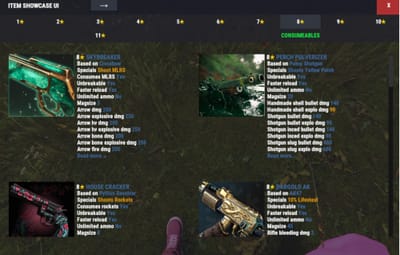
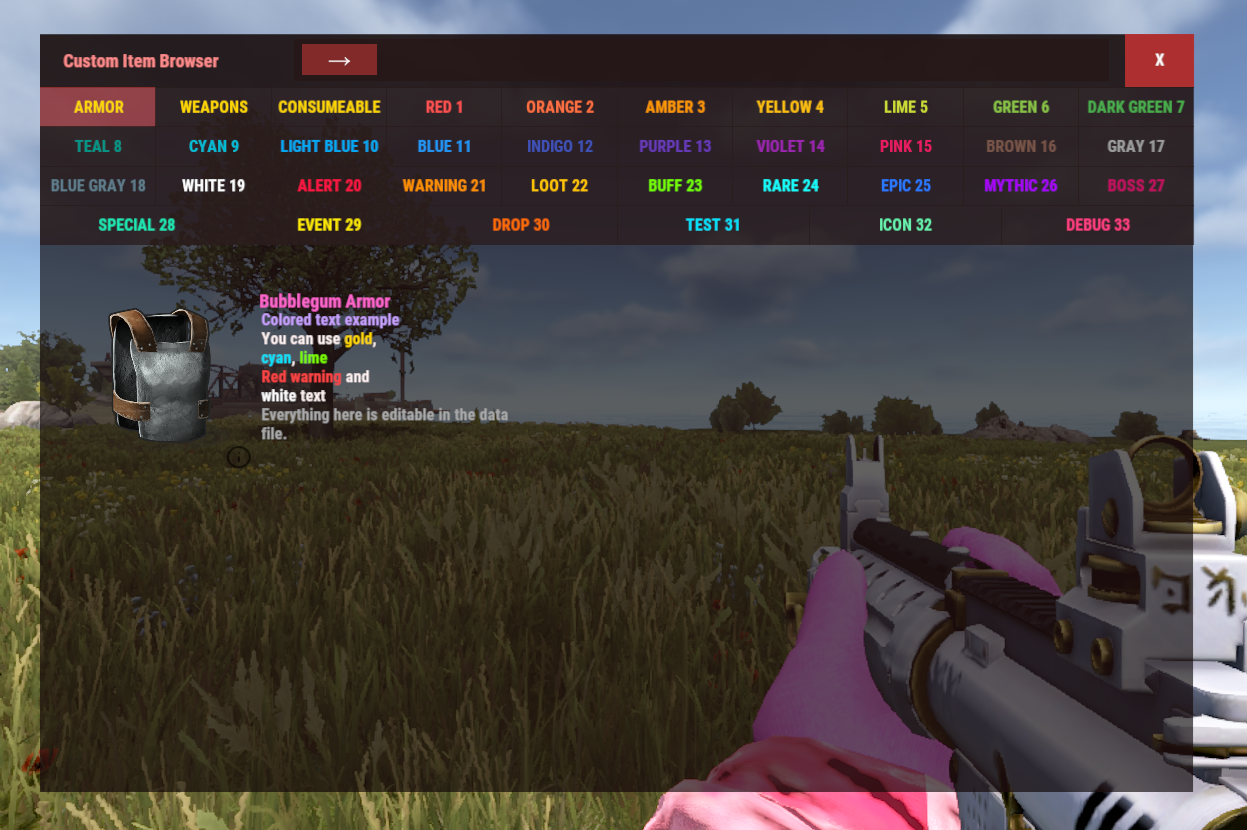
Example of adding more categories and different colors to both UI and info text.
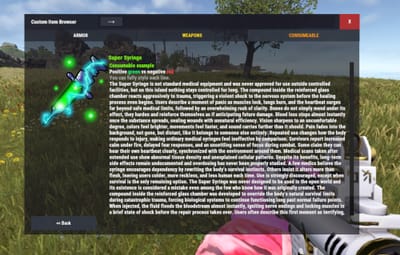
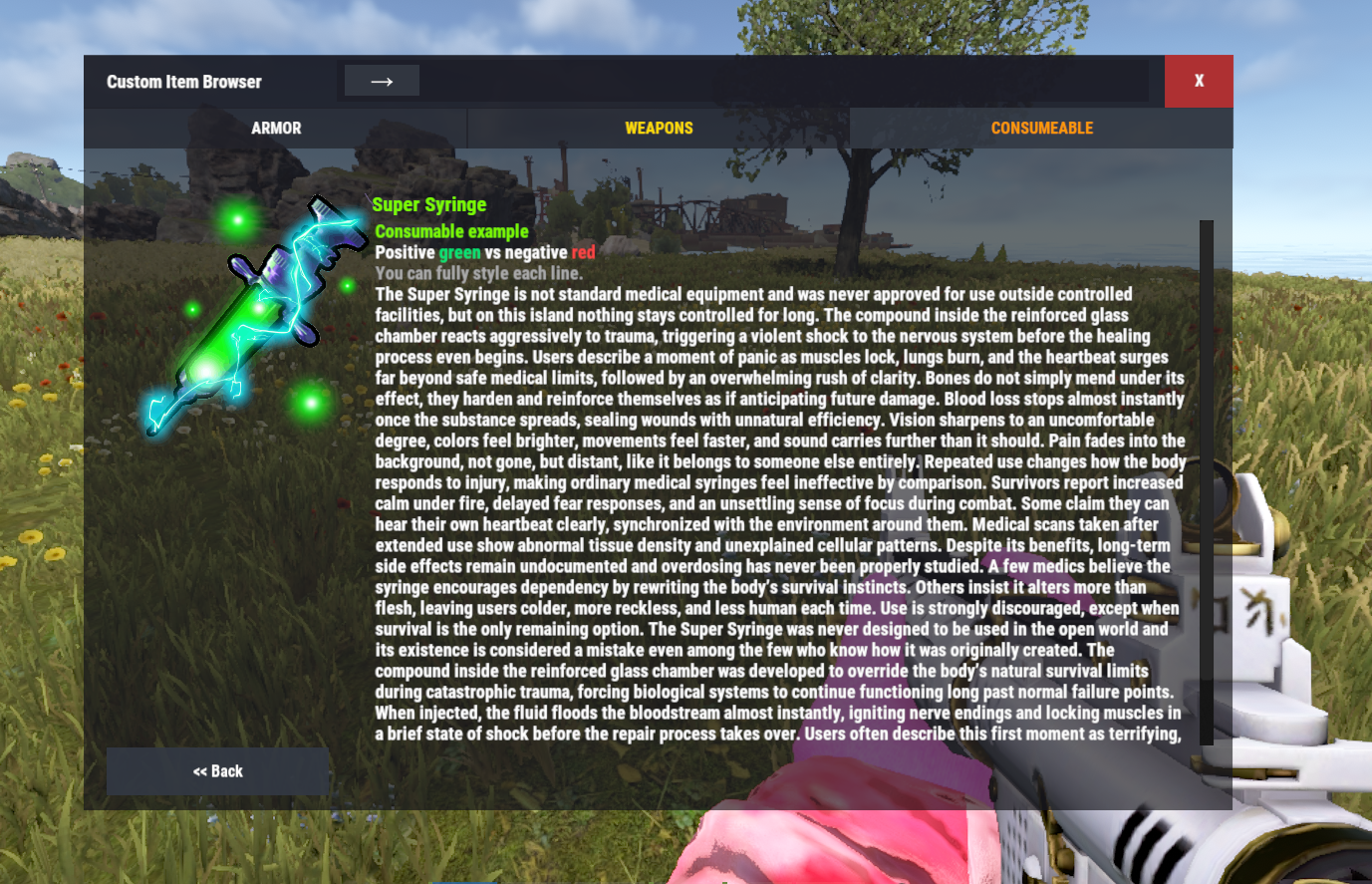
Endless Info text
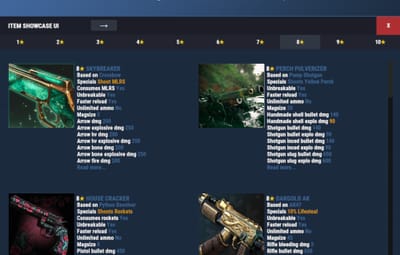
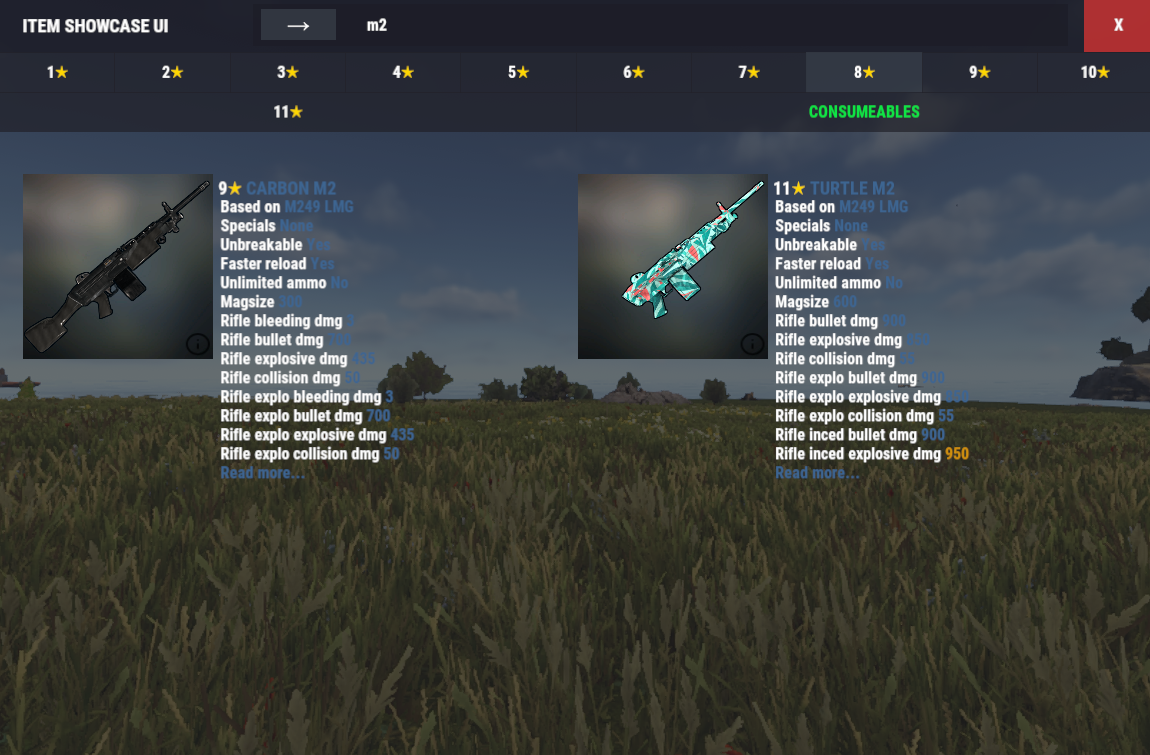
Easy to find items with searchbar
Data Example
{
  "Id": 1,
  "DisplayName": "<color=#FF66CC>Bubblegum Armor</color>",
  "Category": "<color=#FFD700>ARMOR</color>",
  "Shortname": "metal.plate.torso",
  "SkinID": 0,
  "Url": null,
  "Description": [
    "Colored text example",
    "Gold, cyan and lime colors supported"
  ],
  "Drops": [
    "Elite Crate",
    "Dungeon Boss"
  ]
}
Config Example
{
  "General": {
    "Browser Title": "Custom Item Browser",
    "Categories": [
      "<color=#FFD700>ARMOR</color>",
      "<color=#FFD700>WEAPONS</color>",
      "<color=#FFD700>CONSUMABLE</color>"
    ]
  },
  "Override UI Theme (None, Blue, Teal, Purple, Green, Yellow, Orange, Red, Pink, Swamp, Oak)": "None"
}