
Theswingingturtle
-
Posts
190 -
Joined
-
Last visited
Content Type
Profiles
Warranty Claims
Downloads
Forums
Store
Services
Downloads Plus Support
DOWNLOADS EXTRA
Reels
Everything posted by Theswingingturtle
-
 hellooo, very cool plugin, does it offer configuration for hp and dmg of npcs? like can I do 2m hp and up dmg to 10k+ for example? If not, could you add it?
 -
.thumb.png.869cef4c06723841adb05a43027fe8f0.png) it's not bad, on vanilla I'm sure it's 1 or 2 hit on a full set, but on my gears it does like 15 dmg per suicuide bomber, but I can see this going wild when I can up the dmg on the bombers, I think bomb dmg is hardcoded to 80 or something
it's not bad, on vanilla I'm sure it's 1 or 2 hit on a full set, but on my gears it does like 15 dmg per suicuide bomber, but I can see this going wild when I can up the dmg on the bombers, I think bomb dmg is hardcoded to 80 or something -
Could you also make dmg adjustable on the suicuide bombers? the explo damage?
-
Hello, love the idea, and I am excited to fully use this plugin! Could you add damage and hp multipliers to the enemies that can be raised to the roof please?
-
It's been almost a month and it's converting animals to other animals
-
oh, sad day for us then, thank you for the answer
-
after wipe boss becomes invisible if you have clothing.mannequin equipped to him
-
 is it possible to allow shortname+skinid to loottables, atm it becomes vanilla use of the item when u set shortname + skinid
 -

Failed to create agent because it is not close enough to the NavMesh
Theswingingturtle replied to DuGe's Support Report in Support
Can confirm it's working properly after NpcSpawn update -
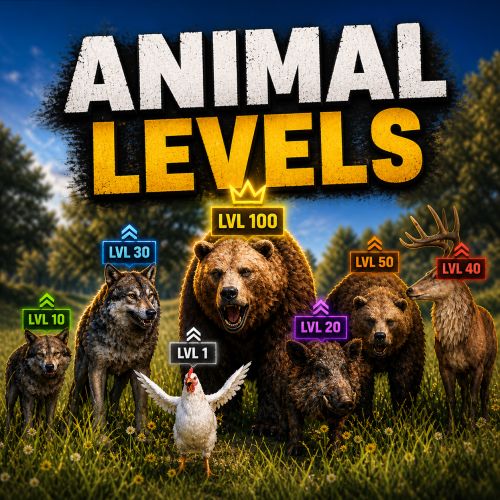 This is a must have for RPG servers. The loot table is super wide and gives you a lot of freedom. You can make huge legendary animal bosses with insane damage and massive health pools. The dev also replies fast, adds requested features and helps out asap. Easy 5/5.
 -
Failed to create agent because it is not close enough to the NavMesh
Theswingingturtle replied to DuGe's Support Report in Support
I went there in vanish, no issue. Turned off vanish and triggered npc's and spam started. I tested HQM Quarry same method and it triggered when npc's saw me. -
Failed to create agent because it is not close enough to the NavMesh
Theswingingturtle replied to DuGe's Support Report in Support
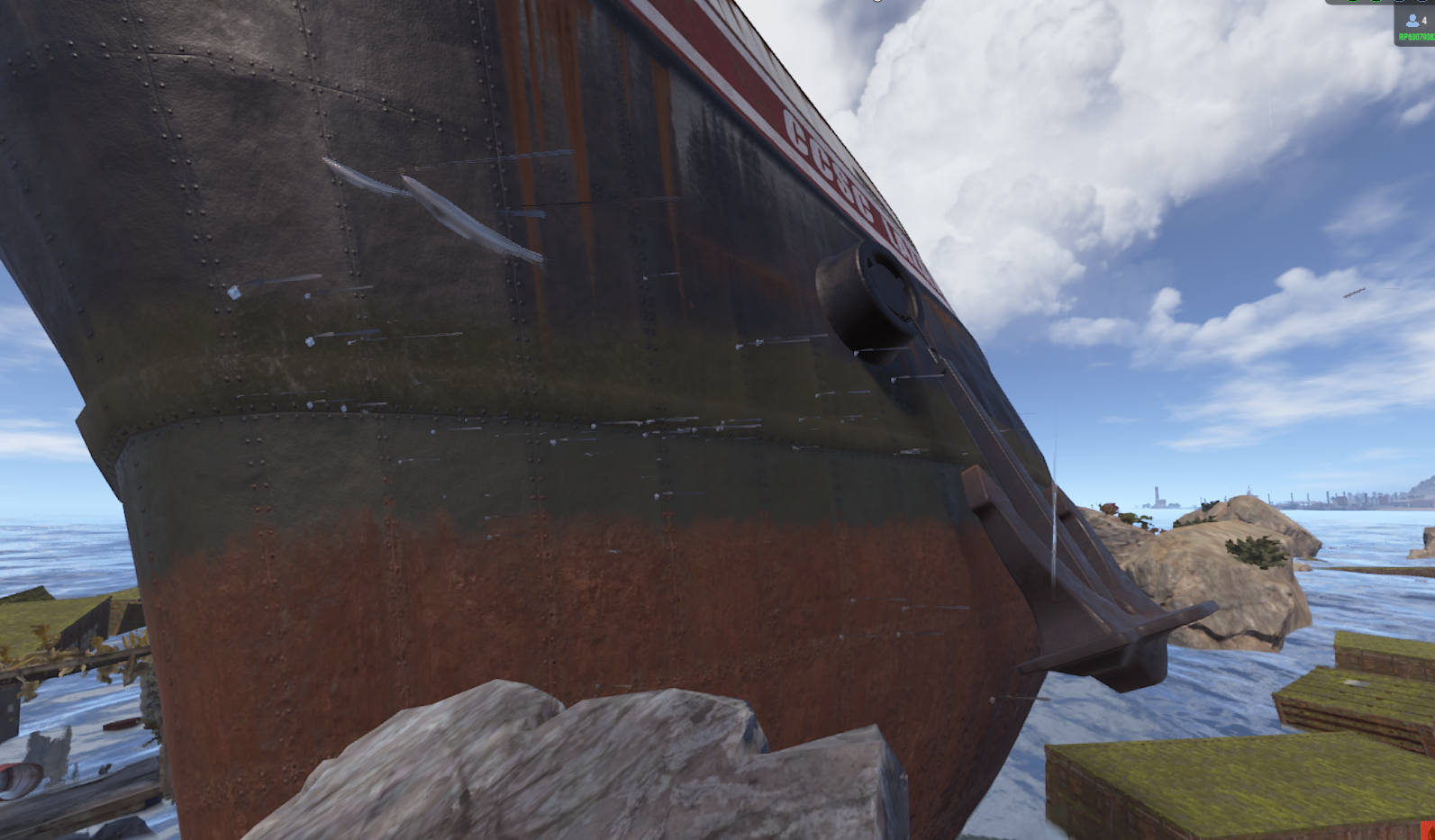
and there's a few fishes floating around the ship aswell
-
Failed to create agent because it is not close enough to the NavMesh
Theswingingturtle replied to DuGe's Support Report in Support
Hi, this is a problem for me to, in raw logs only. spamming alot of it. It's for me when you visit The Broken Giant (so far) what I've found. -
[AnimalLevels] Can not apply damage modifier to 'Panther (lvl. 10)' [AnimalLevels] Can not apply damage modifier to 'Panther (lvl. 12)' [AnimalLevels] Can not apply damage modifier to 'Explosive Crocodile (lvl. 16)' [AnimalLevels] Can not apply damage modifier to 'Panther (lvl. 5)' [AnimalLevels] Can not apply damage modifier to 'Big Panther (lvl. 34)' [AnimalLevels] Can not apply damage modifier to 'Panther (lvl. 11)'
-
I freaking love the concept!! Could you pretty pleease add damage & movement speed adjustment?
-
Hello, love the plugin! Could you please add Start/Stop console command, EventsManager that I'm using only support console commands and would be nice to have it in the planner.
-
 Added in latest update. You can now blacklist attachments per weapon.
 -
When exiting InventoryViewer https://umod.org/plugins/inventory-viewer Failed to call hook 'OnLootEntityEnd' on plugin 'QuickLoot v1.0.5' (NullReferenceException: Object reference not set to an instance of an object) at Oxide.Plugins.QuickLootExtensionMethods.ExtensionMethods.GetInventoryItemList (BaseEntity baseEntity) [0x0003a] in <6678e964fb2d4e358b22a24f859d94be>:0 at Oxide.Plugins.QuickLoot.ShowPreview (BasePlayer basePlayer, BaseEntity storage, System.Boolean drawBase, System.Boolean drawFooter, System.Boolean drawContent, System.Boolean drawPage) [0x0008d] in <6678e964fb2d4e358b22a24f859d94be>:0 at Oxide.Plugins.QuickLoot.OnLootEntityEnd (BasePlayer basePlayer, BaseEntity storage) [0x00021] in <6678e964fb2d4e358b22a24f859d94be>:0 at Oxide.Plugins.QuickLoot.DirectCallHook (System.String name, System.Object& ret, System.Object[] args) [0x0055d] in <6678e964fb2d4e358b22a24f859d94be>:0 at Oxide.Plugins.CSharpPlugin.InvokeMethod (Oxide.Core.Plugins.HookMethod method, System.Object[] args) [0x00079] in <42f9bedc659b4f4786eb778d3cd58968>:0 at Oxide.Core.Plugins.CSPlugin.OnCallHook (System.String name, System.Object[] args) [0x000de] in <15f61ddda771464d8246ebdce8ff4811>:0 at Oxide.Core.Plugins.Plugin.CallHook (System.String hook, System.Object[] args) [0x00060] in <15f61ddda771464d8246ebdce8ff4811>:0
-
I can't change npc's clothes. Held Item works fine, but not the rest. Whatever I try he keeps looking lik in the picture. I tried unload before saving changes but clothes doesn't change.
-
.thumb.gif.85db1086c3a89ac3c74d631b5eb77942.gif) tdDroneCollider
tdDroneCollider -
Love the plugin! Could you kindly add support for drones? Hooks: void DroneEventDroneKill(BasePlayer player) - called when a drone is destroyed. BasePlayer player- is the last one to deal damage to the drone
-
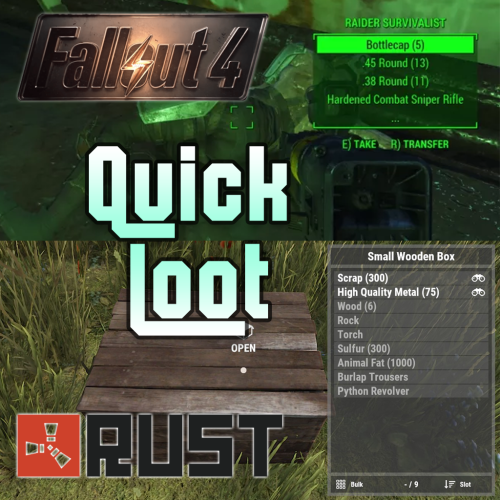 Hello, love the plugin, using the fallout preset since I am a old fan Many players been asking for a bind for Loot ALL, could you please consider adding the feature? 1 button to take full box
 -
Added SkinID blacklist to config. You can now block skins from triggering RocketWeapons. Use CustomName (display name override) if you still want to use them for rewards/loot.
-
I added a permission-based give command per item in the config. You can use giverw <player> <givecommand> in console or /giverw in chat.
-
I tested the plugin "Give" by Mr.Blue, it worked fine for me, try this command: giveto <playername/steamid> <shortname> <amount> <skinid> works in chat aswell just add "/" before. Example in chat for your skin: /giveto T-Nuts rifle.ak 1 2782816777