-
Posts
356 -
Joined
-
Last visited
-
Days Won
5
Content Type
Profiles
Warranty Claims
Downloads
Forums
Store
Support
DOWNLOADS EXTRA
Services
Everything posted by Bad Cop
-
No prob, yes rustedit dll is installed
-
Also walking into cars and taking damage from it: Other navmesh/colldier issue: Fallling through Terrain Blend Cube:
-
Thanks @walkinrey, i found the teleport option. It is a custom map but you know, normal roads/junkpile spawns. It can walk correctly when follow, but not when sending to farm. (using bot settings by permission) PersonalNPC.json
-
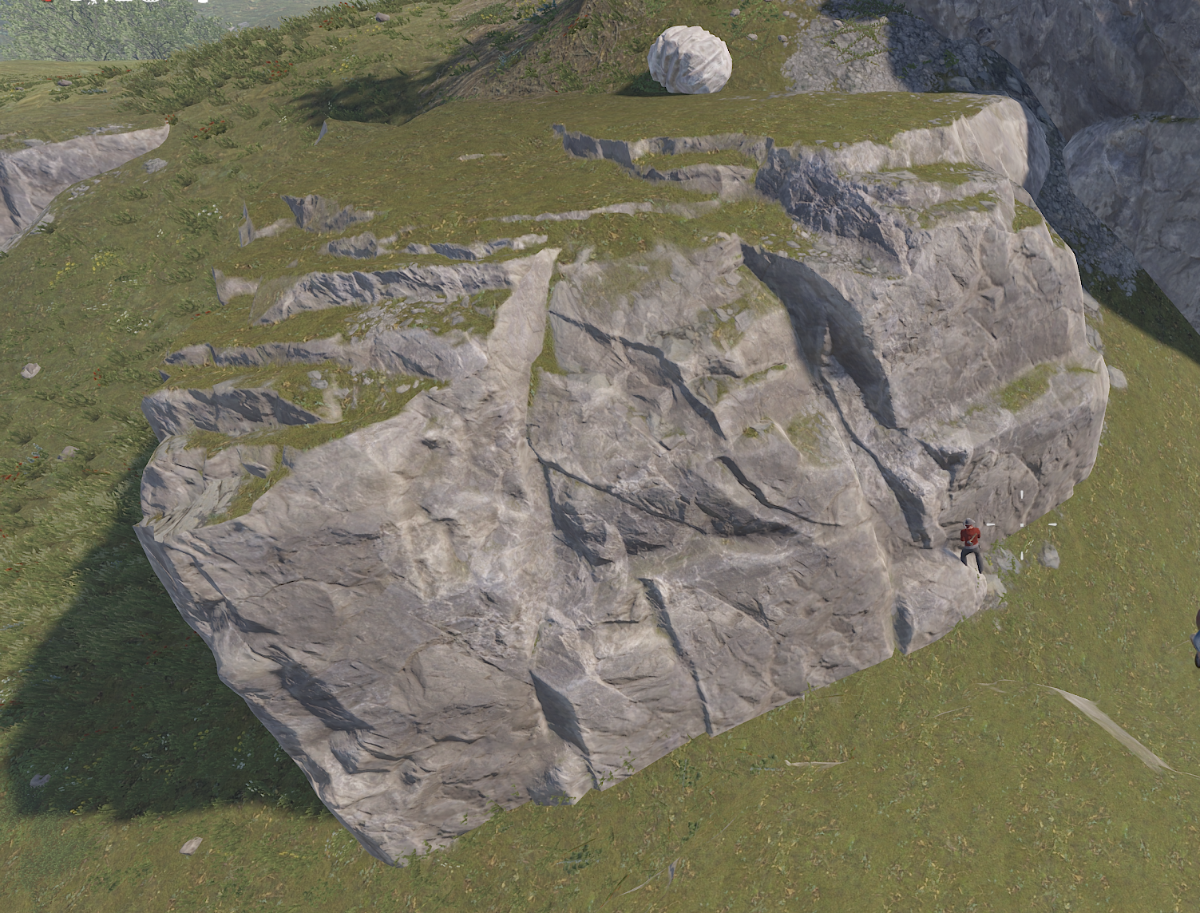
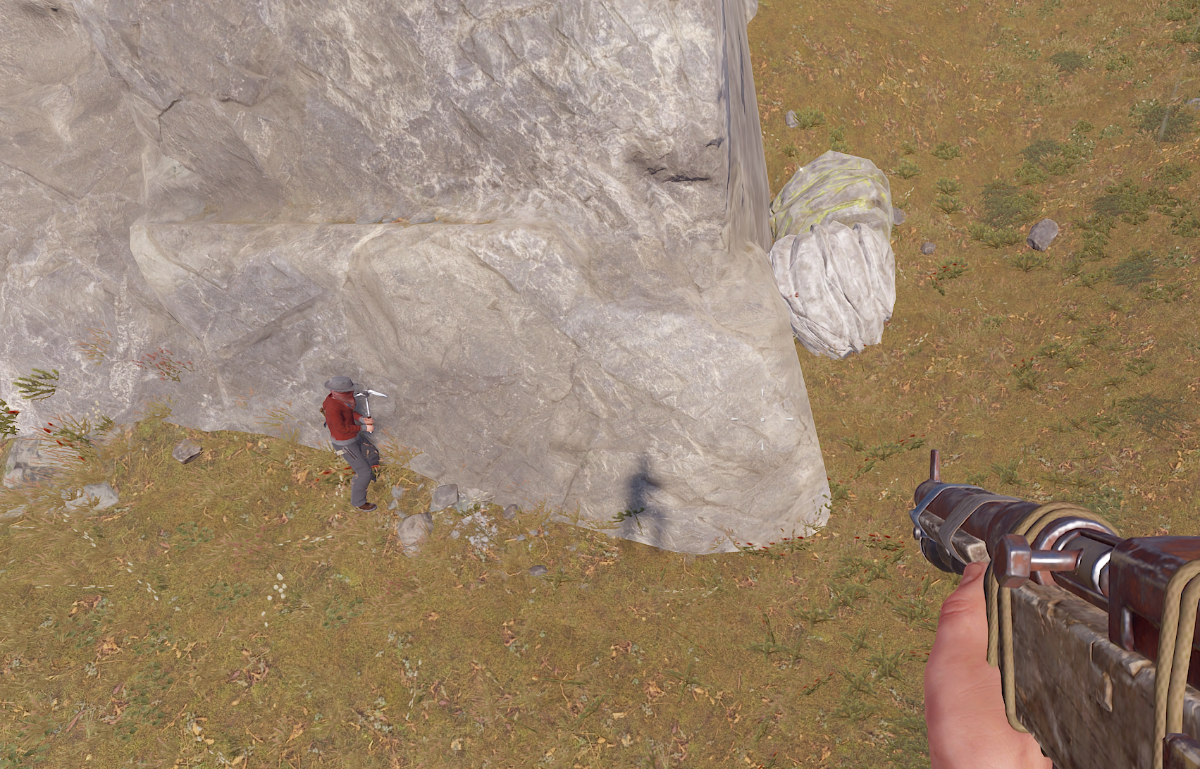
Trying to go through the rock to get to the stone node

-
Buggy and even working functions need constant babysitting. Cutting trees is OK if lots of trees around and dont need to climb. Small trees cannot be hit by the bot, just gets stuck Ore nodes are OK, if they are at normal height, not on a cliff. or not spawned half inside rock. Barrels, no way . can't even walk to to them, and if can, will be stuck 99% of the time Needs ability to go up/down cliffs (player can, bot can't follow) Bot teleport to player command would be useful. Bot despawns on disconnect/server restart losing all gear.
-
Version 2.0.0
33 downloads
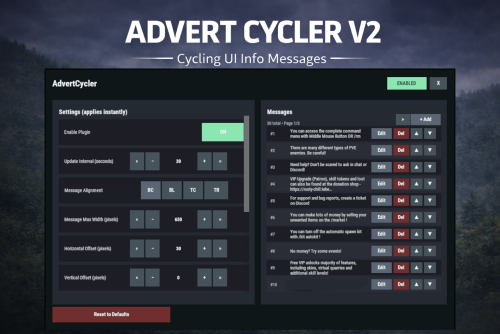
AdvertCycler lets you create a rotating list of on-screen info messages (“adverts”) that display to players without spamming chat. It’s a clean, unobtrusive alternative to chat-based announcers, and the positioning is designed to remain consistent across different screen resolutions and UI scale settings. Messages cycle on a configurable timer, either in order or randomly. You can fine-tune how the message looks and where it appears using: Preset alignment modes (Bottom Center / Bottom Left / Top Center / Top Right) Horizontal + Vertical offsets (with small/big nudge controls for precise positioning) Max text line width Font size Optional text outline with configurable color (quick-pick color swatches in the UI) Admin UI (Instant Apply) AdvertCycler includes a built-in admin UI for live editing and previewing changes in real time: Toggle the plugin on/off Adjust interval, alignment, offsets, width, and font settings Enable/disable outline and pick outline color Choose whether the advert displays on Overlay or Hud Manage the message list: Add / Edit / Delete Reorder messages (move up/down) Paging for large lists All changes apply instantly, so you can visually tune placement and style while in-game. Permissions advertcycler.admin - Grants access to the admin UI and allows editing of all AdvertCycler settings and messages. advertcycler.view - players/groups with this permission will be shown the advert messages. Chat Command /adverts - opens the editor UI Config Example { "AdvertCycler": { "Enable Plugin": true, /Can disable globally from config if needed for whatever reason. "Update Interval (seconds)": 30, /How often the message should change "Message Alignment (BottomCenter/BottomLeft/TopCenter/TopRight)": "BottomLeft", /Base position where the messages should appear "Message Max Width (pixels)": 300, /Maximum line width for text. Anything beyond carries on new line "Vertical Offset (pixels)": 10, /Fine Up and Down adjustment of text position "Horizontal Offset (pixels)": 2, /Fine Left and Right adjustment of text position "Enable Text Outline": true, /Enable or disable text outline "Text Outline Color (HEX)": "#000000", /Color of text outline. Black by default. "Font Size (pixels)": 12, /Text font size "Display as Overlay": true, /Displaying the messages as overlay will allow them to be seen on top of other in game hud screens such as inventory "Randomize Messages": false, /Messages can be displayed at random "Message List": [ "For server info, type <color=#30FEDE>/info</color> in chat.", "There are many different types of PVE enemies. Be careful!" ] } } HTML can be used in messages to modify color in full or partially, example: For server info, type <color=#30FEDE>/info</color> in chat.$7.99 -
.thumb.png.d6edeefa3275412f083ba987718efe57.png) It's possible that plugin is causing it, or another that interacts with recyclers. Maybe some other plugin that allows placing recyclers which also gives them health properties such as Crafts By default, static recyclers don't have health. Whether you place them with map editor or with F1 command entity.spawn recycler_static
It's possible that plugin is causing it, or another that interacts with recyclers. Maybe some other plugin that allows placing recyclers which also gives them health properties such as Crafts By default, static recyclers don't have health. Whether you place them with map editor or with F1 command entity.spawn recycler_static -
Sadly I cannot see a way of modifying that, it's not exposed anywhere in the code. Will double check. An alternative would be drawing a box over it to cover it up, but it might look funky. Will have look, no guarantees :]
-
Version 1.0.0
566 downloads
Simply returns all safezone recyclers back to normal - setting them to the same efficiency settings as radtown recyclers and washing off the ugly yellow color. This process will happen automatically on load, and whenever a recycler is manually spawned in a safezone. Optional commands to force safe/not safe anytime. Permissions: unsaferecycler.use - required to run commands, if necessary Commands: unsaferecycler - not required on plugin load, but if for any reason a recycler spawns with safezone settings or you use the saferecyclers command, can use this to force them back to unsafe. saferecycler - in case you want to make all the recyclers safezone recyclers again,Free -
 I'll have to confirm this , something reported to me but haven't had a chance to test out fully
 -
Attachments disappear from guns when moved via conveyor. Not sure if vanilla behavior or due to this
-
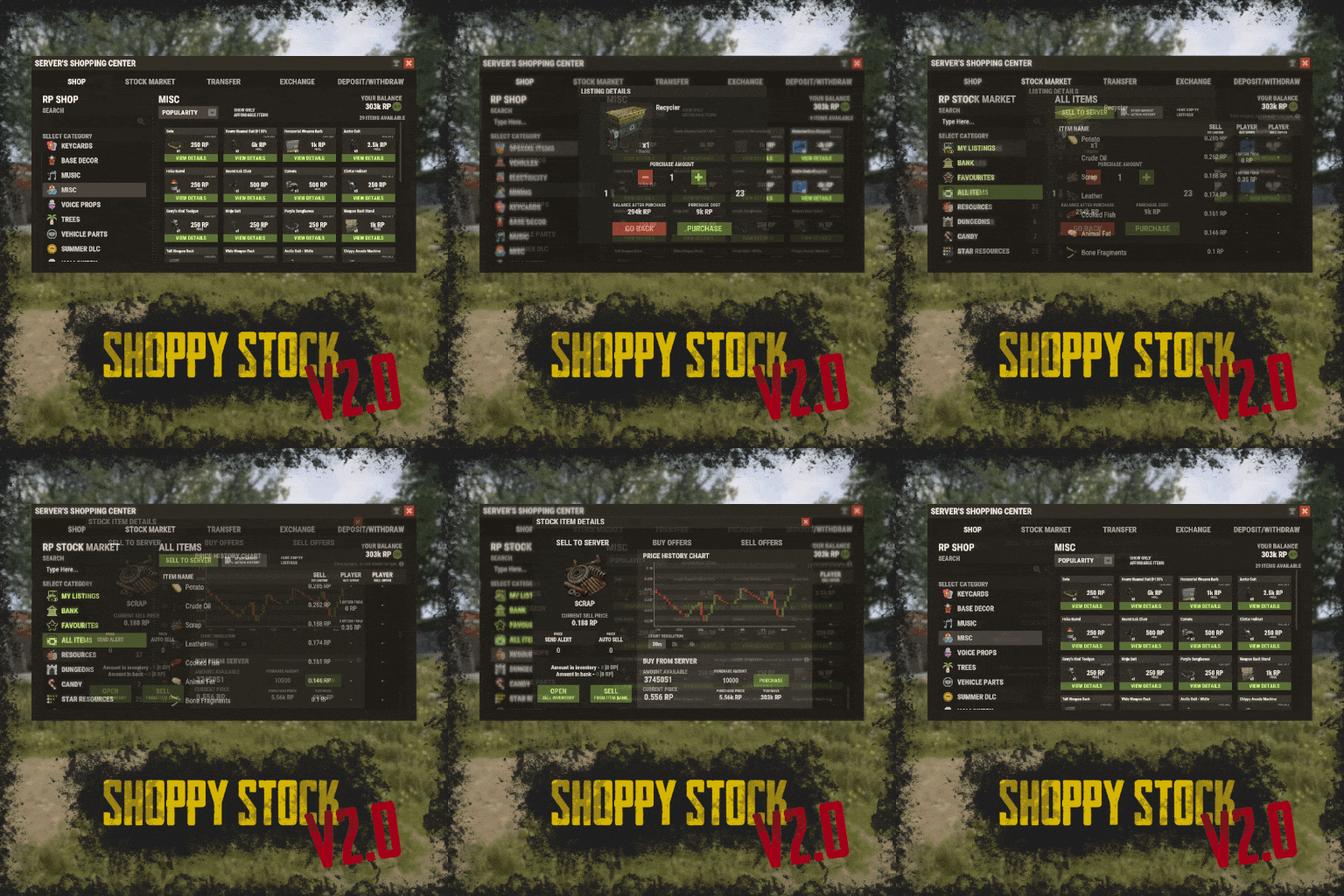 Can someone give me a TL;DR on how this works in terms of player to player trades? Essentially looking for something that will allow players to list an items on a market, to trade for other items. Needs to support custom skins/displayname in both directions. This seems to have a lot of functionality, but player to player ebay type market is the only one i really care about.
 -
 Config was super comfortable to do. The GUI system is 10/10, all nicely organised and makes sense. I was even able to mod quarries including the static quarry which we make craftable. Players are going to love the balanced output. Just had a little problem with stacks multiplying due to stacksize controller, but figured it out. Had to reinstall it, set stacksize to vanilla and only then delete it and increase stacksize with this plugin. 10/10 +
- 1,126 comments
-
- 1
-

-
- #loot
- #customloot
- (and 13 more)
-
Well shit i was right. Though i can't say i'm looking forward to spending the whole night configuring hahah. Much love.
- 1,126 comments
-
- 1
-
-
- #loot
- #customloot
- (and 13 more)
-
This at least looks much "cleaner" than what i've used until now, let's give it a shot
-
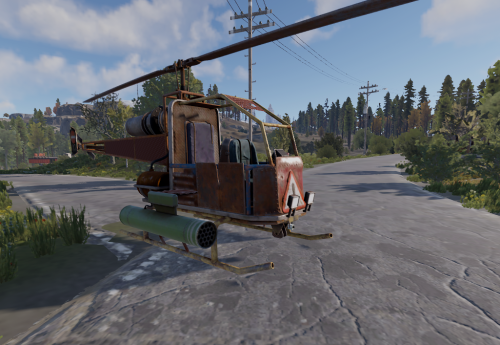 Does it? :0 For me it just says i already have a minicopter, use /nomini to destroy it Always need to use /gmini to fetch it
 -
 How does this work when a player is top in multiple categories? I only want to display one title, how is it decided or how can the player choose which of their titles to display?
 -
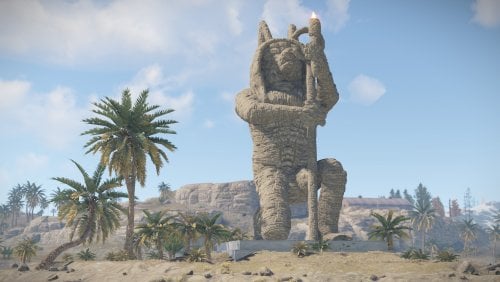 Cool and scaleable, thanks for sharing
 -
Thank you
-
 Working after v1.2.4
 -
Looks like its not working, i tried everything
-
 Will probably break or spawn both vanilla and mod NPCs. We will see on the day.
 -
 This looks almost perfect for me, but wondering how this whitelist/blacklist works? Blacklist or whitelist items to each perk, so they will be exclusively excluded or included (based on the list you choose). There are so many shortnames/items in rust, if i want certain "perk" to work only with weapons, i have to add shortname of every weapon? It sounds like a lot of work, a very long config and editing whenever Rust add new item? Same if i want certain perk to work only with clothes, or with tool. Am i right or is it easier than this? Or maybe its already defined in the default config ?
 -
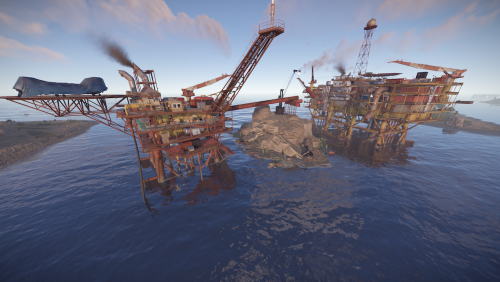 Seem to have a small problem importing this. All the loot boxes are floating in the air high above the rigs
 -
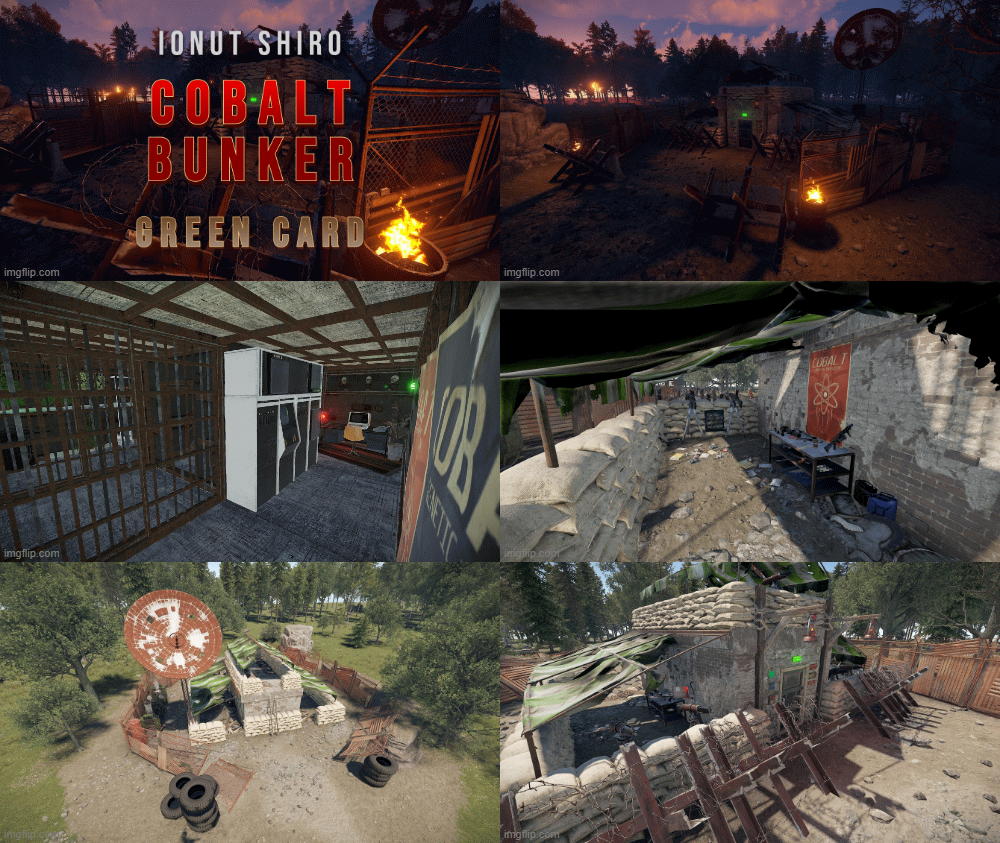 I don't know what i've done wrong. Its not just this custom prefab affected The security door/card reader and other IO stuff not spawning in.