

badgyver
-
Posts
622 -
Joined
-
Days Won
11
Content Type
Profiles
Warranty Claims
Downloads
Forums
Store
Services
Downloads Plus Support
DOWNLOADS EXTRA
Reels
Everything posted by badgyver
-
No, don't worry: sometimes things get misinterpreted in text messages, but I'm used to it by now. If you have any problems with the map, let me know and I'll fix it, but, as I already told you, this new Rust update only affects the add-ons.
-
I can confirm that the RustEdit extension has been updated. You probably haven't updated the RustEdit extension to the latest version, and that could be the cause of the error.
-
Well, all I can tell you is that custom maps haven't changed with this update, and my map doesn't contain any plugins. Anyway, if you want, you can send me your server's log so I can check what's going on, but everything points to errors in your plugins. You also need to keep something else in mind: RustEdit hasn't been updated to the new Rust update yet, but I'll say it again—everything points to an error in your plugins.
-
Hi, have you tried the map without plugins? Because, in theory, this new Rust update doesn't affect the maps—it only affects the plugins.
-
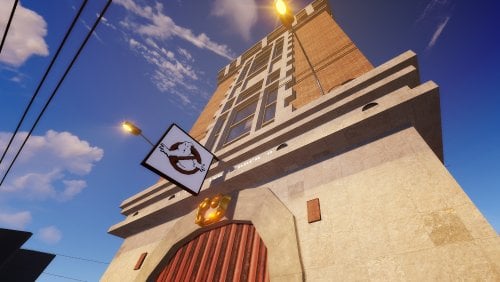 Hello, I’ve just checked it in RustEdit, and everything is as it should be.
 -
 Hi, I'm sorry, but that's not possible right now. However, this plugin from another developer is available. https://codefling.com/plugins/npc-bands
 -
Hi, I'm sorry, but that's not possible right now. However, this plugin from another developer is available. https://codefling.com/plugins/npc-bands
-
I'm glad you liked it; thanks for your support.
-
Version 1.0.4
35 downloads
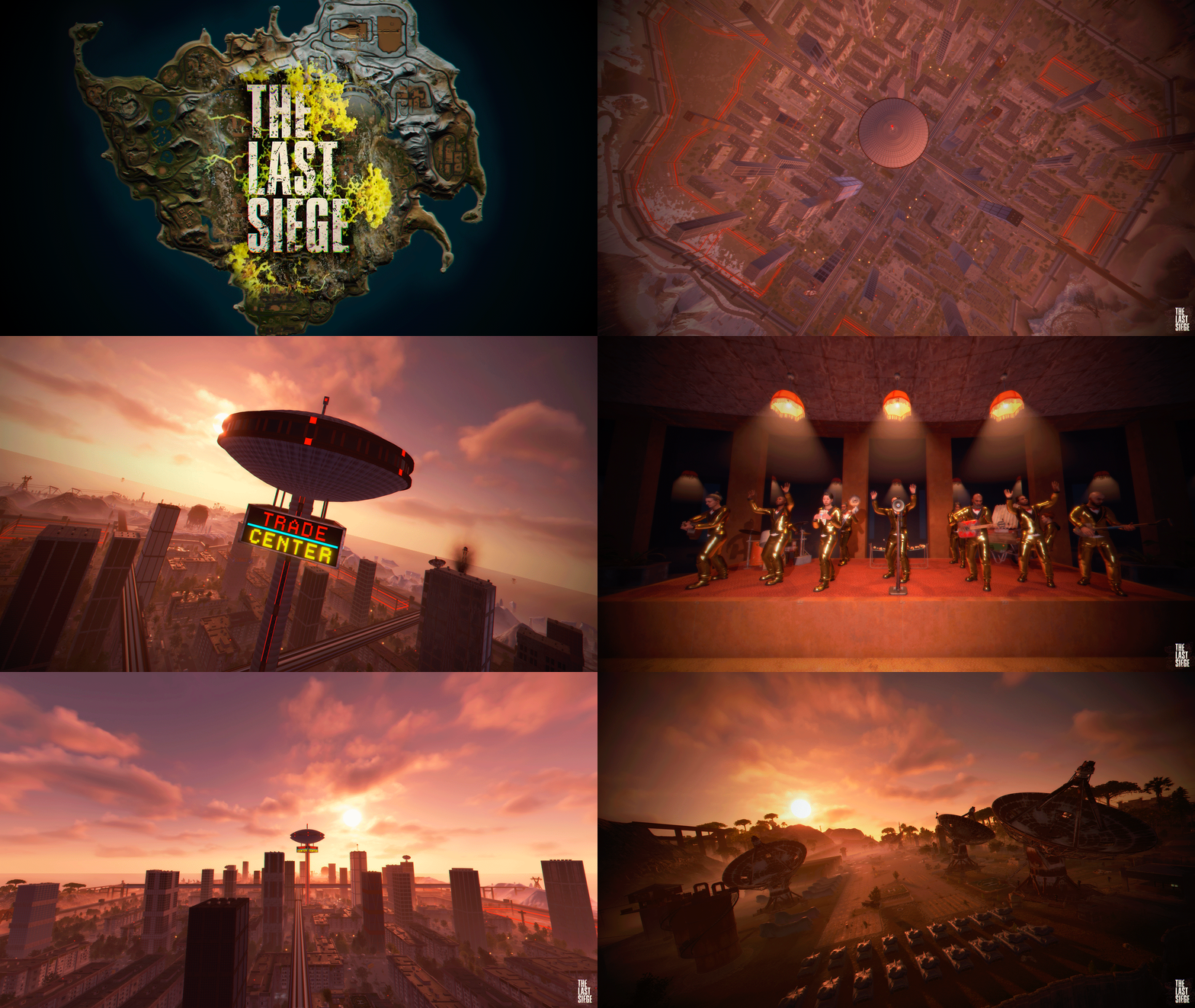
The Last Siege, a massive city surrounded by great walls that protect it from outside threats. Dare to cross the wall and explore a world teeming with enemies; all of Rust official monuments are available in The Last Siege. FEATURES SIZE: 5000 OBJECTS: 44511 THE MAP CAN BE EDIT: Yes ONE PLUGIN, MULTIPLE FUNCTIONS... APARTMENT COMPLEX, 16 complexes · 992 rooms RENT KIOSK, 16 receptions with NPC clerks ROOM UPGRADES, 7 / 6 / 8 upgrades by room size GUEST SYSTEM, guests with full access NPC MUSIC BAND, 615 songs · 9 instruments ART MUSEUM, 63 exhibits · 150 scrap/day SATELLITE CRASH EVENT Tevery 1–3 h · 5 scientists CH47 CHINOOK CRASH EVENT, Tevery 2 h · 2 crates · 4 NPCs AIR RAID EVENT, Tevery 1–3 h · 2 F15 jets ZOMBIE HORDES, 25 horde spawn points SAFE ZONE PROTECTION, aircraft kept out of safe zones RAIDABLE BASES INTEGRATION, optional · first-hit ownership, automatic spawn points without configuration AUTOMATIC DOORS, lifts 10 s · hatches 60 s APARTMENT COMPLEX SMALL: 25 scrap, ROOMS: 256 MEDIUM: 150 scrap, ROOMS: 640 LARGE: 350 scrap, ROOMS: 96 NPC MUSIC BAND INSTRUMENTS, 9 (piano, drums, xylophone, tuba, trumpet, flute, bass, guitar, jerrycan guitar) DANCERS, Included, performing alongside the band TOTAL SONGS, 615 CROWD-PLEASERS, 250 flagged as well-known hits REPEATS, None until the full playlist has played UPTIME, Never goes silent — auto-recovers if playback ever stops SUPPORT: https://discord.badgyver.com$49.90- 6 comments
-
- 1
-

-
- #the last siege
- #siege
- (and 37 more)
-
That's right, you have to wipe the map, just the map; wipe only the map, not the players' progress.
-
I'm sorry, but I don't like sending map files via private message; just follow my instructions carefully, and I'm sure you'll be able to remove the turrets.
-
Open a ticket on my Discord, and I'll send you the map without the turrets when I'm done with work. Discord: badgyver.com
-
If you've deleted them from RustEdit, there's no way they'll reappear; perhaps you're not wipe them correctly on your server, or maybe you're placing the wrong copy of the map, but if you delete the turrets correctly from RustEdit, there's no way they'll reappear.
-
In RustEdit, select the "Sam" turret and press the "Delete" key on your keyboard. Another quick way to do this is to type "samsite" in the prefab history list, select all the turrets, and press the "Delete" key on your keyboard.
-
Hi, I can't remember right now which custom monument I created has SAM turrets. Could you send me a screenshot of the custom monument with the SAM turret so I can help you?
-
A new update is available. Thank you for the report.
-
Changed Status from Pending to Closed
-
Changed Status from Pending to Closed
-
Changed Status from Pending to Closed
-
Changed Status from Pending to Closed
-

Electrical IO to access underground doesn't work
badgyver replied to JackMachine's Support Report in Support
Changed Status from Pending to Closed -
 Hi, you can easily find the password in the “readme” file.
- 29 comments
-
- 1
-
-
- #extraction
- #extraction game
- (and 52 more)
-
Version 1.0.0
2 downloads
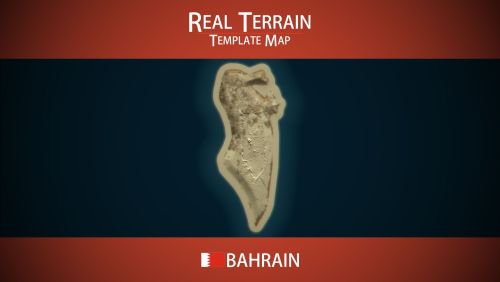
Bahrain Template Map is a template of the actual terrain of Bahrain. This template was created so that anyone can edit it to suit their needs using their favorite map editor. INCLUDES Real-world terrain and elevation with actual topography. Realistic texture map (splats). Realistic biome map. Password protected template for RustEdit. DOES NOT INCLUDE: Any type of prefabs. Does not include a topology map (The topology map has not been added so that users can modify the terrain to their needs; the topology map must be added manually by the user to avoid errors; the topology will be placed exactly beneath the splats map when generating the topology). SUPPORT:https://discord.badgyver.com$14.90 -
Electrical IO to access underground doesn't work
badgyver replied to JackMachine's Support Report in Support
This is normal; it's the price you have to pay for performing the wipe that way so as not to lose the players' progress. To ensure that the power system works smoothly, you have to perform the wipe correctly. This error isn't the map's fault, it's just the basic rules of Rust. I'm really sorry. Also make sure you have this file, "Oxide.Ext.RustEdit.dll"; sometimes when you wipe the server, it deletes this file. -
Version 1.0.0
2 downloads
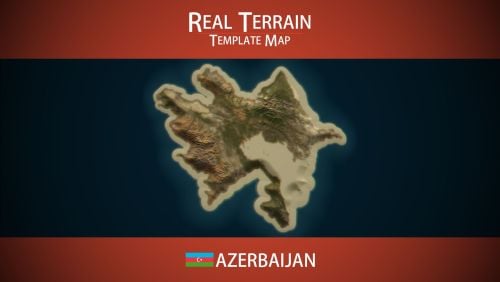
Azerbaijan Template Map is a template of the actual terrain of Azerbaijan. This template was created so that anyone can edit it to suit their needs using their favorite map editor. INCLUDES Real-world terrain and elevation with actual topography. Realistic texture map (splats). Realistic biome map. Password protected template for RustEdit. DOES NOT INCLUDE: Any type of prefabs. Does not include a topology map (The topology map has not been added so that users can modify the terrain to their needs; the topology map must be added manually by the user to avoid errors; the topology will be placed exactly beneath the splats map when generating the topology). SUPPORT: https://discord.badgyver.com$14.90