-
Posts
14 -
Joined
-
Last visited
Content Type
Profiles
Warranty Claims
Downloads
Forums
Store
Services
Downloads Plus Support
DOWNLOADS EXTRA
Reels
Everything posted by DeeOhGEE
-
getting the same error once i unload the npcs the issue clears. havent had any issues with raidable bases i even have population set to 0 on critters and animals. Server Exception: CritterAnimalFSM.BudgetedUpdate NullReferenceException: Object reference not set to an instance of an object. at UnityEngine.Bindings.ThrowHelper.ThrowNullReferenceException (System.Object obj) (at <7ef4b7e39e5e4212acadbf6d2e50d7fa>:0) at UnityEngine.Component.get_gameObject () (at <7ef4b7e39e5e4212acadbf6d2e50d7fa>:0) at UnityEngine.Component.TryGetComponent[T] (T& component) (at <7ef4b7e39e5e4212acadbf6d2e50d7fa>:0) at Rust.Ai.Gen2.SenseComponent.InSameTeam (BaseEntity other) (at <5c6eb1c7ffa24b1ea2180a66bcc56f9e>:0) at Rust.Ai.Gen2.SenseComponent.Tick () (at <5c6eb1c7ffa24b1ea2180a66bcc56f9e>:0) at Rust.Ai.Gen2.FSMComponent+TickFSMWorkQueue.RunJob (Rust.Ai.Gen2.FSMComponent component) (at <5c6eb1c7ffa24b1ea2180a66bcc56f9e>:0) at PersistentObjectWorkQueue`1[T].RunList (System.Double maximumMilliseconds) (at <6ee04996b0054ecc84ea5fdda86ca2fe>:0) at ServerMgr.Update () (at <5c6eb1c7ffa24b1ea2180a66bcc56f9e>:0) at UnityEngine.Debug:LogException(Exception, Object) at ServerMgr:Update()
-
 good concept buthere is a lot of things broken on the map puzzles you can t finish do to door path beign blocked by door colider floating clifs. monumnets that take up too much space but provide nothing to the game.
 -
Also experiencing this issue on my server. random stacks break leaving bottom row remaining
-
 would be able to get the space skin added for hqm?
 -
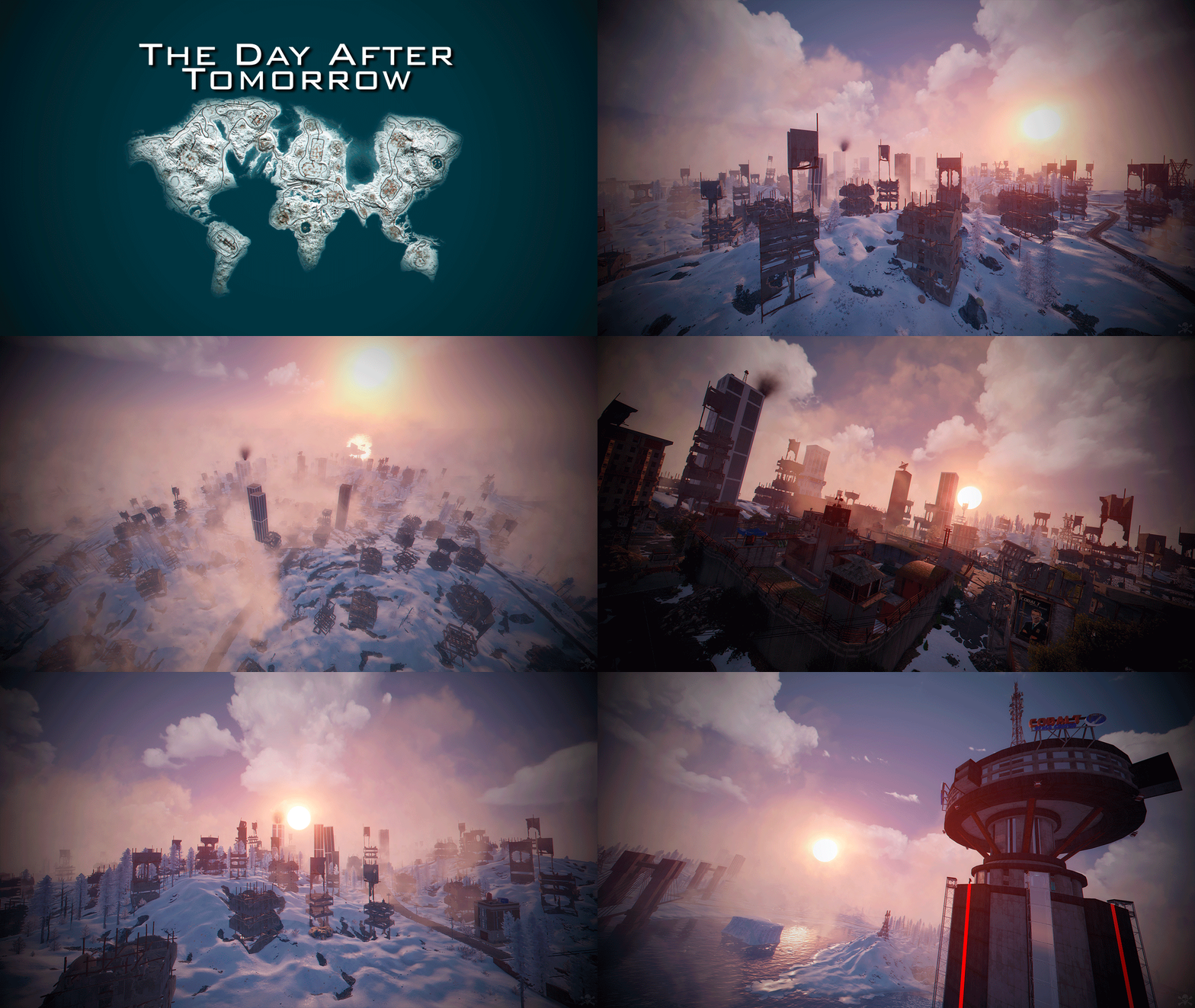 map developer was quick to fix the few areas of the map that needed fixed. Being a 5k map it leaves lots of room on the map for placing offshore monuments.
 -
im always down for some good holiday food and spending a butt load of money on the cousins
-
So installing on carbon you need to create an images folder in your carbon/data directory otherwise the plugin does not load. It seems to run fine after the folder is made and you put the images in the created images folder but if you just put it in the "imagelibrary" folder it will not load. To save some headache for someone else, would it be possible to add this to the install directions/readme or description page for the plugin? Thanks in advance!
-
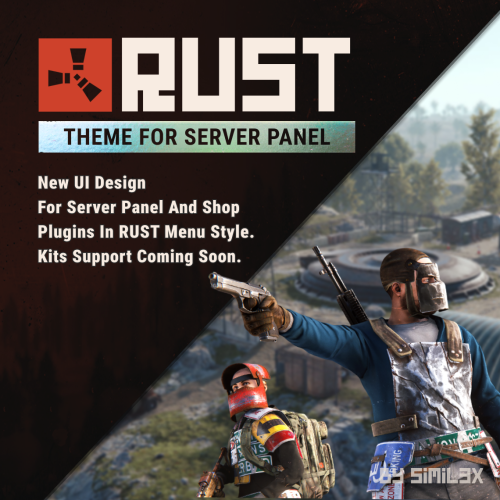 nice clean interface with amazing support
 -
Actually it was the server, there was a syncing problem, just restarted the server and the problem went away.
-
Hey running latest carbon update, but yeah it doesnt seem to be working for me either. Brand new install no old configs either*
-
I cannot edit the config in the carbon panel and it pops this out in the console everytime I try, (using latest version of carbon) Failed Clans-V1.1.49 (Object reference not set to an instance of an object) at void Carbon.Modules.AdminModule.PluginBrowserSelectPlugin(Arg arg) in /__w/Carbon/Carbon/Carbon.Core/Carbon.Components/Carbon.Common/src/Carbon/Modules/AdminModule/AdminModule.Tabs.Plugins.cs:line 2441
-
So just a note, using latest carbon update, if you go to the carbon panel and try to modify the config via the carbon panel, it says "outdated" and it doesnt let you edit the config via the carbon menu.