
.png.0a667408a505ec555671807eff53928d.png)
-
Posts
53 -
Joined
-
Last visited
Content Type
Profiles
Warranty Claims
Downloads
Forums
Store
Services
Downloads Plus Support
DOWNLOADS EXTRA
Everything posted by GNGGOD
-
Changed Status from Pending to Fixed Changed Fixed In to 1.4.1
-
We're good to go! Thanks for letting me know about this issue Have a great rest of your night! GNG
-
Working on it now! Sorry, I'm away in the middle of the mountains and just got my starlink setup
-
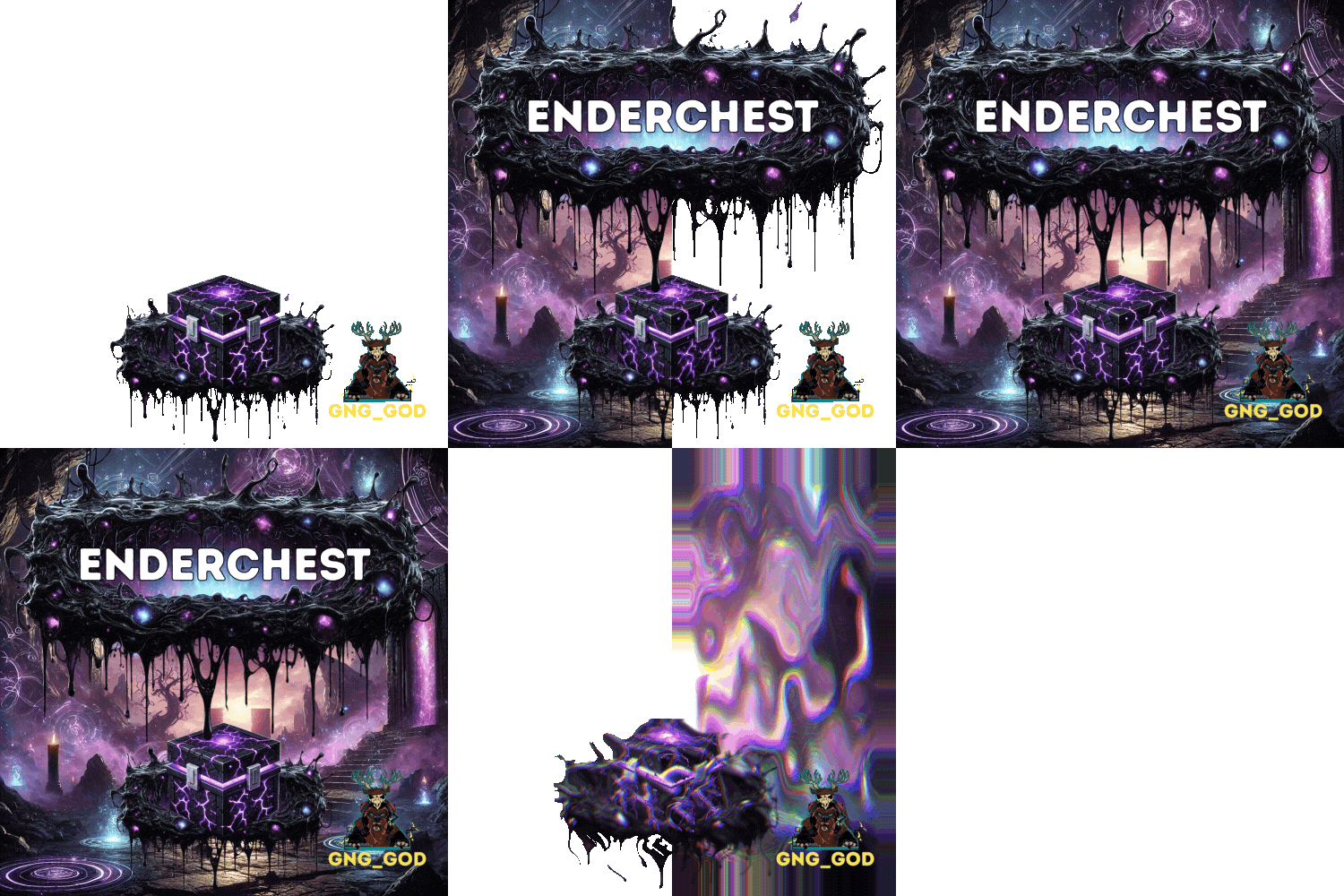 Update is live! Thanks again @sanguss for the awesome effect mode suggestion! You rock! We've been working super hard to make this an awesome update for everyone. We really hope that you all like it! New features include EnderNet (multichannel EnderChest system), effects mode (static, active), smart holiday detection with configurable decoration files (might be the first to do this), and many performance updates and optimizations. If you like the update, let us know in the reviews! Happy Halloween, GNG
 -
Hey there! One quick option is to use "EnableEffects": false, which will disable the effects. Unfortunately, this effect is tall...but cool at the same time, lol! This effect is critical in the upcoming EnderNet update. This update brings in a new system mechanic that will allow you to select the colour of your EnderChest network for better organizing and will allow you to bind more than two storages to one EnderNet! One idea I have to help solve this issue for you is the option for two effects. The first option could be particle (the same as it is now), and the second option could be static. The static option would use a cinelight_point. No animation and no particles. I've attached a picture of what that would look like. Let me know what you think! GNG
-
Version 1.1.3
53 downloads
EnderChest is a Minecraft-inspired QOL storage plugin for Rust featuring a custom crafting system, the EnderCrystal multi-tiered range extension system (using custom prefabs), and an intuitive UI complete with helpful popups and messages. VIDEO WILL BE UPDATED$13.99 -
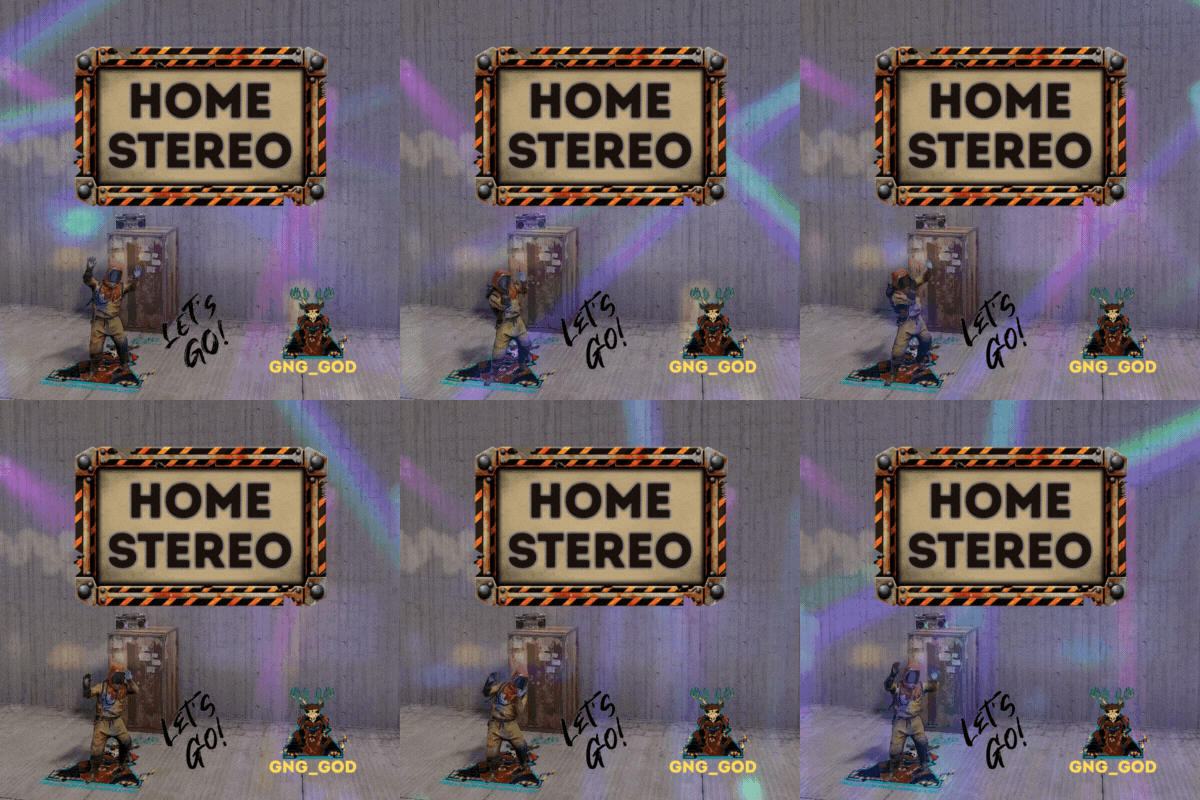 You're very welcome! HomeStereo supports custom prefabs, so you can add any prefab that you want! Here is an example of the new wall shelf. You can add this to the "Deployables" section of the config. We've added stereos to some pretty silly stuff in the past...lol! "assets/prefabs/deployable/wall_single_shallow_shelves/wall_single_shallow_shelf.prefab": { "Position": { "x": 0.65, "y": 0.28, "z": 0.18 }, "Angle": { "x": 0.0, "y": -20.0, "z": 0.0 }, "Enabled": true }
 -
@BetterDeadThanZed @Evil_Orko Thanks for the suggestion
- 5 comments
-
- 1
-

-
- #home
- #poirtable
- (and 11 more)
-
Yes, this config option and a new free perm will be in the next update!
- 5 comments
-
- 1
-
-
- #home
- #poirtable
- (and 11 more)
-
.thumb.jpg.b6ca26868e6500f05ba6630972e6c619.jpg) I am working on an update for Siren soon! Additional audio sources will be one of the new features. More details to come... GNG
I am working on an update for Siren soon! Additional audio sources will be one of the new features. More details to come... GNG- 7 comments
-
- 2
-
-

-
- #sound effect
- #plugin
- (and 2 more)
-
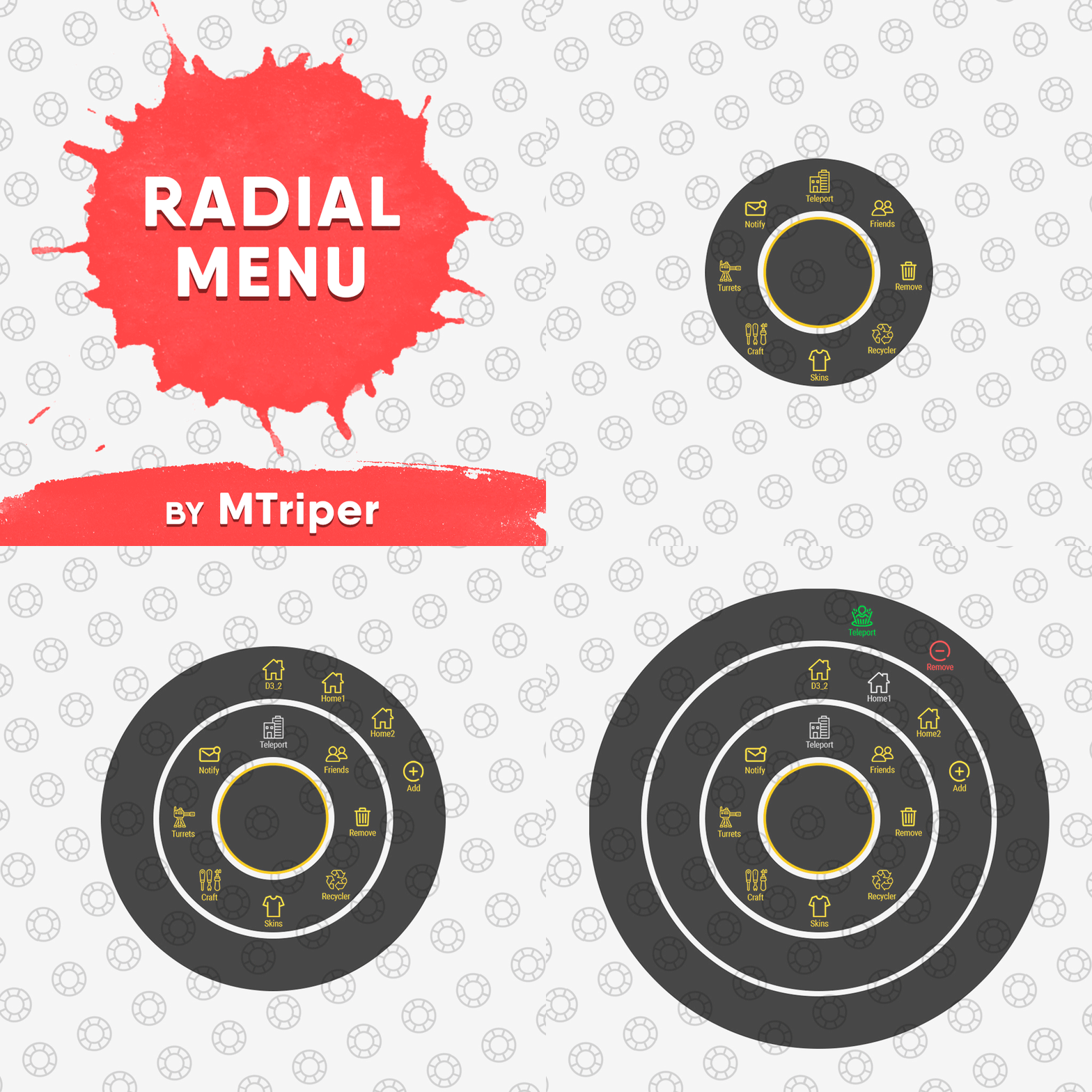 Branding yes, button no... Edit your "Image with 1/2/3 menu rings" image files to include your branding. Hope this helps GNG
 -
 You add the custom radio station in the config here - "Radio station URL to play in the building": "sonisradio.facepunch.com". Also, I'm stealing your idea
 -
 WaterPatrol is back baby!! Great work on this one, as of the latest update everything is running smoothly!! We've tested with up to 12 patrol boats on GNG World, and everything is rocking! With our raidable bases located on islands around the map, this plugin finally adds to the danger of setting off to sea for a raid!! GNG
- 194 comments
-
- 1
-
-
- #boat
- #facepunch
- (and 15 more)
-
Version 2.1.1
772 downloads
Add excitement and immersion to your Rust server with Siren! Create dramatic server-wide alerts that grab players' attention with customizable audio Key Features: Player-Following Sounds - Sound effects automatically follow players as they move Scheduled Sirens - Trigger sirens automatically at specific server times or in-game times Monument Sirens - Optional monument-based alarms for immersive experiences Repeatable Effects - Configure effect intervals for continuous alerts Automatic Cleanup - Spawned entities are tracked and cleaned up automatically GUI Announcements - Optional integration for visual notifications Customizable - Adjust height, duration, sound paths, and notifications Permission System - Control who can trigger and manage sirens Commands: Chat: /siren - Activate the siren (use permission required) /siren stop - Stop an active siren (admin permission required) Console: siren - Activate the siren siren stop - Stop an active siren siren.setduration <seconds> - Set siren duration siren.setsound <path> - Set siren sound path siren.setrepeat <true|false> <interval> - Configure effect repeating siren.setnotification <message> - Set notification message siren.enablenotification <true|false> - Toggle notifications siren.setguiannouncements <true|false> [bannerColor] [textColor] - Configure GUIAnnouncements siren.help - View all available commands Scheduled Sirens: Configure automatic siren triggers in your config file: - Server Time: Use 24-hour format (e.g., "14:30", "06:00") - Game Time: Use decimal format (e.g., "6.00" for dawn, "18.50" for dusk) Installation: 1. Place the Siren plugin in your oxide/plugins directory 2. Start/restart your Rust server to generate the default config 3. Customize the oxide/config/Siren.json file as needed 4. Use oxide.reload Siren to apply changes Permissions: siren.use - Allows triggering the siren siren.admin - Grants access to administrative commands Example Configuration:Free- 7 comments
- 2 reviews
-
- 2
-
-
-
- #sound effect
- #plugin
- (and 2 more)
-
Version 1.4.1
72 downloads
HomeStereo is a Rust plugin that allows players to attach Portable Boomboxes to common base deployables and stream live internet radio. Instead of relying on default game audio, players can build a personal library of custom stream URLs, allowing them to manage and play their favorite internet radio stations directly through an interactive in-game UI. Internet Radio & Station Manager UI The core feature of HomeStereo is the custom station manager. When a player looks at the prefab of with an installed stereo, they can open a dedicated UI dashboard to add, edit, delete, and play internet radio streams. Personal Playlists: Stations are saved directly to the player's profile and organized in a paginated list for easy access. One-Click Playback: Players can swap between their saved stations on the fly without typing chat commands. Now Playing Interface: The UI actively displays the name and URL of the currently playing station. Player Onboarding: If a player's library is empty, the UI provides a quick-copy link to help them find compatible stream URLs. Server Owner Controls & Persistence HomeStereo is built to give admins full control over the audio environment while keeping items and data secure. Domain Whitelisting: Admins can restrict custom URLs to specific, approved domains (or disable custom URLs entirely) to prevent abuse. Stream Persistence: Custom URLs are saved to the server data. If the server restarts, the stereos will remember their assigned station and automatically resume playing. Item Requirements: Configure whether a physical Portable Boombox item is consumed upon installation, and easily bypass this requirement for specific players or VIP tiers using the homestereo.free permission. Flawless Refund System: The plugin tracks the exact InstallerID of whoever placed the radio. If an admin wipes all stereos using the provided commands, the boomboxes are automatically refunded directly to the original installers' inventories if online. Configurable Limits: Set hard limits on how many stereos a player can place in the world, and how many custom URLs they can save to their personal library. Supported Deployables You can configure exactly where stereos sit on each prefab, and enable/disable them individually in the config. By default, stereos can be attached to: Large Wood Boxes Tables & Beach Tables Fireplaces Tool Cupboards (Standard & Retro) Fridges Workbenches (Tier 1, 2, and 3) Repair Benches Wall Single Shallow Shelves Minimal On-Screen Prompts A non-intrusive UI appears in the bottom-right corner of the screen only when looking directly at a configured deployable: [Install HomeStereo] - Appears in green on empty compatible deployables. [Uninstall HomeStereo] - Appears in red to remove an existing stereo. [ ⋯ ] - Opens the main Station Manager dashboard. Commands /installstereo - Installs a stereo on the deployable you are currently looking at. /uninstallstereo - Uninstalls the stereo from the deployable you are currently looking at. /removestereos - (Admin) Removes all installed stereos across the server and issues refunds. Permissions homestereo.use - Required to install, uninstall, and manage stereos. homestereo.admin - Bypasses Tool Cupboard (TC) authorization, placement limits, and grants access to admin commands. homestereo.free - Allows players to install stereos without requiring a boombox in their inventory. Example Configuration:$4.99- 5 comments
- 2 reviews
-
- 1
-
-
- #home
- #poirtable
- (and 11 more)
-
 Can we run multiple commands here? "Command to run after using the custom item (Leave empty if not needed)": "", Maybe like this? "Command to run after using the custom item (Leave empty if not needed)": " command, command ", Can these be chat commands and console commands? Thanks!
 -
 I am having to reload SkillTree after every server reboot since the latest oxide release. Is anyone else having this issue?
 -
Did you get this resolved?
-
 He's just showing off...lol! Have you tried /SpawnPointReload Launch Site in chat? Also, if you're running oxide you can use oxide.reload BetterNpc in the console to reload the plugin. If your server is live, I find it better to only reload the spawn point you are having issues with. You can find the names in the betternpc data folder.
.thumb.png.67a98d42e59baa0ab131fc277054bd26.png)