
.png.0a667408a505ec555671807eff53928d.png)
-
Posts
53 -
Joined
-
Last visited
Content Type
Profiles
Warranty Claims
Downloads
Forums
Store
Services
Downloads Plus Support
DOWNLOADS EXTRA
Everything posted by GNGGOD
-
Changed Status from Pending to Fixed Changed Fixed In to 1.4.1
-
We're good to go! Thanks for letting me know about this issue Have a great rest of your night! GNG
-
Working on it now! Sorry, I'm away in the middle of the mountains and just got my starlink setup
-
Changed Status from Pending to Closed
-
Thanks for pointing this out! I must have been 1 happy in the posting... My next update is coming out very soon. I'll make sure to correct this then. For now, I will be in my box if you need me
-
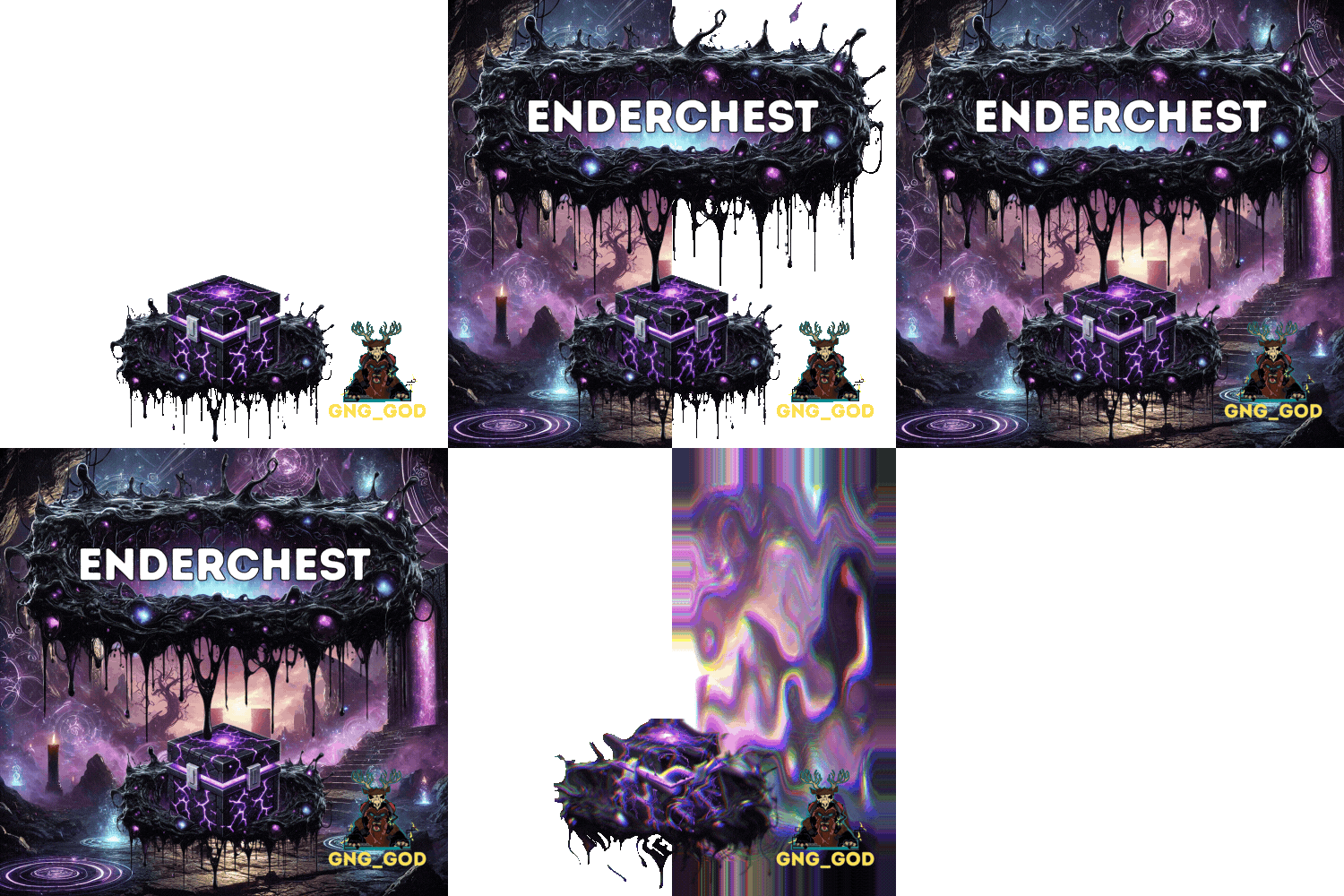 Update is live! Thanks again @sanguss for the awesome effect mode suggestion! You rock! We've been working super hard to make this an awesome update for everyone. We really hope that you all like it! New features include EnderNet (multichannel EnderChest system), effects mode (static, active), smart holiday detection with configurable decoration files (might be the first to do this), and many performance updates and optimizations. If you like the update, let us know in the reviews! Happy Halloween, GNG
 -
Hey there! One quick option is to use "EnableEffects": false, which will disable the effects. Unfortunately, this effect is tall...but cool at the same time, lol! This effect is critical in the upcoming EnderNet update. This update brings in a new system mechanic that will allow you to select the colour of your EnderChest network for better organizing and will allow you to bind more than two storages to one EnderNet! One idea I have to help solve this issue for you is the option for two effects. The first option could be particle (the same as it is now), and the second option could be static. The static option would use a cinelight_point. No animation and no particles. I've attached a picture of what that would look like. Let me know what you think! GNG
-
Version 1.1.4
68 downloads
EnderChest is a Minecraft-inspired QOL storage plugin for Rust featuring a custom crafting system, the EnderCrystal multi-tiered range extension system (using custom prefabs), and an intuitive UI complete with helpful popups and messages. VIDEO WILL BE UPDATED$20.00 -
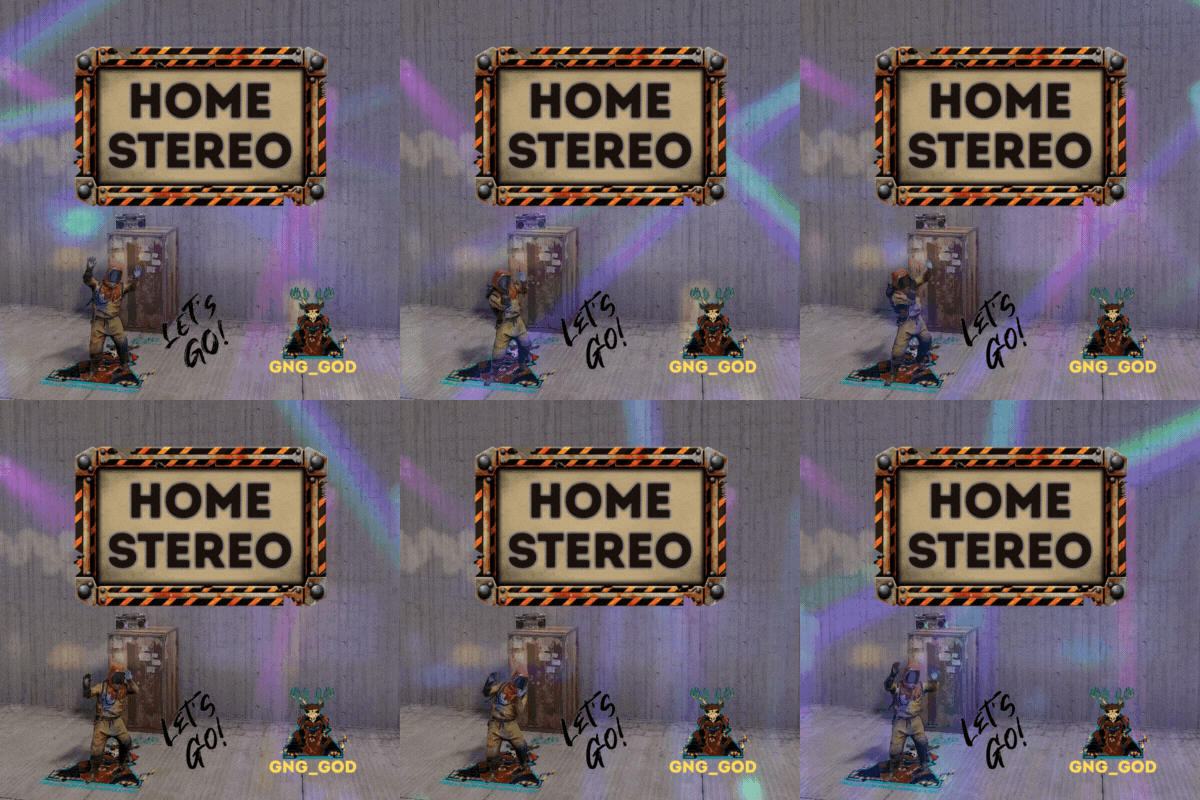 You're very welcome! HomeStereo supports custom prefabs, so you can add any prefab that you want! Here is an example of the new wall shelf. You can add this to the "Deployables" section of the config. We've added stereos to some pretty silly stuff in the past...lol! "assets/prefabs/deployable/wall_single_shallow_shelves/wall_single_shallow_shelf.prefab": { "Position": { "x": 0.65, "y": 0.28, "z": 0.18 }, "Angle": { "x": 0.0, "y": -20.0, "z": 0.0 }, "Enabled": true }
 -
@BetterDeadThanZed @Evil_Orko Thanks for the suggestion
- 5 comments
-
- 1
-

-
- #home
- #poirtable
- (and 11 more)
-
Yes, this config option and a new free perm will be in the next update!
- 5 comments
-
- 1
-
-
- #home
- #poirtable
- (and 11 more)
-
You know what, I didn't even notice that they were using a different prefab with mesh... I was testing with the default config.
-
Changed Status from Pending to Not a Bug
-
.thumb.jpg.8984ace29791d1c0f6a37a91aa7ed4bd.jpg) I am working on an update for Siren soon! Additional audio sources will be one of the new features. More details to come... GNG
I am working on an update for Siren soon! Additional audio sources will be one of the new features. More details to come... GNG- 7 comments
-
- 2
-
-

-
- #sound effect
- #plugin
- (and 2 more)
-
Great suggestion! Let me look into this.
-
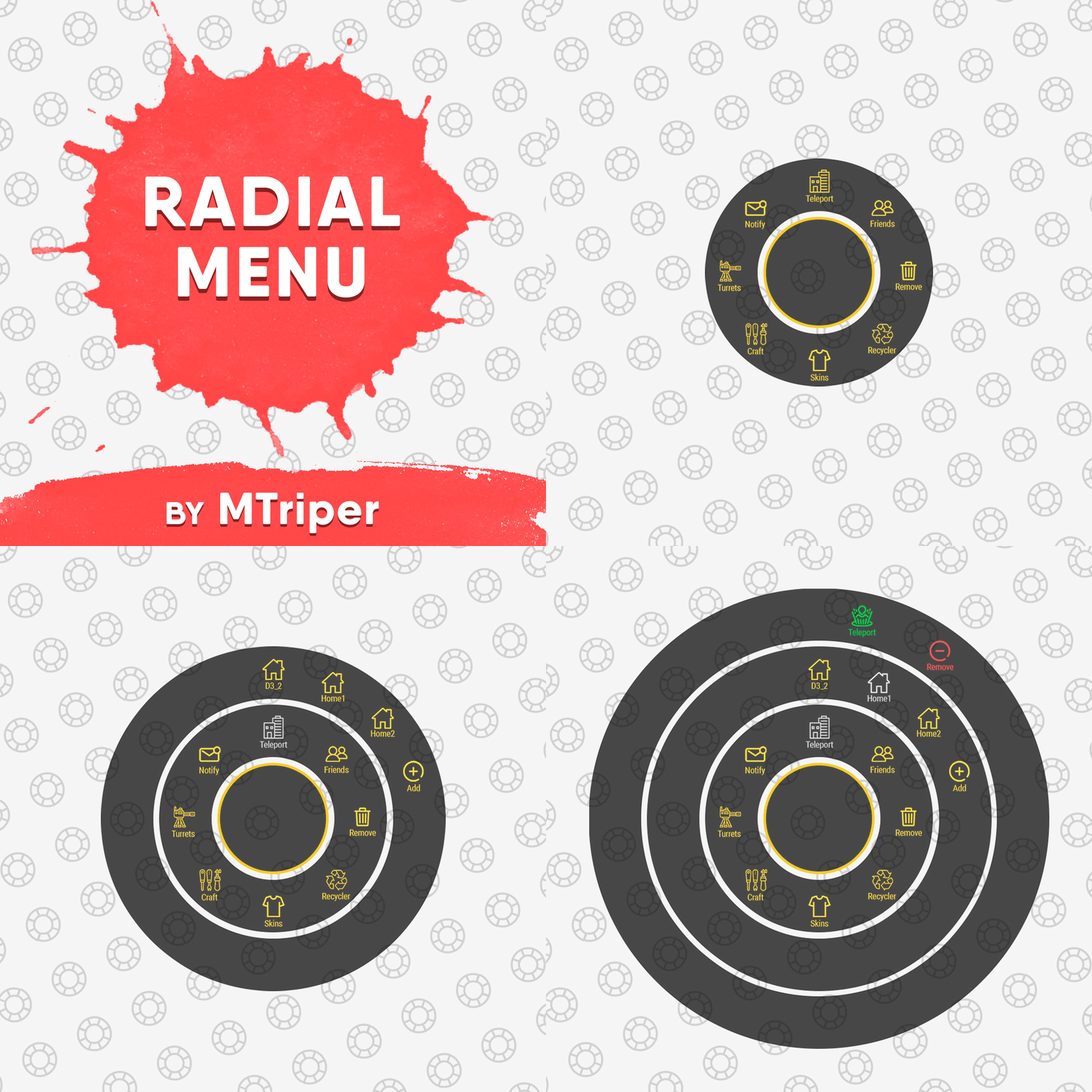 Branding yes, button no... Edit your "Image with 1/2/3 menu rings" image files to include your branding. Hope this helps GNG
 -
 You add the custom radio station in the config here - "Radio station URL to play in the building": "sonisradio.facepunch.com". Also, I'm stealing your idea
 -
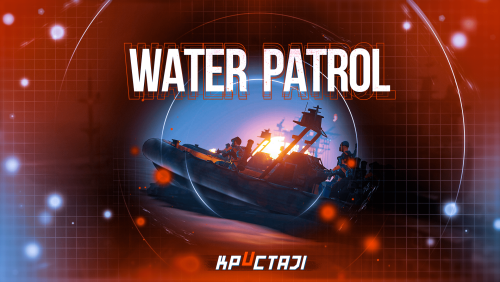 WaterPatrol is back baby!! Great work on this one, as of the latest update everything is running smoothly!! We've tested with up to 12 patrol boats on GNG World, and everything is rocking! With our raidable bases located on islands around the map, this plugin finally adds to the danger of setting off to sea for a raid!! GNG
- 194 comments
-
- 1
-
-
- #boat
- #facepunch
- (and 15 more)
-
Changed Status from Pending to Can't Reproduce
-
Heyo! I have not been able to reproduce this. I have tried a couple of known plugins that can cause a conflict, but I can still not get the prefab to be visible. Is this still an issue? I'm going to mark this as can't reproduce for now. Thanks, GNG
-
Changed Status from Pending to Closed
-
Changed Status from Pending to Not a Bug
-
Heyo! If you are not using a permissions manager, then using oxide.grant command should do the trick. That command looks like this, oxide.grant user "playername" siren.use. Hopefully, this helps you! GNG
-
@BetterDeadThanZed I think I found the issue. All console commands need to be followed by a config "string". So for example, the complete command would look like this "siren.setnotification A nightmare boss monster has spawned!" or "siren.setduration 10". Let me know if this fixes the issue. Also, thanks for bringing this up! I think it would be best if the plugin could provide some feedback explaining this in the console when the command is entered without a string. This would eliminate oxide from throwing the errors. GNG
-
Thanks for posting a ticket! We're looking into this now.
.thumb.png.67a98d42e59baa0ab131fc277054bd26.png)