

-
Posts
229 -
Joined
Content Type
Profiles
Warranty Claims
Downloads
Forums
Store
Services
Downloads Plus Support
DOWNLOADS EXTRA
Reels
Everything posted by Billionaire
-
 Hi, tell me, I have this error in red in the game when I want to look at a player's backpack after handcuffing it. With your LockMeUp plugin Missing Loot Panel: assets/bundled/prefabs/ui/lootpanels/lootpanel.genericlarge.prefab UnityEngine.Logger:Log(LogType, Object) UnityEngine.Debug:LogError(Object) LootPanelContainer:CreateLootPanel() LootPanelContainer:Update()
 -
 The problem has not been solved. For my part, it does not work with the HumanNPC
 -
Hello everyone. @XAVIER , has the problem with the HumanNPC plugin been solved. Because putting the bot id in the config file, it does not work. Did you solve the problem ??
-
 I still have this error when starting my server:
 -
error in my console: had to relaunch the plugin with the command "oxide.reload" for it to work. The error occurs when the server is started.
-
error in my console: had to relaunch the plugin with the command "oxide.reload" for it to work. The error occurs when the server is started.
-
Yes I know this solution well, it is already the one I use today. However, the plugin should no longer work like this but directly with the "HumanNPC" plugin. So my question is as follows (for the 2nd time): Do other people have the same problem with this plugin? Does the system for the NPC also not work for you?
-
Hello, does the plugin work with "humanNPC" for someone ??? because for me, as I quoted above, it doesn't work.
-
@XAVIER Have you a fix??
-
@SPooCK Hello, would it be possible to have the economic balance displayed on the panel? That it is compatible with the plugins "economics" and "server reward"
-
@XAVIER This is exactly what I did. And it does not work. "NPC BOT ID ( https://umod.org/plugins/human-npc )": "id humannpc", OR "NPC BOT ID ( https://umod.org/plugins/human-npc )": id humannpc, The two does not work. ---------------------------------------------------------------------------------------------------------------------------- It would also be good to be able to resolve this problem: https://codefling.com/plugins/tradingplatform?do=findComment&comment=5297 Thanks in advance @XAVIER
-
 Hello, the plugin is working fine.
 -
Hello, the support for HumanNPC is not working. I put the permission (.use) but does not work.
-
it's resolved ????
-
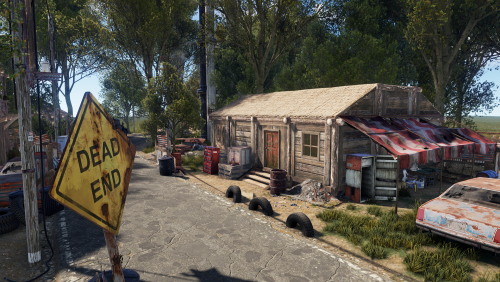 I love this. simple. good job. thanks
 -
 good plugin. thanks for your job
 -
 tu as supprimé ton fichier config aussi ? Supprimé tes fichiers Lang aussi, et le fichier qui se trouve dans le dossier data. Bref, tu supprimes tout (Lang- Config - Data) et tu relances le plugin en tapant "oxide reload CRaidController" dans ton rcon ou ta console. En gros, tu vas relancer le plugin comme si il n'avait jamais été installé sur ton serveur, et comme si il n'avait jamais été modifié. Si cela fonctionne, alors effectue tes modifications dans le fichier Config, et la, si t'as des erreurs, alors c'est ta modifications qui ne va pas. J'ai ce plugin sur mon serveur et je n'ai aucuns problèmes avec.
 -
 with the "remover tool" plugin. with this plugin, by giving yourself permission to type /remove admin in the chat.
 -
Do you use the last version? Delete your config file and use the last version.
-
send your config file if you want to help.
-
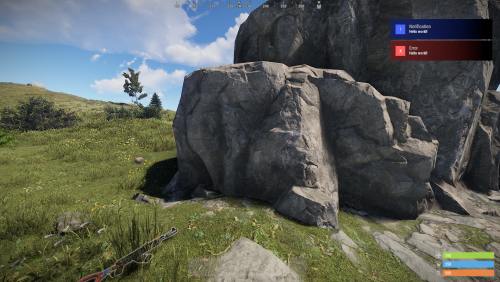 Good plugin. Great job. Thanks for this @Mevent
 -
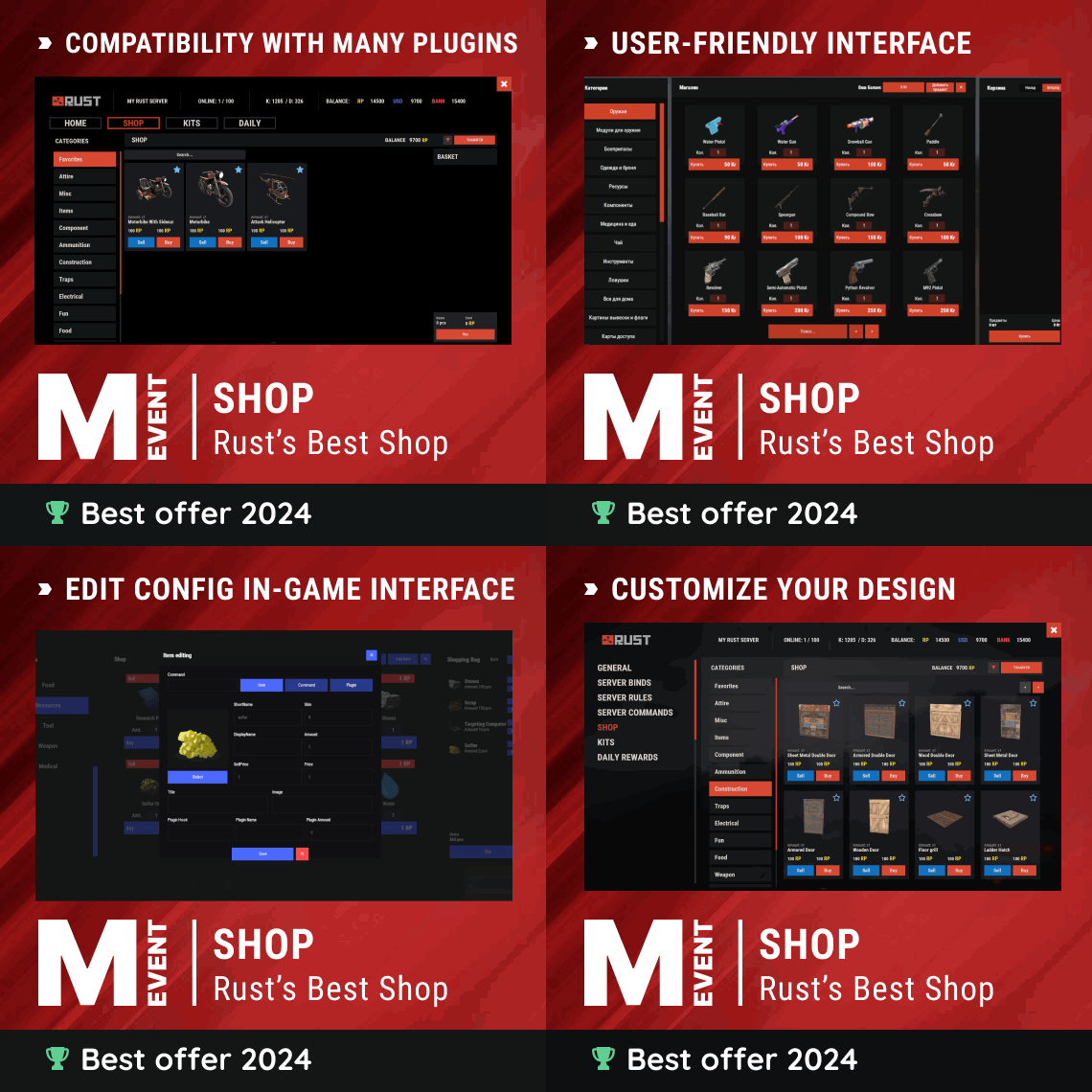 Good plugin. Good job. 100%. Thanks @Mevent
 -
 Good plugin. Thanks @Krungh Crow
 -
 Good plugin. Thanks @Krungh Crow
- 9 comments
-
- 1
-

-
- #oxide
- #krunghcrow
- (and 4 more)
-
 Good plugin, good job. Thanks @Krungh Crow
- 46 comments
-
- 1
-
-
- #spawn
- #modular vehicle
- (and 12 more)
