tacman1981
-
Posts
415 -
Joined
-
Last visited
Content Type
Profiles
Warranty Claims
Downloads
Forums
Store
Services
Downloads Plus Support
DOWNLOADS EXTRA
Reels
Everything posted by tacman1981
-
it is fine now, it was a certificate error that seems to have been resolved now.
-

Version 1.1.0
46 downloads
Set up your composters to be faster. Config has simply an integer value that you change to the desired speed. 1000 by default in first config creation.Free -
the images for the sign are inaccessible at this time, domain has expired. please provide the images for those of us who are capable of maintaining a domain.
-
There seems to be a weird issue where bullets inside guns when put through the automated recycler, go to player inventory instead of the recycler output. regardless if inventory is open or not.
-
The admin check appears to be returning the opposite of the configured value. With Count Admins set to false, admins are included in the active player count. With Count Admins set to true, admins are no longer included in the count. The behaviour appears to be inverted. Can we get this looked into?
-
 there is a minor cosmetic issue with smoil, the switch added in the latest update, is slightly overlapping the button. you can still use both, as i said, minor.
 -
.thumb.png.a13ff2f1f0d2ff4d157e384f052c92e0.png) why would you amputate the in air check? look above your message to find the actual fix for it, rather than just butchering the code
why would you amputate the in air check? look above your message to find the actual fix for it, rather than just butchering the code -
isInAir is now part of AntiHack as IsInAir. not sure how much that helps you out. this seems to work. replace the single part where it says player.isInAir with AntiHack.PlayerFlyhackStates[player.ActivePlayerInd].IsInAir
-
 yes, thats why the update notes say " * Updated for August forced wipe."
- 1,653 comments
-
- 1
-

-
- #leveling
- #progression
- (and 19 more)
-
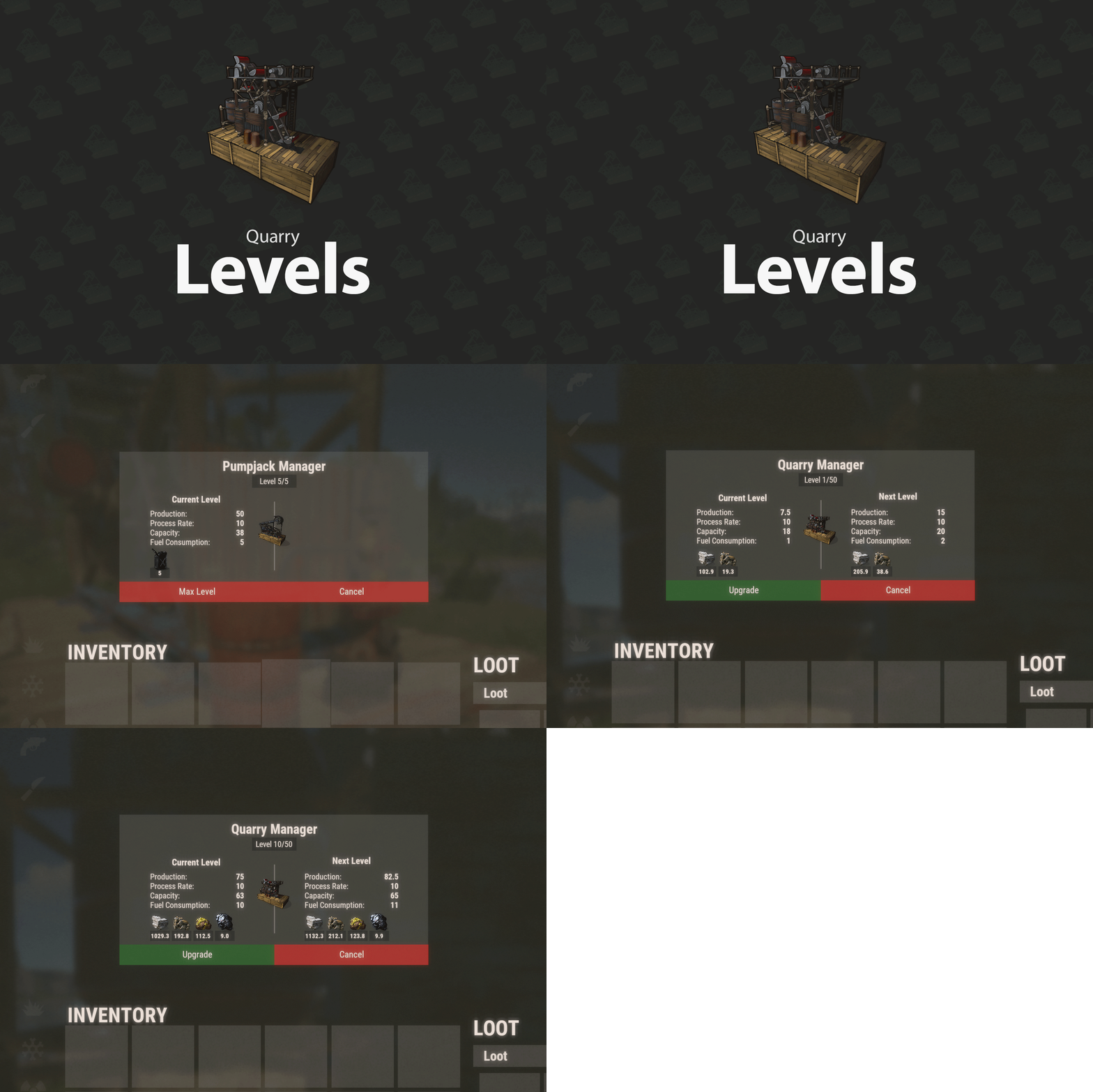 does this latest update fix the lack of persistence on server restarts? it has always been an issue that when the server restarts, the quarry and pumpjacks would give very little compared to the pre restart amounts. even less than a freshly placed level 1 quarry
 -
I believe it is a persistence issue rather than anything else. after a server restart, it would revert to default values, not even configured values.
-
 while mine didnt say the key was invalid, getting the keys from the store actually worked, they were different but we were not told the keys would be different.
 -
[Tip4serv] Tip4serv API is temporarily unavailable (HTTP 403). Will retry on the next cycle. think you forgot to set rules on the new api
-
its likely a miscoinfigured web server, hopefully be solved soon otherwise vip purchases no longer automatically apply
-

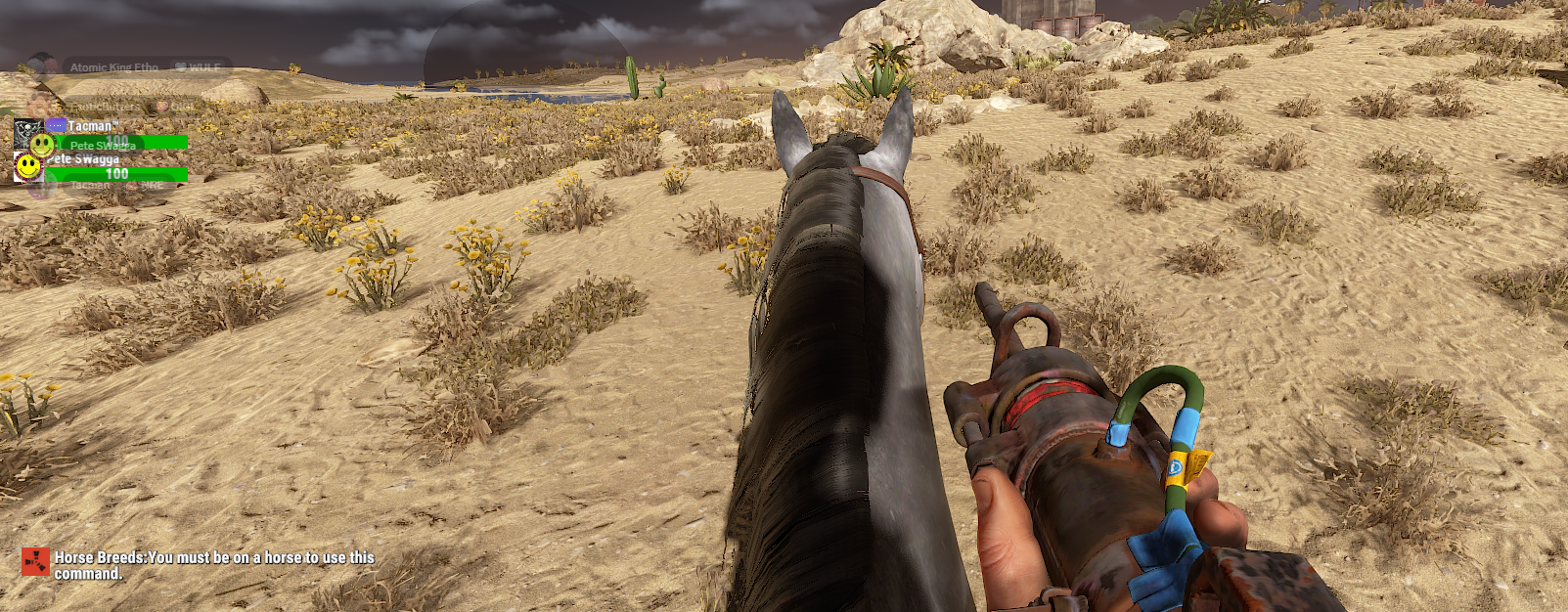
todays update doesn't recognize mounted horse
tacman1981 replied to tacman1981's Support Report in Support
ok, ive downloaded the old version and fixed it so it compiles AND functions, not just compiles. -
todays update doesn't recognize mounted horse
tacman1981 replied to tacman1981's Support Report in Support
you have to update it, then it will compile. only problem doing that, is you end in the same situation as me -
seems you missed something when updating it, i had it working yesterday, updated with your release, no longer functions.

-
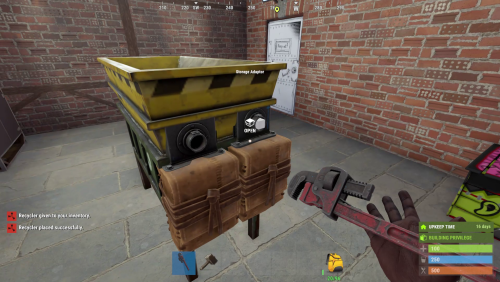 ive noticed a weird quirk with this plugin. i love its features, but when your inventory is open, any attachments removed from guns in the recycler, will go to the owner inventory, rather than the output stash in the recycler.
- 73 comments
-
- 1
-
-
- #recycler
- #industrial
- (and 2 more)
-
Changed Status from Pending to Fixed Changed Fixed In to 1.4.7
-
did you reload after removing the provided electric furnace entry from config? i cant replicate the issue once it is removed and reloaded. edit: actually i did find something, ill upload the fix in a moment.
-
if you want the electric furnace to be normal, you can remove this id from the config, and it will skip electric furnaces on reload. 3808299817 the start of the cs file, has a bunch of comments for which id refers to which deployed furnace, in case you want to remove others too.
-
imgur images are inaccessible in the uk
tacman1981 replied to tacman1981's Support Report in Support
i see the latest version contains an imgur link once again. -
 i figured it out, its salt water now instead of water. thanks for replying.
 -
while it compiles, it does this ```vbnet Unloaded plugin TeamInfo v1.2.19 by AhigaO#4485 InvalidOperationException: Collection was modified; enumeration operation may not execute. Loaded plugin TeamInfo v1.2.19 by AhigaO#4485 Shutting down compiler because idle shutdown Compiler shutdown completed Unloaded plugin TeamInfo v1.2.19 by AhigaO#4485 InvalidOperationException: Collection was modified; enumeration operation may not execute. Loaded plugin TeamInfo v1.2.19 by AhigaO#4485 ``` i copied it multiple times to prove it is this plugin causing this issue. can you look into it?
-
im curious why ivan refuses to take my alcohol. i took it in bottles and jugs, always says not enough, even when there is enough