

Kapco411
-
Posts
197 -
Joined
-
Last visited
-
Days Won
2
Content Type
Profiles
Warranty Claims
Downloads
Forums
Store
Services
Downloads Plus Support
DOWNLOADS EXTRA
Everything posted by Kapco411
-
I tested all 14 of my live servers and did some reboots. It appears fixed now but some owners might have to reassign permissions
-
This does not appear to be the case with all my servers. Checking all of them now as this might have worked.
-
New upload is removing the previous permissions
-
Loading now
-
I updated to the latest and still showing permissions issues. If I reload while IM on the UI comes back but it wont show after a reload if you are not online already.
-

Introducing Collections - Create, organize and share
Kapco411 replied to Death's topic in Announcements
Nice addition. -
Can we add the Krieg.Chainsword to the plugin as a power tool so players cant exploit the XP given if NO power tools is selected? Thank you
-
Do you have plans to allow the new DLC boxes to be used?
-
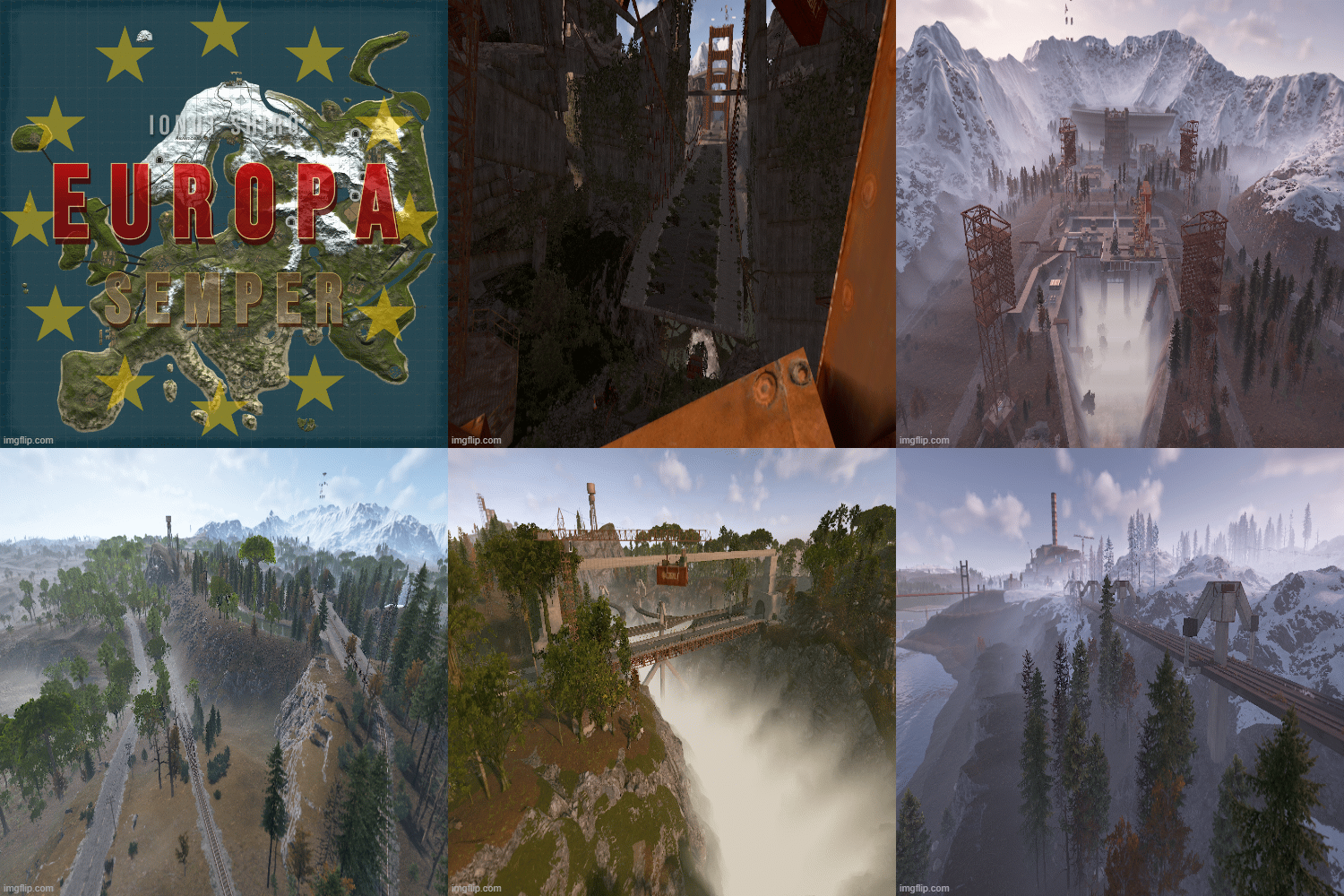 Enjoying the map. Nice job. Players are loving it.
-
- 1
-

-
- #6000 map
- #rust custom map
- (and 14 more)
-
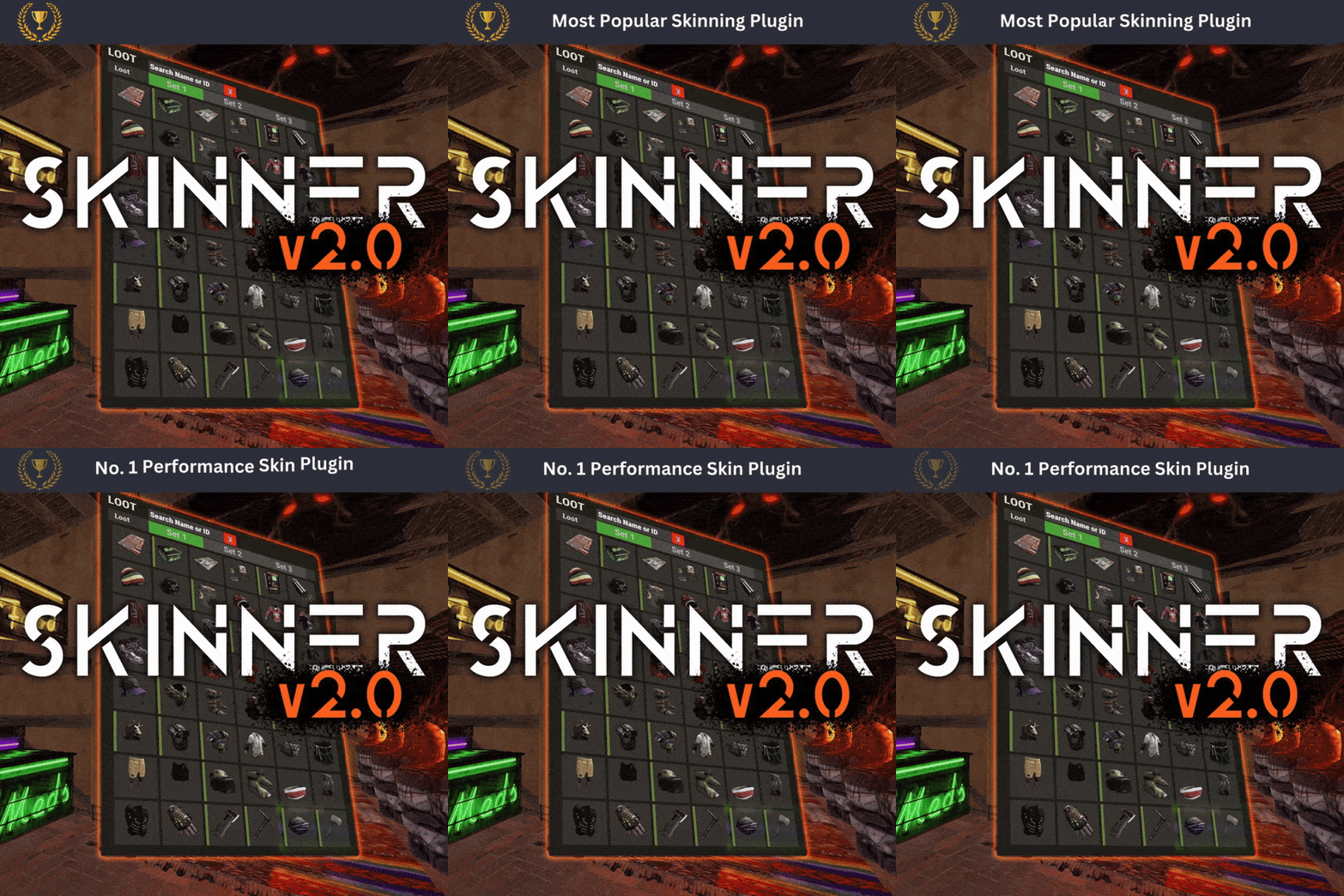 Does this player have all the correct permissions to use the plugin and is this an RPC kick by chance?
 -
Its a facepunch issue but yes this temp fixes the problem.
-
Try this patch Whiskers made. It may resolve this issue for you. ItemMoveRPCPatch.cs
-
Are you running the latest version of the game and Oxide?
-
 I had similar issues. Restart server and make sure your running the latest Oxide build. Use Updater for BetterNPC, Add Data images from NpcSpawn Followed by Npcspawn.cs and then BetterNpc.cs. reboot server again. All other plugins should activate if they are updated. If you're also using HumanNPC it will produce an error as its calling the plugin and not the class. Removed HumanNPC till this is fixed. I had Everything running great after the Npc update until I updated all my servers to the new builds and it broke all of them again. Once your server build is correct the process will work as planned.
 -
.thumb.png.1de035fce861f8bd475e754f45d9bb2a.png) Error while compiling DoubleJump: 'Effect' does not contain a definition for 'reusableInstace' | Line: 179, Pos: 32 This is just a misspelling. var effectInstance = Effect.reusableInstace; should be Effect.reusableInstance
Error while compiling DoubleJump: 'Effect' does not contain a definition for 'reusableInstace' | Line: 179, Pos: 32 This is just a misspelling. var effectInstance = Effect.reusableInstace; should be Effect.reusableInstance -
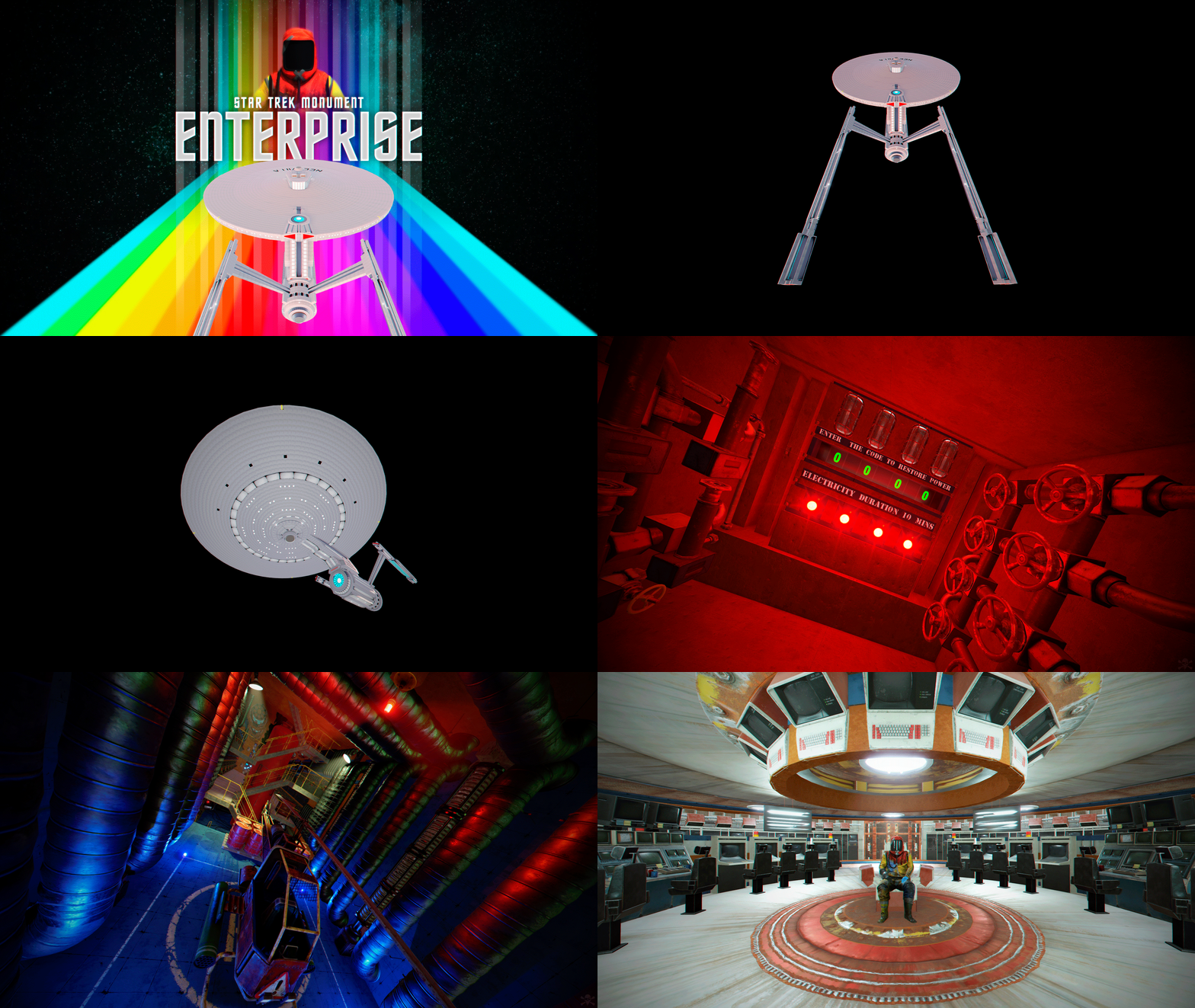 Amazing work of art brother. The attention to detail is stunning. Somehow you always find a way to one up yourself. Fits perfect on my mars server and the maze inside is enough to keep any player busy. Tons of loot to be had and NPC's to control the ship. Its a tough one for sure.
 -
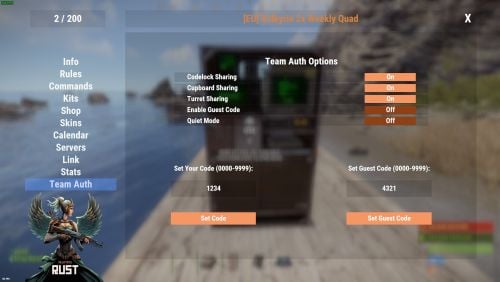 This plugin does not compile.
 -
 I'm literally blown away by the attention to detail the developer has put into this plugin. You can literally tell this is hundreds of hours of development. Highly configurable and so darn easy to setup. The in game helps screens are such a nice touch and fit well with the overall vibe of the entire plugin. it is well thought out and well implemented. Players pick up on this right away and one of our players responded. "I literally just spent two hours setting up my automation system when this was enabled" It took me only minutes to complete that same task with this plugin. Bravo on an award winning plugin. Its simply amazing.
- 120 comments
-
- 1
-

-
- #sorting
- #auto-sort
- (and 67 more)
-
 Do you have this set to true or false in the profiles?>> "Empty All Containers Before Spawning Loot": true,
 -
The larger the skin import the longer the load times. 9000 is severe overkill and is leading to the load issues TBH. Also, if you get skins that have been removed by the developer it kind of locks up the plugin for awhile until it gets rejected. Additionally, you need to refresh your image library after you load the skins up. I suggest using a plugin that reloads plugins you specify X amount of minutes after startup to handle this part. Focus on the skins you really want and purge the ones you don't to speed the process.
-
 It is located here
 -
 Another amazing map by Niko. This developer really brings things to life. Players are loving playing this one. BRAVO!
 -
 Important: Make a backup before updating! If you’re updating from version 1.3.0 or earlier, you must create a backup of your config before updating. Starting from version 1.3.1 and above, the plugin requires LootManager to function. All your loot tables will be automatically transferred to LootManager, and a backup of your config will be created. After confirming that the loot transfer was successful, you can safely delete the backup. You don’t need to make any manual changes — everything will be done automatically on first launch.
 -
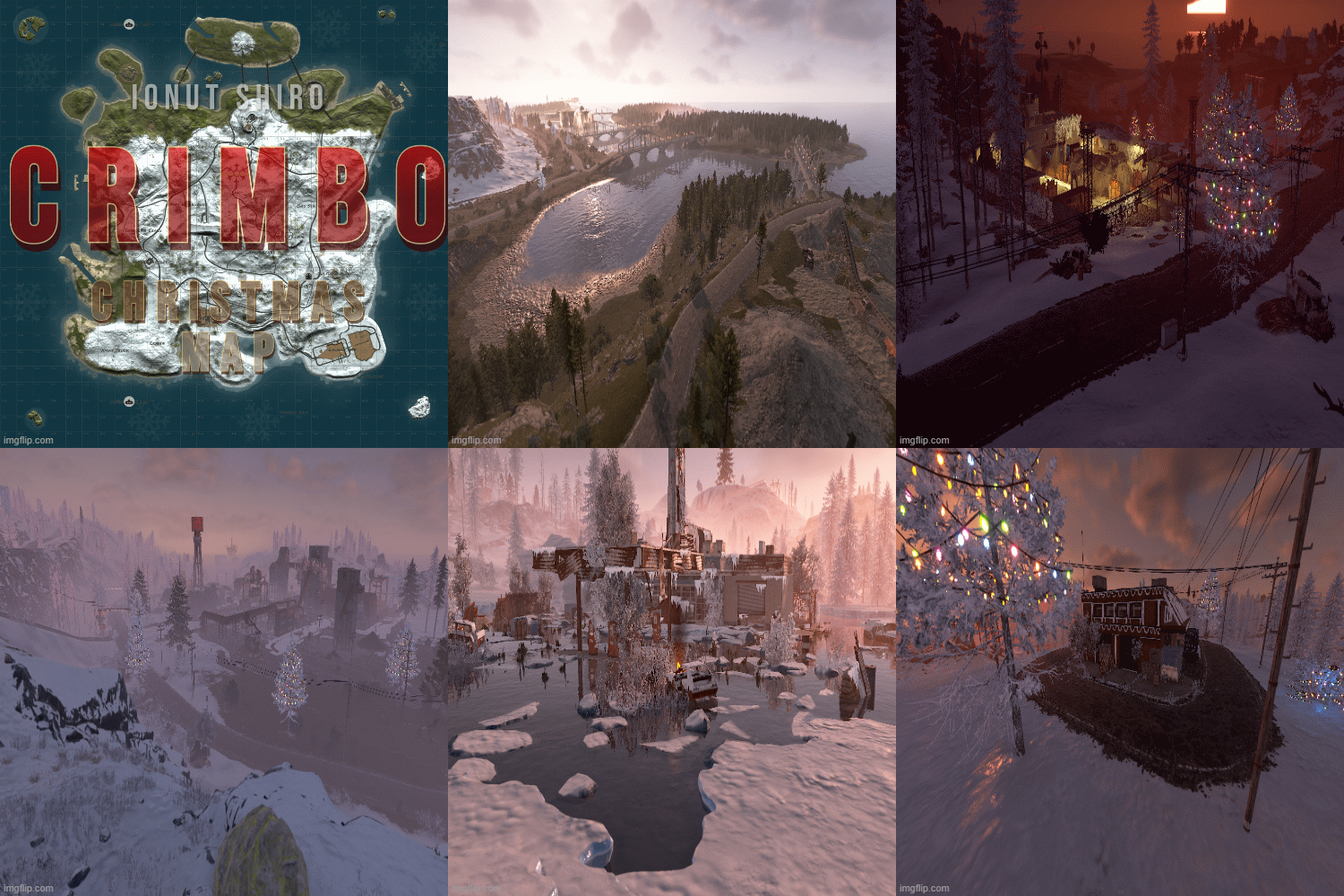 Fun map. Love the prefabs and Layout. Lots of puzzles to solve and areas to check out. Great Christmas Vibe. Bravo.
- 18 comments
-
- 1
-
-
- #rust christmas
- #crimbo
- (and 10 more)